


Veracode Static Analysis is a cloud-based SAST tool that scans compiled binaries rather than source code. This binary analysis approach means developers upload bytecode or compiled output, and Veracode finds security flaws without needing access to the source.
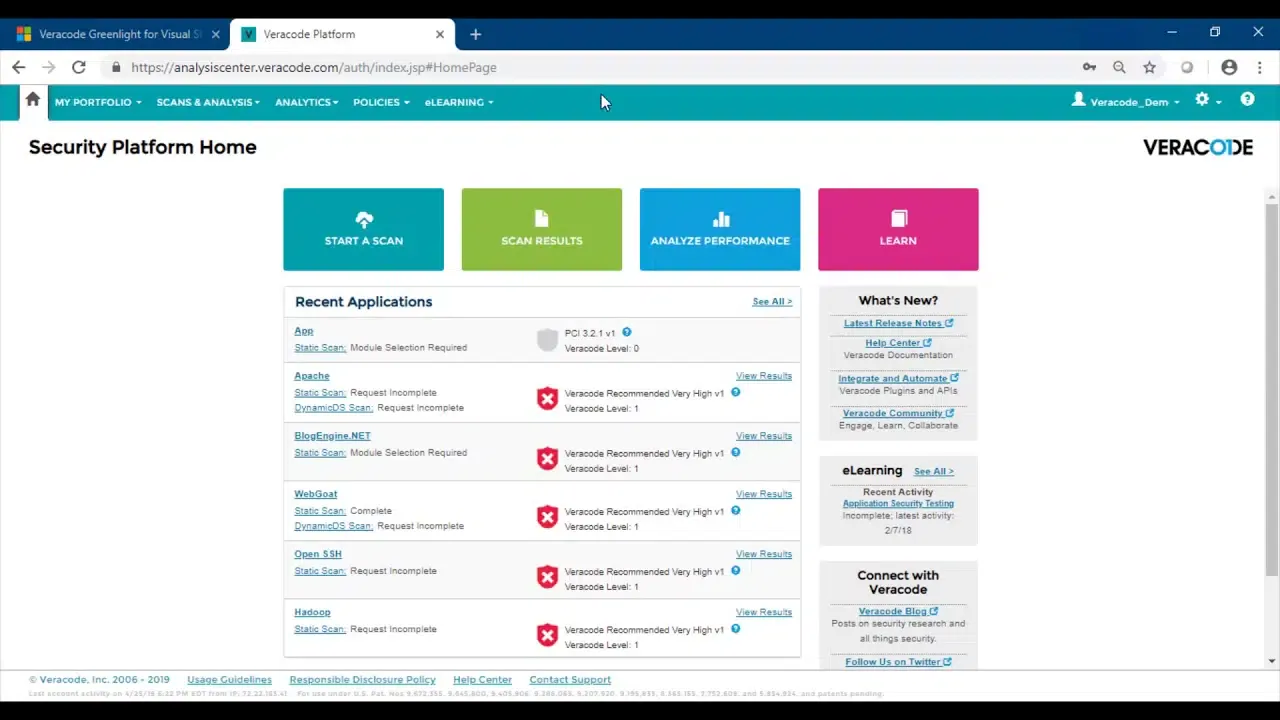
Veracode is a Gartner Magic Quadrant Leader for Application Security Testing. The platform covers SAST, DAST, SCA, and manual penetration testing under one roof.
What is Veracode Static Analysis?
Veracode’s binary analysis works differently from source code scanners. You upload compiled output — JAR files, .NET assemblies, or other binary formats — and the platform analyzes the compiled code for security flaws. This approach can catch issues introduced by compilers or third-party libraries bundled into the build that source-only scanners would miss.
The platform supports 100+ languages and frameworks across mobile (Android, iOS), web (Java, .NET, JavaScript, Python, PHP, Ruby), and enterprise (COBOL, Visual Basic 6, RPG) applications.
Key features
| Feature | Details |
|---|---|
| Analysis method | Binary analysis (compiled bytecode, no source code required) |
| Languages | 100+ languages and frameworks (Java, .NET, C/C++, JavaScript, Python, PHP, Swift, COBOL, RPG) |
| Pipeline Scan | Results in under 90 seconds for CI/CD feedback |
| Platform Scan | Full deep analysis for release gates and compliance |
| Integrations | 40+ CI/CD tool integrations |
| Platform components | SAST, DAST, SCA, manual penetration testing |
| Deployment | Cloud-based (SaaS) |
| Recognition | Gartner Magic Quadrant Leader for Application Security Testing |
Two scan modes
Veracode offers two scanning approaches:
| Mode | Speed | Depth | Best for |
|---|---|---|---|
| Pipeline Scan | Under 90 seconds | Fast assessment | Pull requests, CI/CD gates |
| Platform Scan | Minutes to hours | Full deep analysis | Release gates, compliance |
Most teams use Pipeline Scan for pull requests and save the full platform scan for release gates and compliance reporting.
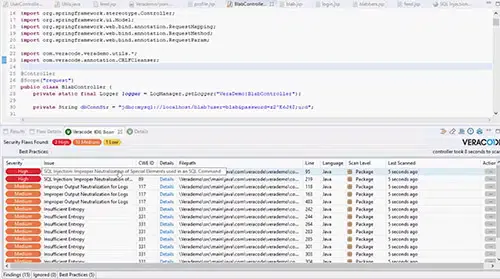
Supported languages
| Category | Languages |
|---|---|
| Android | C, C++, Java, Kotlin |
| iOS | Objective-C, Swift |
| JVM | Java SE, Java EE, JSP |
| .NET | C#, ASP.NET, VB.NET |
| Web | JavaScript, TypeScript, Python, PHP, Ruby on Rails |
| Legacy | COBOL, Visual Basic 6, RPG |
Security Labs
Developers who complete at least one training course from Veracode Security Labs fix security flaws over 33% faster than those who have not, according to Veracode’s State of Software Security report.
Getting started
When to use Veracode
Veracode is a good fit for organizations in regulated industries where sharing source code with a third-party vendor is a concern — binary analysis means the source stays with the developer. The platform approach (SAST + DAST + SCA) reduces tool sprawl.
The Pipeline Scan provides fast enough feedback for CI/CD integration, while the full platform scan satisfies compliance requirements with deeper analysis.
Teams that want source-level findings with line numbers and inline IDE feedback may prefer source code scanners like Checkmarx, Semgrep, or Snyk Code.






Comments
Powered by Giscus — comments are stored in GitHub Discussions.