
Veracode Alternatives
Top Veracode Alternatives

AI-native SAST with automatic vulnerability detection and code fix generation

Compliance-first SAST for automotive, aerospace & medical device software

Meta's Inter-Procedural Static Analyzer

PHP Static Analysis with Progressive Strictness
- Veracode scans compiled binaries (keeping source private) but the upload-and-wait workflow is slower than source scanners like Semgrep (seconds) or Snyk Code (real-time in IDE).
- Checkmarx One is the closest enterprise competitor, covering SAST, SCA, DAST, IaC, API, container, and secrets detection with source-level findings and ASPM prioritization.
- Fortify covers 33+ languages including COBOL and ABAP and offers on-premises and air-gapped deployment options, making it the default choice for government and defense programs.
- Semgrep and CodeQL are the strongest free alternatives: Semgrep for 30+ languages with fast custom rules, CodeQL for deep semantic analysis on public GitHub repos.
- Veracode’s Pipeline Scan completes in under 90 seconds; teams can replace the full platform with Semgrep (SAST) + Snyk (SCA) + ZAP (DAST) at lower cost.
Why Look for Veracode Alternatives?#
A Veracode alternative is a SAST tool that replaces or supplements Veracode Static Analysis for finding security vulnerabilities in your code.
Veracode is a long-standing enterprise SAST platform and a common choice in regulated industries.
Its binary analysis approach — scanning compiled output rather than source code — was a differentiator when most competitors required full source access.
But the application security market has shifted, and several factors drive teams to evaluate alternatives.
The most common friction point is the upload-and-wait workflow. Veracode’s full platform scan requires uploading binaries to a cloud portal, where analysis can take minutes to hours depending on the application size.
While Pipeline Scan addresses this with sub-90-second results, the overall developer experience feels less integrated than tools that scan source code directly in the IDE or at the pull request level.
Cost is another factor. Veracode is enterprise software with custom pricing and no free tier.
Organizations running SAST for the first time, or teams that just need a focused SAST tool without the full Veracode platform (AppSec Santa’s SAST tools comparison covers the full range of options) (DAST, SCA, pen testing), may find the platform bundled in ways that do not match their needs.
Some teams also find that binary analysis, while useful for certain scenarios, produces findings that are harder to act on.
Source code scanners provide exact line numbers, code context, and in some cases automated fixes. Binary analysis findings require developers to map compiled output back to source, which adds friction to remediation.
Top Veracode Alternatives#
1. Checkmarx#
Checkmarx One is Veracode’s closest enterprise competitor. Both serve regulated industries and both offer multi-scanner platforms.
The fundamental difference is that Checkmarx scans source code directly, providing line-of-code findings that developers can act on immediately.
Checkmarx bundles SAST, SCA, DAST, IaC security, container security, API security, secrets detection, and ASPM. The ASPM layer correlates findings across all scanners to prioritize by business context. It supports 35+ languages and has SDLC integrations.
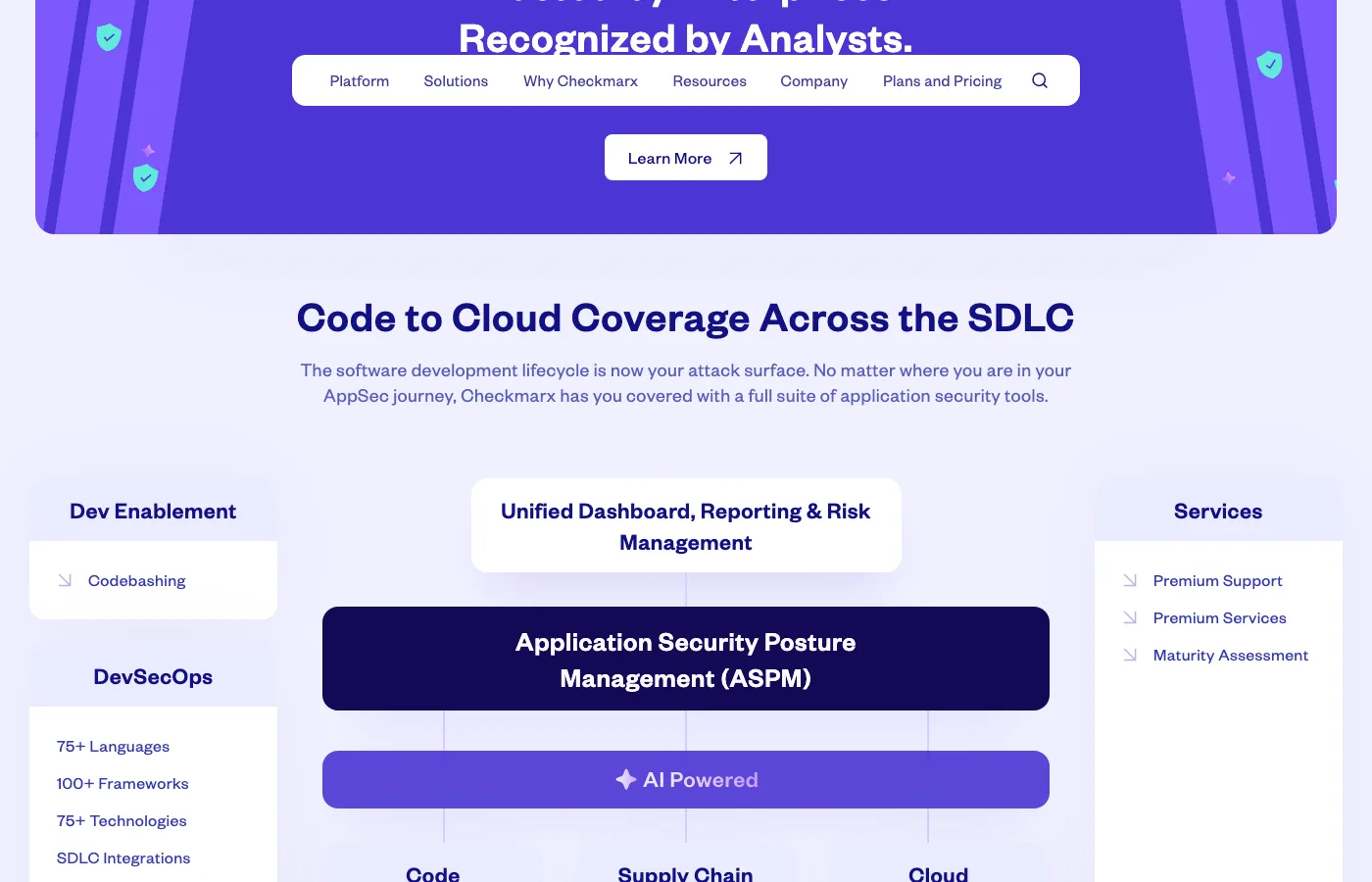
Best for: Enterprise teams that want a platform matching Veracode’s breadth but with source-level findings and ASPM prioritization.
License: Commercial Key difference: Source code scanning provides line-level findings. Broader scanner coverage (IaC, API, containers, secrets). ASPM prioritization.
2. Semgrep#
Semgrep is the tool security engineers build their custom detection programs around. Its pattern syntax lets you write rules that look like the vulnerable code you want to find.
Semgrep Community Edition (CE) scans 30+ languages in seconds. Semgrep Code adds cross-file dataflow and taint analysis.
Where Veracode requires uploading binaries and waiting for results, Semgrep runs locally or in CI/CD and returns findings immediately. Custom rules can be written and tested in minutes, which is particularly valuable for teams with application-specific vulnerability patterns.
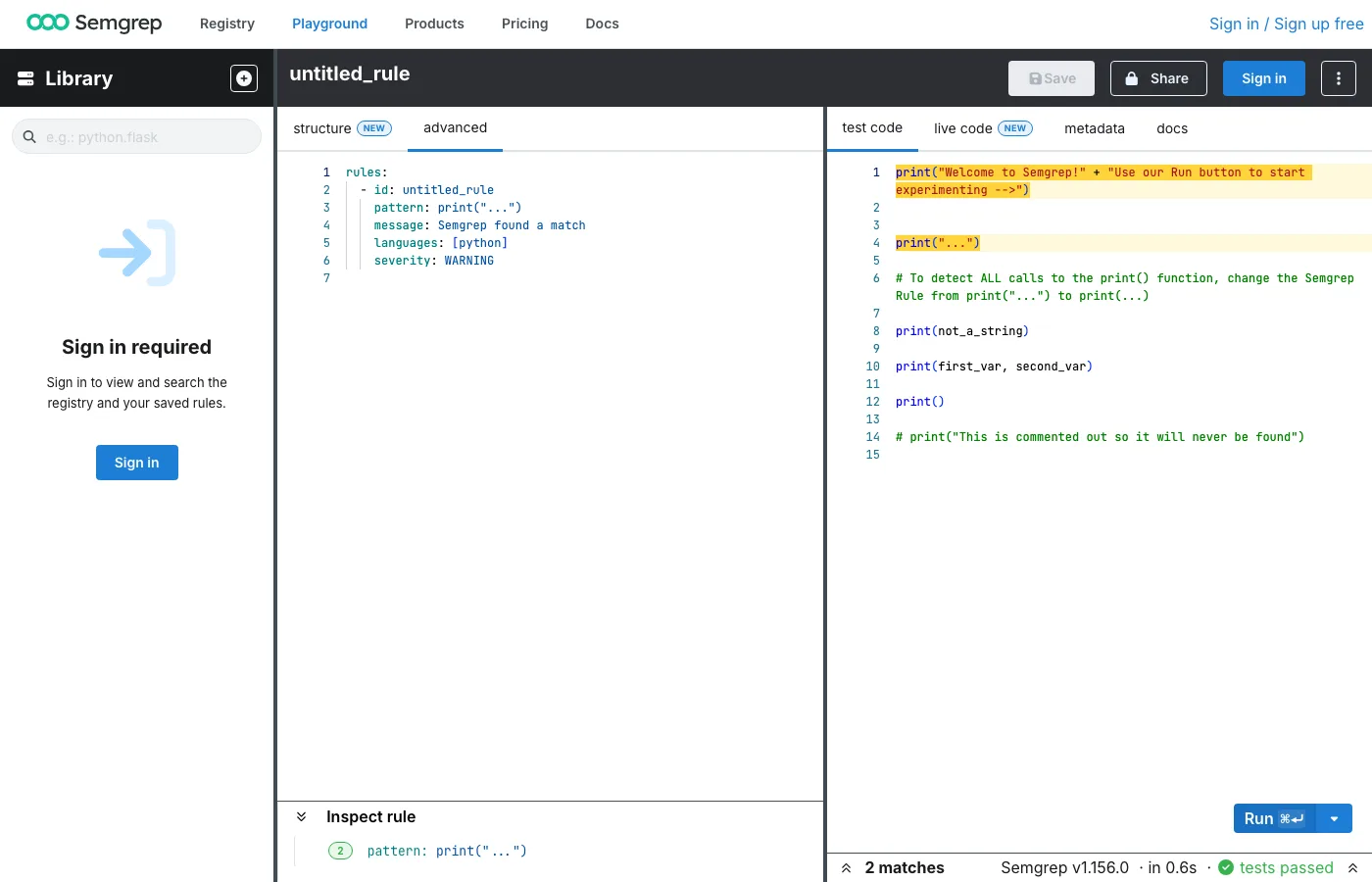
Best for: Security teams that want fast, customizable scanning with an open-source core they control.
License: Open-source (LGPL-2.1) with commercial Semgrep Code tier Key difference: Instant local scanning vs. Veracode’s upload-and-wait. Custom rules in minutes. No binary analysis — source code only.
3. Snyk Code#
Snyk Code brings SAST into the developer’s IDE with real-time scanning and AI-powered fix suggestions. The DeepCode AI engine performs semantic analysis, tracking data flow and understanding code intent beyond simple pattern matching.
It supports 20+ languages and provides findings as developers type.
For teams moving away from Veracode’s security-team-centric workflow, Snyk Code shifts the model — developers get immediate feedback and AI-suggested fixes without waiting for a centralized scan to complete.
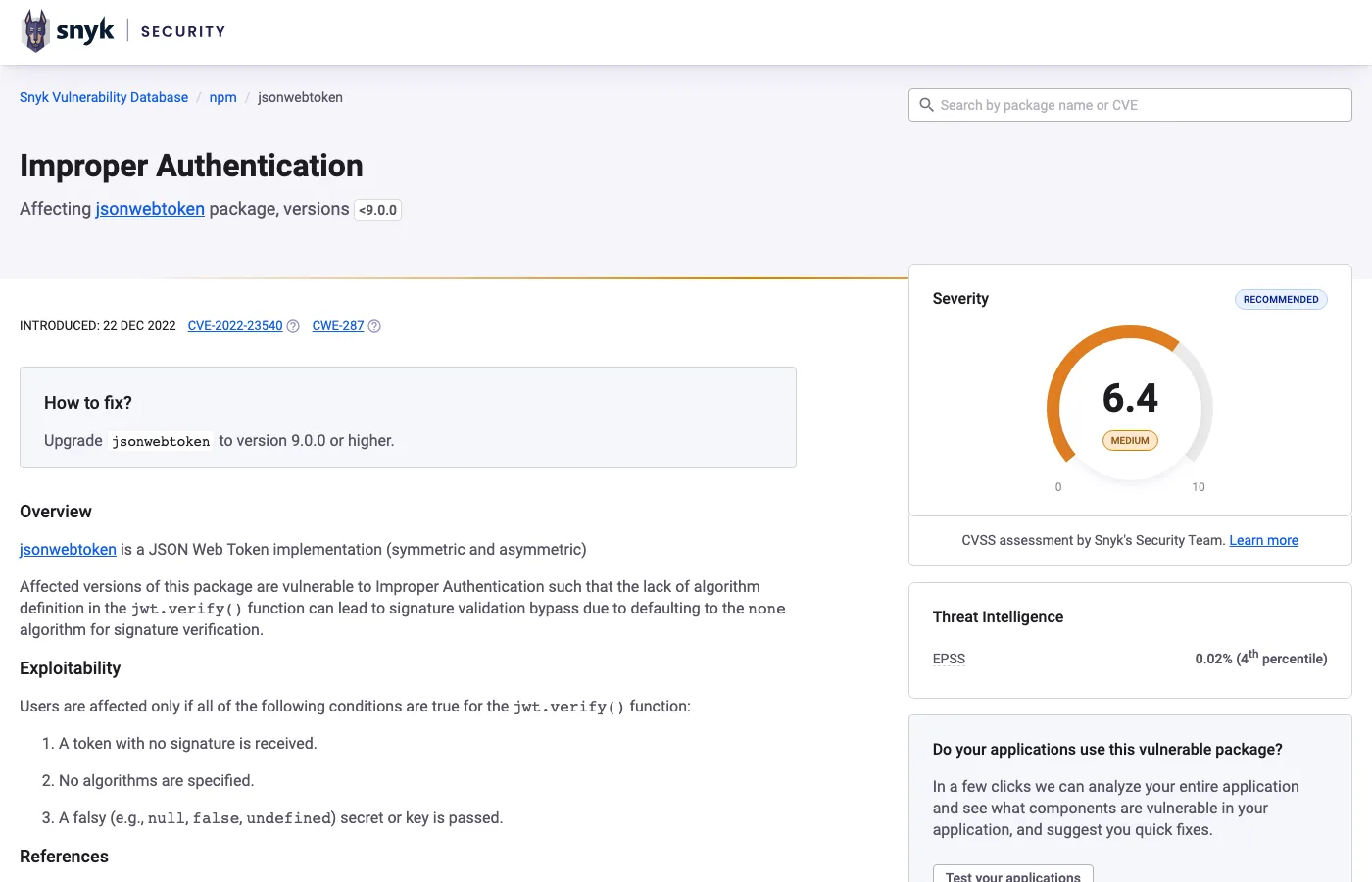
Best for: Developer-led teams that want to catch and fix vulnerabilities during coding, not after. License: Commercial (free tier available) Key difference: Real-time IDE scanning replaces Veracode’s batch upload model. AI generates fix code, not just descriptions.
4. SonarQube#
SonarQube combines code quality with security analysis across 35+ languages. The open-source Community Edition makes it accessible for teams getting started.
Commercial tiers add taint analysis, branch analysis, and PR decoration. The quality gate system enforces standards in CI/CD.
SonarQube is not as security-deep as Veracode, but it covers code quality metrics (bugs, code smells, duplication, technical debt) that Veracode does not touch. For teams that want one tool for both quality and security at an entry-level price, SonarQube fills a different niche.
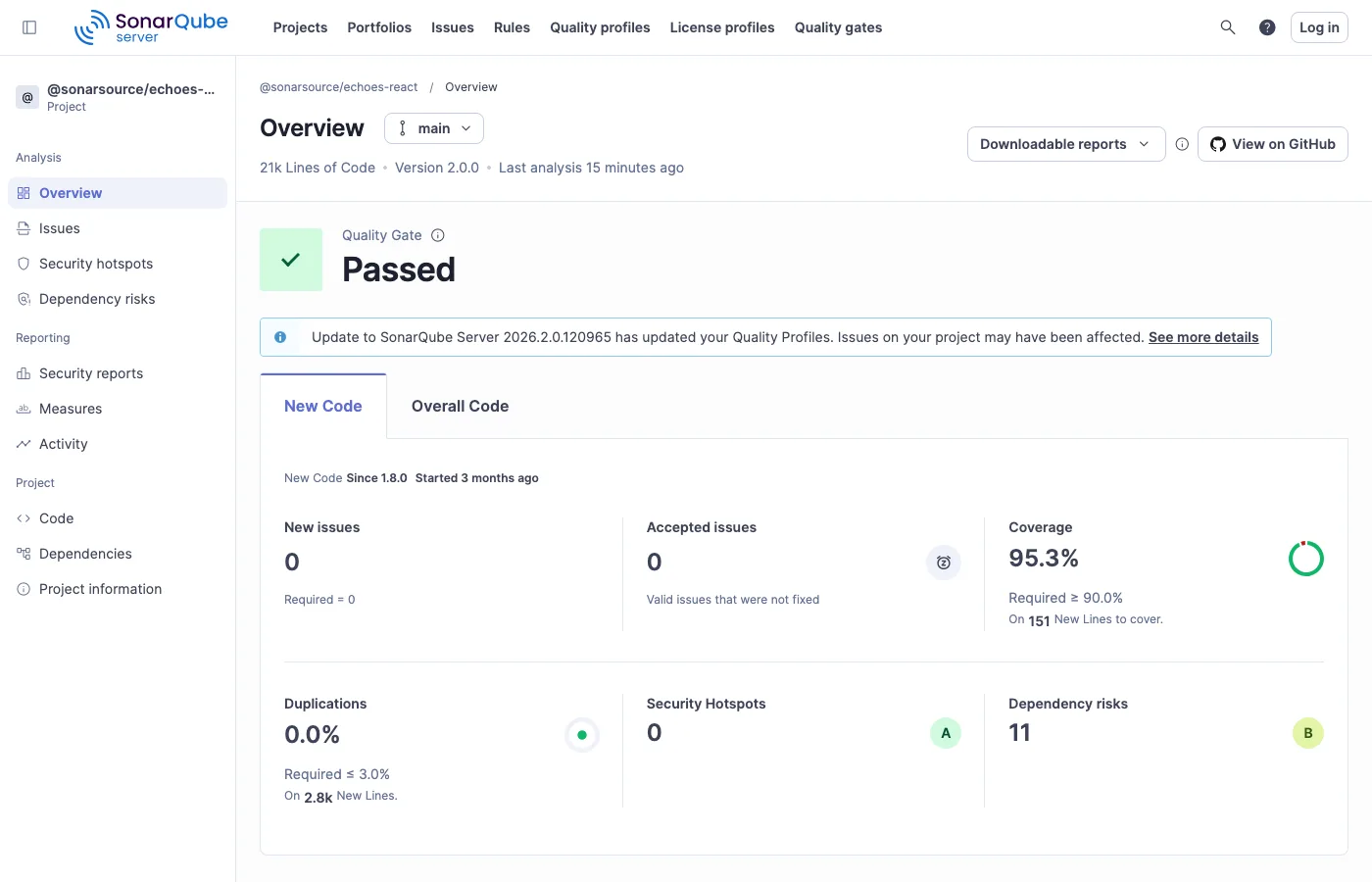
Best for: Teams that want code quality and security analysis combined, with a free starting point. License: Commercial (with free Community Edition) Key difference: Code quality plus security in one tool. Free Community Edition vs. Veracode’s enterprise-only pricing.
5. Fortify Static Code Analyzer#
Fortify is Veracode’s closest philosophical match — enterprise-grade, compliance-focused, and trusted in government and defense. It covers 33+ languages with 1,700+ vulnerability categories, including legacy stacks like COBOL and ABAP.
Unlike Veracode, Fortify scans source code directly with deep taint analysis. Fortify Aviator provides AI-powered remediation in the IDE.
The tool supports both on-premises and cloud deployment, and its audit workflow is built for security teams that triage and assign findings before developers see them.
Best for: Government, defense, and critical infrastructure organizations where Fortify compliance requirements already exist. License: Commercial Key difference: Source code scanning with deep legacy language coverage (COBOL, ABAP, PL/SQL). Strongest in government and defense compliance scenarios.
6. GitHub CodeQL#
CodeQL uses a semantic query language to find vulnerability patterns in code.
It treats your codebase as a database and lets you write queries that traverse dataflow, taint propagation, and control flow across 12 languages .
It is free for public repositories and included with GitHub Advanced Security.
For teams already on GitHub, CodeQL requires no additional infrastructure. Queries are precise and well-suited for detecting complex injection patterns that simpler tools miss.
Best for: GitHub-native teams that want deep semantic analysis built into their existing platform.
License: Free (public repos), commercial (private repos via GitHub Advanced Security) Key difference: Query-based approach for highly precise detection. Zero infrastructure for GitHub users. Limited to 12 languages.
7. Coverity#
Coverity performs interprocedural dataflow and path-sensitive analysis with precision that rivals Veracode’s deep scanning. It covers 22 languages and 200+ frameworks, with particular depth in C/C++ and Java. TUV SUD certified for safety-critical development.
Where Veracode scans binaries, Coverity scans source code — giving developers exact line numbers and code context for every finding. Coverity’s false positive rate is among the lowest in the industry.
Best for: Enterprise teams in automotive, aerospace, and industrial sectors where safety certification and low false positives are requirements. License: Commercial Key difference: Source-level precision with safety certification. Among the lowest false positive rates of any SAST tool.
8. Mend SAST#
Mend SAST takes an agentic approach to SAST, scanning both in the IDE and in CI/CD pipelines. It covers 30+ languages and uses AI-powered detection with reachability analysis.
The MCP integration allows AI coding assistants to consume and act on findings directly.
Mend SAST is part of the Mend platform alongside Mend SCA and Mend DAST, offering a unified view of application security. The dual-phase scanning — lightweight in IDE, thorough in CI — provides fast feedback without sacrificing depth.
Best for: Teams looking for a modern, AI-integrated SAST tool that unifies with SCA and DAST. License: Commercial Key difference: Agentic SAST with MCP integration for AI coding assistants. Unified platform with SCA and DAST.
Feature Comparison#
| Feature | Veracode | Checkmarx | Semgrep | Snyk Code | SonarQube | Fortify | Coverity | Mend SAST |
|---|---|---|---|---|---|---|---|---|
| License | Commercial | Commercial | CE / Commercial | Commercial (free tier) | Free CE / Commercial | Commercial | Commercial | Commercial |
| Scan approach | Binary | Source code | Source code | Source code | Source code | Source code | Source code | Source code |
| Languages | 100+ | 35+ | 30+ | 20+ | 35+ | 33+ | 22 | 30+ |
| Taint analysis | Yes | Yes | Semgrep Code | Yes | Paid tiers | Yes | Yes | Yes |
| Pipeline speed | Under 90s | Varies | Seconds | Real-time | Seconds-minutes | Minutes | Minutes | Seconds (IDE) / Minutes (CI) |
| AI remediation | Yes (Veracode Fix) | Yes (Assist) | Yes (Assistant) | Yes (DeepCode) | AI CodeFix | Yes (Aviator) | No | Yes (AI-powered) |
| Code quality | No | No | No | No | Yes | No | No | No |
| Multi-scanner | SAST, DAST, SCA | SAST, SCA, DAST, IaC, API, containers | SAST, SCA, Secrets | SAST (+ platform) | SAST only | SAST (+ WebInspect) | SAST only | SAST, SCA, Containers |
| Self-hosted | No (cloud) | Yes | Yes | No | Yes | Yes | Yes | No (cloud) |
When to Stay with Veracode#
Veracode remains the right choice in several scenarios:
- Source code privacy is non-negotiable. Binary analysis means your source code never leaves your organization. In industries where sharing source with a third-party vendor raises compliance or IP concerns, this is a unique advantage.
- You need SAST + DAST + SCA + pen testing in one platform. Veracode bundles all four under one roof, including manual penetration testing. Few competitors offer this combination with a single vendor.
- Pipeline Scan meets your CI/CD speed requirements. Sub-90-second results are fast enough for most pull request workflows. If Pipeline Scan satisfies your feedback loop needs, the binary analysis trade-offs may be acceptable.
- Compliance reporting is a core requirement. Veracode has deep compliance reporting capabilities that satisfy auditors in financial services, healthcare, and government. The platform tracks remediation progress and generates compliance-ready reports.
- Your team has an established Veracode workflow. Retraining developers, migrating baselines, and reconfiguring CI/CD integrations all carry cost. If Veracode is working well for your team, the switching cost may exceed the benefit.
How to choose the right Veracode alternative#
The Veracode alternative that fits depends on the procurement constraint that drove you off Veracode in the first place. A short decision tree:
- If scan time is the blocker — most teams cite Veracode’s binary-analysis turnaround as the friction. Snyk Code and Semgrep finish PR scans in seconds because they read source rather than compiled binaries.
- If sharing source code is off the table — Veracode’s binary-only model is the differentiator. Endor Labs and Veracode itself stay binary-first; most other alternatives require source.
- If FedRAMP / regulated workloads dominate — narrow the list to vendors with active FedRAMP authorization. Veracode, Checkmarx, and OpenText Fortify are the usual contenders; verify current authorization status before procurement.
- If pricing model matters — Aikido and Snyk publish per-developer pricing publicly. Checkmarx, Fortify, and Veracode all gate behind contact-sales.
- If reachability and exploit context drive the decision — Endor Labs leads on Application Use of Risky Imports (AURI) reachability for SCA; Snyk, Aikido, and Semgrep all add some form of reachability or function-level analysis on top of raw findings.
Most teams end up running a 30-day proof-of-concept against two finalists. Pull a representative monorepo, run both scanners through CI, and measure (1) findings volume, (2) false-positive rate after triage, and (3) developer time-to-fix on a sample of high-severity issues. The SAST tools hub lists the full active set.
Frequently Asked Questions
What is the best free alternative to Veracode?
Does Veracode's binary analysis find things source code scanners miss?
Which Veracode alternative is best for CI/CD pipelines?
Can I replace Veracode's full platform with multiple tools?
Is Veracode or Checkmarx better for enterprise SAST?

Written & maintained by
Suphi CankurtEight years on the vendor side of application-security sales — thousands of evaluations and demos. I started AppSec Santa in 2022 to put that insider view to work for buyers. Independent of any vendor, paid by none, and honest about what fits whom.