
CSP Header Generator
Build secure Content Security Policy headers with real-time scoring — or analyze any website's existing CSP.
Directive Builder
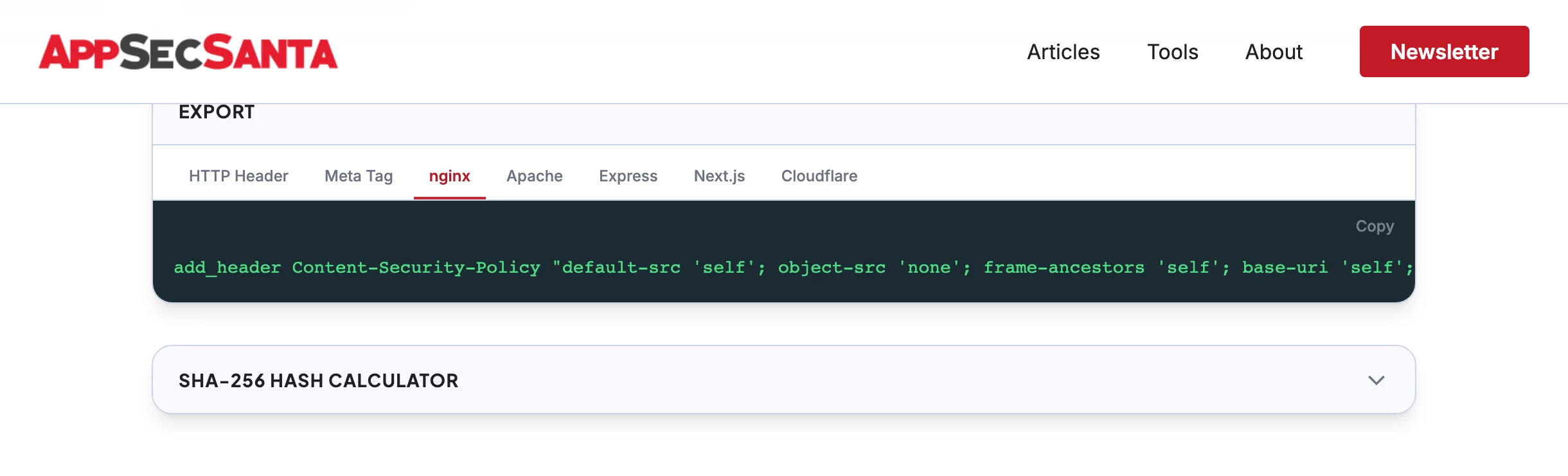
Export
SHA-256 Hash Calculator
Paste an inline script or style below to generate its SHA-256 hash for use in your CSP policy.
Select directives to build your CSP...Build Secure CSP Headers Instantly
Pick a template, toggle directives, and get a production-ready Content Security Policy — with real-time security scoring.
- Real-time A+ to F security grade
- Warnings for unsafe-inline and unsafe-eval
- Click-to-toggle directive sources
- Runs 100% in your browser — no data sent
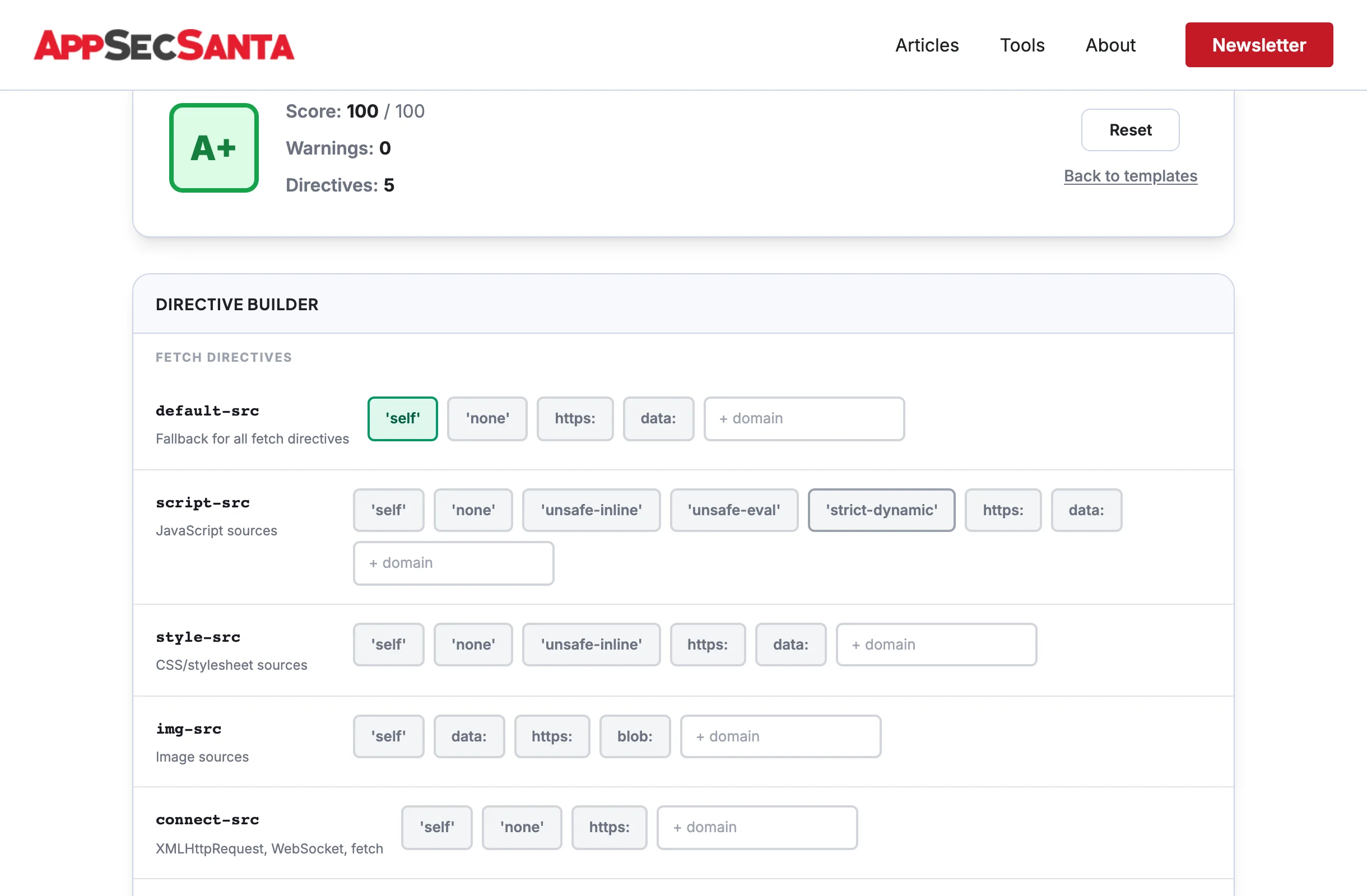
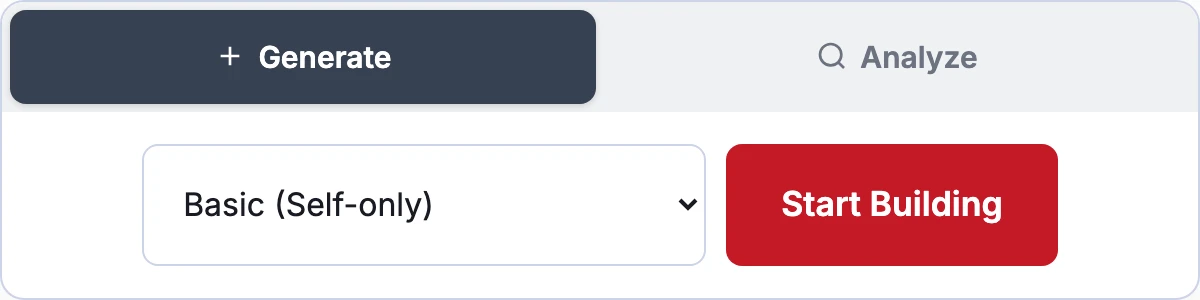
5 Ready-Made Templates for Every Stack
Start with Google's recommended strict CSP, a basic self-only policy, or templates tuned for React/Vue SPAs, WordPress, and static sites.
- Strict nonce-based CSP (Google-recommended)
- WordPress-compatible with required unsafe-inline
- Static site lockdown (default-src 'none')
- Customize any template after loading
Export to Any Server Platform
One-click copy for nginx, Apache, Express, Next.js, Cloudflare, or a meta tag. Every export is formatted and ready to paste into your config.
- 7 export formats with proper escaping
- Warnings for meta tag limitations
- SHA-256 hash calculator for inline scripts
- Analyze any site's CSP and edit it
CSP Analysis: —
| Check | Severity | Details |
|---|
Frequently Asked Questions
What is a Content Security Policy (CSP)?
A Content Security Policy is an HTTP header that tells browsers which sources of content (scripts, styles, images, etc.) are allowed to load on your page. It is the single most effective defense against cross-site scripting (XSS) attacks.
Is this CSP generator free?
Yes, completely free with no signup required. The generator runs entirely in your browser. The analyzer mode fetches headers from the target URL but does not store any results.
What CSP score should I aim for?
Aim for A (90+). A perfect A+ (100+) requires nonce-based CSP with strict-dynamic, which is Google's recommended approach. Most well-configured sites score between 80-95. Anything below C (55) indicates significant security gaps.
What is the difference between unsafe-inline and nonce-based CSP?
unsafe-inline allows ANY inline script to execute, which largely defeats the purpose of CSP. Nonce-based CSP generates a unique random token per page load and only allows inline scripts with a matching nonce attribute. Nonce-based CSP is the recommended approach by Google and OWASP.
Will CSP break my website?
It can if configured incorrectly. Start with Content-Security-Policy-Report-Only to monitor violations without blocking anything. Once you have identified and fixed all violations, switch to the enforcing Content-Security-Policy header.
Can I use CSP in a meta tag instead of an HTTP header?
Yes, but with limitations. Meta tag CSP does not support frame-ancestors, sandbox, or report-uri directives. The HTTP header is preferred because it covers all directives and cannot be bypassed by injected HTML.
Check Your Full Security Headers
CSP is the most important security header, but it is not the only one. Run a full security headers scan to check HSTS, CORS, X-Frame-Options, and 8 more tests.
Check Security Headers