


Talisman is an open-source secret scanner from Thoughtworks that runs as a git hook. It validates the outgoing changeset for content that looks suspicious — tokens, passwords, and private keys — and blocks the action before the secret leaves the developer’s machine.
I value Talisman for the pre-commit boundary, where a secret can still be prevented rather than merely detected.
Because it is rule-based rather than AI-driven, Talisman runs entirely offline as a self-contained binary, with no SaaS dashboard and no vendor relationship.
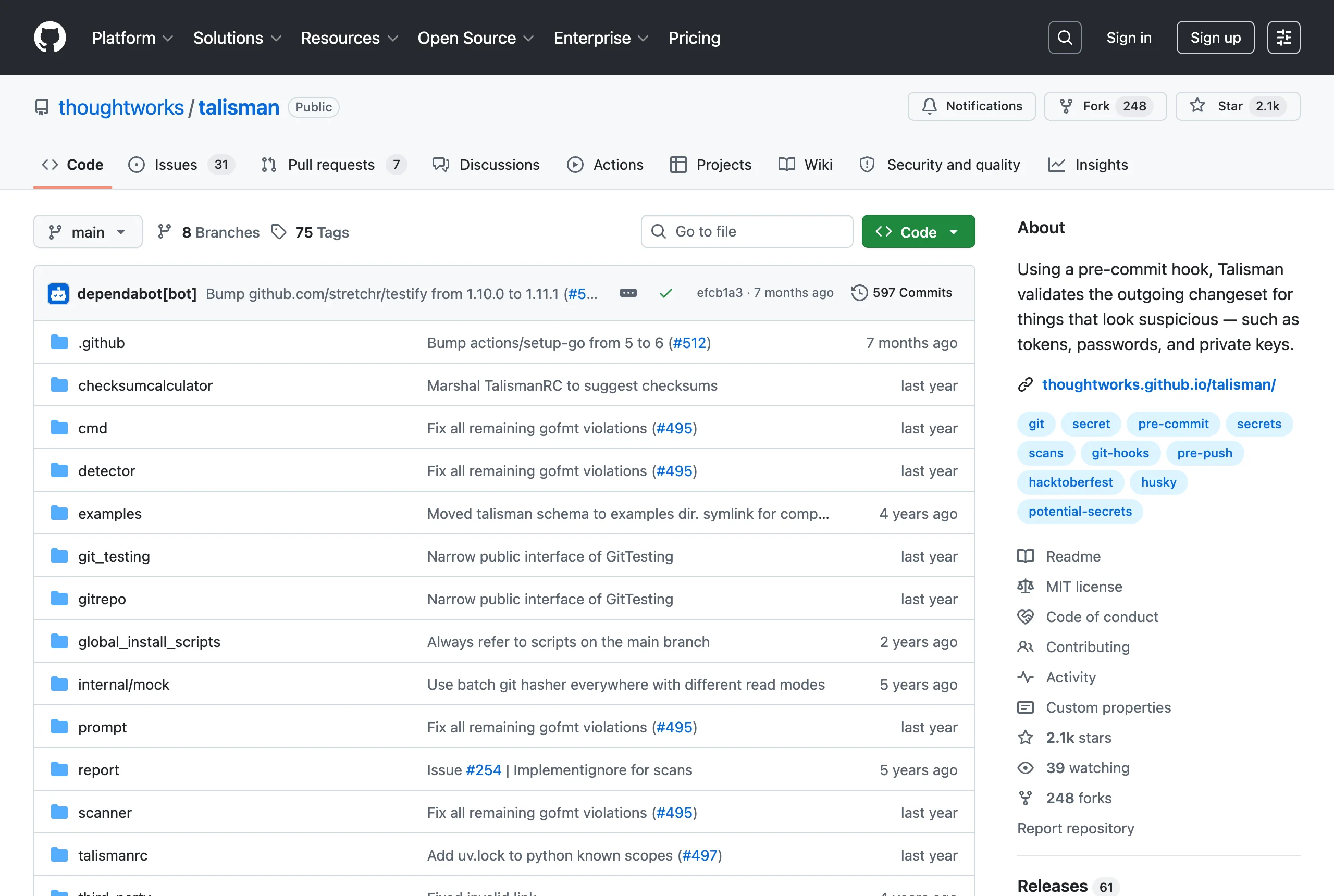
What is Talisman?
Talisman is a git hook that inspects what you are about to commit or push. The project tagline describes it plainly: a tool to detect and prevent secrets from getting checked in.
You install it as either a pre-commit or a pre-push hook on a repository. When the hook fires, Talisman examines the staged or outgoing changeset and fails the operation if any file looks like it contains a secret.
It catches several classes of risk: hardcoded tokens and passwords, private keys, high-entropy strings, and files whose names or extensions suggest credential material.
Talisman is maintained by Thoughtworks and licensed under MIT. It has roughly 2,100 GitHub stars and remains actively maintained.
How does Talisman work?
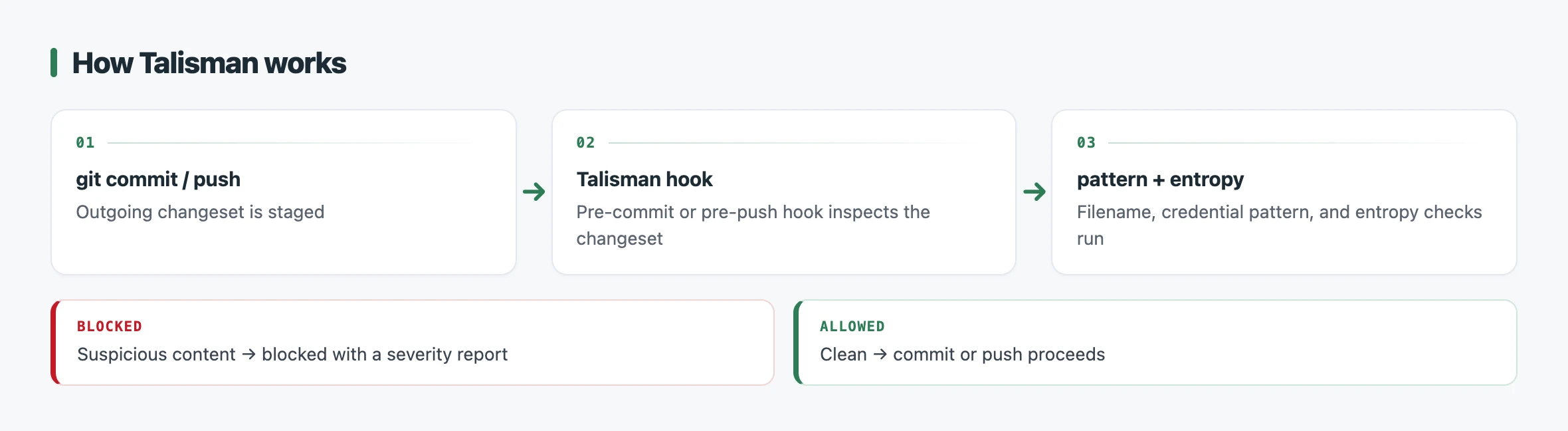
Talisman runs detectors against each file in the outgoing changeset and blocks the commit or push when any detector fires. The detection is rule-based — there is no machine-learning model involved.
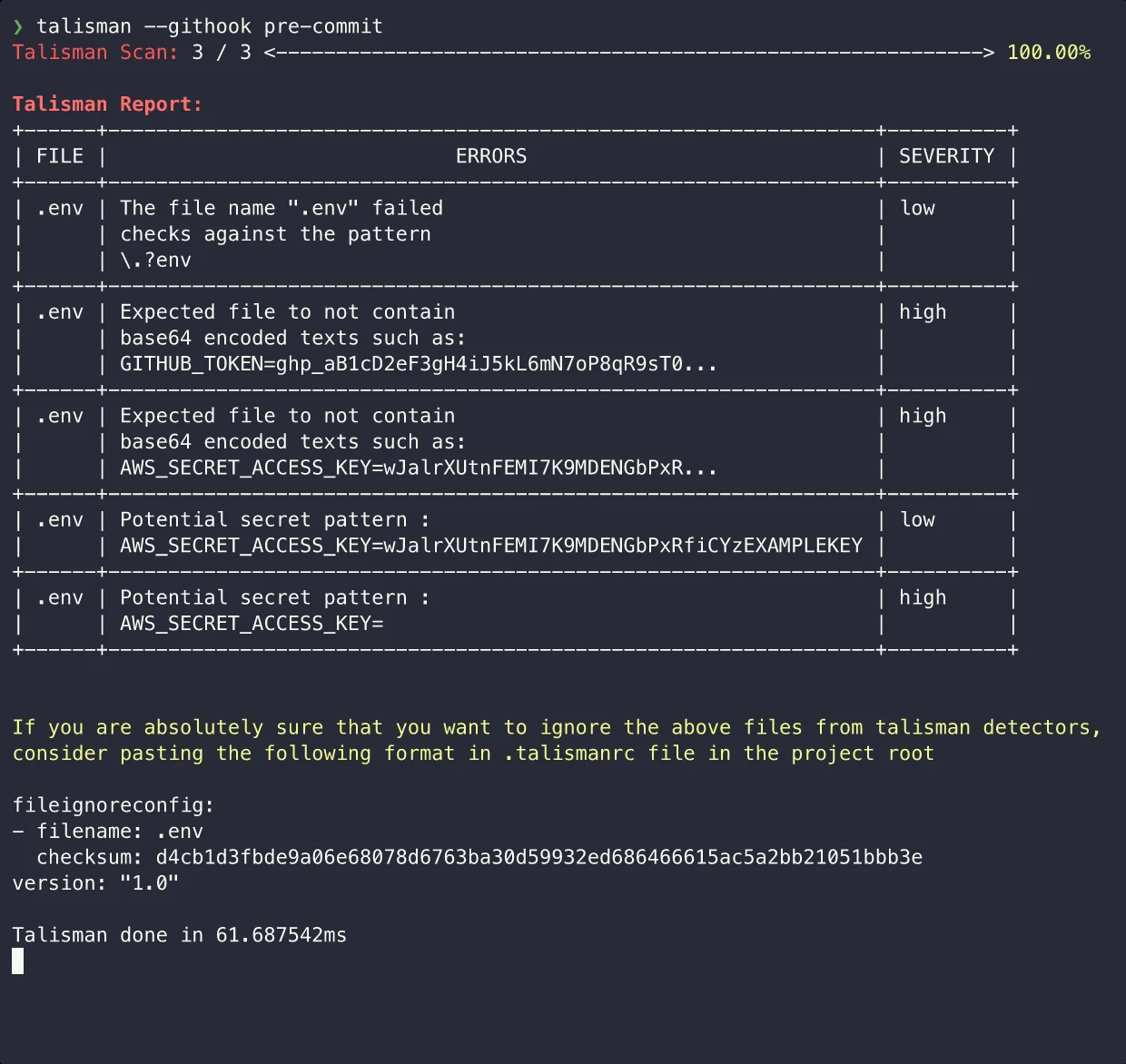
Several detectors run together:
- Pattern matching — regex rules for known credential formats such as tokens, passwords, and private keys.
- Entropy analysis — Base64 and hex entropy scoring to flag random-looking strings that are likely secrets.
- Filename and extension — flags files whose names or extensions suggest keys or credentials.
- File size — flags unusually large files that may contain embedded keys.
- Credit-card numbers — pattern detection for card-number sequences.
When a finding is a false positive, you record it in a .talismanrc file. Each entry pairs a filename with a checksum of its contents, so Talisman allowlists that exact file.
If the file later changes, its checksum no longer matches and Talisman flags it again. You can also disable specific detectors per file or define allowed patterns to suppress recurring matches.
Beyond the hook, Talisman has a scanner mode invoked with --scan. It walks the full git history of a repository to surface secrets that were committed before the hook was in place, writing results to a report directory.
Key features
Talisman’s surface is deliberately small — it is a single binary focused on the commit boundary.
| Feature | Details |
|---|---|
| Hook modes | Pre-commit or pre-push git hook |
| Detection strategies | Regex patterns, Base64/hex entropy, file size, credit-card patterns, filename/extension |
| History scanning | --scan walks full git history into a report directory |
| HTML report | --scanWithHtml generates a browsable report (separate package) |
| Allowlisting | .talismanrc checksum-based file ignore, per-file detector disabling, allowed patterns |
| Interactive mode | TALISMAN_INTERACTIVE=true updates .talismanrc from a blocked commit |
| Installation | Standalone binary, Homebrew, global git hook template, or per-repo hook |
| Platforms | macOS, Linux, Windows |
| License | MIT |
The global hook template is worth noting for teams: installing once via the global template wires Talisman into every repository on the machine, rather than configuring each repo individually.
The interactive mode (talisman -i -g pre-commit) prompts you to add a blocked file to .talismanrc on the spot, which shortens the loop when triaging a legitimate false positive.
When to use Talisman
Talisman fits teams that want secret prevention enforced locally, at the moment of commit or push, rather than after code reaches a central repository. Its pre-push hook is a useful distinction — it can catch a secret on the way out even if individual commits were not checked.
The Thoughtworks origin matters in practice. Talisman grew out of consulting engagements where the goal was to stop secrets at the developer boundary across many client repositories, which is why the global hook template and the pre-commit/pre-push choice sit at the center of its design.
Choosing Talisman against the common alternatives comes down to where you want detection to happen:
- Gitleaks — a Go binary with first-class git-history scanning and SARIF output; preferred when CI-side scanning and GitHub Advanced Security integration matter more than a local push gate.
- TruffleHog — adds live API verification that confirms whether a detected credential is still active; chosen when a low false-positive rate justifies the outbound network calls.
- detect-secrets — uses a baseline file to accept existing secrets while blocking new ones; a fit for brownfield codebases that cannot remediate every historical finding upfront.
Talisman’s distinguishing angle is the combination of entropy detection, suspicious-filetype checks, and the pre-push hook in one self-contained binary, backed by the Thoughtworks lineage. For a wider view of the category, the secret scanning tools hub covers the full field.