
- Snyk covers SAST, SCA, container, IaC, and DAST from one platform; Fortify is a focused SAST tool with IaC scanning capabilities.
- Fortify supports 33+ languages including legacy systems like COBOL, ABAP, and Visual Basic; Snyk Code covers 16 modern languages.
- Snyk offers a free tier and cloud-first deployment; Fortify has no free tier, no public pricing, and supports on-premises, SaaS, and hybrid models.
- Fortify is one of the longest-running commercial SAST tools on the market; Snyk is the developer-first alternative with 2.5M+ users and fast adoption.
- Snyk uses DeepCode AI with 25M+ data flow cases for fix suggestions; Fortify uses Fortify Aviator AI for automated code remediation.
Which is better: Snyk or Fortify?#
Snyk is the better choice for teams that want one platform covering SAST, SCA, containers, IaC, and DAST with a free tier and fast developer onboarding.
Fortify is the better choice for enterprises that need deep static analysis across 33+ languages (including legacy systems like COBOL and ABAP) with on-premises deployment.
These two tools target different buyers. Snyk grows from the developer up: IDE plugins, CLI tools, Git integrations, and a free tier that lets teams start without procurement.
Fortify sells top-down to enterprise security teams that need deep static analysis across legacy and modern languages, with deployment options that keep source code on-premises.
Both are widely deployed enterprise Application Security Testing platforms, but Fortify has been in the market for over a decade while Snyk has grown quickly through developer adoption.
If you need a single platform covering multiple security testing types with minimal setup, Snyk is the faster path. If you need deep SAST scanning across legacy and modern codebases with on-premises deployment, Fortify is the stronger pick.
How do they differ?#
| Feature | Snyk | Fortify |
|---|---|---|
| License | Freemium | Commercial |
| Pricing | Free tier; paid plans for teams and enterprise | Contact OpenText sales |
| SAST Engine | Snyk Code (DeepCode AI) | Fortify Static Code Analyzer (traditional + AI) |
| Languages Supported | 16 languages | 33+ languages, 350+ frameworks |
| Legacy Language Support | Not supported | COBOL, ABAP, Visual Basic, PL/SQL, ColdFusion |
| Vulnerability Categories | Not publicly quantified | 1,700+ categories, 1M+ APIs |
| Platform Scope | SAST, SCA, Container, IaC, DAST | SAST with IaC scanning |
| AI Features | DeepCode AI (25M+ data flow cases) | Fortify Aviator |
| Deployment | Cloud-first (Broker for hybrid) | On-premises, SaaS, hybrid |
| IDE Plugins | VS Code, JetBrains, Eclipse, Cursor | Major IDEs supported |
| CI/CD Integration | GitHub Actions, GitLab CI, Jenkins, Azure DevOps, CircleCI | Jenkins, GitHub Actions, GitLab CI, Azure DevOps |
Snyk vs Fortify: head-to-head#
Language and legacy coverage#
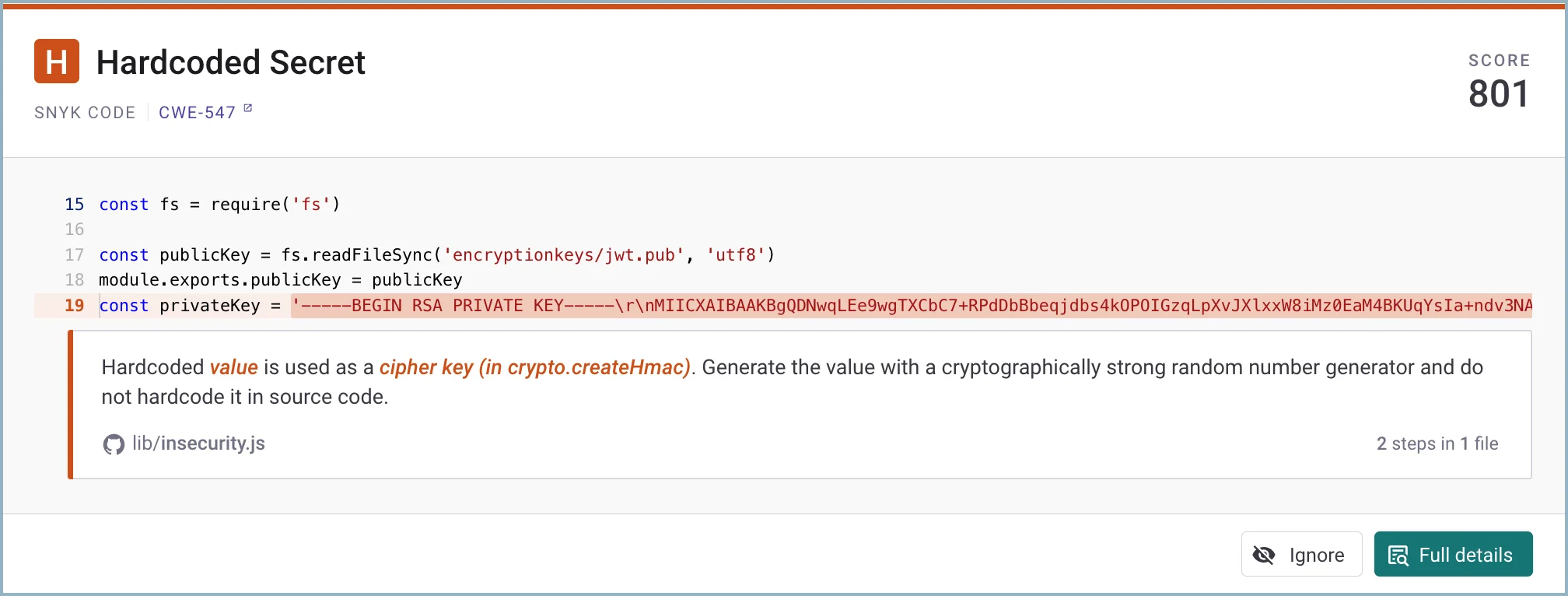
Fortify wins on language coverage. It scans 33+ languages across 350+ frameworks and tracks over one million individual APIs, including legacy languages that most modern SAST tools skip entirely: COBOL, ABAP, Visual Basic, Classic ASP, ColdFusion, and PL/SQL.
If you maintain mainframe or older enterprise applications, there are few alternatives.
Snyk Code supports 16 languages focused on modern stacks: Java, JavaScript, TypeScript, Python, Go, C/C++, C#, Ruby, PHP, Swift, Kotlin, and others. That covers most new application development, but if your codebase includes legacy languages, Snyk cannot scan them.
Deployment models#
Fortify is the only option if you need full on-premises or air-gapped deployment.
It offers on-premises licenses where everything runs in your data center, Fortify on Demand as a managed SaaS, and hybrid arrangements that combine both.
If you are in a regulated industry or have strict data residency requirements, you can keep source code entirely on-premises.
Snyk is cloud-first. Scans run in Snyk’s cloud infrastructure, and there is no full on-premises deployment option.
Snyk Broker provides a middle ground: it proxies access between your repositories and Snyk’s cloud through an approved request list, keeping SCM credentials within your network. That said, Broker is not equivalent to a fully air-gapped deployment.
For teams already operating in the cloud, Snyk’s model is a non-issue. If your organization cannot send any code-related data off-premises, Fortify is the practical choice.
Platform scope#
Snyk covers far more security testing types from a single platform. It ships six products: Snyk Code (SAST), Snyk Open Source (SCA), Snyk Container, Snyk IaC, Snyk API & Web (DAST), and Snyk AppRisk (ASPM).
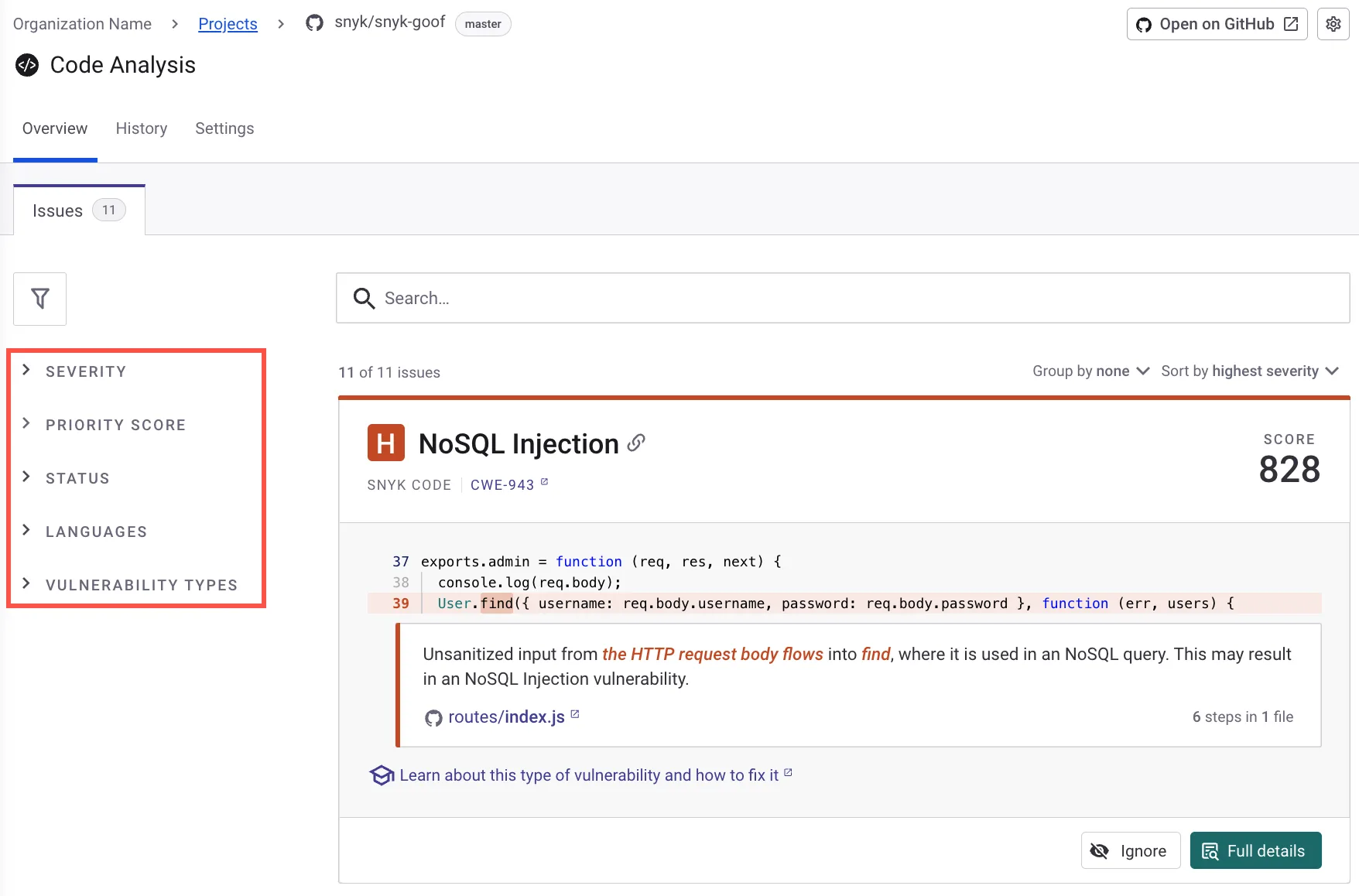
Teams that would otherwise buy separate tools for dependency scanning, container security, and infrastructure checks can consolidate under one vendor with a single dashboard showing vulnerabilities across all scanning types.
Fortify is a focused SAST tool. It does deep source code analysis and extends to IaC scanning for Terraform, CloudFormation, Docker, Kubernetes, and serverless configurations.
If you need SCA, DAST, or container security, you will need additional tools. OpenText has complementary products, but they are not as tightly integrated as Snyk’s single-platform experience.
AI-assisted remediation#
Both tools offer AI-powered fix suggestions, but neither has a clear lead based on independent benchmarks. Snyk uses DeepCode AI, a purpose-built engine trained on over 25 million data flow cases.
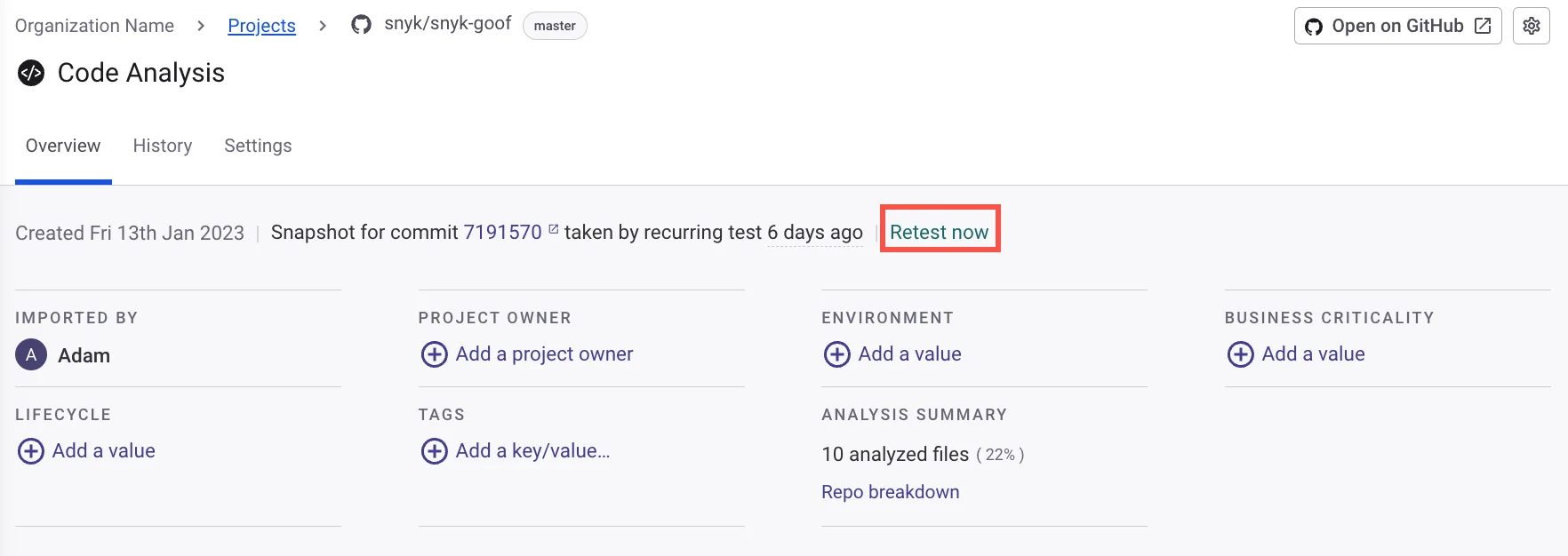
It is not a general-purpose LLM; it was built specifically for security analysis and generates fix suggestions that developers can apply directly in the IDE or as automated pull requests.
Fortify uses Fortify Aviator to generate code fix suggestions for detected vulnerabilities. Aviator is a newer addition to the Fortify platform, aimed at reducing remediation time.
Both features are actively evolving. I have not seen independent benchmarks that definitively rank one above the other, so the AI capabilities alone should not be the deciding factor between these tools.
When to choose Snyk#
Choose Snyk if:
- You want SAST, SCA, container security, IaC scanning, and DAST from a single platform
- Developer adoption and low friction matter most for your security program
- Your codebase is in modern languages (Java, JavaScript, Python, Go, C#, etc.)
- A free tier to evaluate before committing budget matters to your team
- Cloud-native deployment works for your organization
- Automated fix pull requests for dependencies and code issues would save your developers time
- You need IDE integration in VS Code, JetBrains, Eclipse, or Cursor
When to choose Fortify#
Choose Fortify if:
- You maintain legacy codebases in COBOL, ABAP, Visual Basic, PL/SQL, or Classic ASP
- On-premises or air-gapped deployment is a hard requirement
- You need deep vulnerability detection across 1,700+ categories and 1M+ APIs
- Your organization needs flexible deployment (on-premises, SaaS, or hybrid)
- A decade-long enterprise deployment track record carries weight with your procurement process
- You already use OpenText products and want vendor consolidation
Both tools are solid options in the AppSec Santa SAST tools category. The decision usually comes down to whether you need a developer platform with broad security coverage (Snyk) or a deep enterprise SAST engine with legacy language support and on-premises deployment (Fortify).
Frequently Asked Questions
What is the main difference between Snyk and Fortify?
Which tool supports more programming languages?
Can Snyk or Fortify be deployed on-premises?
How do Snyk and Fortify AI features compare?
Which tool is better for compliance-driven organizations?

Written & maintained by
Suphi CankurtEight years on the vendor side of application-security sales — thousands of evaluations and demos. I started AppSec Santa in 2022 to put that insider view to work for buyers. Independent of any vendor, paid by none, and honest about what fits whom.