Platform architecture differences#
iOS and Android take fundamentally different approaches to app security. Those differences shape your entire testing methodology.
Sandboxing#
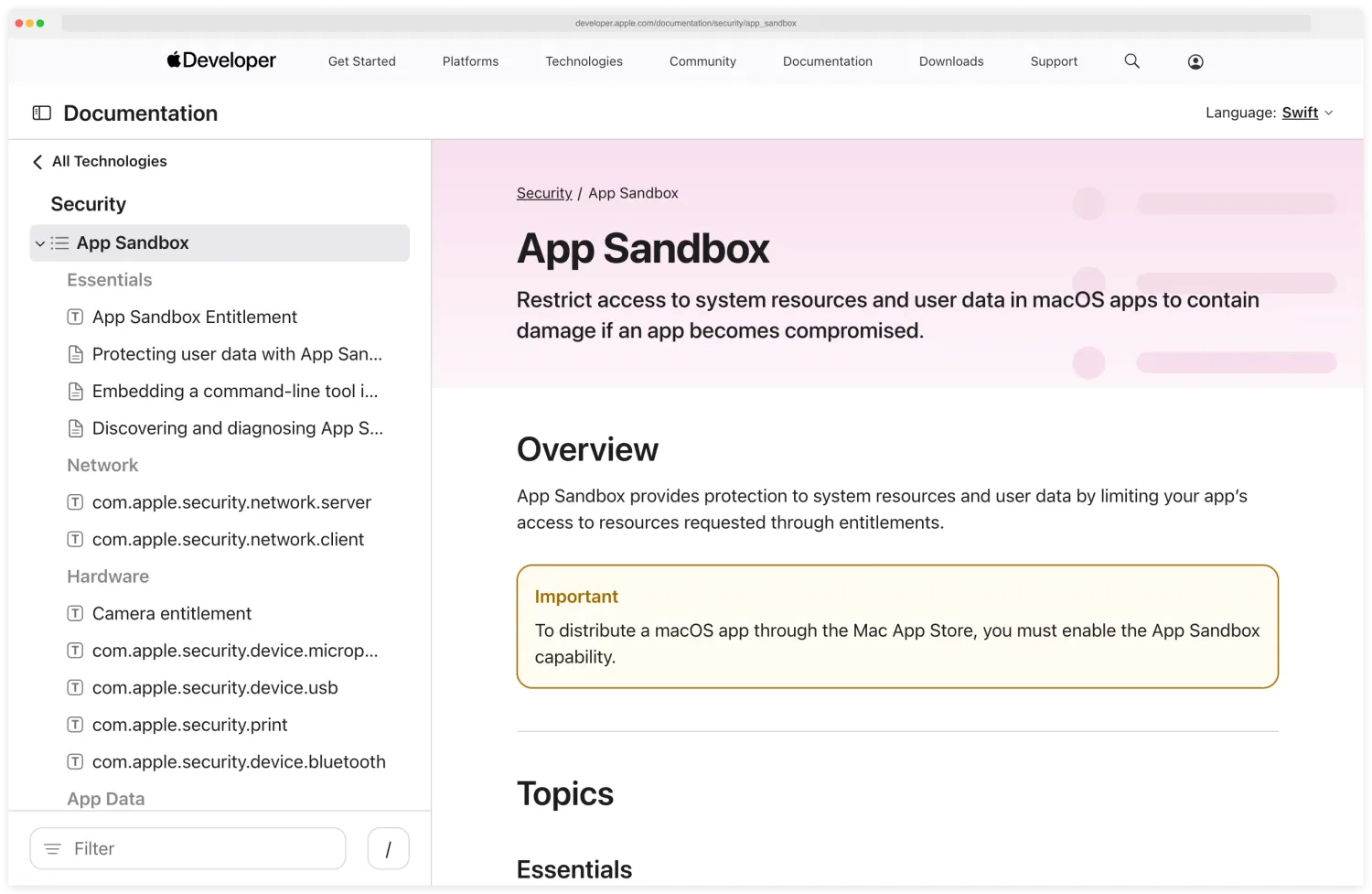
Both platforms sandbox apps, but the implementations differ. iOS uses a strict sandbox that isolates each app’s file system, preventing any direct access to other apps’ data. Apps can only share data through platform-controlled mechanisms like app groups and extensions.
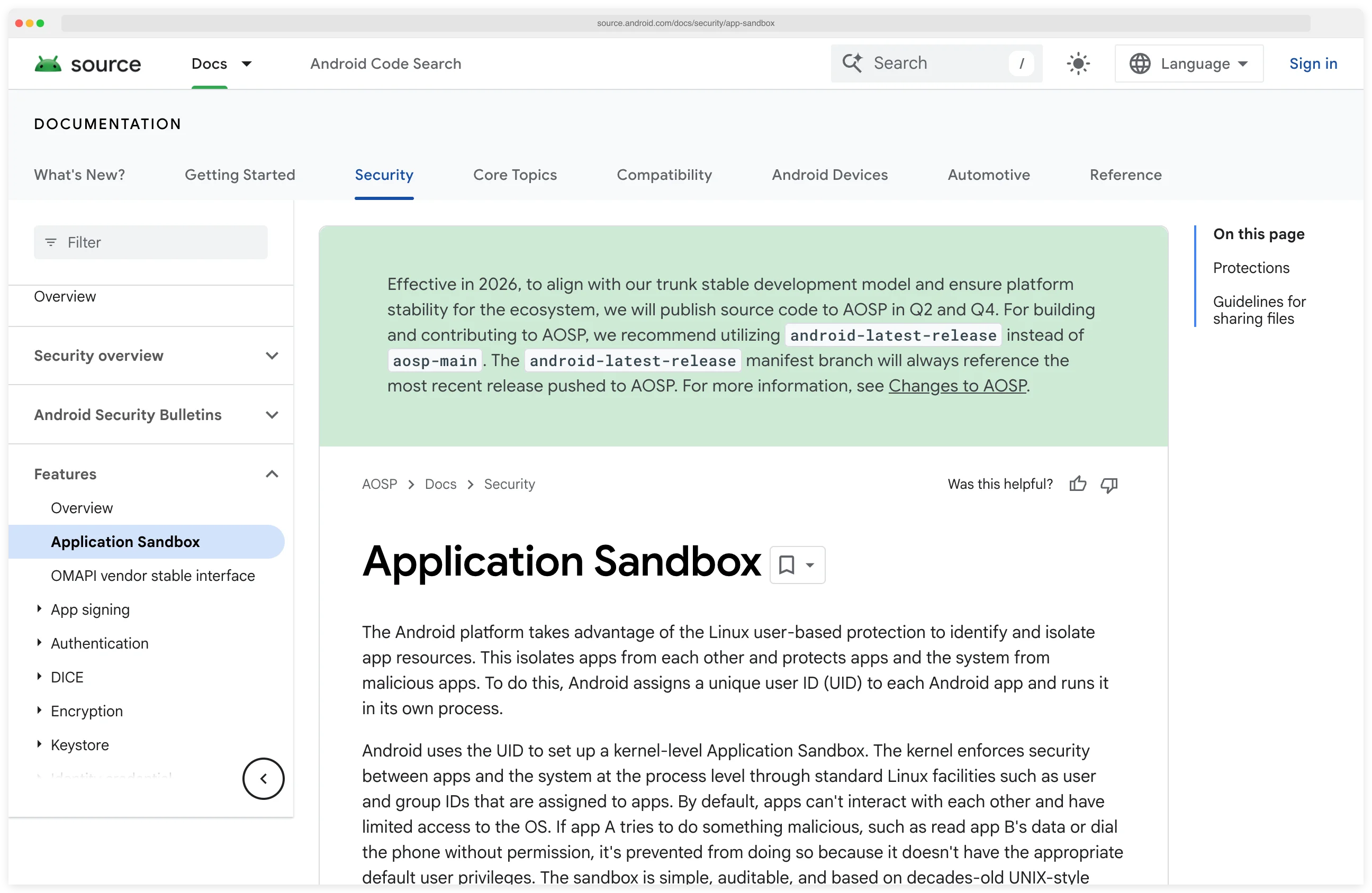
Android uses Linux user-based isolation. Each app runs as a separate Linux user with its own file permissions.
The sandbox is strong by default, but Android allows more communication between apps through intents, content providers, and broadcast receivers. These inter-process communication channels are the source of many Android-specific vulnerabilities.
Apple documents the iOS App Sandbox in its Security framework reference; Google’s Source documentation describes the Linux UID-based model Android uses. Reading the two side-by-side shows where the platforms diverge on the same problem.
Permissions#
iOS asks for permissions at the time of use and gives users granular control. The first time your app accesses the camera, iOS prompts the user.
Permissions can be revoked at any time. Apps cannot determine whether they have been denied a permission — the system returns empty results rather than an error.
Android’s permission model has evolved significantly. Runtime permissions (Android 6+) brought iOS-like prompts, but legacy apps and certain permissions still follow the install-time model.
Android also has more permission categories than iOS, including some that grant access to sensitive resources like call logs and SMS history.
Code signing#
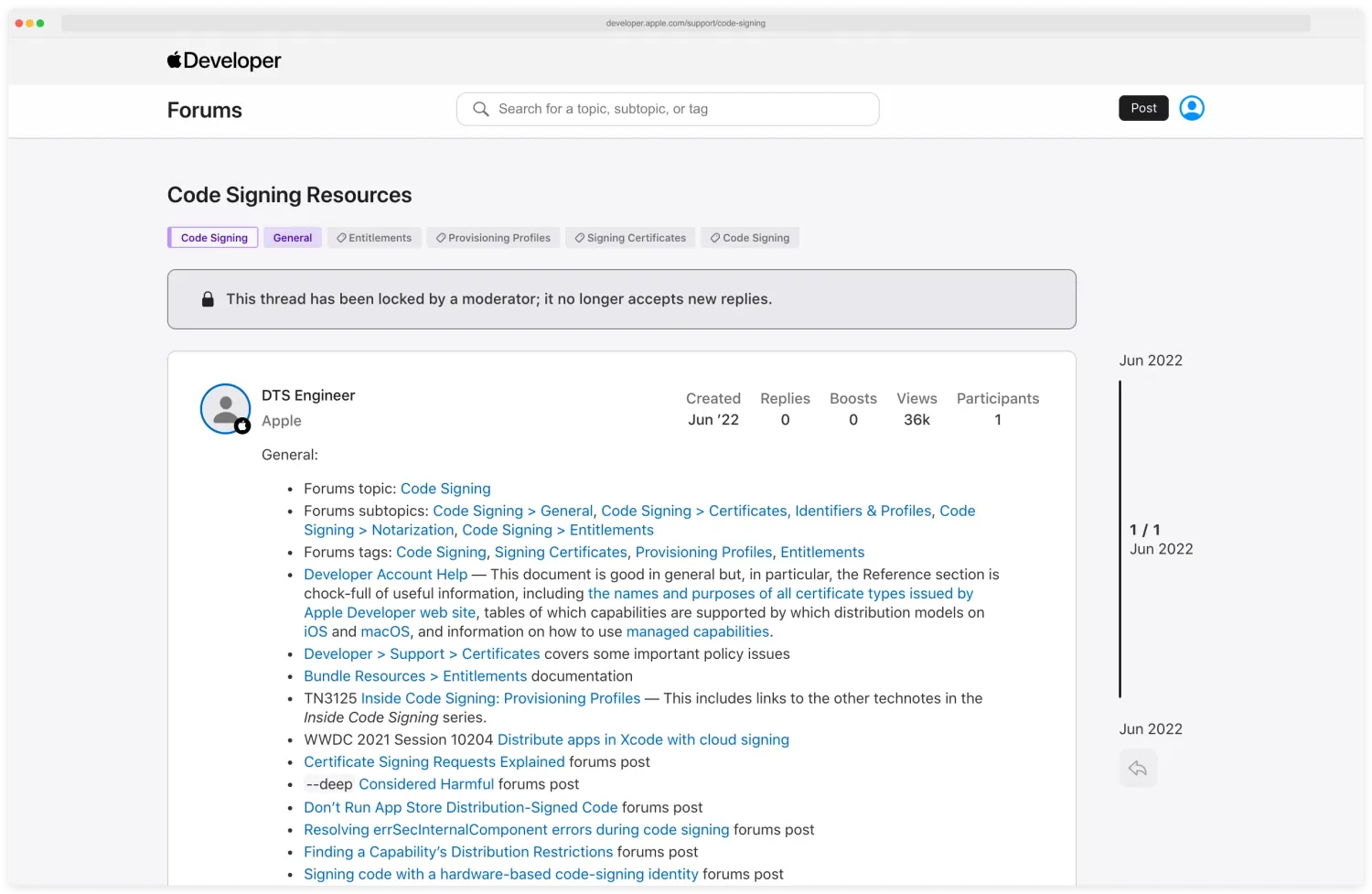
Apple’s code-signing support page states the requirement explicitly: every app, framework, and command-line tool on iOS must be signed by an Apple-issued developer certificate, and the OS rejects anything else at load time.
This means you cannot run arbitrary code on a non-jailbroken device, modified apps cannot be installed without re-signing, and injecting code into running processes requires bypassing kernel-level enforcement.
Android requires code signing but does not restrict which certificate is used.
You can sign an APK with a self-generated certificate and install it on any device with USB debugging enabled or “install from unknown sources” allowed. This makes it trivial to decompile, modify, and repackage Android apps.
Hardware security#
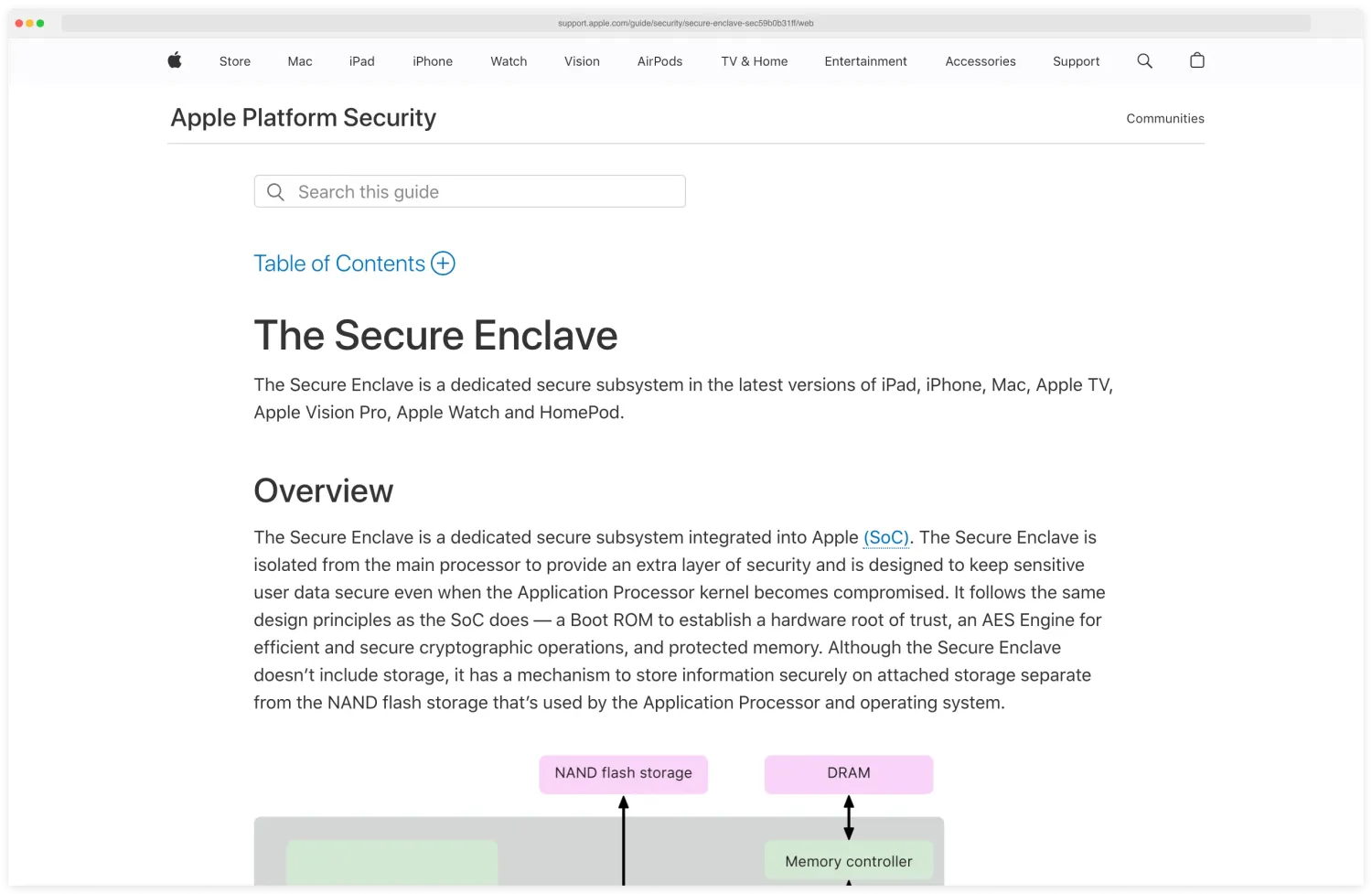
Both platforms provide hardware-backed keystores. Android Keystore (backed by TEE or StrongBox) and iOS Secure Enclave store cryptographic keys in hardware that the OS cannot directly extract.
The key never leaves the secure hardware — cryptographic operations happen inside it.
iOS has the edge here because the Secure Enclave is present on all modern iPhones and is more consistently implemented. Android hardware security varies by manufacturer and chipset, and some devices fall back to software-backed keystores. The Apple Platform Security guide’s Secure Enclave chapter describes how the coprocessor is provisioned on every modern iPhone with its own boot ROM and AES engine.
Key Insight
Secure Enclave is on every modern iPhone; Android hardware security is a per-device gamble. When threat models depend on hardware-backed keys (mobile banking, secure messaging, biometric-protected credentials), the iOS guarantee is uniform across the device fleet — Android requires per-device attestation to know what you actually got.
iOS-specific security features and testing targets#
iOS provides strong defaults that developers can weaken through configuration. Testing iOS apps means checking whether the developer weakened those defaults.
Keychain#
The iOS Keychain
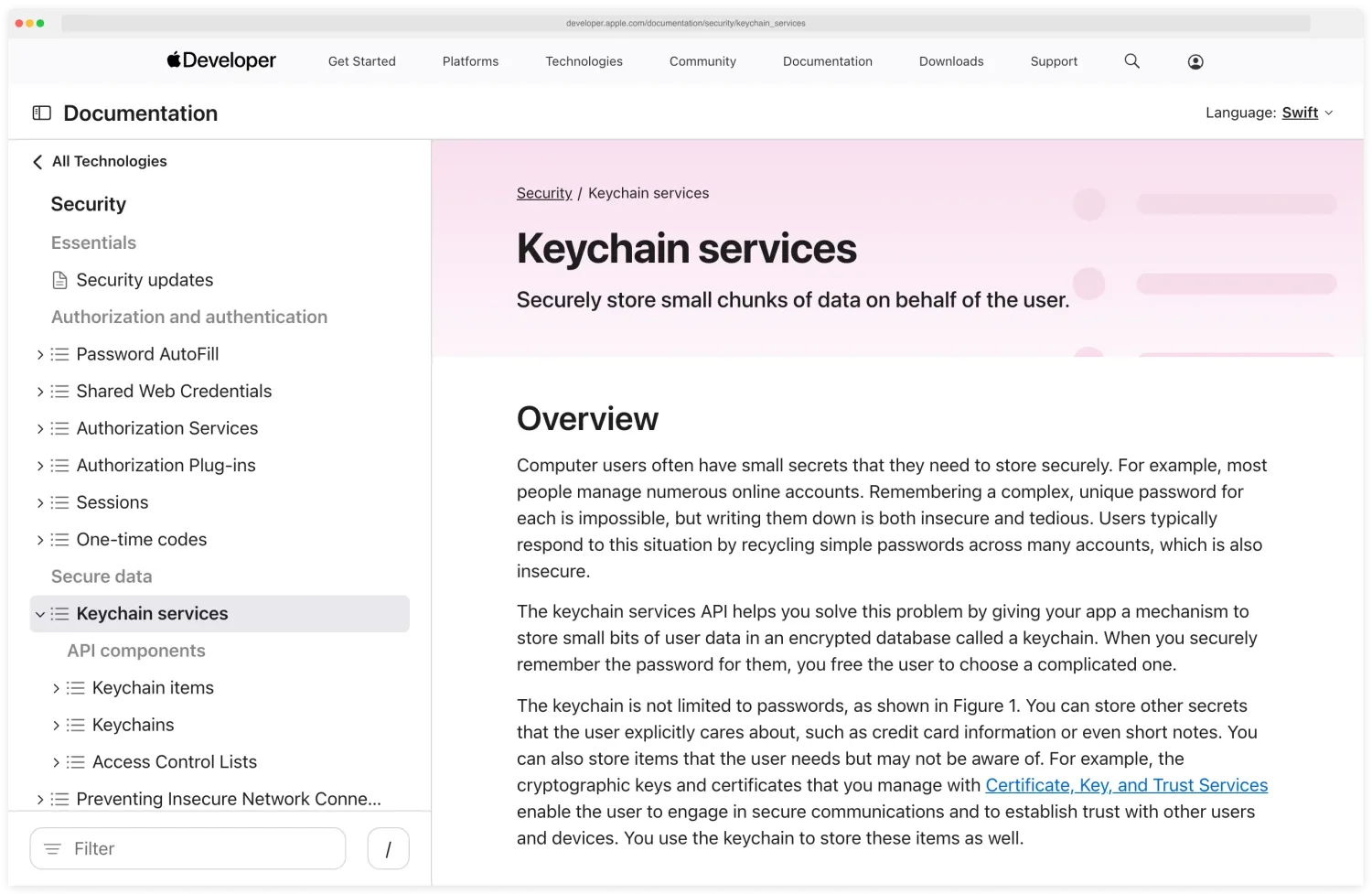
is the correct place for storing sensitive data. But the protection class determines when the data is accessible. Apple’s Keychain Services documentation lists the protection-class constants — kSecAttrAccessibleAfterFirstUnlock, kSecAttrAccessibleWhenPasscodeSetThisDeviceOnly, and others — and is the authoritative reference for what each class actually unlocks against.
kSecAttrAccessibleAfterFirstUnlock (the default) means keychain items are accessible whenever the device is unlocked after boot, even when the screen is locked. For highly sensitive data like biometric-protected credentials, use kSecAttrAccessibleWhenPasscodeSetThisDeviceOnly.
During testing, dump the keychain from a jailbroken device using objection or keychain-dumper. Check what data the app stores in the keychain and which protection class each item uses.
Look for sensitive data stored with overly permissive protection classes.
App Transport Security#
ATS enforces HTTPS for all network connections by default. Developers can disable it by adding exceptions in Info.plist. Apple’s “Preventing Insecure Network Connections” page documents the exception keys and the justification process Apple now requires at App Store review.
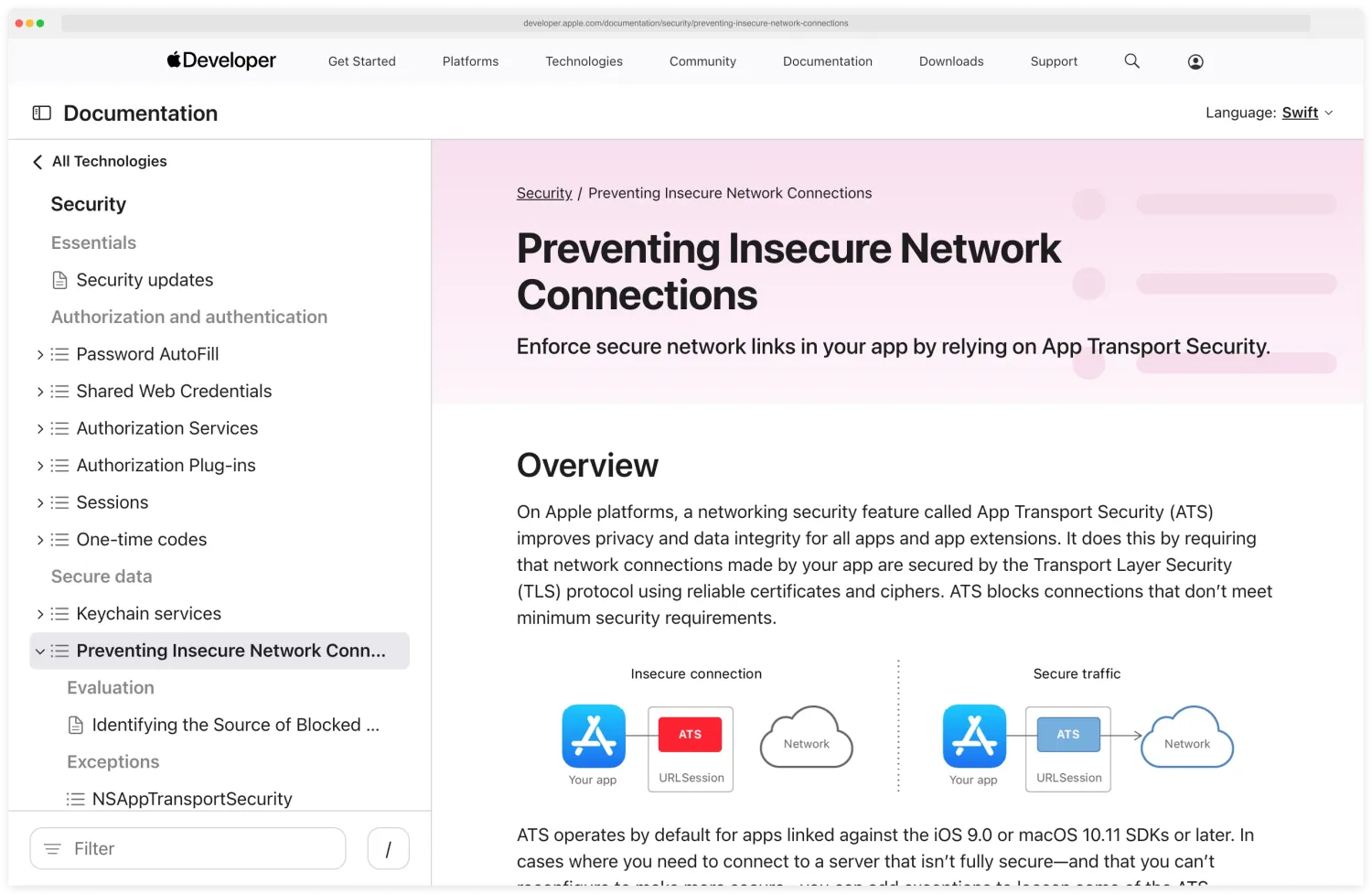
Check for NSAllowsArbitraryLoads set to true (disables ATS for all connections), domain-specific exceptions that allow HTTP or weaker TLS versions, and NSExceptionAllowsInsecureHTTPLoads entries.
Apple has tightened App Store review for ATS exceptions. Apps need to justify any exceptions in their submission.
But exceptions still ship in production apps, especially those communicating with legacy backend systems.
Binary protections#
iOS binaries (Mach-O format) have several protection mechanisms enabled by default. The four that matter for testing are PIE (ASLR), ARC (memory safety), stack canaries (overflow detection), and the absence of a Java-style decompiler — all four are mandatory on App Store builds.
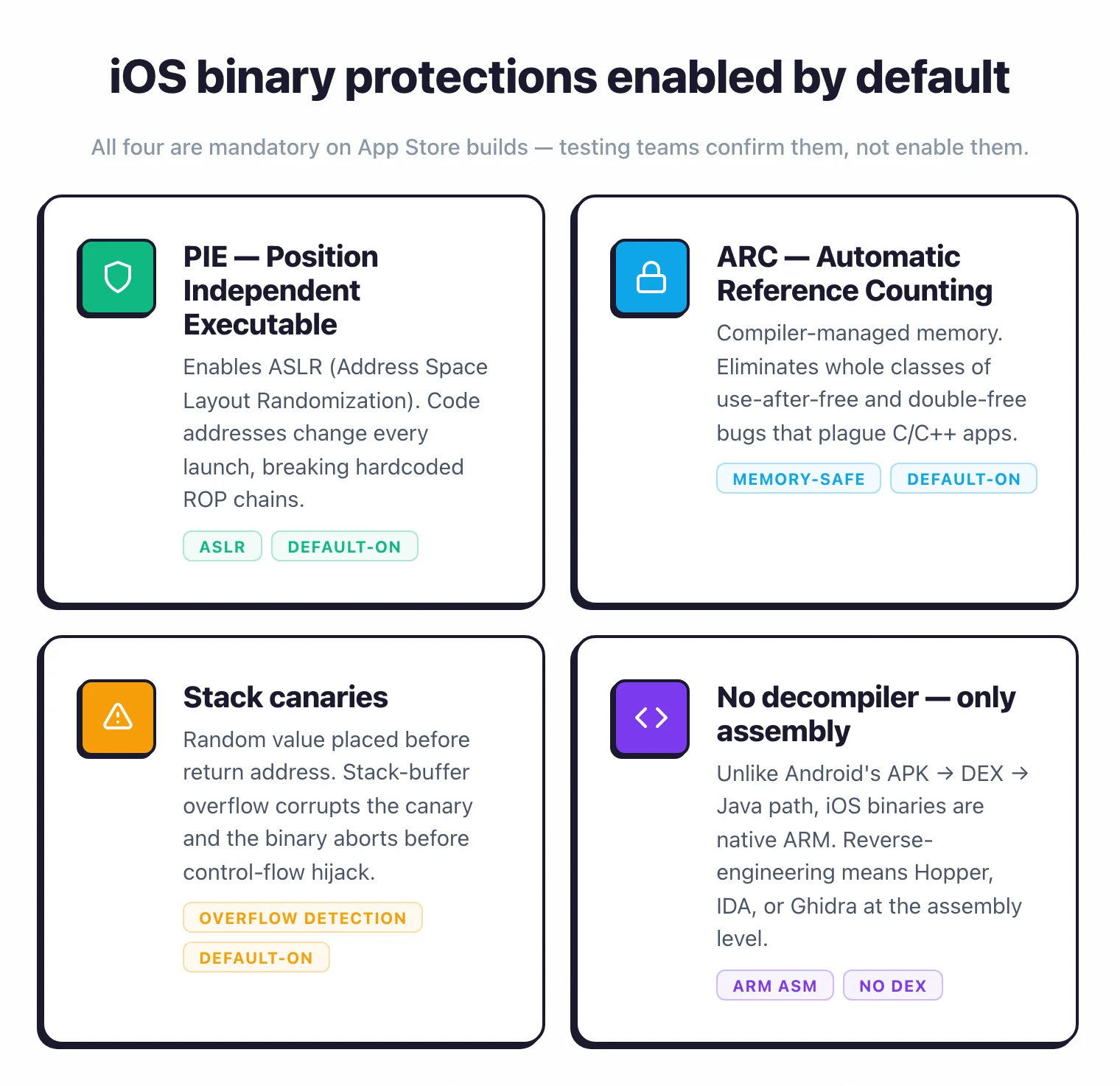
Check these with otool -hv and otool -l on the binary.
Pro tip: Run otool -hv <binary> first to confirm the PIE flag and check for the ENCRYPT bit. If a build is shipped without PIE or with a stripped LC_ENCRYPTION_INFO, that is a real finding worth flagging — both are mandatory on App Store submissions and missing them usually means an internal enterprise build slipped to the wrong distribution channel.
Unlike Android, you cannot easily decompile iOS binaries to source code. You get ARM assembly, which requires a disassembler (Hopper, IDA Pro, Ghidra) and significantly more expertise to analyze.
This is a real barrier for attackers but also for security testers.
Jailbreak detection#
iOS apps that handle sensitive operations often implement jailbreak detection. Common checks include looking for Cydia or Sileo, checking for writable system paths, attempting to fork a process (sandboxed apps cannot fork), and checking for known jailbreak files.
Most detection methods are bypassable. Choicy, A-Bypass, and custom Frida scripts disable the most common detection checks.
The question during testing is not whether detection exists but how many layers it has and how long it takes to bypass all of them.
Android-specific security features and testing targets#
Android’s openness gives developers more freedom and attackers more surface area.
Shared storage and scoped storage#
Before Android 10, apps with storage permission could read and write anywhere on external storage. Scoped Storage
(Android 10+) restricts apps to their own directory. Google’s Scoped Storage page on developer.android.com is where the formal Android 10+ restriction model and the requestLegacyExternalStorage opt-out are described.
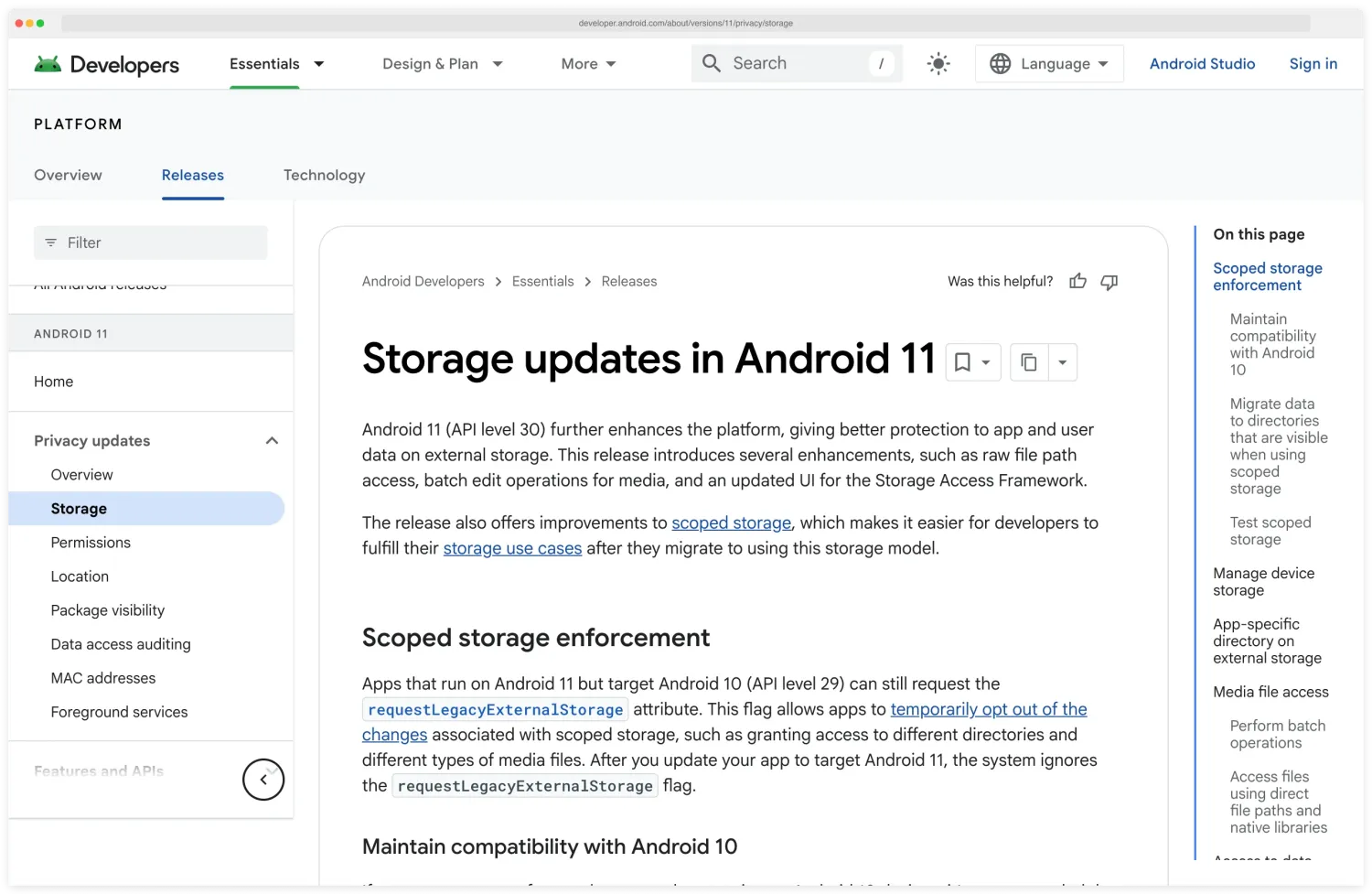
But many apps still target older API levels or use requestLegacyExternalStorage to bypass restrictions.
During testing, check what the app writes to external storage. Look for sensitive files outside the app’s private directory.
Test whether the app properly handles the MediaStore API or falls back to direct file access.
Intent and component security#
Android’s inter-process communication through Intents is a rich attack surface. Exported activities can be launched by any app.
Exported broadcast receivers respond to broadcasts from any source. Content providers share data through URI-based queries.
Test each exported component by sending crafted intents with adb or drozer.
Check whether activities validate input from intent extras, whether broadcast receivers verify the sender, and whether content providers enforce proper permissions on queries.
Also test for intent redirection — where the app reads a URL from an intent and opens it without validation.
WebView risks#
Android WebViews deserve special attention. The Android WebView reference page documents addJavascriptInterface()
directly — the exact API that turns an in-WebView XSS into native code execution.
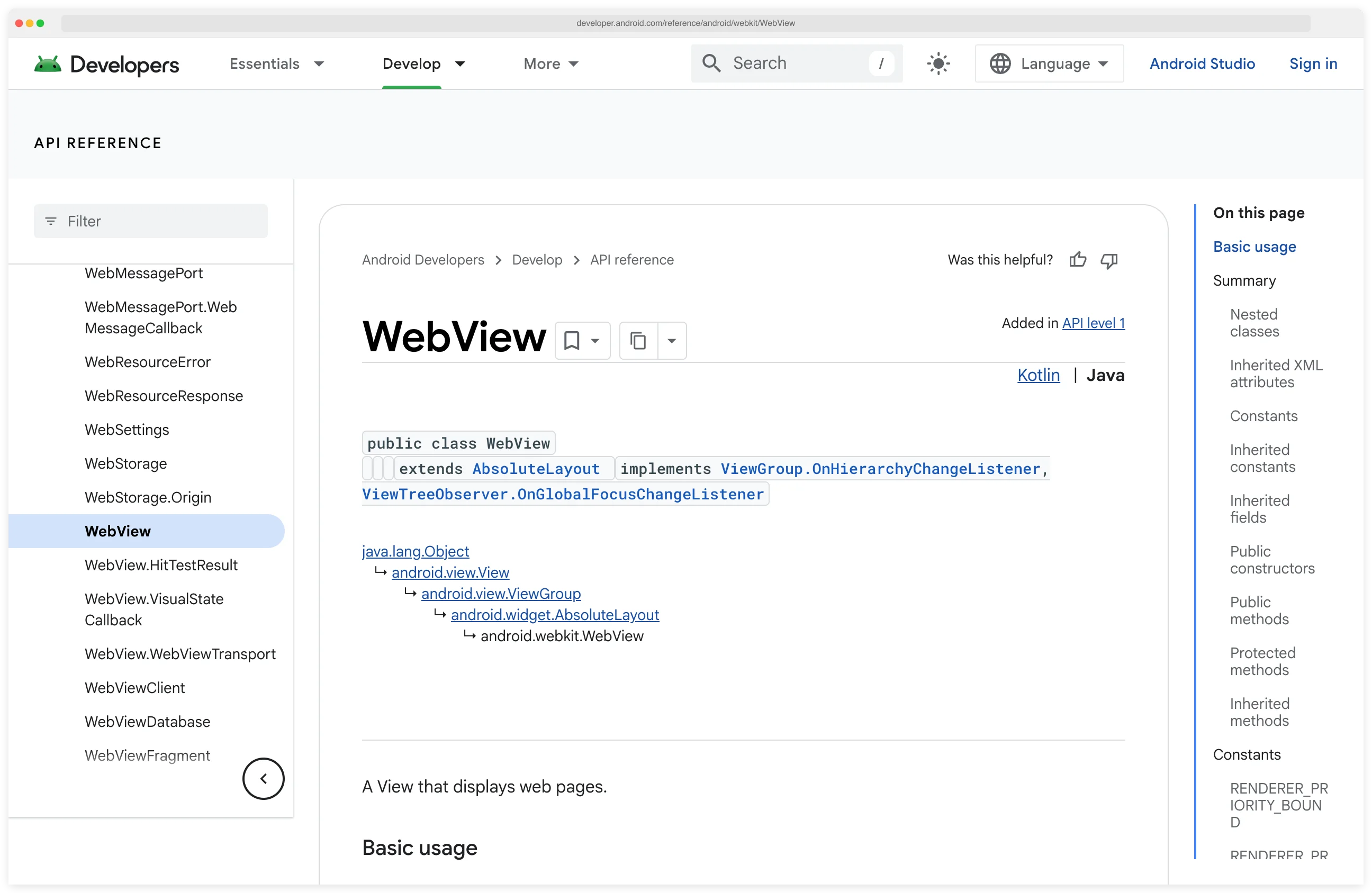
Check for setJavaScriptEnabled(true) combined with addJavascriptInterface(). This combination lets JavaScript in the WebView call native Java methods.
An XSS in loaded web content becomes a native code execution vulnerability.
Also check for setAllowFileAccess(true) (allows file:// URIs), setAllowUniversalAccessFromFileURLs(true) (allows file:// to access any origin), and loading of remote content in WebViews with JavaScript bridges.
These are common on Android and rare on iOS because Apple’s WKWebView defaults are more restrictive.
Root detection#
Android root detection typically checks for the su binary, Magisk files, common root management apps (SuperSU, Magisk Manager), and writable system partitions. Magisk’s Zygisk DenyList (which replaced the deprecated MagiskHide) specifically targets these checks by hiding root indicators from specific apps.
Note
Magisk Zygisk DenyList replaced MagiskHide in 2022. Older bypass guides referencing MagiskHide are stale — the namespace-based hide mechanism was removed when Zygisk shipped, and any tutorial or training that still calls the feature MagiskHide is likely several years out of date.
Testing root detection means running the app on a Magisk-rooted device with DenyList configured. If the app still detects root, it uses more sophisticated checks.
Then switch to Frida-based bypass. The depth of detection and the effort required to bypass it are both part of your assessment.
How does static analysis differ between platforms?#
The decompilation and analysis process looks very different on each platform.
Android (APK)#
Android APKs are ZIP files containing DEX bytecode, resources, and a manifest. The jadx repository on GitHub is the canonical entry point for the decompiler — it converts DEX back to readable Java source code in a single command.
The output is usually very close to the original code, especially for apps that do not use heavy obfuscation. You can read the entire app’s logic, find hardcoded strings, trace data flows, and understand the architecture.
ProGuard or R8 obfuscation renames classes and methods but does not change the code structure. You lose meaningful names but can still follow the logic.
DexGuard adds string encryption and control flow obfuscation, which makes analysis harder but not impossible.
For automated static analysis, MobSF and Oversecured both handle APK decompilation and scanning. Oversecured claims 175+ vulnerability categories for Android, making it the deepest automated static analyzer for the platform.
iOS (IPA)#
iOS IPAs contain compiled ARM binaries (Mach-O format). There is no reliable decompiler that produces source-like output.
You get ARM assembly, which you analyze in Hopper, IDA Pro, or Ghidra — the latter is the NSA’s open-source reverse-engineering suite and the free alternative most teams reach for when Hopper or IDA Pro is not in the budget.
Understanding the code requires assembly reading skills or good pseudocode generation.
Swift apps are harder to reverse-engineer than Objective-C apps because Swift symbols are more heavily mangled and the runtime reflection capabilities that Objective-C provides (which make hooking easier) are more limited.
For automated scanning, tools have less visibility into iOS binaries than Android. MobSF performs static checks on Info.plist, entitlements, and string extraction, but cannot match its Android analysis depth.
Oversecured covers 85+ iOS vulnerability categories — still substantial but roughly half its Android coverage. NowSecure provides the most thorough automated iOS analysis.
Dynamic analysis differences#
Runtime testing requires different setups and faces different constraints on each platform.
Frida on Android vs iOS#
Frida and Objection workflows differ in setup cost between the two platforms — the side-by-side at the start of this section maps the runtime requirements and where each setup tends to break.
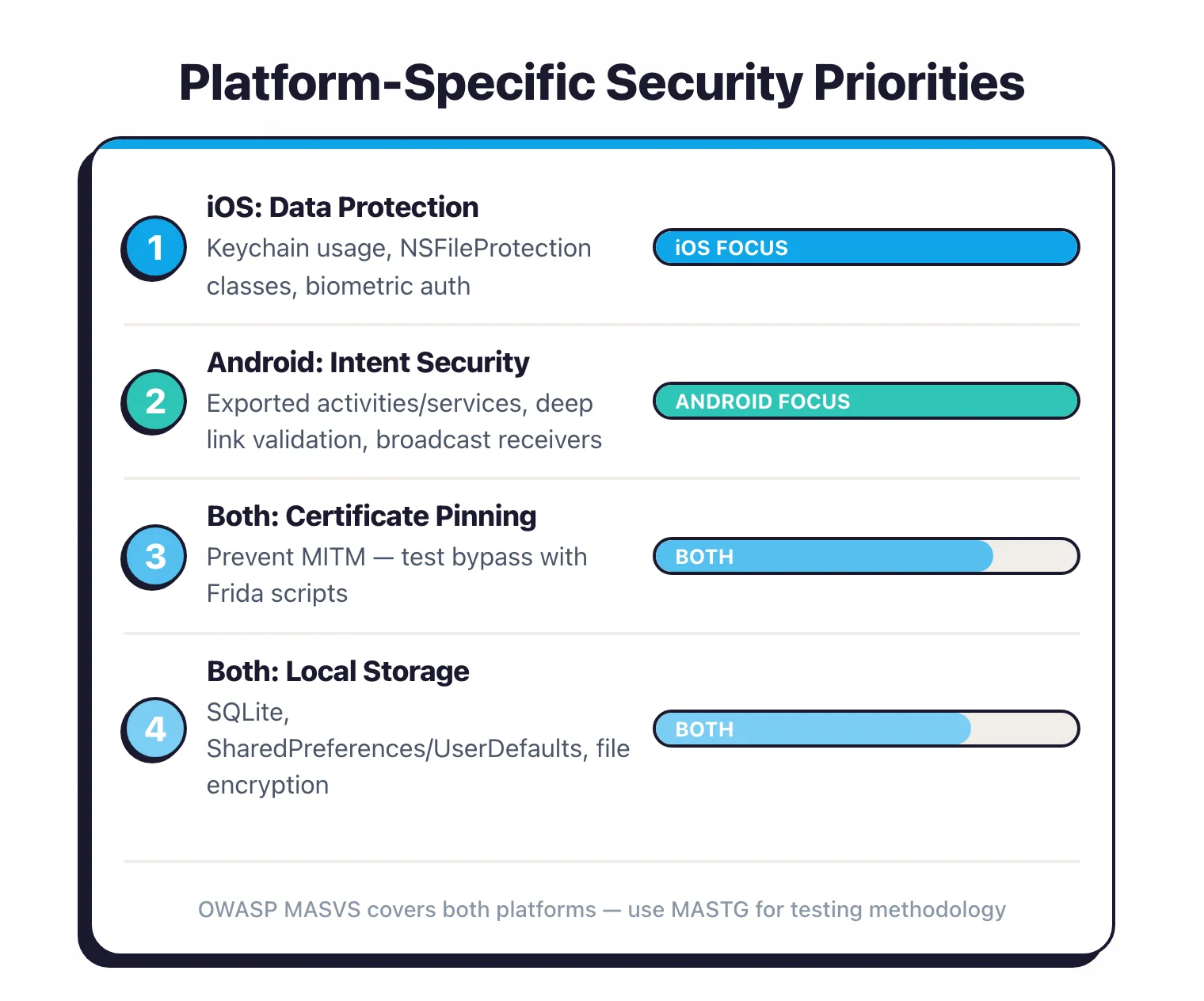
Frida works on both platforms but the experience differs. On Android, install frida-server on a rooted device and connect from your laptop.
It works reliably with most apps. You can hook Java methods, native functions, and JNI calls.
The Frida Android ecosystem is mature with extensive community scripts.
On iOS, Frida requires a jailbroken device. Install frida-server through the package manager (Cydia/Sileo).
Hooking Objective-C methods works well because of the runtime’s dynamic dispatch. Swift methods are hookable but require finding the mangled symbol names.
Frida on iOS is less stable than on Android, partly because jailbreak environments vary more.
Objection workflows#
Objection standardizes common Frida tasks. On both platforms, you can disable SSL pinning, explore the file system, dump stored credentials, and hook methods. Platform-specific commands differ:
On Android: android sslpinning disable, android keystore list, android hooking watch class <classname>, and android intent launch_activity <activity>.
On iOS: ios sslpinning disable, ios keychain dump, ios hooking watch class <classname>, and ios pboard monitor (clipboard monitoring).
Network interception#
Traffic interception is conceptually the same on both platforms — route through Burp Suite and install a CA certificate — but the mechanics differ.
On Android 7+, user-installed CAs are not trusted by default for apps targeting API 24+. Google’s Network Security Config documentation is where this default — apps no longer trusting user-installed CAs — is officially described, along with the override mechanism.
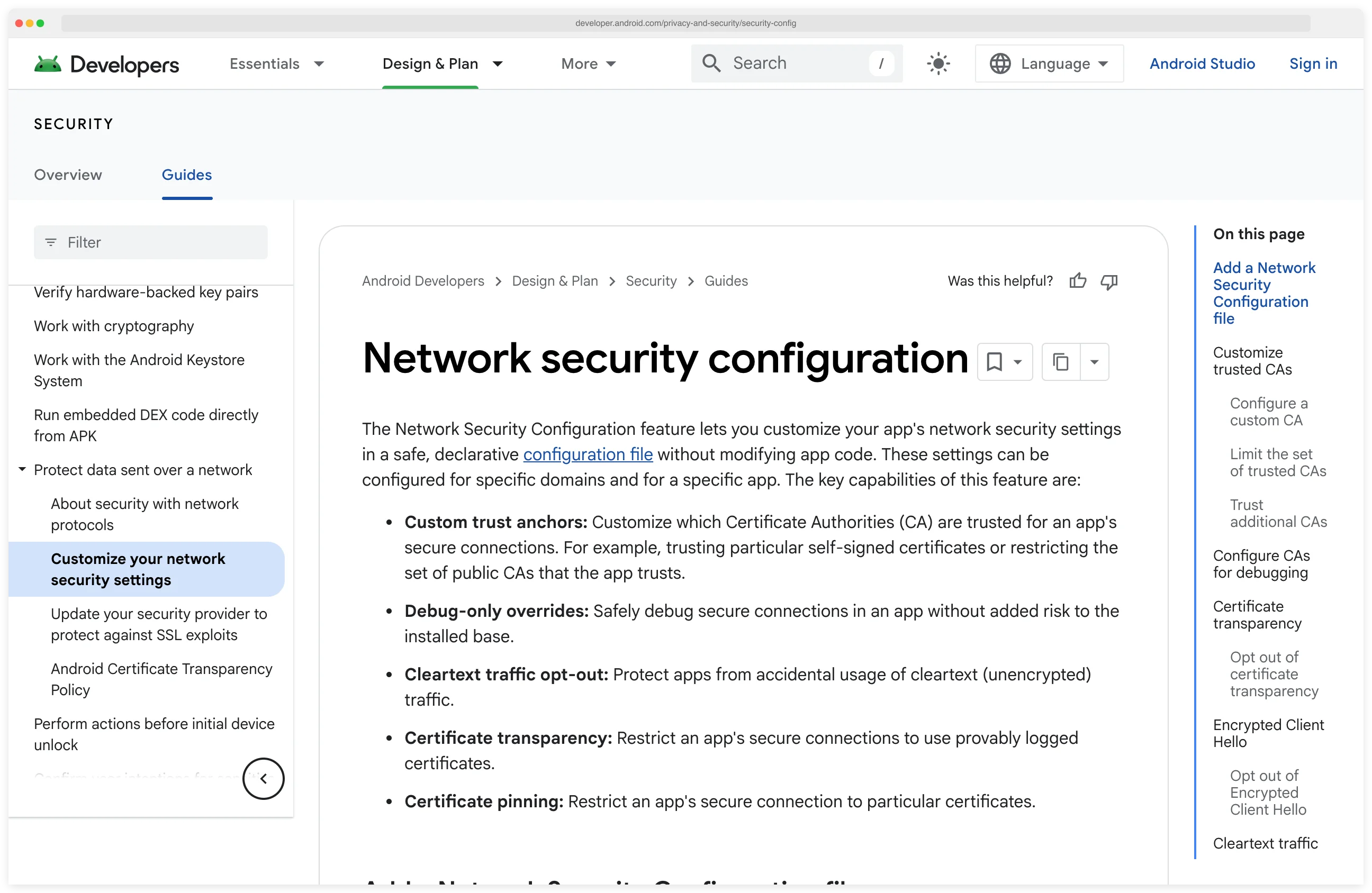
You need to either add a network security config that trusts user CAs (if you have the source), patch the APK to add the config, install the certificate as a system CA on a rooted device, or bypass using Frida.
On iOS, installing a CA profile and enabling full trust in Settings works for apps that do not implement certificate pinning.
This is simpler than Android’s approach, but iOS proxy configuration must be set at the system level, which routes all device traffic through your proxy.
Which platform is harder to test?#
iOS is harder to test. Android is harder to secure.
iOS testing is harder because jailbreaking is less reliable, binary analysis requires assembly skills, code modification requires re-signing with a valid certificate, and Apple’s platform restrictions limit what tools can do on non-jailbroken devices.
Getting a working iOS test environment takes more effort than Android.
Android testing is easier because decompilation produces readable code, rooting is stable, modified APKs can be freely installed, and the platform is more permissive toward testing tools.
But this openness means Android apps face a more capable attacker base. Someone who downloads your APK and opens it in jadx can read your code in minutes.
From a findings perspective, Android assessments typically produce more results because the testing tools have deeper visibility. This does not mean Android apps are less secure — it means testing tools can see more.
iOS assessments may miss issues that would be visible on Android simply because the analysis is less thorough due to platform restrictions.
For pentesters, budget roughly 30-50% more time for iOS compared to Android when scoping engagements. The additional time goes to environment setup, binary analysis, and workarounds for platform restrictions.
The short version
iOS is harder to test. Android is harder to secure. Budget 30–50% more time for iOS engagements; expect Android findings to outnumber iOS findings on a like-for-like scope simply because the analysis tooling sees more of the code.
For more on structuring mobile pentests, see the mobile app pentesting guide .
Tool comparison by platform#
Not every tool works equally well on both platforms. Here is how the major tools compare.
Tools with strong dual-platform support#
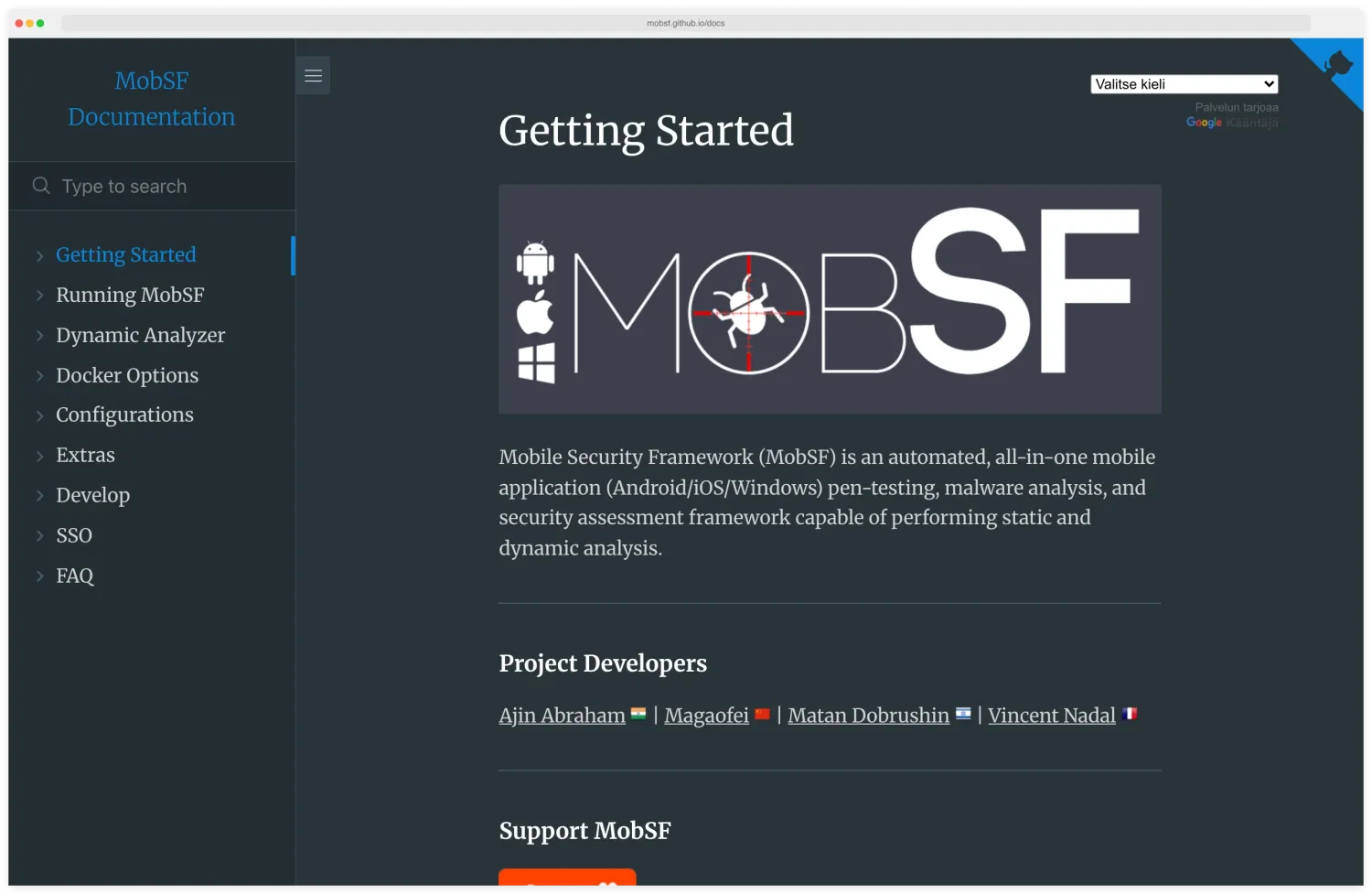
MobSF — Strong Android static and dynamic analysis. iOS static analysis is solid but dynamic analysis is more limited, particularly for apps that require specific iOS features. The MobSF documentation site introduces the framework as the all-in-one Android, iOS, and Windows mobile pentest, malware analysis, and assessment framework, with the dashboard and analyzer modules listed in the sidebar.
Free and open-source.
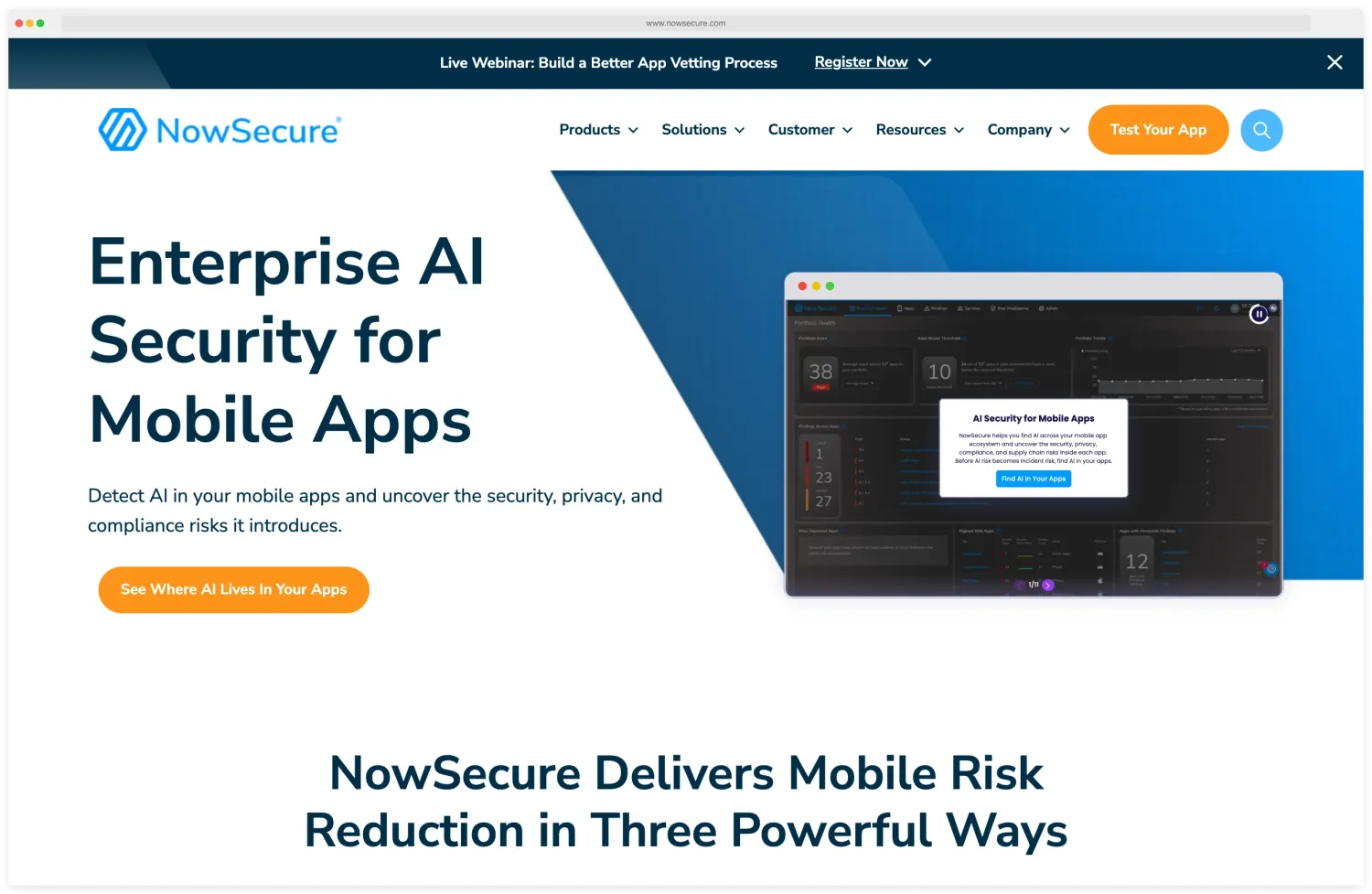
NowSecure — One of the strongest options for both platforms. Real device testing gives accurate results for iOS runtime behavior. The NowSecure platform homepage shows the dashboard with risk findings, AI-flagged issues, and the per-app vetting view that the platform exposes to enterprise customers.
Privacy analysis is thorough on both platforms. Commercial.
AppKnox — SAST, DAST, and API testing on both platforms with manual pentest add-on. Trusted by 300+ enterprises. The AppKnox homepage frames the product as enterprise-grade mobile security with binary-based scanning across diverse application sources.
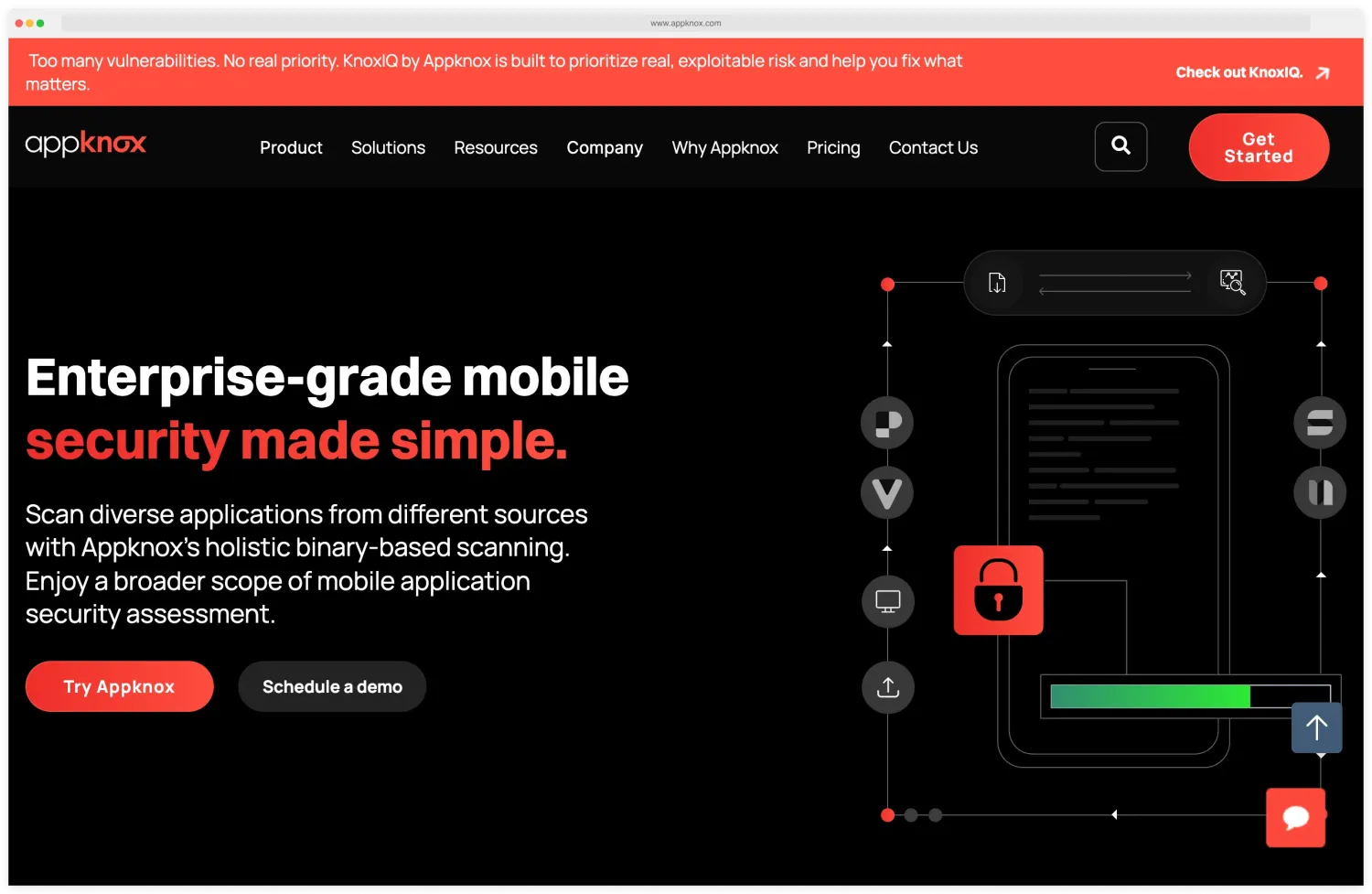
Equal treatment of both platforms in scan coverage. Commercial.
Oversecured — Deep analysis on both platforms but stronger on Android (175+ categories vs 85+ for iOS). Fast scanning at under 5 minutes. The Oversecured homepage positions the product around the “find vulnerabilities others miss” claim and a Scan Your App button that connects directly into the dashboard.
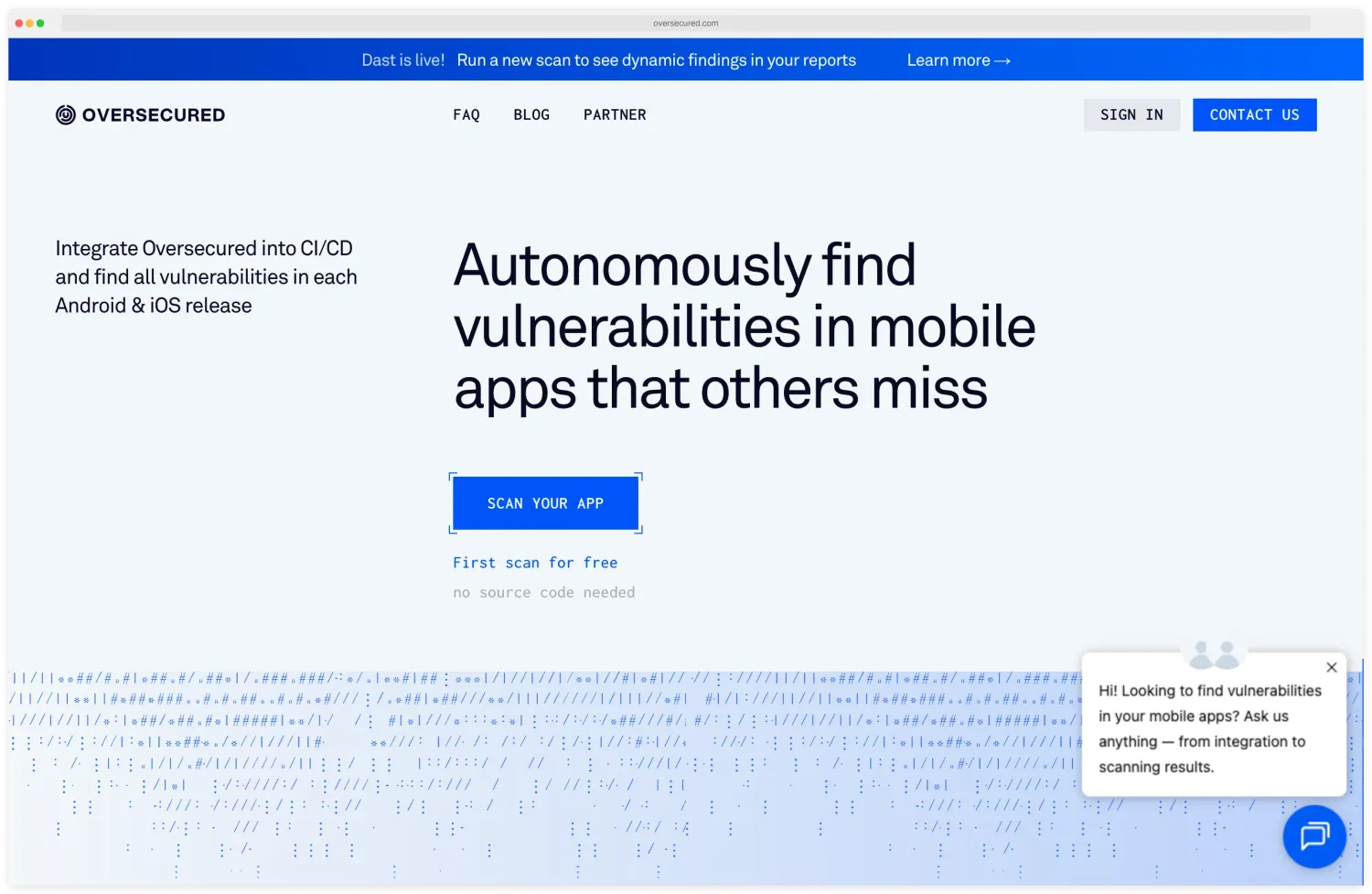
Best for teams that need the highest detection accuracy. Commercial.
Tools with platform emphasis#
Zimperium zScan — Strong on both but particularly good at validating security controls (pinning, obfuscation, root/jailbreak detection) on Android. SAST + DAST + IAST combined. Commercial.
esChecker — DAST/IAST aligned to OWASP MASVS . Covers both platforms with test cases mapped to specific MASVS requirements. Best for compliance-focused testing. Commercial.
Guardsquare — Primarily an Android and iOS code protection vendor (ProGuard, DexGuard, iXGuard) with ThreatCast for runtime monitoring. Stronger on the protection side than the testing side. Commercial.
Android-focused tools#
jadx, apktool, dex2jar — Open-source decompilation tools that only work with Android APKs. No iOS equivalent with comparable output quality.
drozer — Android-specific security assessment framework for testing exported components, content providers, and intent handling. No iOS equivalent.
iOS-focused tools#
Hopper, IDA Pro — Disassemblers needed for iOS binary analysis. Ghidra (free, by NSA) is a viable alternative.
Corellium — Cloud-based virtualized iOS devices with root access for security research. Solves the hardware and jailbreak availability problem for iOS testing. Corellium’s product page describes the virtualized iOS offering, which gives security researchers root and jailbreak access without dealing with physical hardware availability.
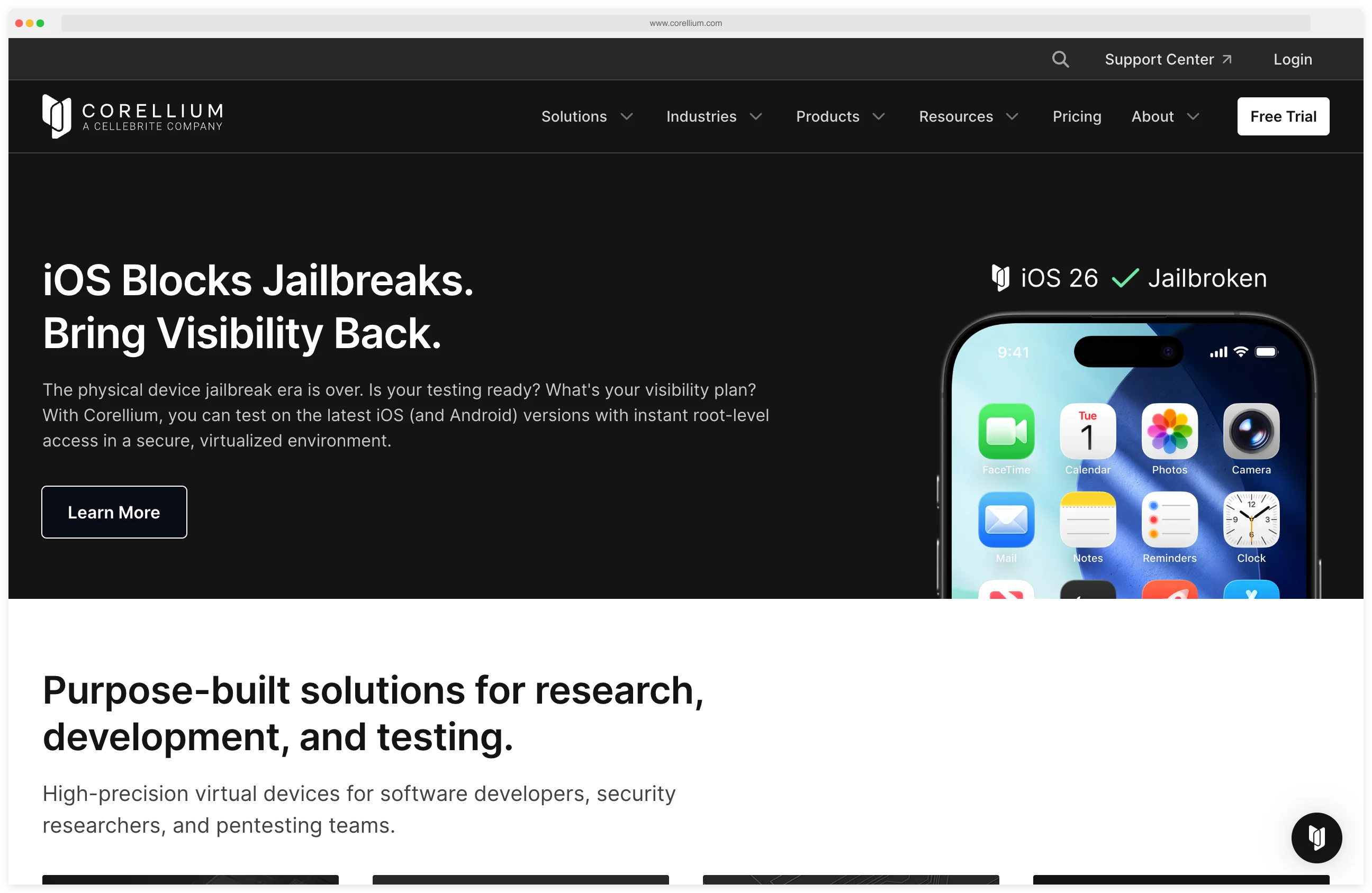
For most teams, start with MobSF for both platforms, add Oversecured or NowSecure for deeper commercial scanning, and use platform-specific tools (jadx, Frida, Objection) for manual testing. See the full AppSec Santa mobile security tools comparison for detailed reviews of each tool.