
24 Best Mobile Application Security Testing Tools (2026)
Independent ranking — no vendor pays to appear here. See methodology.
Compare 24 mobile app security testing tools — MobSF, NowSecure, AppKnox, Zimperium. MAST + pentest + runtime, iOS and Android.
At a glance
The best mobile application security testing tools in 2026: MobSF, NowSecure, AppKnox, Oversecured, and Zimperium zScan. I compared 24 MAST tools on static analysis depth for APK and IPA binaries, real-device dynamic testing, OWASP MASVS mapping, and CI/CD fit. No vendor paid to appear on this page.
- Best free all-in-one framework: MobSF — static and dynamic analysis for both iOS and Android with no licensing cost
- Best for compliance-driven teams: NowSecure — cloud device farms, MASVS-aligned reporting, binary SBOM generation
- Best automated SAST + DAST: AppKnox — real-device testing with compliance mapping
- Highest vendor-reported accuracy: Oversecured — 99.8% detection with a 3% false-positive rate (vendor-reported)
- Best mobile SBOM workflow: Zimperium zScan — supply chain coverage for the OWASP Mobile Top 10 M2 risk
Best Mobile Security Testing Tools in 2026
The best mobile application security testing tools in 2026 are MobSF, NowSecure, AppKnox, Oversecured, and Zimperium zScan.
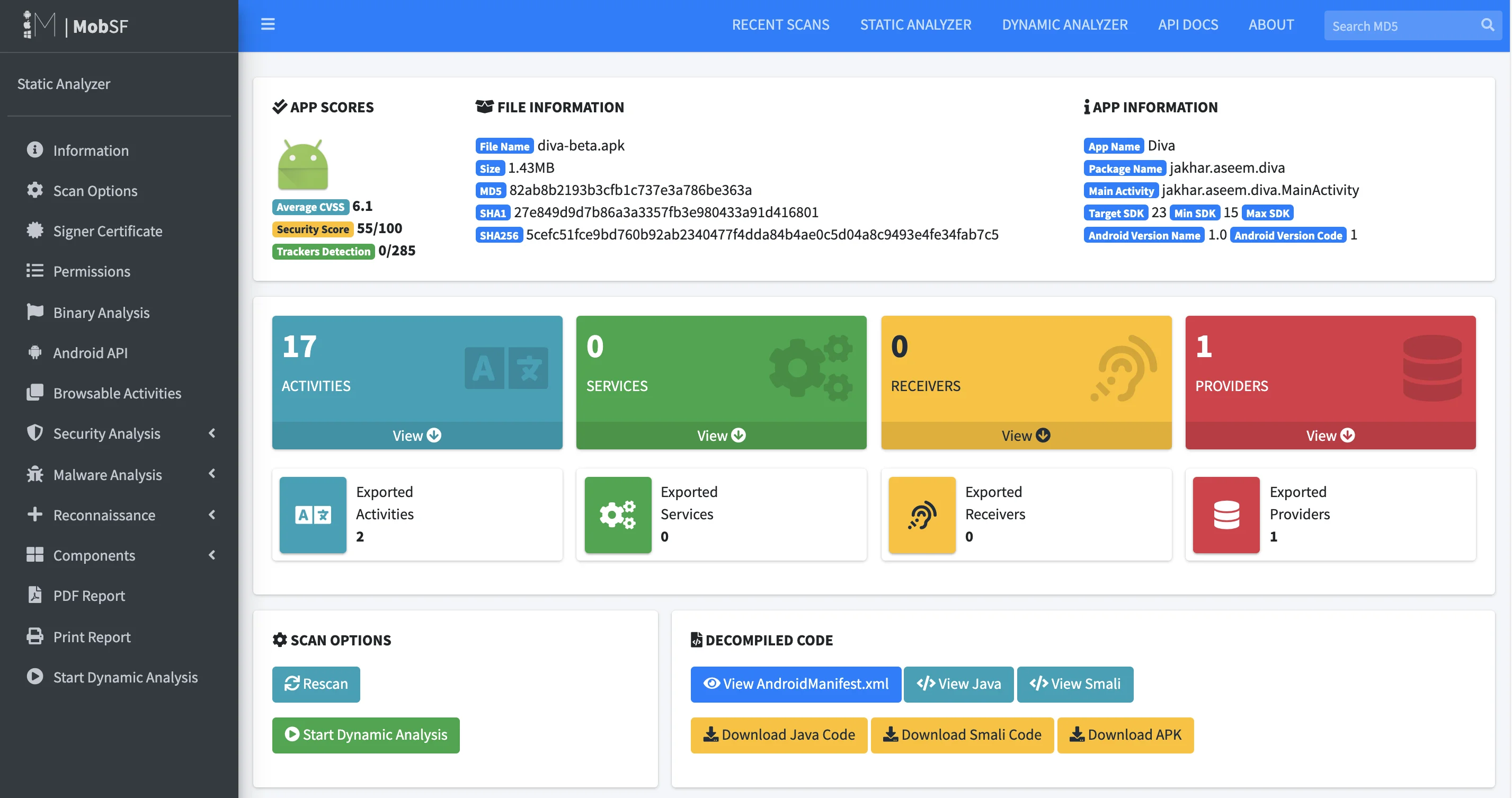
MobSF is the only free all-in-one framework supporting both iOS and Android — it performs static analysis of APK and IPA files, dynamic analysis on Android emulators, and manifest review with no licensing cost.
NowSecure leads the commercial tier for compliance-driven teams, with cloud device farms, OWASP MASVS-aligned reporting, and binary SBOM generation that tracks third-party SDK vulnerabilities.
AppKnox provides automated SAST and DAST scanning for mobile apps with real-device testing and compliance mapping. Oversecured reports 99.8% detection accuracy (vendor-reported) with a 3% false positive rate across its Android and iOS static analysis engine.
Zimperium zScan adds mobile SBOM workflows — critical since the 2024 OWASP Mobile Top 10 added Inadequate Supply Chain Security as M2. No vendor pays to appear here — rankings are based on publicly verifiable capabilities.
AppSec Santa is vendor-neutral. No tool vendor on this page pays to be included, ranked higher, or excluded from comparisons.
Each tool is evaluated against the same criteria applied across all mobile security reviews on this site: static analysis depth for APK and IPA binaries, dynamic testing capability on real devices, OWASP MASVS compliance mapping, CI/CD integration, and pricing transparency.
Where vendor-reported detection rates or accuracy claims cannot be independently verified through published test data, I note that explicitly. Rankings reflect analysis based on publicly verifiable evidence and feature documentation, not vendor relationships.
What is Mobile Application Security Testing?
Mobile application security testing (MAST) is the practice of analyzing iOS and Android binaries — APK and IPA files — for platform-specific vulnerabilities like insecure data storage, weak cryptography, certificate pinning bypass, and runtime tampering.
MAST tools combine static binary analysis, dynamic runtime testing on real devices, and OWASP MASVS compliance mapping.
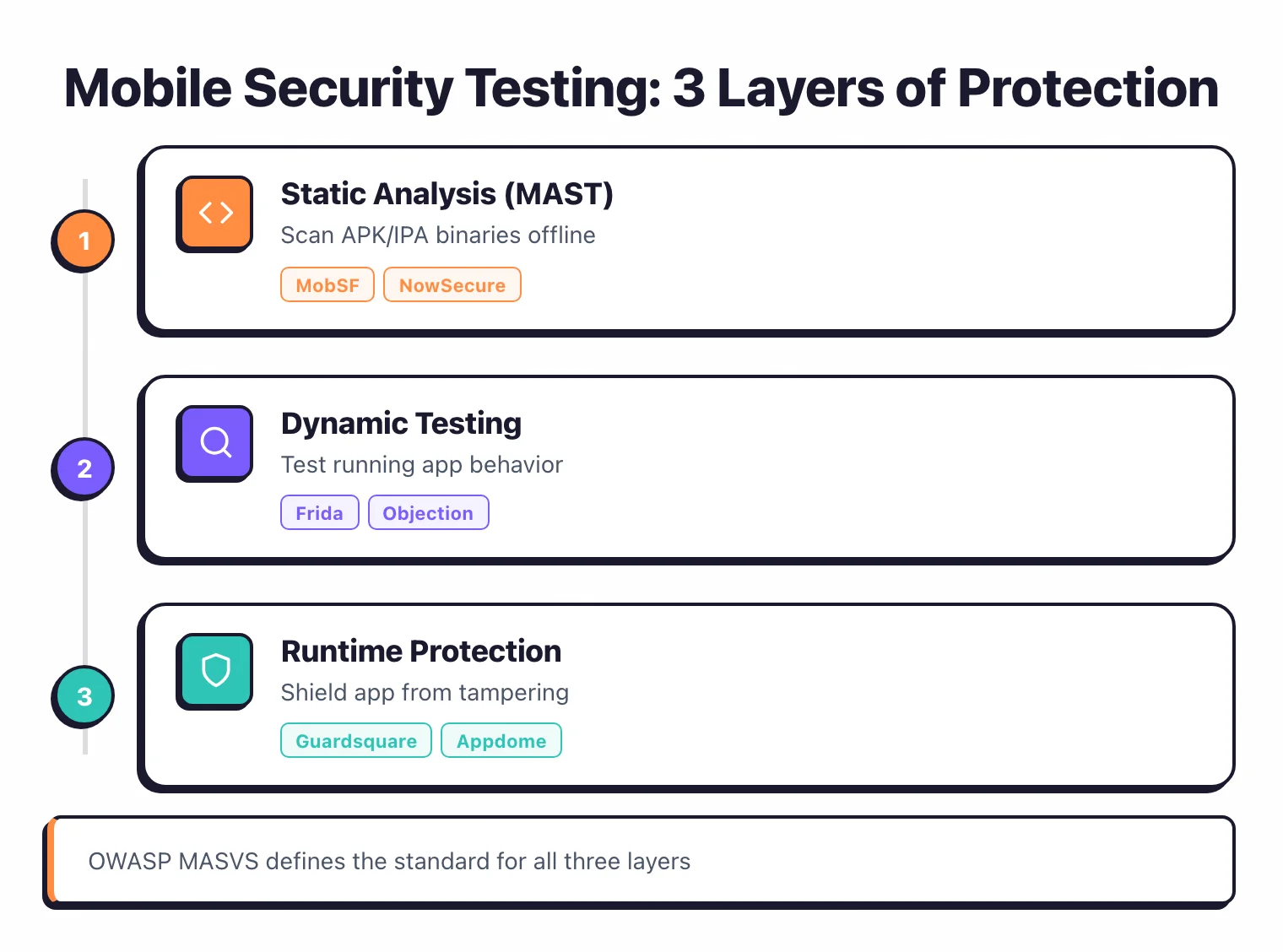
Mobile apps face distinct security challenges that general-purpose tools miss entirely: insecure local data storage, weak cryptography, improper keychain/keystore usage, certificate pinning bypass, and platform API misuse.
Traditional SAST and DAST tools were designed for web applications and lack the ability to inspect compiled mobile binaries or instrument device runtimes.
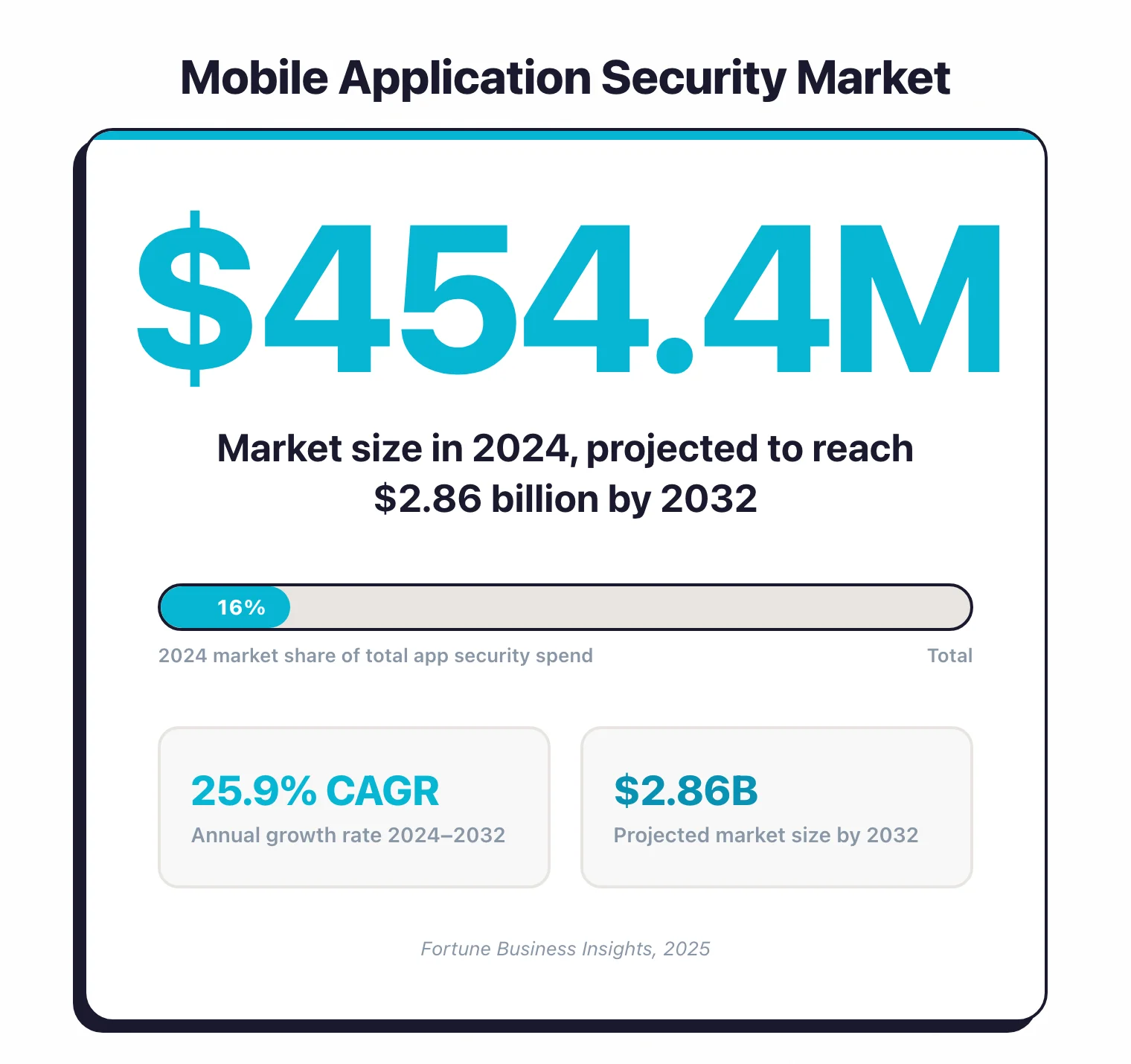
The mobile application security market was valued at $454.4 million in 2024 and is projected to reach $2.86 billion by 2032 at a 25.9% CAGR (Fortune Business Insights, 2025). Organizations now treat mobile-specific risks as a first-class engineering discipline.
MAST combines three testing approaches: static analysis of the compiled binary, dynamic analysis on physical devices or emulators, and interactive testing with runtime instrumentation. MobSF is the only free all-in-one framework supporting both iOS and Android, while commercial tools like NowSecure and AppKnox add cloud device farms, OWASP MASVS compliance mapping, and enterprise reporting.
Key Definitions
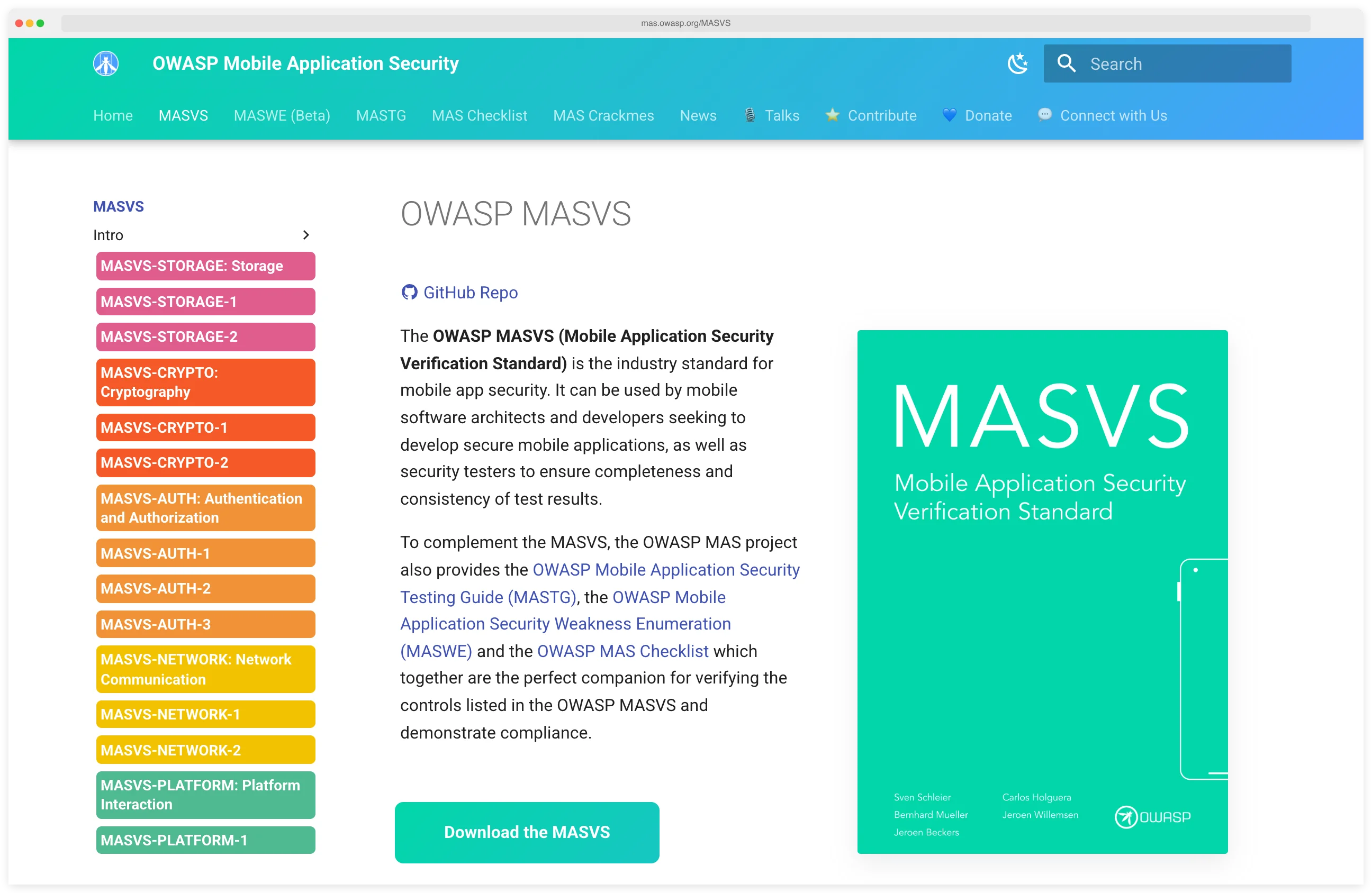
- OWASP MASVS
- The Mobile Application Security Verification Standard. It defines security requirements for iOS and Android apps across data storage, cryptography, authentication, network communication, platform interaction, and code quality. MASVS 2.0 shipped April 2023; MASVS 2.1 followed in January 2024.
- OWASP MASTG
- The Mobile Application Security Testing Guide. It documents the manual test cases and tooling a human tester uses to verify each MASVS control on a real APK or IPA.
- Dynamic instrumentation
- Injecting code into a running process to observe or modify its behavior. Frida is the de-facto open-source toolkit for dynamic instrumentation of iOS and Android apps.
- Mobile runtime hooking
- Replacing or wrapping a target app's functions at runtime so security tools can log, fuzz, or bypass them. Keychain dumps and SSL pinning bypass are the two most common hooking use cases.
- App hardening
- Post-build transformations applied to an APK or IPA — obfuscation, anti-debug, anti-tamper, integrity checks — so the shipped binary resists reverse engineering and runtime attack.
- DAST vs RASP for mobile
- DAST runs the app in a test environment and probes it for vulnerabilities before release. RASP ships inside the installed app and defends it at runtime on a real user's device. DAST finds issues; RASP absorbs attacks.
Pro tip: Start with MobSF for your first APK or IPA scan, then layer Frida and Objection on top for runtime instrumentation. The three together give you static, dynamic, and interactive coverage — no license fees.
Why I Built This List
I built this list because every team I talked to had the same problem: their application security program covered web and backend through SAST, DAST, and SCA, but their mobile app shipped untested.
The catalog below covers 24 platforms — 10 open-source, 2 freemium, 12 commercial — with each entry showing which use case it fits. If you’re new to mobile, the iOS vs Android security models compared guide is a good warm-up.
Advantages & Limitations
Advantages
- ✓Platform-specific testing for iOS and Android
- ✓Binary and runtime analysis capabilities
- ✓Detects insecure data storage and crypto issues
- ✓OWASP MASVS compliance validation
- ✓Tests compiled apps without source code access
Limitations
- ✗Platform fragmentation (iOS vs Android differences)
- ✗Requires specialized mobile security expertise
- ✗Device farms and emulators can be expensive
- ✗OS updates frequently break test automation
- ✗Dynamic analysis harder to integrate in CI/CD
Mobile Security Tool Comparison
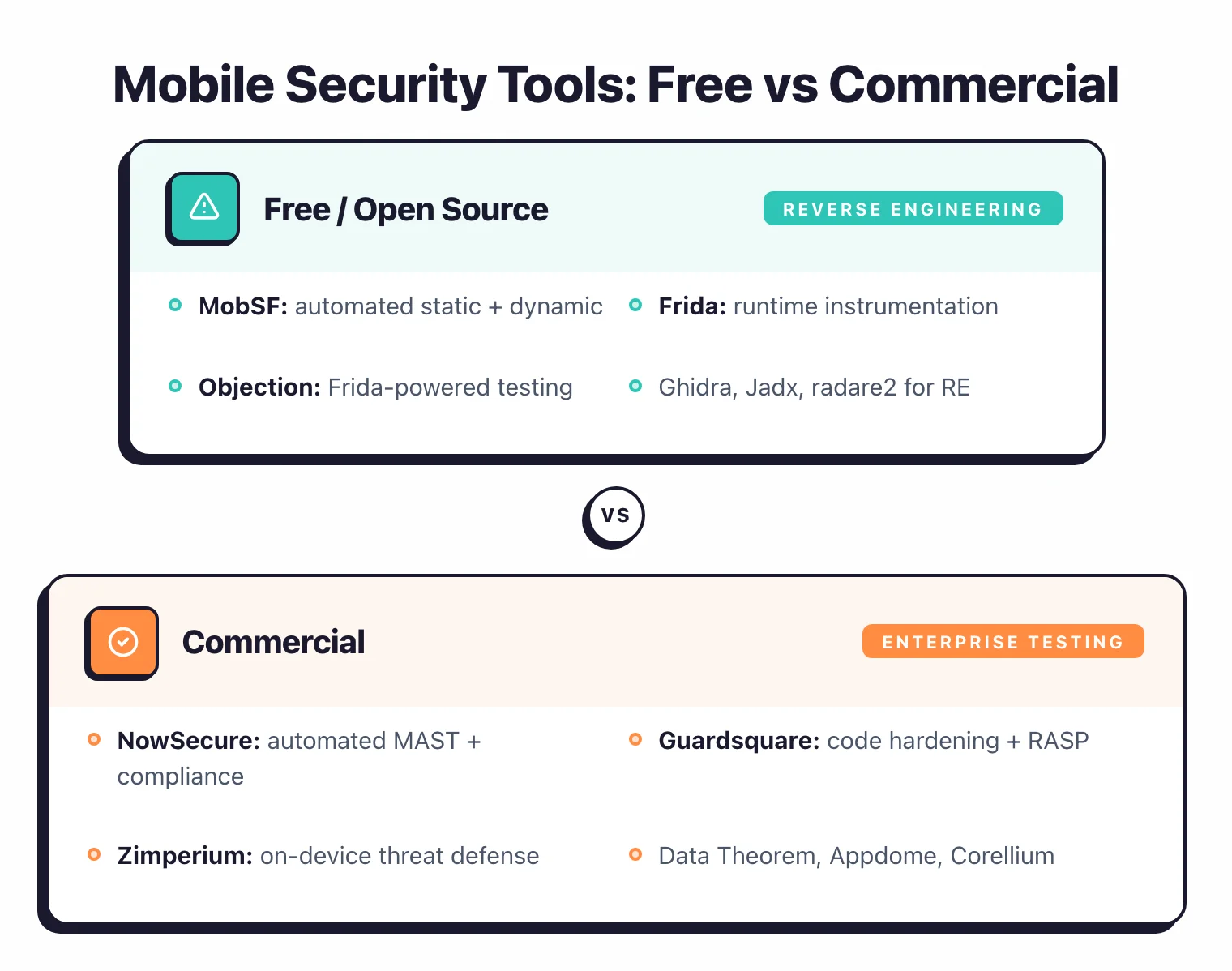
| Tool | Focus | Key Strength |
|---|---|---|
| Free / Open Source (10) | ||
| APKLeaks NEW | Secret extraction | Decompiles APKs with jadx; 50+ regex patterns for keys and endpoints |
| Apktool | Reverse engineering | Android APK resource decoding & rebuild |
| drozer | Android pentesting | Android attack surface assessment framework |
| Frida | Dynamic instrumentation | Runtime mobile app instrumentation |
| Ghidra | Reverse engineering | NSA reverse engineering framework |
| jadx | Decompilation | Android DEX to Java decompiler |
| mitmproxy | Traffic interception | Intercept and inspect HTTPS traffic |
| MobSF | SAST + DAST | All-in-one open-source framework |
| Objection | Runtime exploration | Mobile pentesting without jailbreak |
| radare2 | Binary analysis | Multi-architecture binary analysis framework |
| Freemium (2) | ||
| Ostorlab | SAST + DAST | Open-source core (OXO engine) |
| Talsec | App shielding | Free freeRASP SDK + paid RASP+ |
| Commercial (12) | ||
| Appdome | App shielding | No-code mobile defense automation |
| AppKnox | SAST + DAST + API | <1% false positives (vendor-claimed); unified mobile SAST + DAST + API testing |
| Byteria | App shielding + code obfuscation | Alphyn runtime protection and UpShield build-time hardening |
| Corellium | Virtual devices | ARM-based virtual iOS & Android devices for security research |
| Data Theorem | SAST + DAST + RASP | Cloud-native mobile security with continuous API discovery and RASP |
| esChecker DISCONTINUED | Real device testing | Standalone product retired; capabilities folded into eShard esReverse |
| Guardsquare (DexGuard/iXGuard) | Code obfuscation | Deep code obfuscation for mobile apps |
| Hopper Disassembler | Reverse engineering | Native macOS reverse engineering |
| NowSecure | Privacy + Security | Data protection analysis, SBOM |
| Oversecured | SAST + DAST | 99.8% detection, 3% false positives (vendor-reported) |
| Quokka (Q-mast) NEW | SAST + DAST + IAST | Binary-only testing with forced-path execution and NIAP mapping |
| Zimperium zScan | SAST + DAST + IAST | AI-driven, supply chain analysis |
Testing vs Shielding Tools
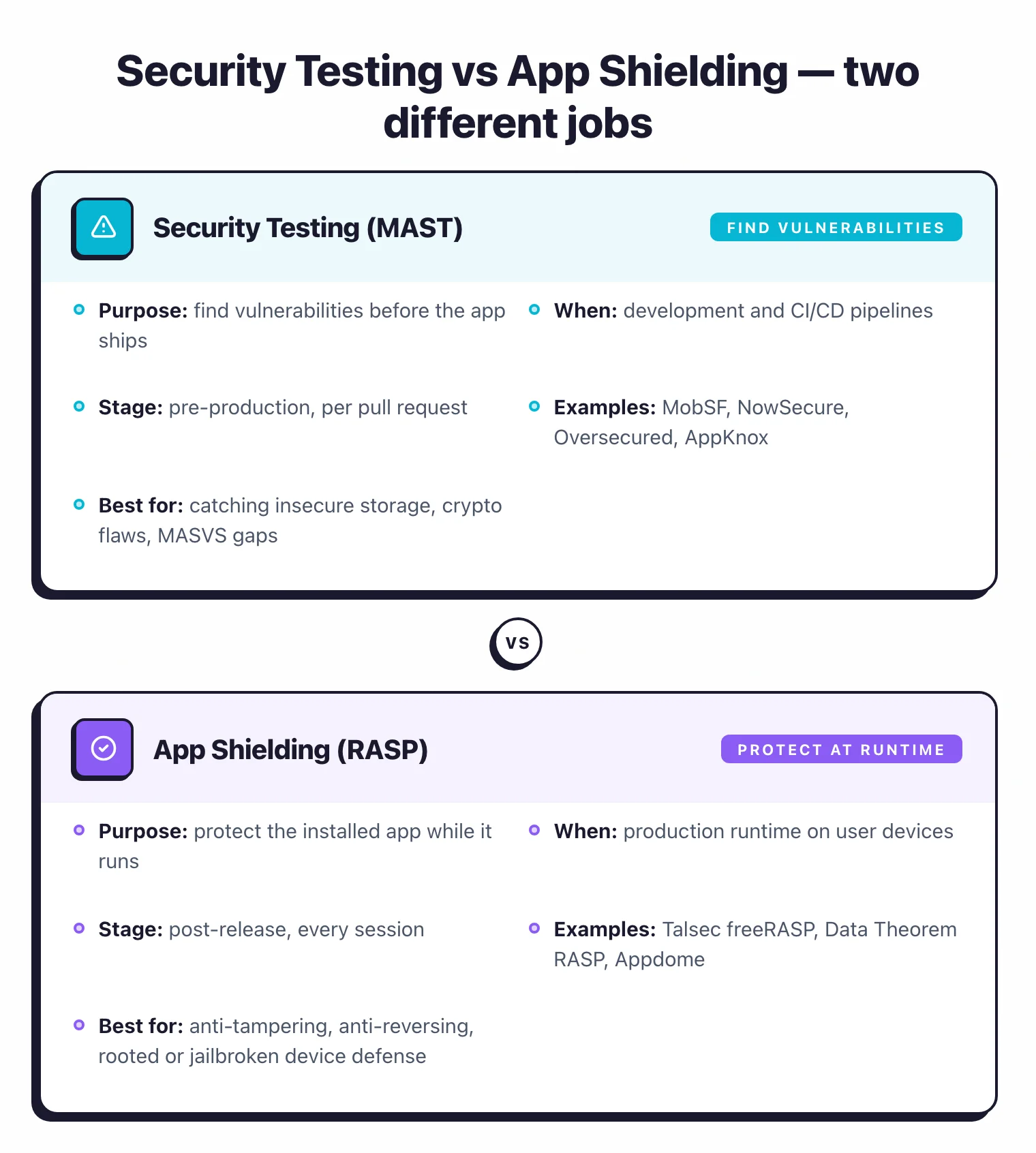
| Aspect | Security Testing (MAST) | App Shielding (RASP) |
|---|---|---|
| Purpose | Find vulnerabilities before release | Protect app at runtime |
| When | Development and CI/CD | Production runtime |
| Examples | MobSF, NowSecure, Oversecured | Talsec, Data Theorem RASP |
| Best for | Finding and fixing vulnerabilities | Anti-tampering, anti-reversing |
Key Insight
Testing and shielding answer different questions. MAST asks "are there vulnerabilities in this build?" and shipping a RASP SDK does nothing to remove them. If you only run one, run the testing layer — shielding without testing is a lock on a paper door.
Best Free MAST Tools
If you want a fully open-source mobile application security testing stack, three tools cover almost every use case: MobSF , Frida , and Objection . MobSF is the only free all-in-one framework that runs both static and dynamic analysis on iOS and Android — a single Docker container scans your APK or IPA and produces a manifest audit, hardcoded-secret report, and Web API trace. Frida adds runtime instrumentation: hook any function in a running app, dump keychains, bypass certificate pinning. Objection wraps Frida in a CLI for the most common pentest tasks so you don’t have to write JavaScript hooks for every keychain dump.
Bottom line: the free stack covers most of what a small team needs for development-time testing. Commercial tools earn their cost on cloud device farms and MASVS-aligned compliance reports — see NowSecure and AppKnox when you ship to regulated app stores.
24 Mobile Security Tools at a Glance
Every tool in the comparison above has its own look: a specific UI, a specific output format, a specific way of showing a mobile vulnerability. This gallery gives you a visual for each one so you can spot the tool you’re looking at when a teammate pastes a screenshot into Slack, or when you’re deciding which one to download next.
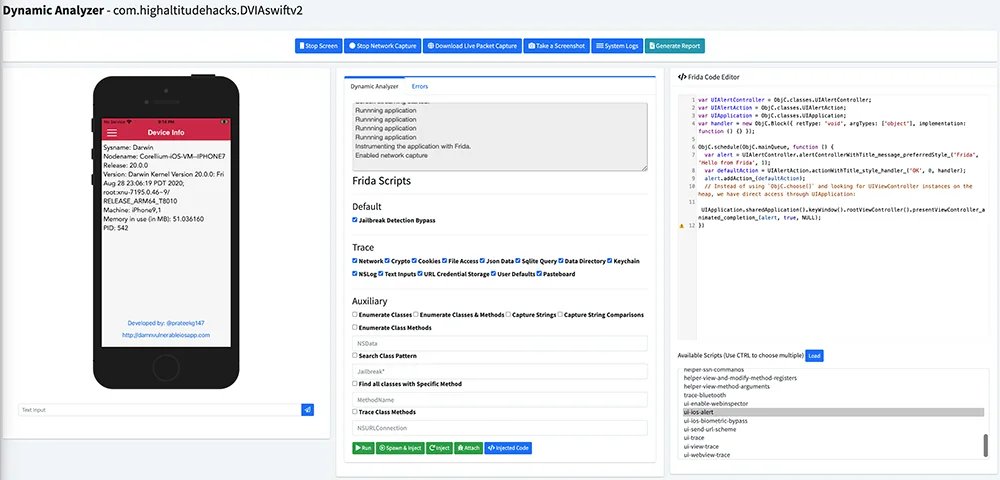
MobSF
Open-source all-in-one SAST and DAST for iOS and Android. The only free MAST framework that covers both platforms.
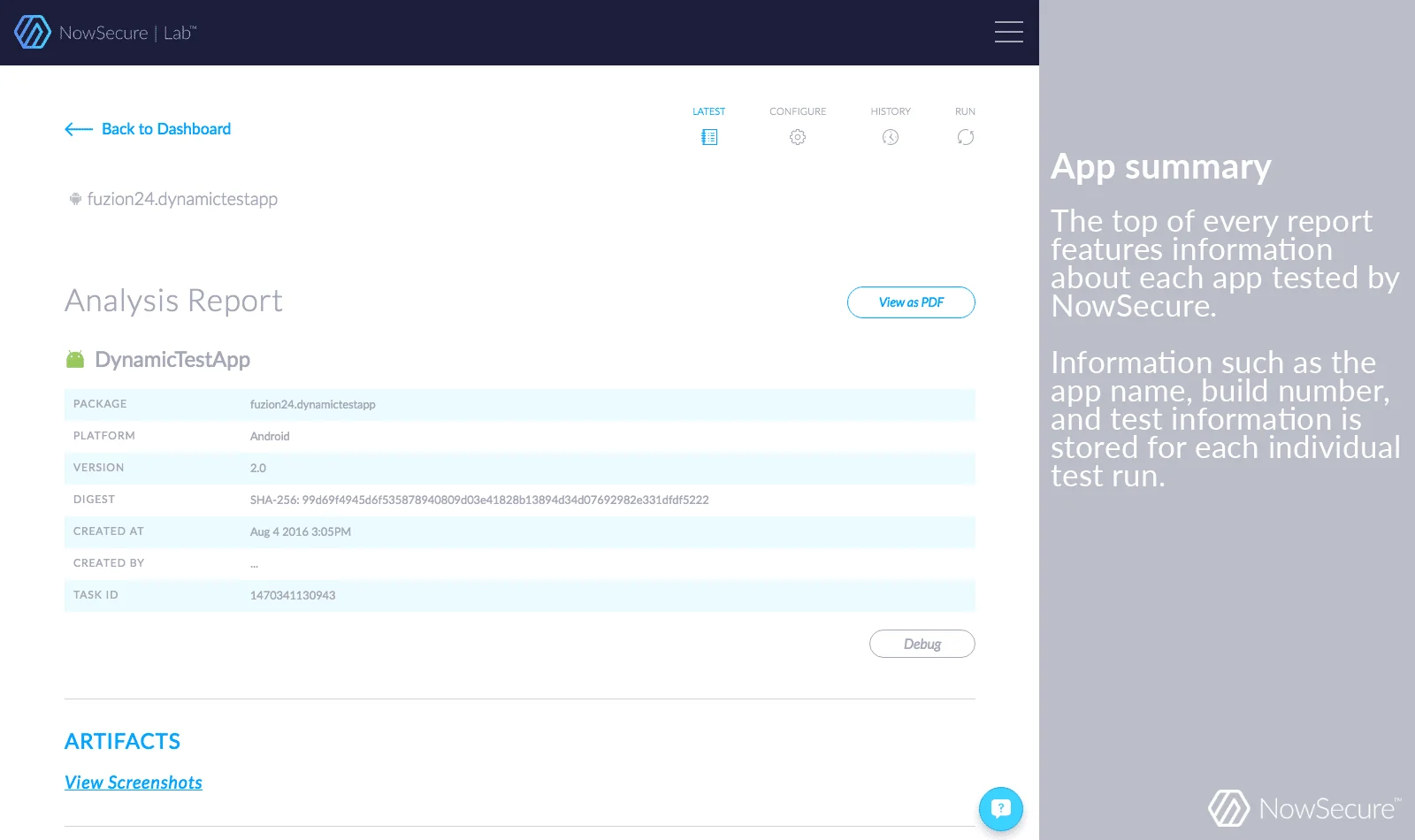
NowSecure
Commercial MAST with cloud device farm, privacy analysis, SBOM, and OWASP MASVS-mapped compliance reports.
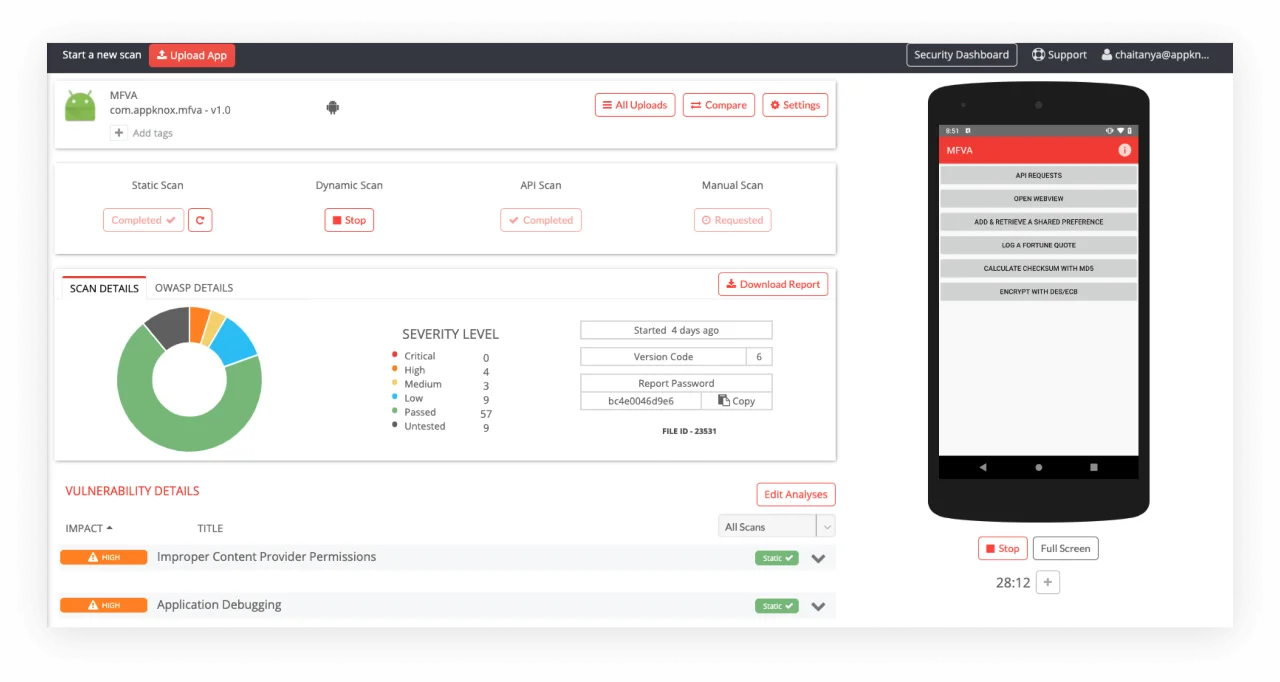
AppKnox
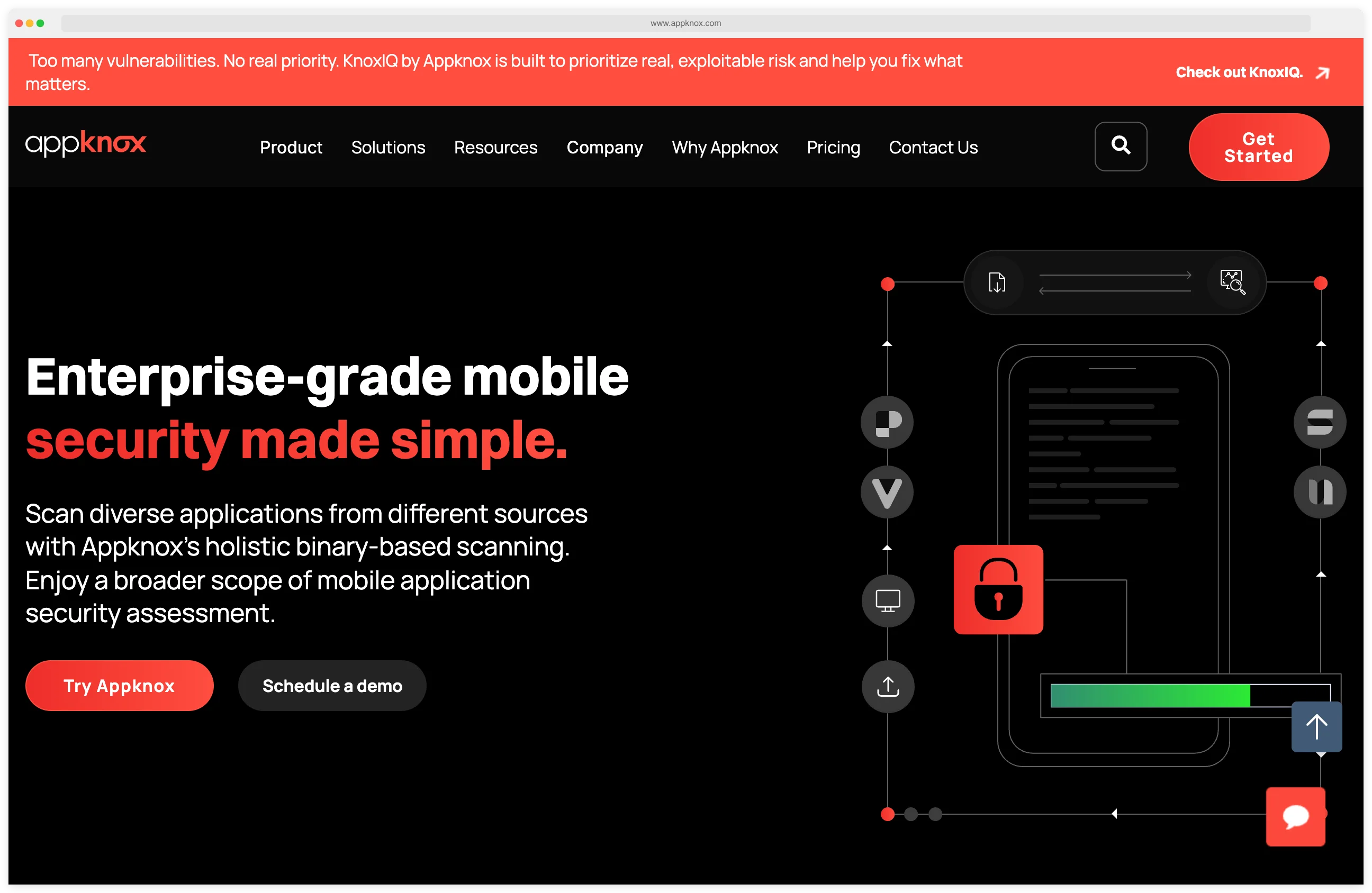
Commercial platform unifying mobile SAST, DAST, and API testing. Vendor claims under 1% false positives.
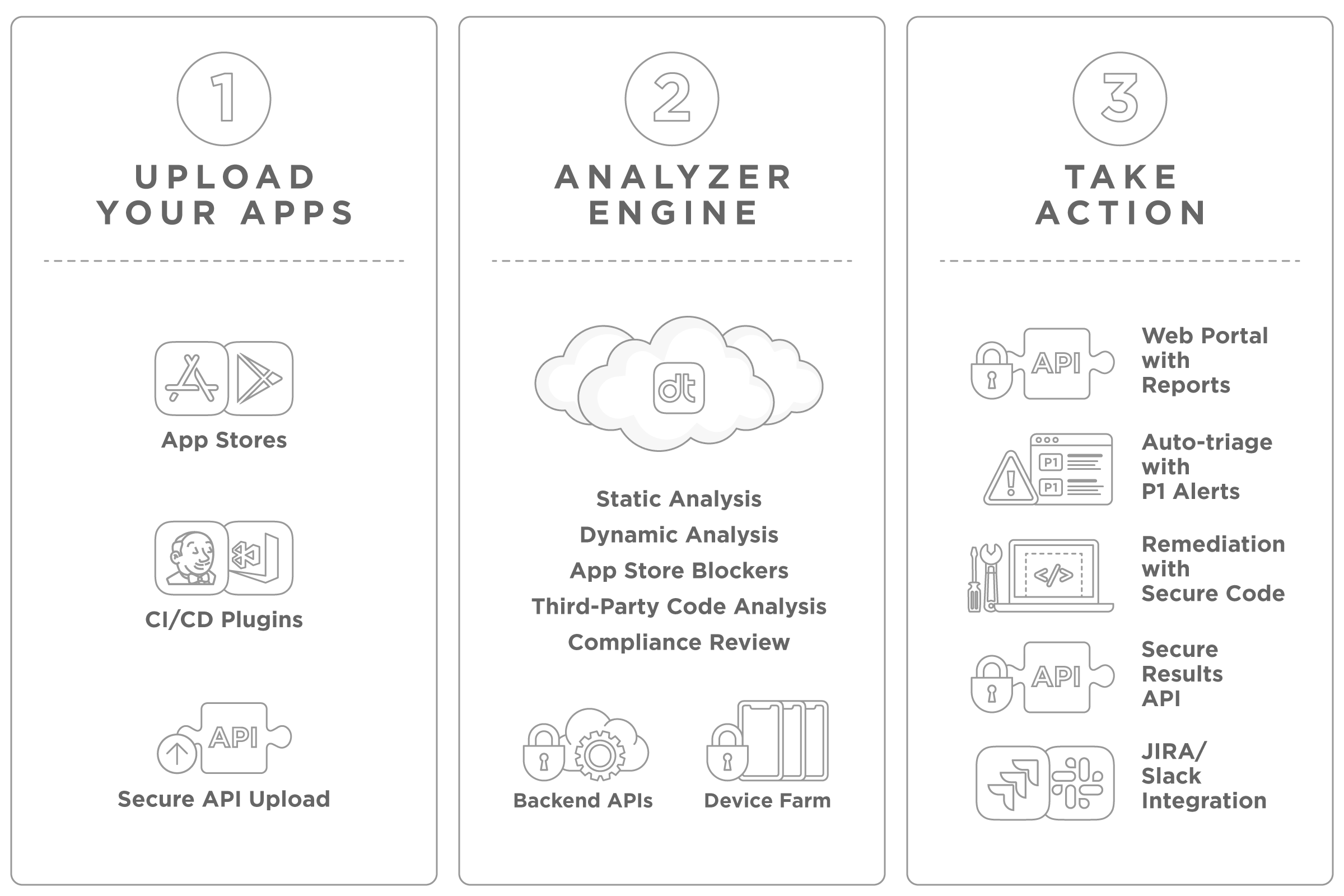
Data Theorem
Cloud-native mobile security with continuous API discovery plus runtime RASP protection for iOS and Android.
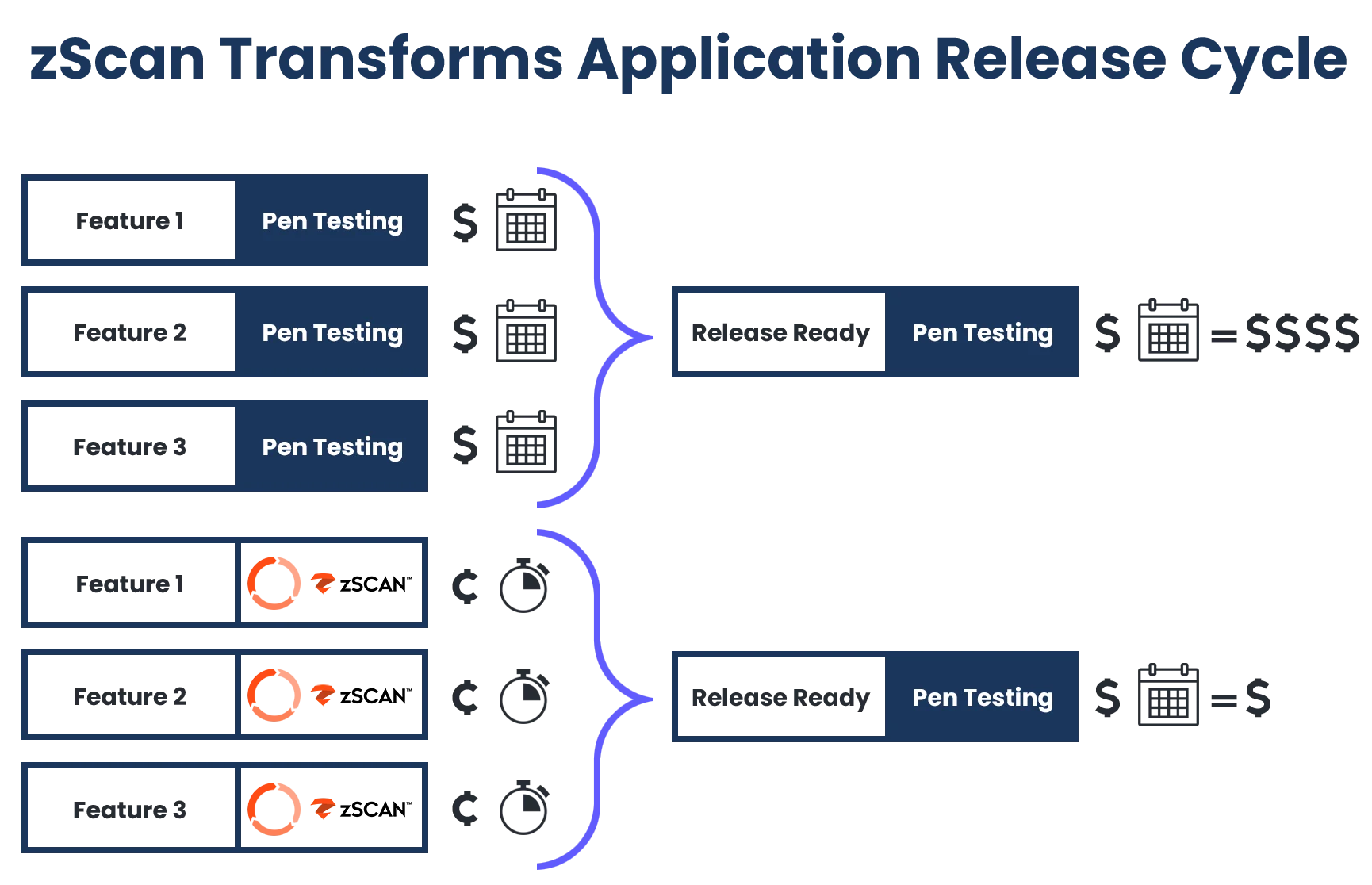
Zimperium zScan
AI-driven MAST bundling SAST, DAST, and IAST with third-party SDK supply chain analysis and SBOM output.
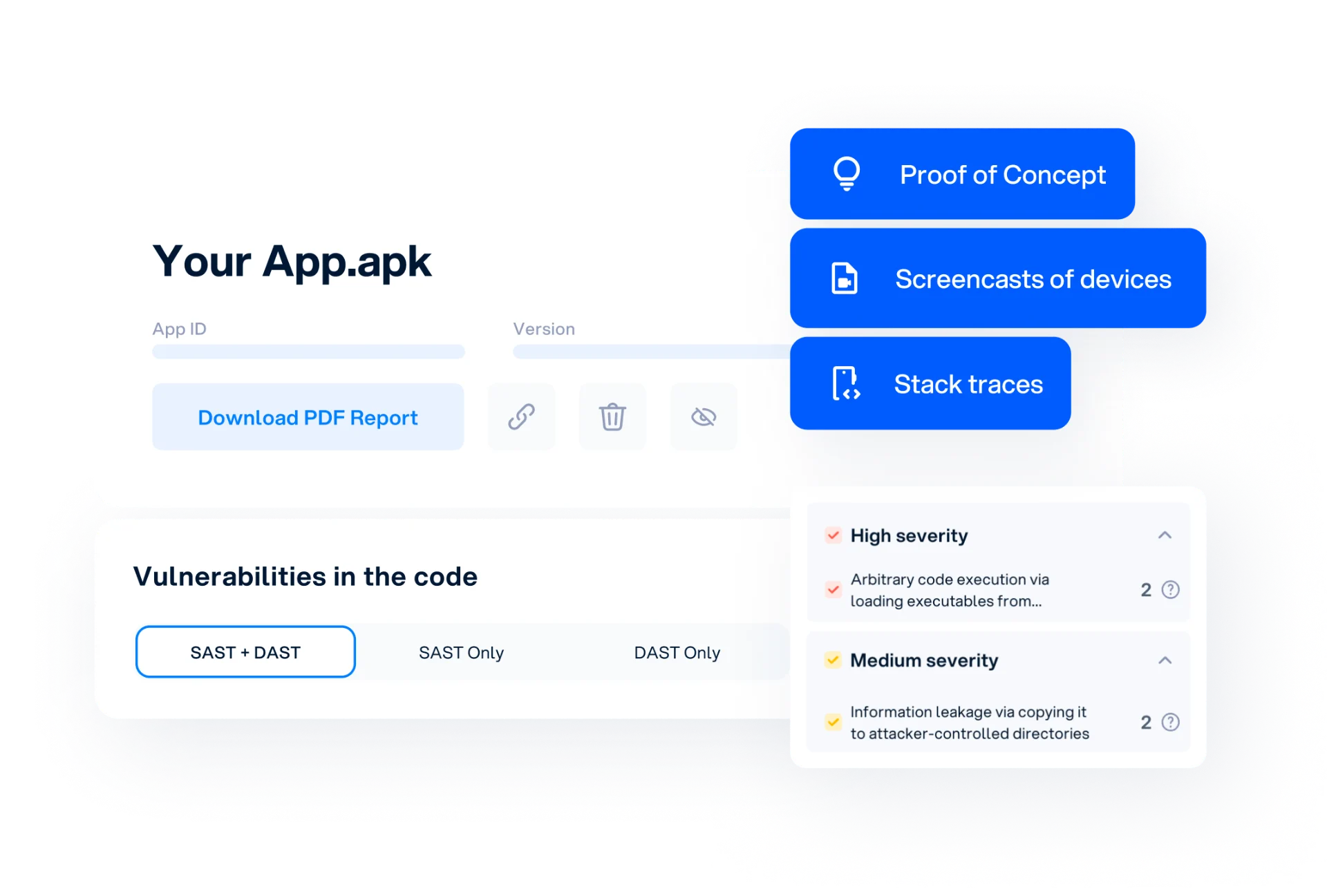
Oversecured
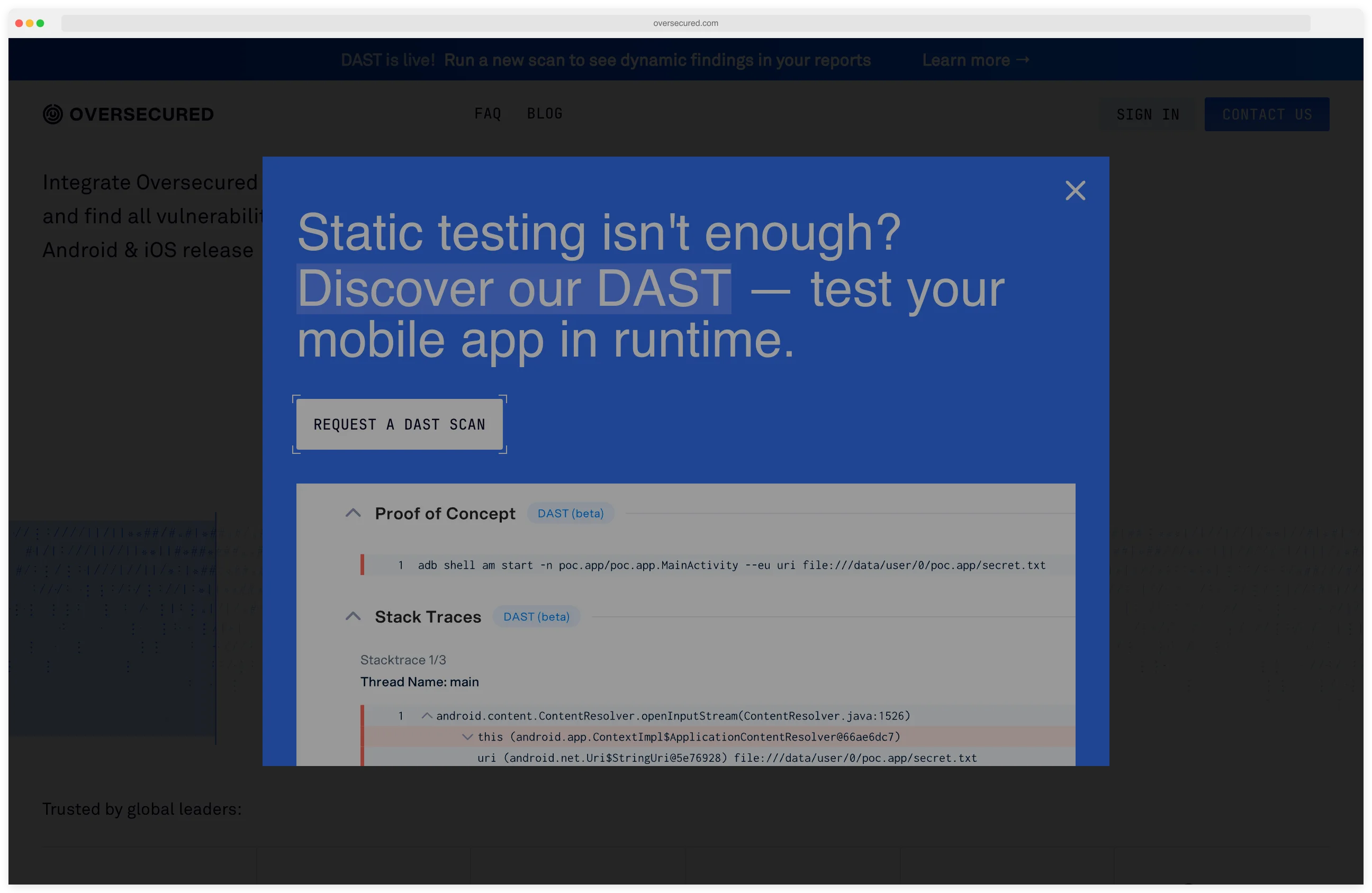
Cloud MAST focused on deep SAST and DAST. Vendor reports 99.8% detection with roughly 3% false positives.
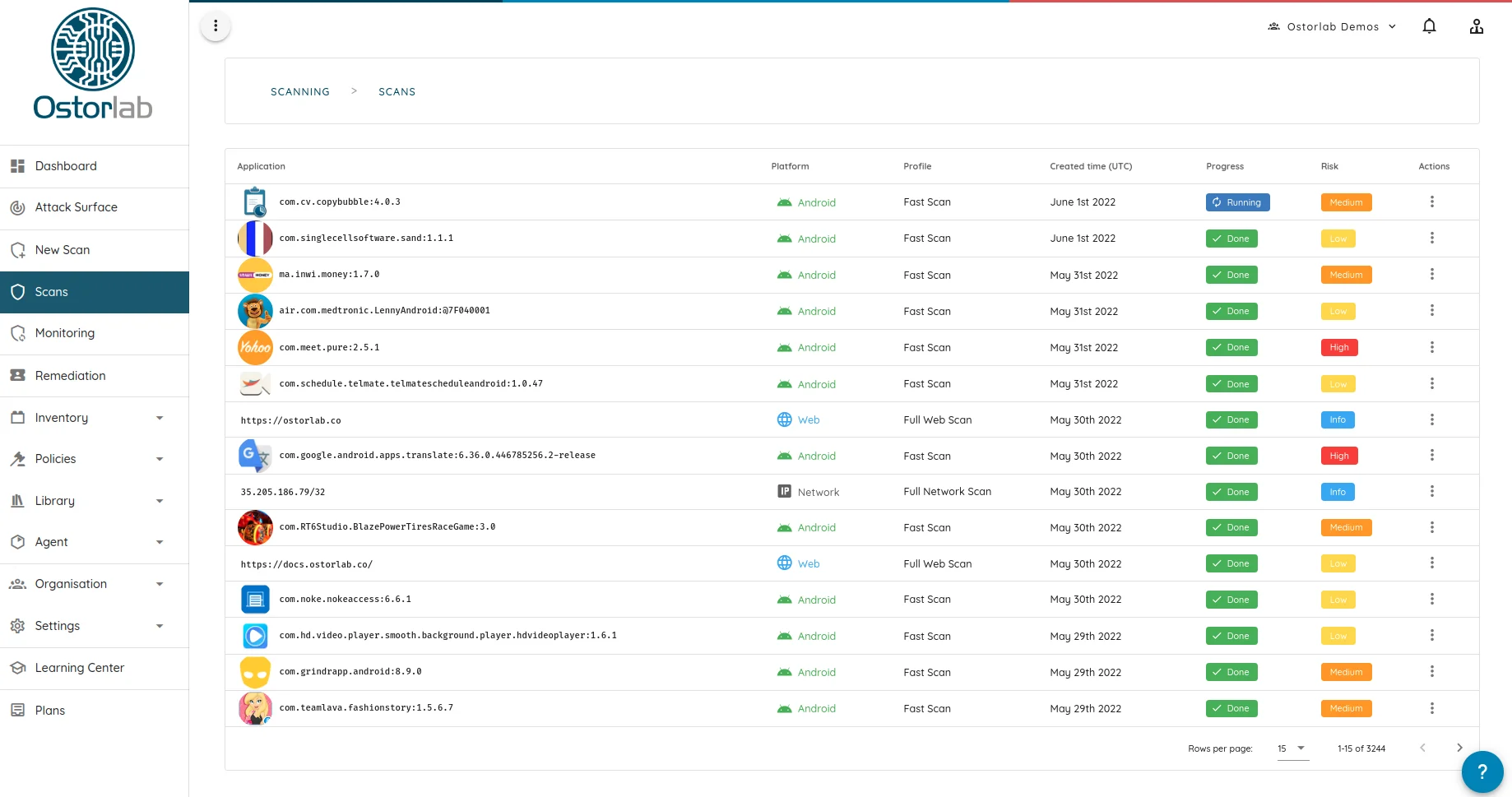
Ostorlab
Freemium mobile scanner with an open-source OXO engine. Free tier for indie devs, paid tier for teams.
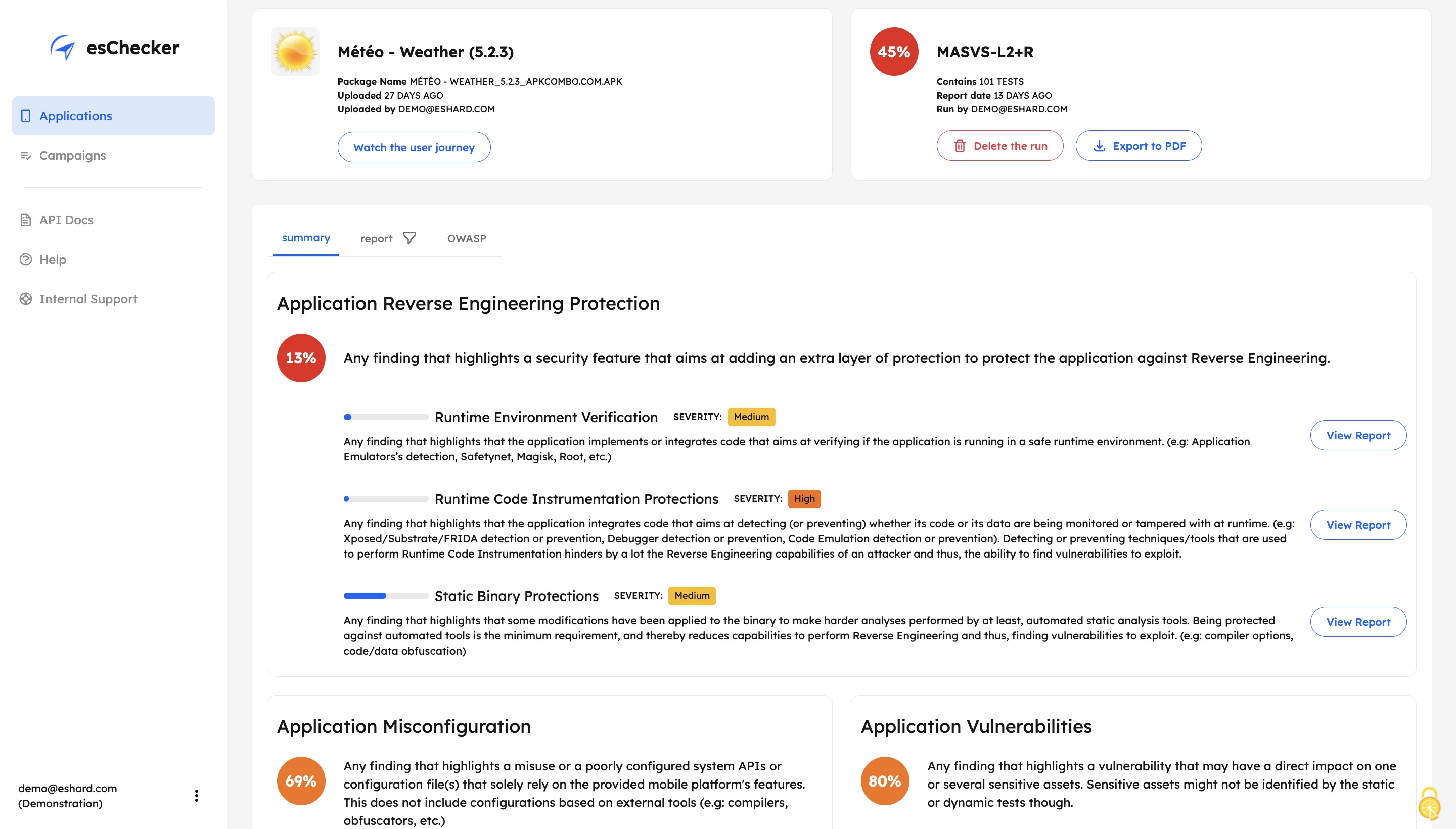
esChecker DISCONTINUED
Commercial MAST built around a cloud real-device farm. Retired as a standalone product; kept here as a historical reference.
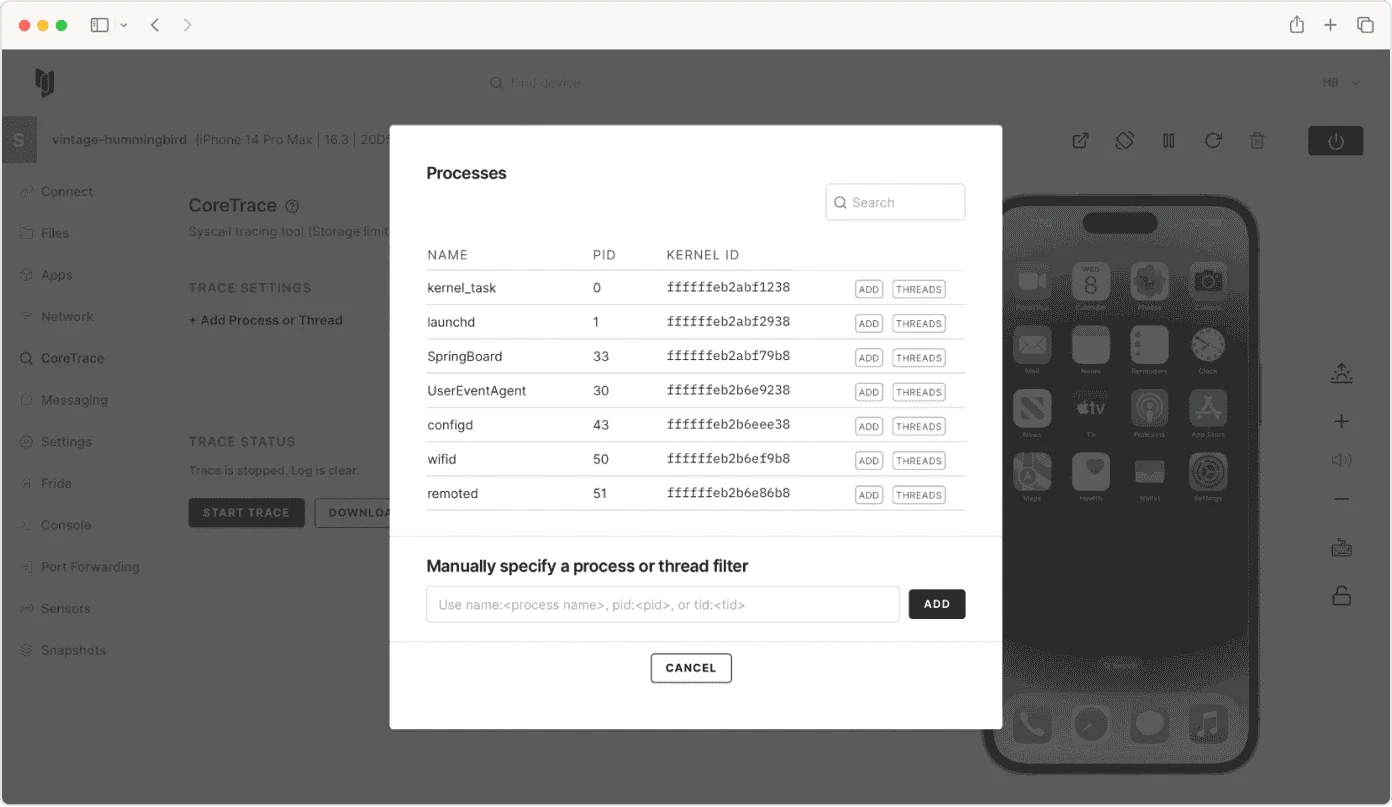
Corellium
ARM-based virtual iOS and Android devices for security research. Jailbreak-free instrumentation at scale.
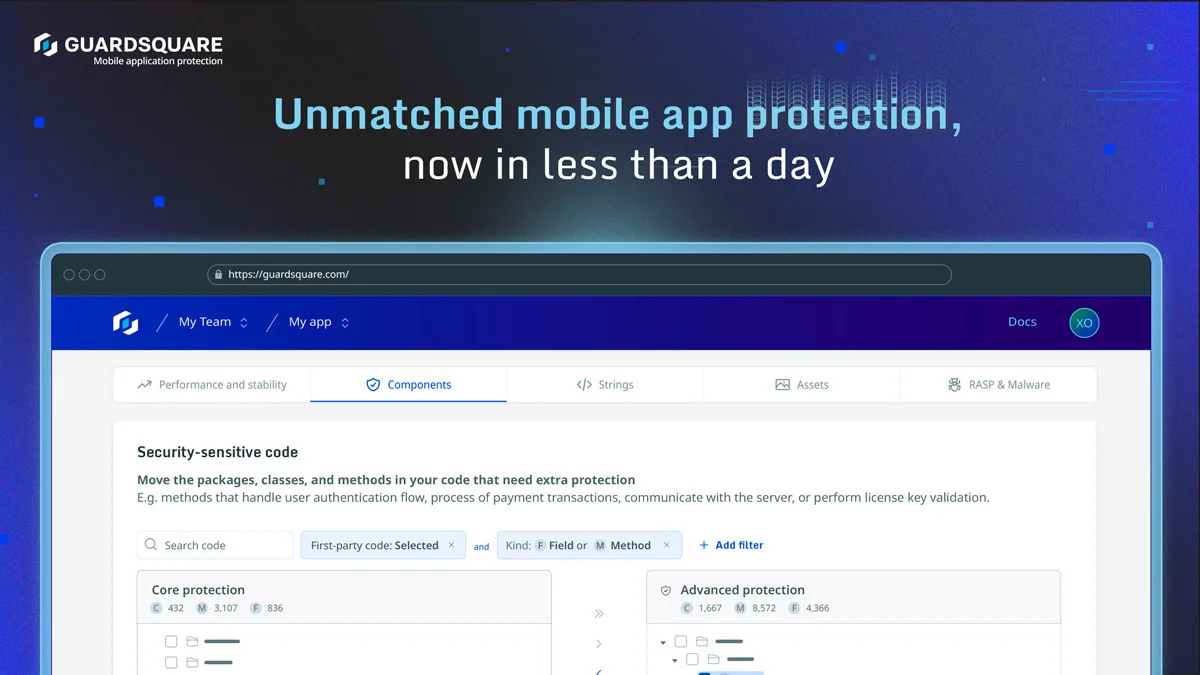
Guardsquare
DexGuard and iXGuard deliver deep code obfuscation and RASP for Android and iOS binaries.
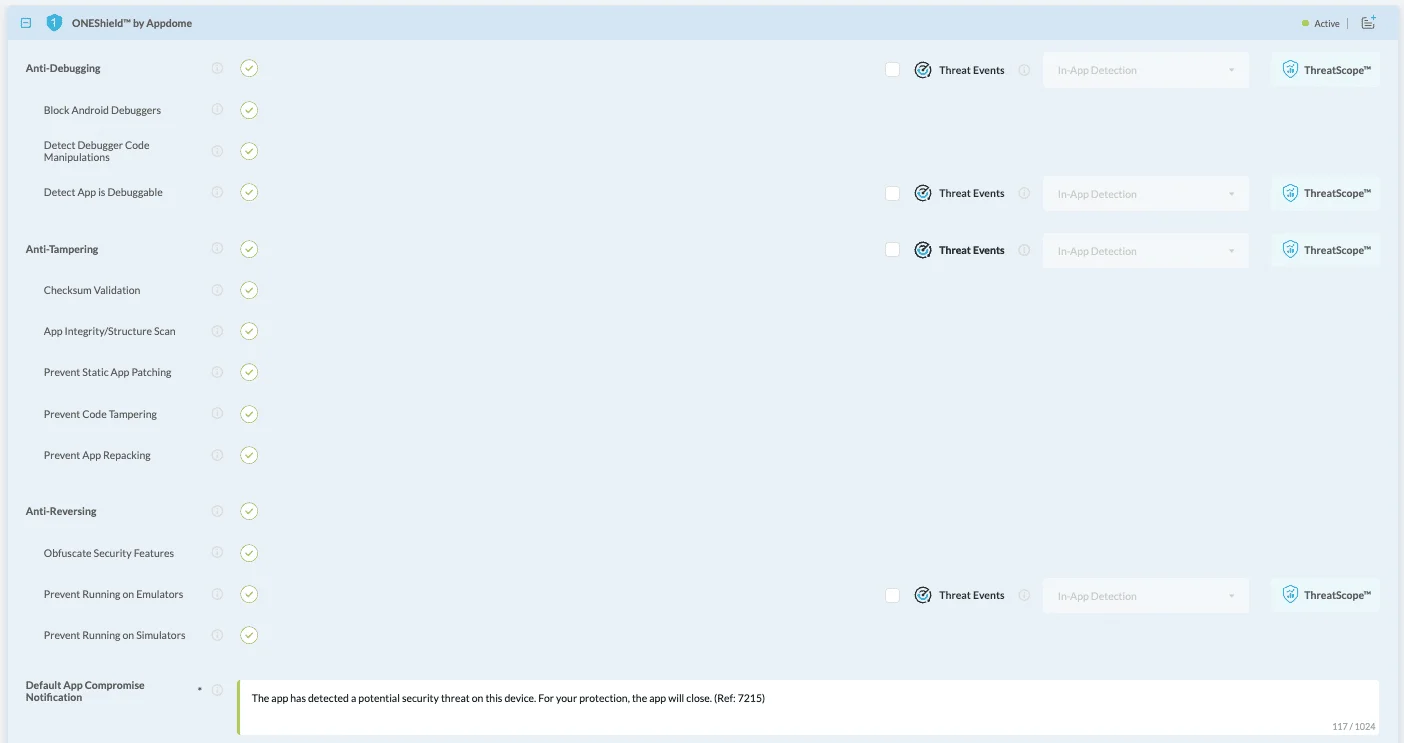
Appdome
No-code mobile app shielding and defense automation. Adds RASP to signed APK and IPA files without code changes.
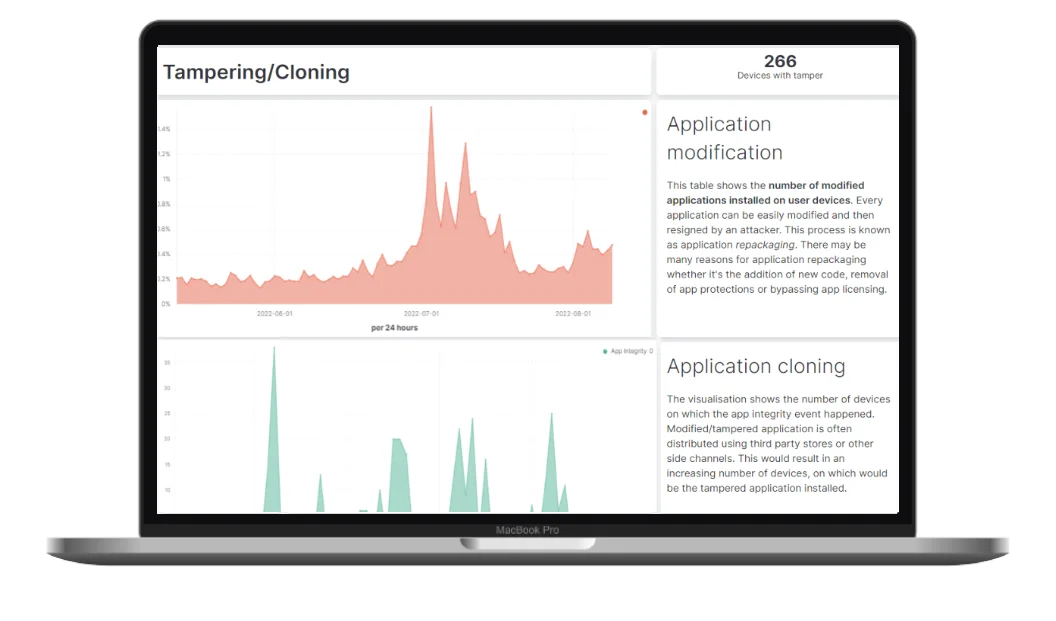
Talsec
Free freeRASP SDK plus paid RASP+ for Android and iOS anti-tamper, jailbreak, and emulator detection.
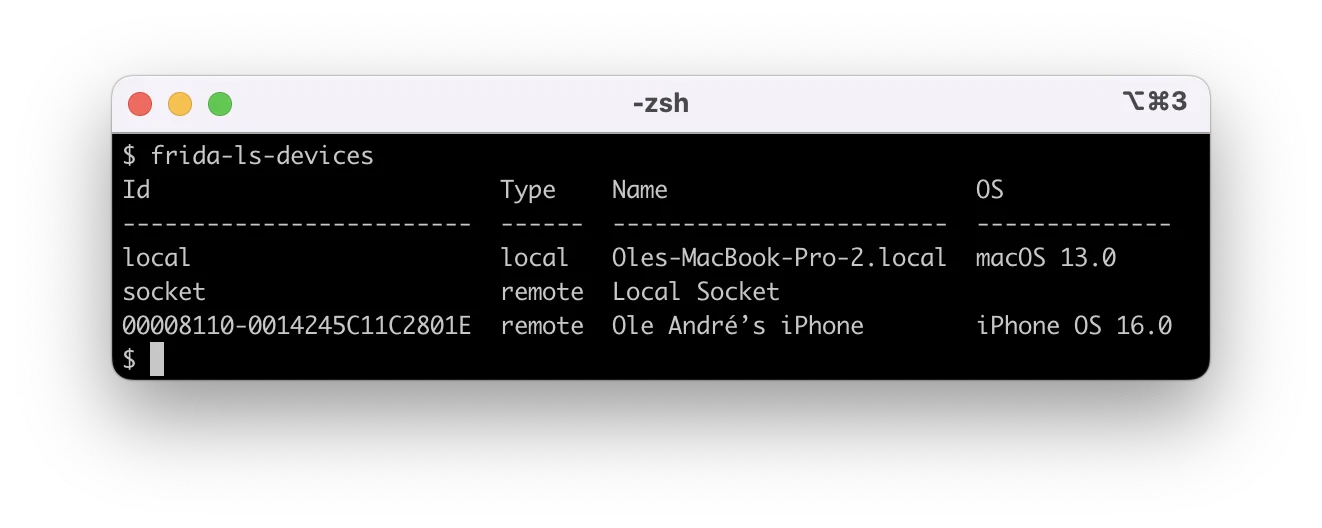
Frida
Dynamic instrumentation toolkit that hooks into running iOS and Android processes. The foundation for mobile IAST.
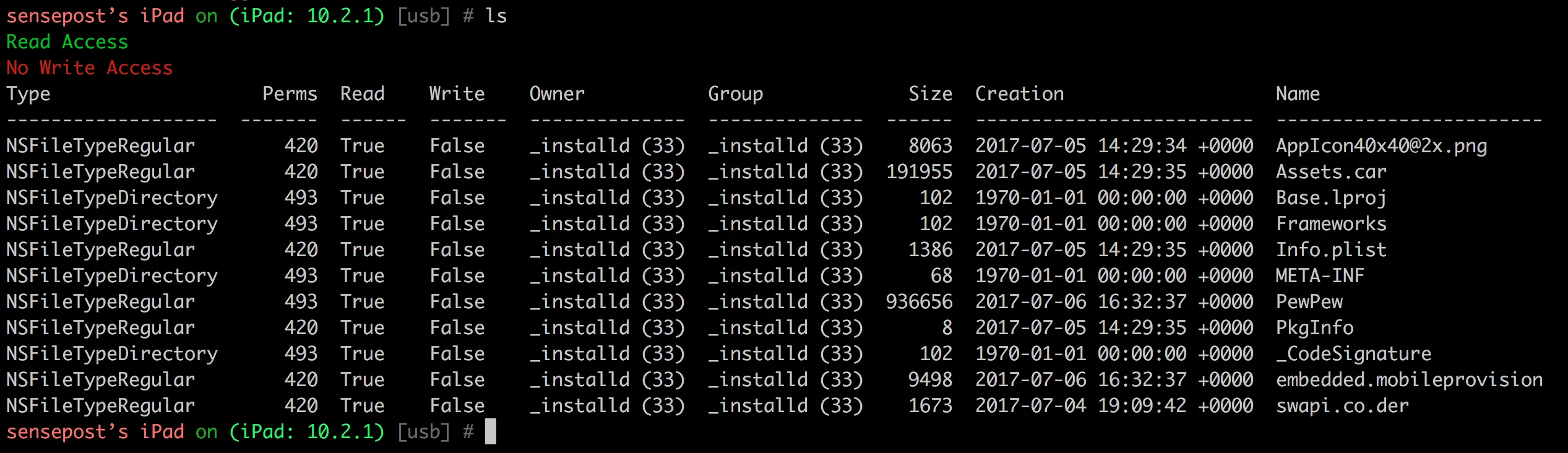
Objection
Wraps Frida with higher-level commands: keychain dumps, SSL pinning bypass, runtime method tracing.
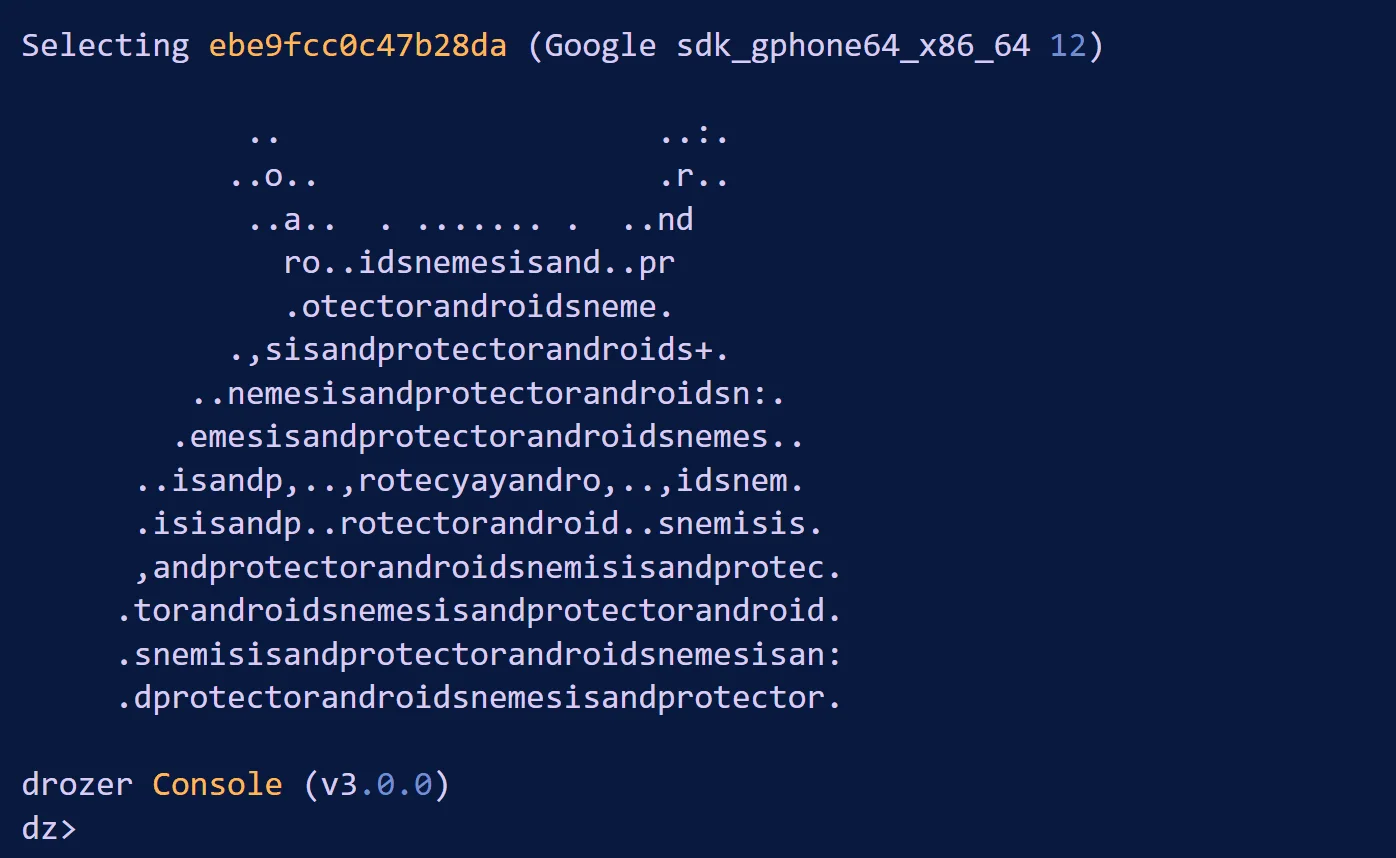
drozer
Android attack surface assessment framework used for IPC, exported component, and intent abuse testing.
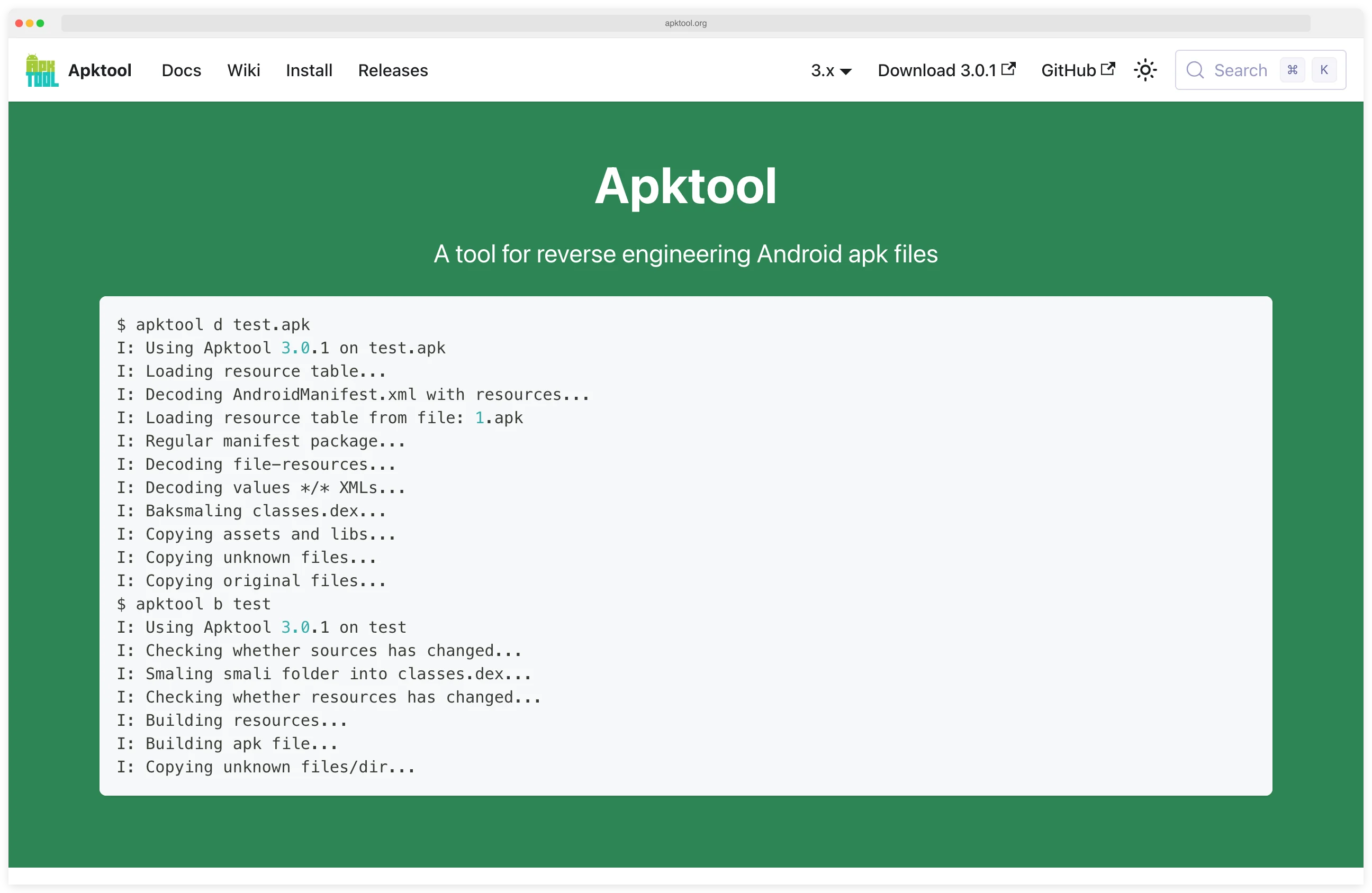
Apktool
Reverse engineers Android APKs — decodes resources and smali, then rebuilds modified APKs cleanly.
APKLeaks
Open-source CLI that decompiles APKs with jadx and extracts hardcoded secrets, keys, and endpoints via 50+ regex patterns.
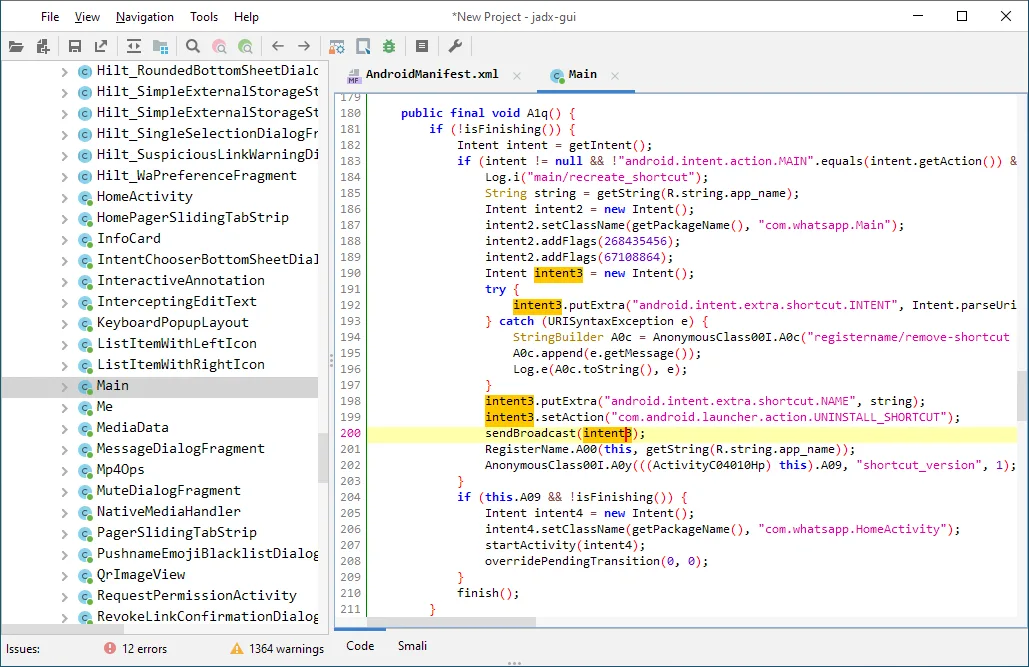
jadx
Android DEX to Java decompiler with a built-in GUI. The fastest way to read an APK's code on your laptop.
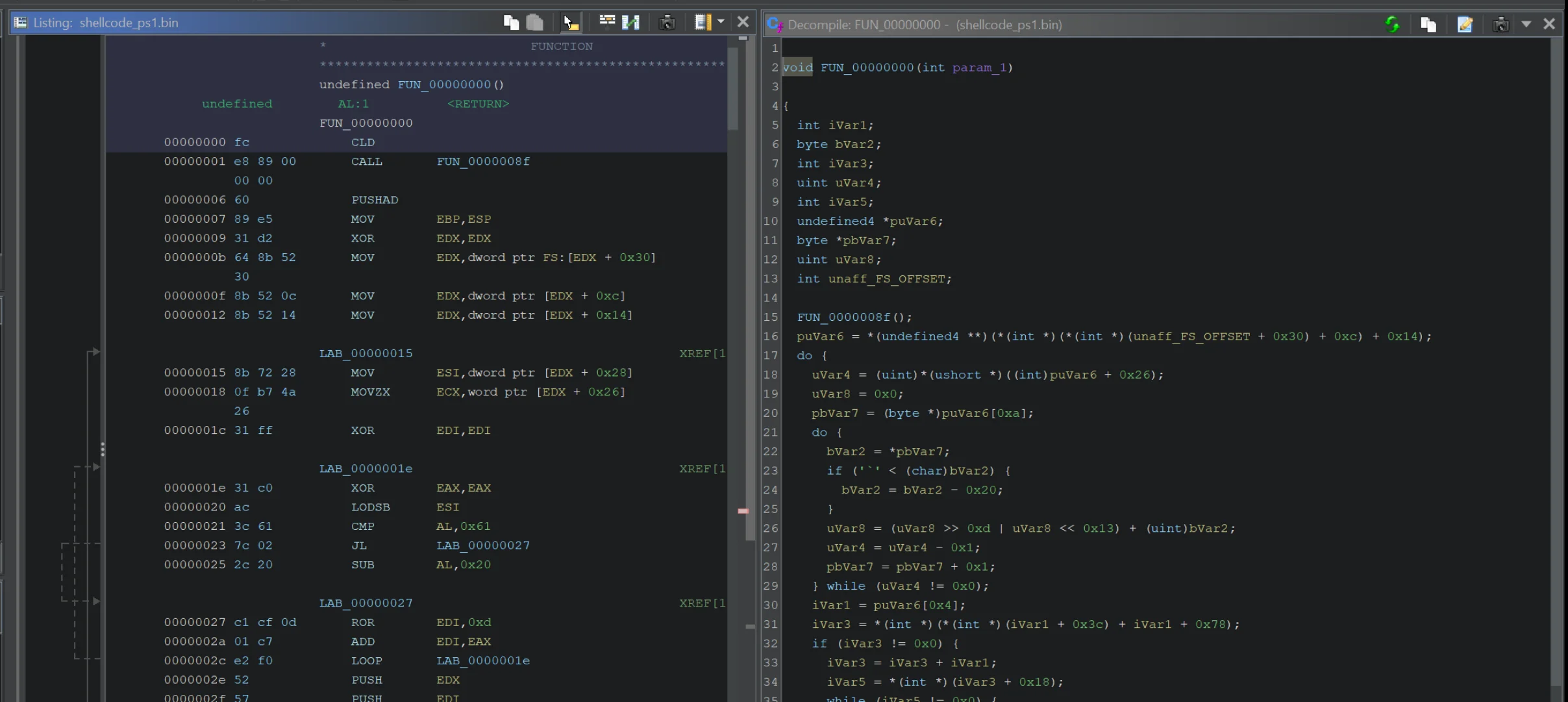
Ghidra
NSA's open-source reverse engineering framework. Disassembles native mobile libraries and closed-source binaries.
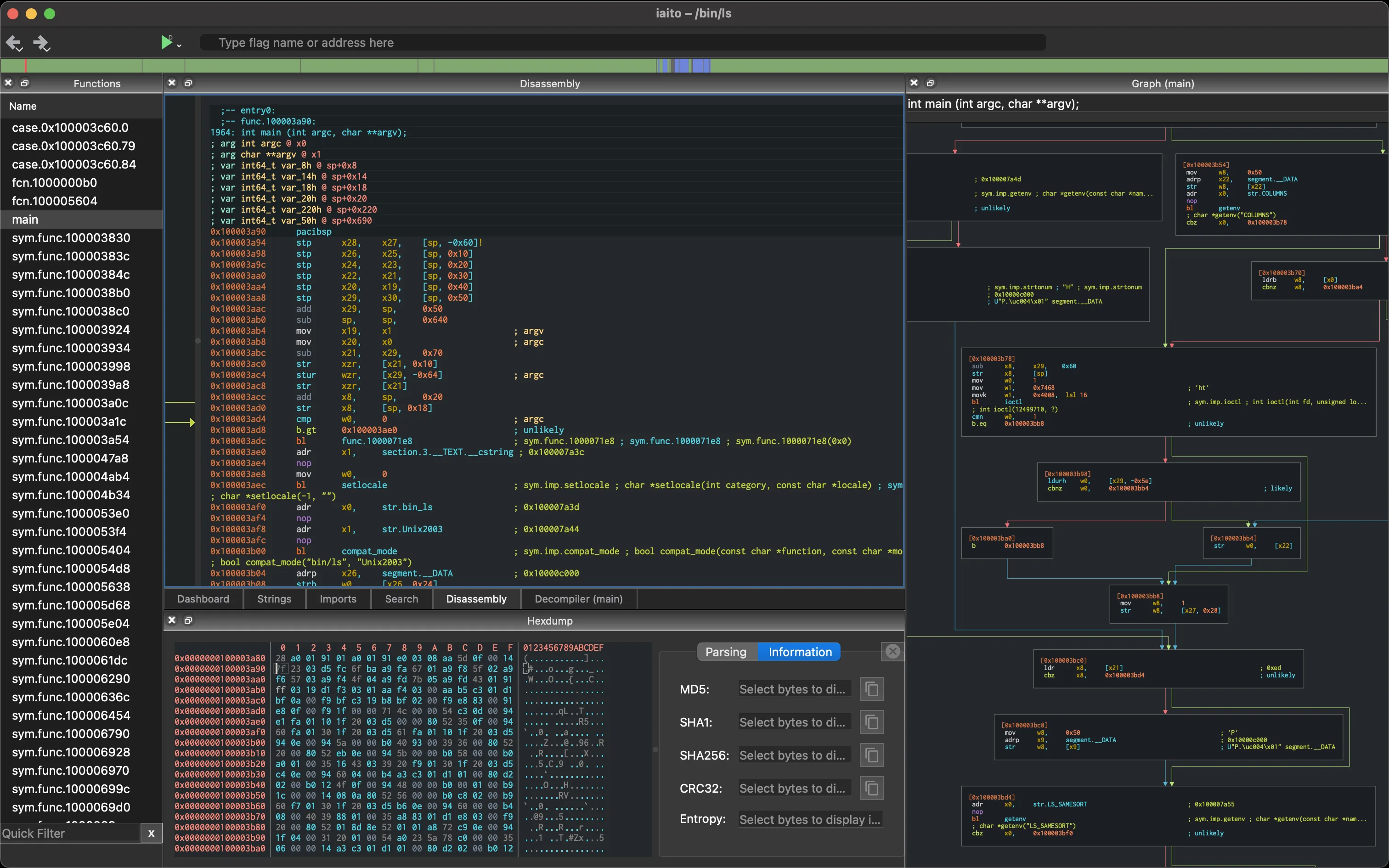
radare2
Multi-architecture binary analysis framework for iOS and Android native libraries and ARM reversing.
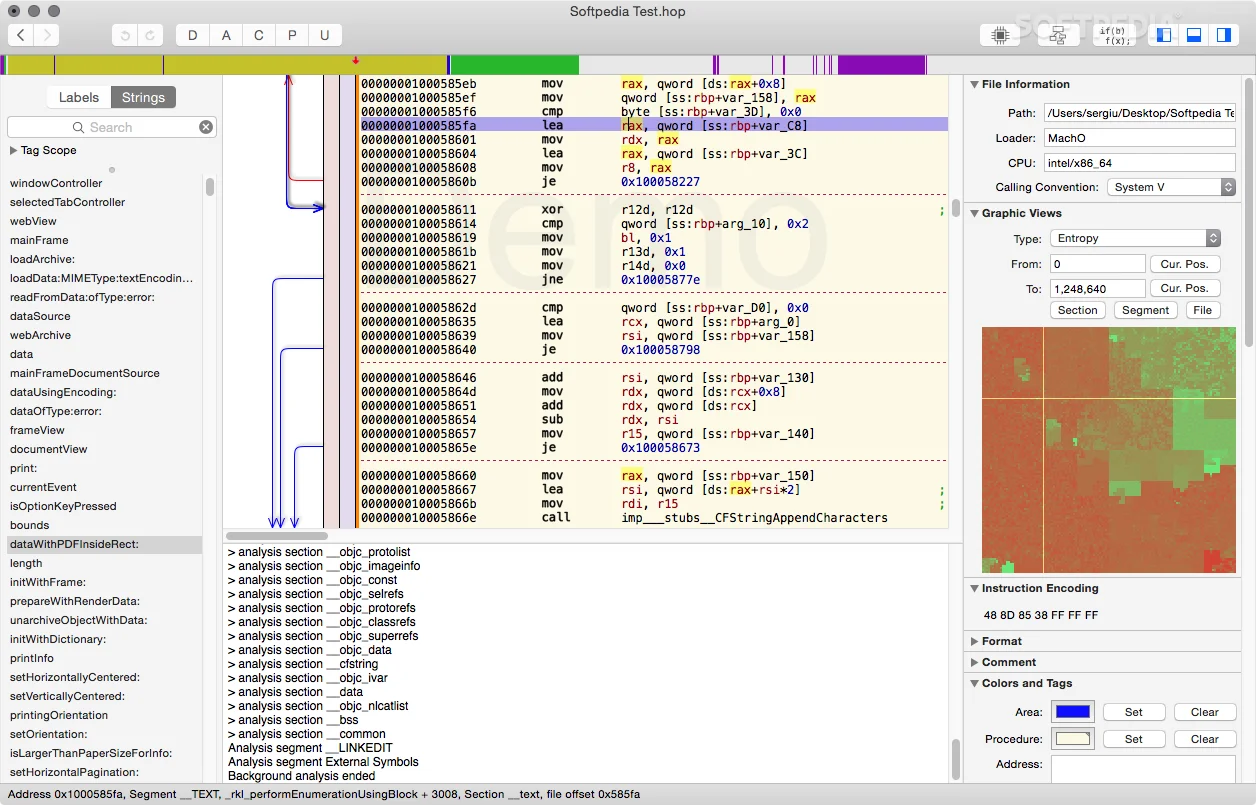
Hopper Disassembler
Native macOS reverse engineering for iOS IPAs and Mach-O binaries. Pseudocode view plus CFG editor.
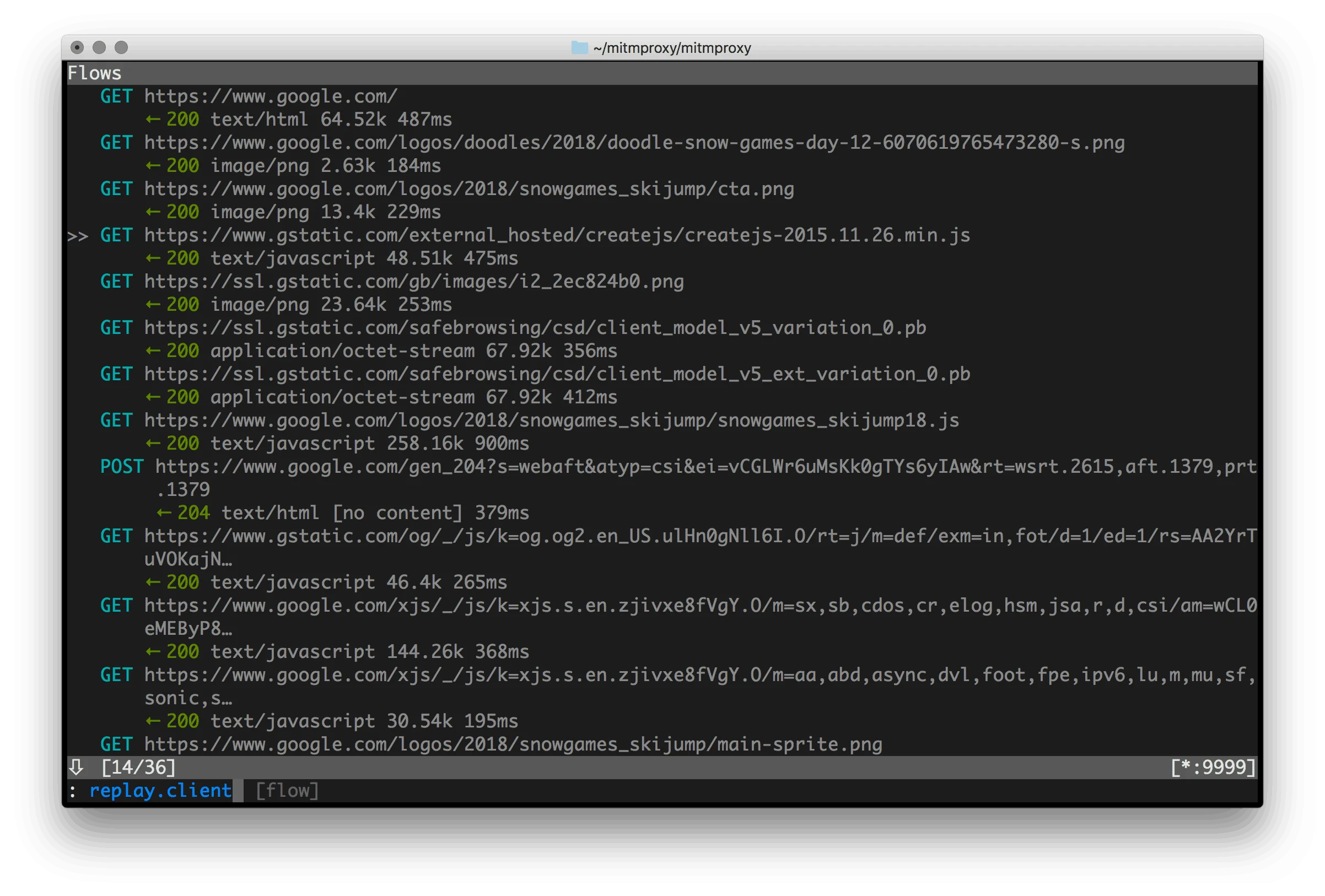
mitmproxy
Interactive HTTPS proxy. The standard tool for watching what a mobile app sends over the wire.
Note: Vendor detection rates and false-positive numbers — Oversecured's 99.8% claim, esChecker's "zero false positives", AppKnox's under 1% — are self-reported on marketing pages without disclosed test corpora. Treat them as marketing directionality, not benchmarks, and always validate on your own APK or IPA before signing a contract.
How Has the Mobile Security Market Changed?
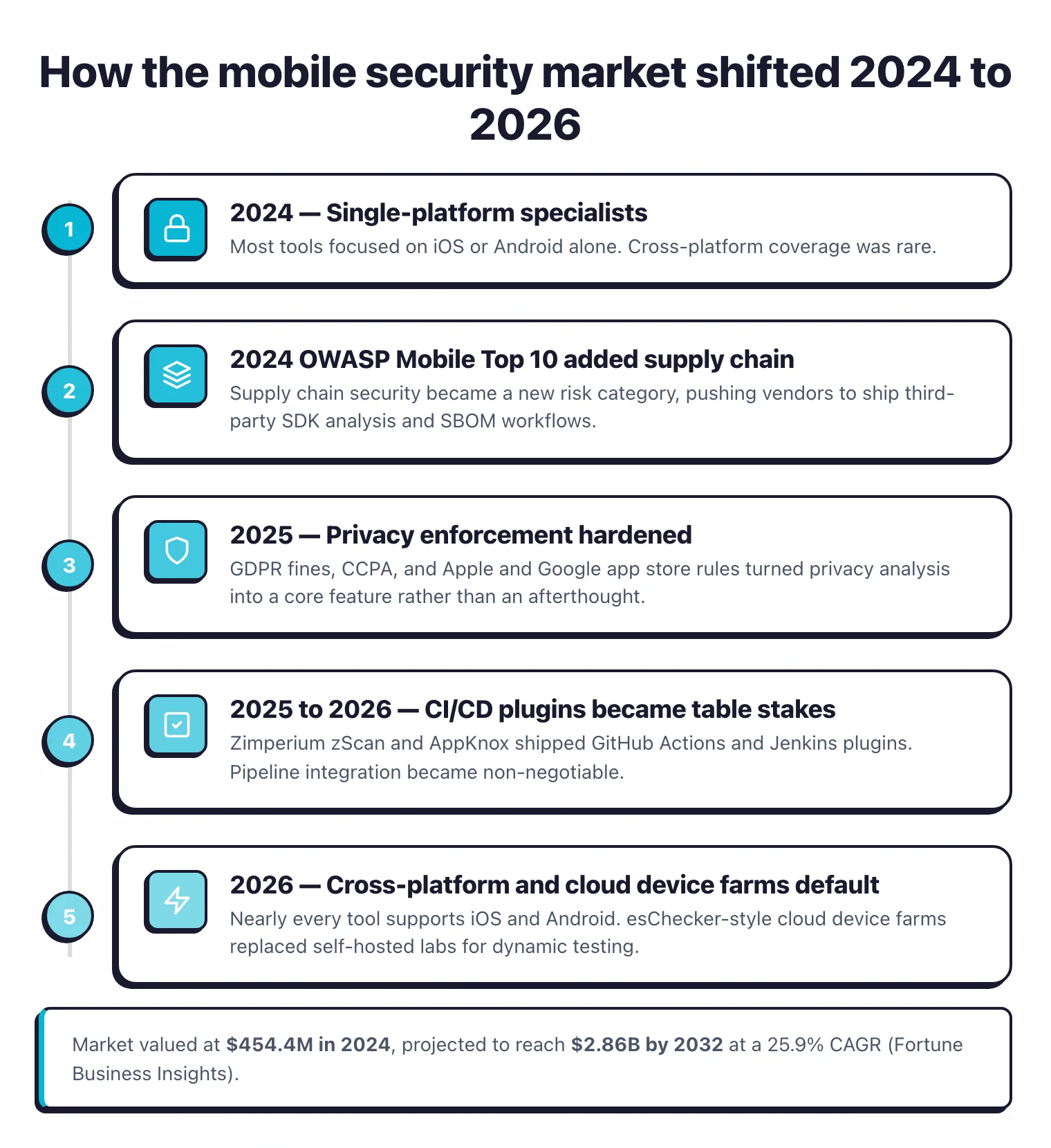
The mobile security market changed a lot between 2024 and 2026, driven by new OWASP standards, stricter privacy regulations, and the move toward DevSecOps integration.
A few years ago most mobile security tools focused on one platform. That’s no longer the case, and here’s what I’m seeing now:
- Everything is cross-platform now. Nearly every tool supports both iOS and Android. The days of picking a single-platform specialist are mostly over.
- Privacy jumped up the priority list. GDPR enforcement, CCPA fines, and Apple/Google tightening app store rules pushed vendors to add privacy analysis. NowSecure made data protection a core feature, not an afterthought.
- Supply chain risk hit mobile. The 2024 OWASP Mobile Top 10 added supply chain security as a new category (M2: Inadequate Supply Chain Security). Tools are catching up with third-party SDK analysis, but it’s still early.
- CI/CD plugins are table stakes. Zimperium zScan and AppKnox ship GitHub Actions and Jenkins plugins. If a tool can’t plug into your pipeline, I’d skip it.
- Real device testing went cloud. Running your own device lab is painful and expensive. esChecker built its whole product around cloud device farms, and most commercial tools followed.
Key Insight
The interesting shift isn't that tools added new features — it's that the market stopped tolerating single-platform specialists. If a vendor still pitches "we do Android deeply", they've already lost half the market.
How to Choose a Mobile Security Tool
Platform Coverage
iOS only? Android only? Both? Start here. MobSF covers both platforms well. Some commercial tools technically support both but are clearly stronger on one side, so check their documentation before buying.
Static vs Dynamic
Static analysis slots into CI/CD pipelines with minimal friction. Dynamic analysis gives you deeper coverage but needs devices or emulators to run, which complicates automation. Ideally you want both. Most commercial tools bundle them together.
Pro tip: If OWASP MASVS compliance is on your roadmap, run NowSecure or AppKnox directly from your CI pipeline via their GitHub Actions. Both map findings to MASVS controls out of the box, so you skip the manual cross-referencing step most teams still do in spreadsheets.
Pick your next step
Try the only free all-in-one MAST
Read the MobSF review for iOS and Android static plus dynamic analysis in one self-hosted framework.
→Map findings to OWASP MASVS
Walk through the 8 MASVS control families and which MAST tools map to each requirement out of the box.
→Pentest your own iOS or Android app
A step-by-step setup for Frida, Objection, and Burp on a rooted device or jailbroken iOS test rig.
→How to Secure a Mobile Application
Securing a mobile app is a layered job: tools find the vulnerabilities, OWASP MASVS controls define what “secure” means, and the build pipeline enforces both. Here’s the deal — five controls cover most of what an iOS or Android app actually ships with, and any MAST tool you pick should test against all five.
- Validate every input the app accepts. Deep-link parameters, intent extras, push payloads, and pasteboard data are all attacker-controlled. Treat them like web request bodies.
- Encrypt sensitive data at rest using the platform keystore. iOS Keychain and Android Keystore exist precisely so you don’t roll your own crypto. Tools like MobSF
flag unencrypted
NSUserDefaultswrites and weakSharedPreferencesflags. - Pin certificates for sensitive backend connections. A network attacker with a malicious CA can MITM your app trivially without certificate pinning. Test the bypass path with Frida or Objection before shipping.
- Add runtime integrity checks. App-shielding tools — Talsec freeRASP , Guardsquare DexGuard , Appdome — detect rooted devices, hooked frameworks, and tampered binaries at runtime so the attack surface shrinks even after the app reaches a hostile device.
- Generate a mobile SBOM and scan dependencies. Server-side SCA tools rarely understand APK or IPA formats — use a binary-aware scanner like NowSecure or Zimperium zScan to surface vulnerable third-party SDKs.
For the full manual control walkthrough, see the OWASP MASVS controls guide . Bottom line: layer MAST findings on top of MASVS controls — neither alone is enough.
SBOM Layer of MAST: Mobile Dependency Analysis
SBOM generation is the supply-chain layer of mobile application security testing. Mobile SBOM analysis extracts the third-party libraries, SDKs, and native dependencies bundled inside an Android APK or iOS IPA, then maps them to known vulnerabilities. Unlike server-side SCA, mobile SBOM generation works on the compiled binary: the scanner has to unpack the package, identify embedded frameworks, and resolve version strings from metadata. This is the only reliable way to audit mobile dependency risk, since mobile build pipelines rarely publish a manifest the way npm or Maven do.
The 2024 OWASP Mobile Top 10 added supply chain security (M2: Inadequate Supply Chain Security) as a new risk category, which pushed mobile vendors to ship binary SBOM workflows. NowSecure generates SBOMs as part of its automated MAST pipeline, and Zimperium zScan added third-party SDK analysis and supply chain checks in the same wave. The typical output format is CycloneDX, a JSON/XML schema originally from OWASP that downstream SCA and policy tools already understand.
For teams that also run server-side SCA on their backend, a general SBOM tools comparison covers the broader CycloneDX and SPDX ecosystem. Mobile SBOM is its own workflow, though: the tools that understand APK and IPA formats live on this page, not in the generic SBOM roundup. If your mobile app is mostly a thin client over a REST or GraphQL backend, pair the binary SBOM with mobile API security testing so the API surface gets the same scrutiny as the binary.
Note: A mobile SBOM and a server-side Snyk or Dependabot scan are not interchangeable. Snyk reads manifest files your mobile build pipeline rarely ships, so it will miss SDKs bundled into the APK or IPA. Always generate the mobile SBOM from the compiled binary.
MAST vs SAST vs DAST: Which One for Mobile?
The shortest answer: MAST is the only category designed for mobile binaries. SAST, DAST, and IAST were built for the web stack — they show up in mobile workflows mostly to cover the backend code and APIs the app calls.
| Capability | MAST | SAST | DAST | IAST | SCA |
|---|---|---|---|---|---|
| Mobile binary (APK / IPA) coverage | ✅ native | ⚠️ language-only | ❌ web only | ⚠️ instrumented runtime | ⚠️ binary SBOM tools only |
| Web/backend coverage | ❌ | ✅ | ✅ | ✅ | ✅ |
| Source code required | ❌ | ✅ | ❌ | ✅ | ⚠️ manifest |
| Runtime device required | ✅ for dynamic | ❌ | ✅ | ✅ | ❌ |
| OWASP MASVS mapping | ✅ | ❌ | ❌ | ⚠️ | ❌ |
Why? MAST tools understand the iOS Keychain, Android Keystore, certificate pinning APIs, exported components, and platform-specific intent flows that generic SAST can’t see. They also instrument the running app on a real device — something a DAST scanner probing an HTTP endpoint will never do. Use SAST tools for shared backend services and use MAST for the mobile binary itself; for a deeper pentesting walkthrough see the mobile pentesting guide .
Static Analysis Layer of MAST: Scanning APK and IPA Binaries
Static analysis is the binary-inspection layer of MAST. Mobile SAST is a narrower problem than web SAST. The languages are mostly Swift and Objective-C (iOS) plus Kotlin and Java (Android). The vulnerabilities that matter are platform-specific patterns a generic Java or Kotlin scanner will miss entirely: insecure NSUserDefaults writes, missing keystore flags, certificate pinning bypass, exported Android components, improper URL scheme handling. Dedicated mobile SAST tools ship rulesets mapped to OWASP MASVS and the platform security model.
On the free side, MobSF performs static analysis on both APK and IPA files, including manifest and Info.plist checks, hardcoded secret detection, and Android permission auditing. Commercial scanners like Oversecured , AppKnox , Zimperium zScan , Data Theorem , and NowSecure add deeper binary analysis, taint tracking across native libraries, and compliance reports mapped to OWASP MASVS controls.
General-purpose static analyzers on the SAST tools page support Swift and Kotlin as languages, but they don’t know about mobile manifests, keychain flags, or intent filters. For mobile apps, start with a dedicated mobile scanner on this page and use a general-purpose SAST tool only for shared server-side code.
Pro tip: If you're auditing a mobile app for the first time, run MobSF against the APK or IPA before you spin up a commercial scanner. MobSF's findings set the baseline, and whatever the commercial tool catches on top is what you're actually paying for.
Interactive Analysis Layer of MAST: Runtime Instrumentation
IAST is the runtime-instrumentation layer of MAST, sitting between static and dynamic analysis. IAST for mobile means instrumenting the app at runtime on a real device or emulator, then watching how data flows as the app exercises its own code paths. It catches issues that pure static analysis misses: runtime TLS downgrades, dynamic SQL built from user input, insecure IPC at the moment it happens. The free foundation for this work is Frida , which hooks into running iOS and Android processes, combined with Objection , which wraps Frida with higher-level commands for keychain dumps, SSL pinning bypass, and runtime method tracing.
On the commercial side, Zimperium zScan bundles IAST alongside SAST and DAST in its automated MAST pipeline. esChecker runs real-device testing across a cloud device farm, which is the practical way to get IAST coverage without maintaining your own lab of iPhones and Android handsets. Because runtime mobile testing is harder to automate in CI/CD than static analysis, most teams use it as a release gate rather than a per-commit check.
Key Insight
Frida plus Objection is the practical starting point for mobile IAST. Not because they're the most polished, but because they're free, widely taught in pentest courses, and every commercial tool effectively repackages the same instrumentation model underneath.
Frequently Asked Questions
What is mobile application security testing?
What is MAST and how is it different from general application security testing?
What is OWASP MASVS?
Can I use SAST tools for mobile apps?
What is the difference between MAST and DAST?
Is there a free mobile security tool?
Is there a good open-source alternative to commercial MAST platforms?
How do Snyk and other SCA tools integrate with mobile security testing?
MobSF vs NowSecure — which should I choose?
How much does mobile security testing typically cost in 2026?
Related Mobile Security Resources
Explore Other Categories
Mobile Security covers one aspect of application security tools. Browse other categories below.

Written & maintained by
Suphi CankurtEight years on the vendor side of application-security sales — thousands of evaluations and demos. I started AppSec Santa in 2022 to put that insider view to work for buyers. Independent of the vendors I review, paid by none of them, and honest about what fits whom.