

KICS (Keeping Infrastructure as Code Secure) is an open-source IaC scanner built by Checkmarx. It scans Terraform, CloudFormation, Kubernetes, Docker, Ansible, Helm, OpenAPI, and 15+ other platforms for security misconfigurations.
Written in Go, distributed as a single binary or Docker image. Over 10 million Docker pulls.
The tool ships with 2,600+ security queries organized by category and severity. Queries are written in Rego, the same policy language behind Open Policy Agent.
What is KICS?
Checkmarx released KICS in 2020 as an open-source companion to their commercial SAST/DAST platform.
The name stands for “Keeping Infrastructure as Code Secure.” It’s written in Go, which means a single binary with no runtime dependencies.
98 releases so far, 9,700+ commits, 160+ contributors. GitLab, Cisco, and Orca Security use it in production.
Three things separate KICS from other IaC security tools :
- 22+ platform coverage — among the widest IaC coverage of any open-source scanner: Terraform, Kubernetes, Ansible, OpenAPI, gRPC, Bicep, Pulumi, Crossplane, GitHub Workflows, and more.
- Rego-based queries — all 2,600+ queries are OPA policies, so teams that already know Rego from Conftest or Gatekeeper can write custom checks without learning another language.
- 10 output formats — JSON, SARIF, HTML, PDF, JUnit XML, CSV, CycloneDX, GitLab SAST, SonarQube, Code Climate, and AWS ASFF.
What are KICS’s key features?
| Feature | Details |
|---|---|
| Security queries | 2,600+ built-in, organized by category and severity |
| Query language | Rego (Open Policy Agent) |
| Supported platforms | 22+: Terraform, CloudFormation, Kubernetes, Docker, Ansible, Helm, OpenAPI 2.0/3.0, gRPC, ARM, Bicep, Azure Blueprints, GDM, SAM, CDK, Docker Compose, Pulumi, Crossplane, Knative, Serverless, GitHub Workflows, OpenTofu, Databricks |
| Severity levels | Critical, High, Medium, Low, Info, Trace |
| Exit codes | 60 (Critical), 50 (High), 40 (Medium), 30 (Low), 20 (Info) |
| Output formats | JSON, SARIF, JUnit XML, HTML, PDF, CSV, CycloneDX, GitLab SAST, SonarQube, Code Climate, ASFF |
| Config formats | JSON, YAML, TOML, HCL (auto-detected from kics.config) |
| Remote scanning | S3 buckets, Git repos (HTTPS/SSH), Google Cloud Storage |
| IDE support | VS Code extension with real-time scanning |
| License | Apache 2.0 |
Rego-based queries
The Rego-based query system is where KICS really differs from tools like Checkov . Each query runs as an independent OPA policy.
If your team already knows Rego from Conftest or OPA Gatekeeper, you can write custom queries without picking up another language.
Queries receive the parsed IaC document as input and return structured results with expected vs. actual values, file locations, and remediation hints.
package Cx

CxPolicy[result] {
    resource := input.document[i].resource.aws_s3_bucket[name]
    not resource.versioning.enabled

    result := {
        "documentId": input.document[i].id,
        "resourceType": "aws_s3_bucket",
        "resourceName": name,
        "searchKey": sprintf("aws_s3_bucket[%s]", [name]),
        "issueType": "MissingAttribute",
        "keyExpectedValue": "versioning should be enabled",
        "keyActualValue": "versioning is not enabled"
    }
}
Each query maps to a CWE identifier, a severity level, and a risk score. The query categories cover Access Control, Availability, Best Practices, Encryption, Insecure Configurations, Networking, and Observability.
KICS uses Rego for all queries. Checkov uses Python and YAML.
If your team already works with OPA or Conftest, KICS queries will feel familiar. If you prefer Python, Checkov is the better pick.
Severity and exit codes
Findings fall into six severity levels: Critical, High, Medium, Low, Info, and Trace.
Exit codes map directly to severity: 60 for Critical, 50 for High, 40 for Medium, 30 for Low, 20 for Info.
Setting severity thresholds in CI/CD pipelines is dead simple because of this.
Use --fail-on to control which severities cause a non-zero exit. During rollout, start with --fail-on high to only block on High and Critical findings, then tighten over time.
HTML reports
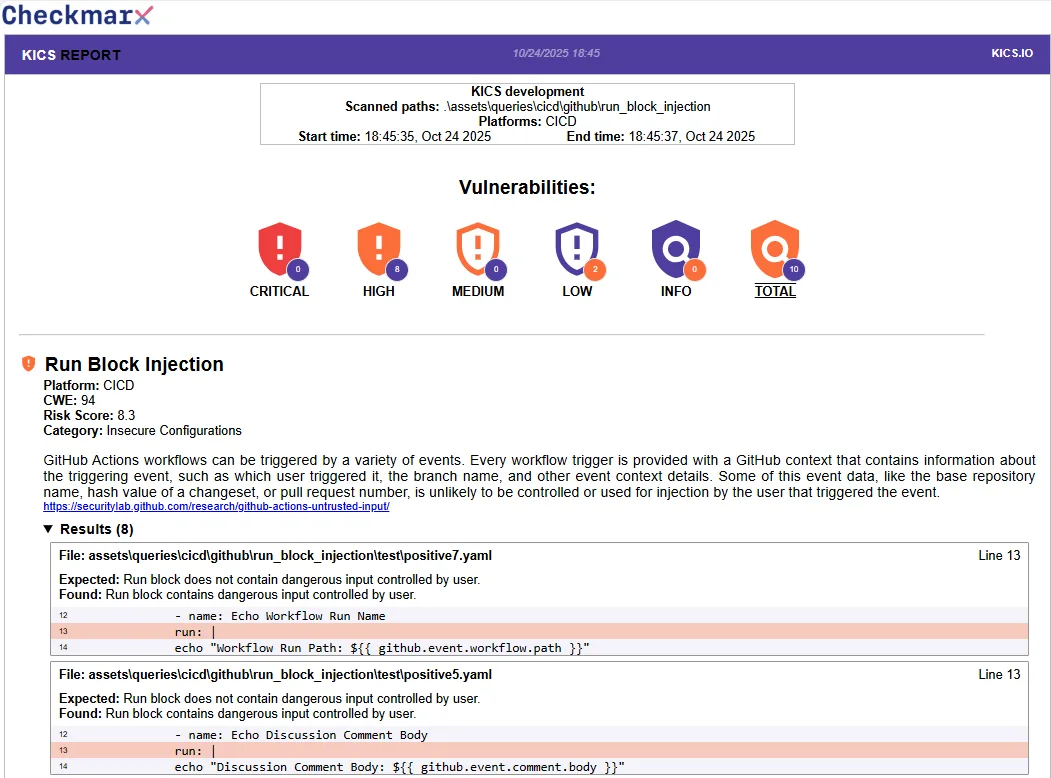
The HTML report groups findings by severity with shield icons for each level.
Each finding includes the query name, platform, CWE reference, risk score, category, description, and the offending code with line numbers. The PDF report follows the same layout.
kics scan -p . --report-formats html -o . --output-name report to generate a self-contained HTML file. Useful for compliance audits and security reviews where stakeholders want something more readable than JSON.CI/CD integration
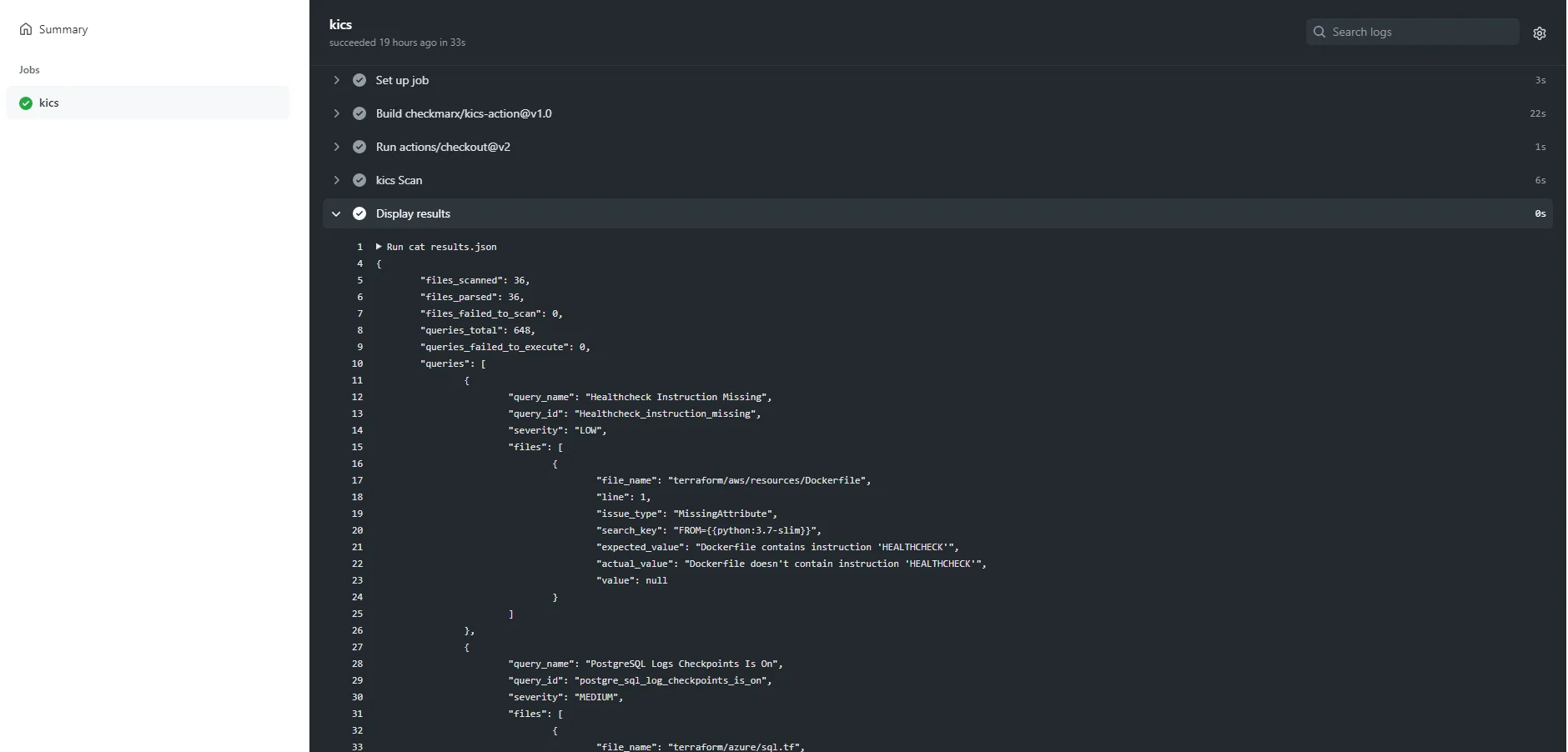
CI/CD integration works through Docker images and native actions. The GitHub Action (checkmarx/kics-github-action) supports severity-based failure thresholds, multiple output formats, and path exclusions.
 GitHub Actions
 GitLab CI
 Azure Pipelines
 Bitbucket Pipelines
 CircleCI
 Jenkins
 Terraform
 CloudFormation
 Kubernetes
 Docker
 Ansible
 Helm
Helm OpenAPI
 ARM/Bicep
 GDM
GDM Pulumi
Output formats: JSON, SARIF, JUnit XML, HTML, PDF, CSV, CycloneDX, GitLab SAST, SonarQube, Code Climate, and AWS ASFF. SARIF feeds into GitHub code scanning. GitLab SAST format integrates natively with GitLab’s security dashboard.
VS Code extension
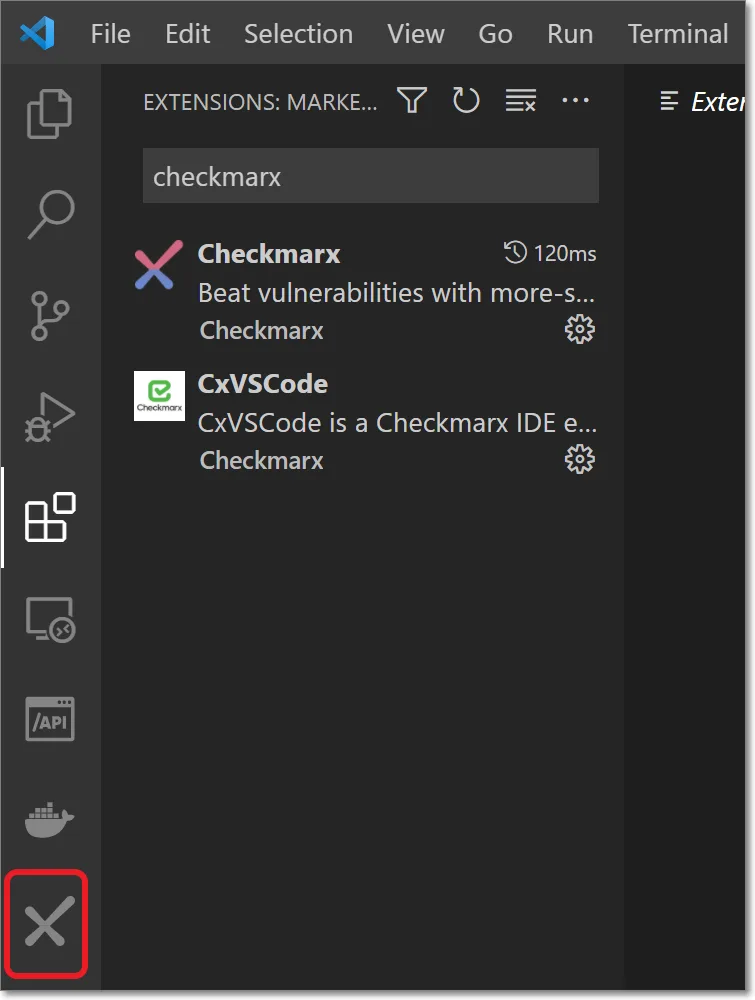
The VS Code extension scans on file save. It highlights findings in the editor with color-coded severity markers: red for Critical/High, orange for Medium, blue for Low, green for Info.
No Checkmarx account needed. Docker has to be running.
Suppressing findings
Inline suppression uses comment directives:
kics-scan ignoreat the top of a file skips the entire filekics-scan ignore-lineskips a single linekics-scan ignore-blockskips a code block
These work in Terraform, Dockerfile, and YAML files. For broader exclusions, use a kics.config file:
exclude-queries:
  - a227ec01-f97a-4084-91a4-47b350c1db54
exclude-paths:
  - "tests/"
  - "examples/"
How do I get started with KICS?
Install KICS with docker pull checkmarx/kics:latest, a binary from the GitHub releases
, or brew install kics on macOS. Then run kics scan -p ./infrastructure.
KICS auto-detects the IaC platforms in your files, or you can limit it with --type terraform,kubernetes. The CLI prints a severity summary with the query name, file path, line number, and expected vs. actual values.
Add --report-formats html -o . --output-name report for a visual report. For CI/CD gating, --fail-on high fails builds only on High and Critical findings, and exit codes map to severity so the pipeline reacts to the exact risk level you set.
To extend coverage, write custom Rego queries in your queries directory. KICS passes the parsed document as input.document and expects CxPolicy results with structured finding data.
Remote source scanning
KICS can scan remote sources directly: S3 buckets with AWS credentials, Git repos over HTTPS or SSH, and Google Cloud Storage buckets. Handy for infrastructure configs that don’t live on your local machine.
# Scan from S3
kics scan -p "s3::https://s3.amazonaws.com/bucket/infra"

# Scan from Git
kics scan -p "git::https://github.com/org/infra-repo.git"
When to use KICS
KICS fits best when you need wide platform coverage in a single scanner. 22+ IaC platforms in one tool means fewer scanners to maintain.
Good fit if you need:
- Scanning for platforms beyond Terraform and Kubernetes (Ansible, OpenAPI, gRPC, Pulumi)
- Rego-based queries that align with your existing OPA workflow
- Severity-mapped exit codes for clean CI/CD gating
- HTML/PDF reports for compliance audits
- Remote scanning of S3, Git, or GCS sources
For a broader view of IaC security strategy, see the cloud infrastructure security guide . Consider Checkov if you want graph-based cross-resource checks or Python/YAML policies.
Consider Trivy if you want IaC scanning bundled with container and dependency scanning in one binary.