


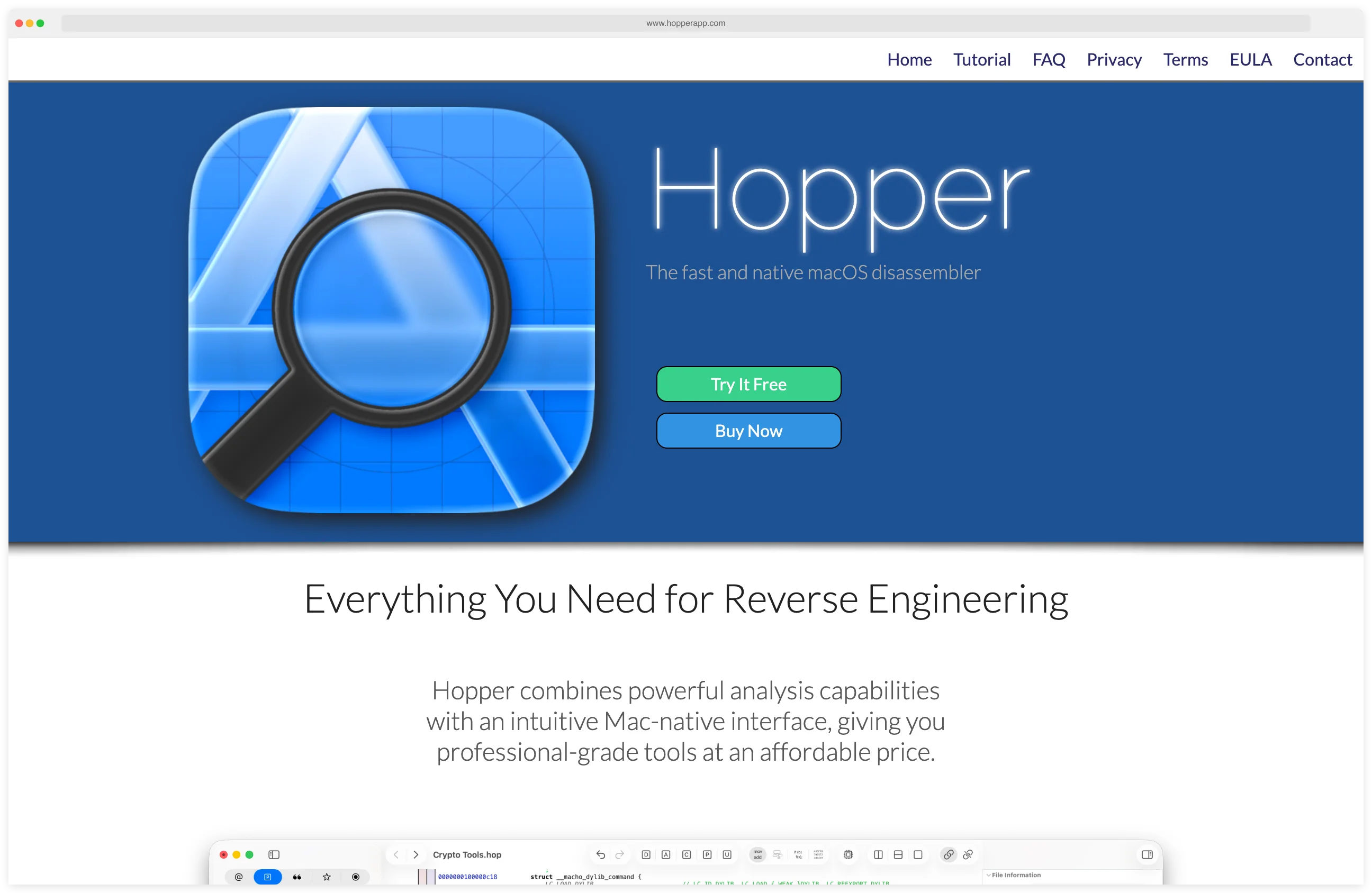
Hopper Disassembler is a powerful binary analysis tool built specifically for macOS and iOS reverse engineering.
Developed with a focus on Apple platforms, it has become a favorite among iOS mobile security researchers and macOS developers who need deep insight into compiled applications.
The tool provides a polished, Mac-native experience that feels at home in the Apple ecosystem.
Unlike cross-platform tools that support many architectures, Hopper specializes in the formats and conventions used by Apple: Mach-O binaries, Objective-C runtime structures, and Swift metadata. This specialization translates to faster analysis, better automatic recognition of Apple framework calls, and a workflow optimized for iOS app security testing.
I use Hopper when I need to disassemble a macOS or iOS binary and read the control flow visually. The pseudo-code panel is what I open first — it converts ARM and x86 assembly into a C-like view that makes tracing functions across the binary manageable.
It is not free, but the single-user license is cheaper than the alternatives and the UI feels faster than IDA on Apple Silicon.
What is Hopper Disassembler?
Hopper is a disassembler, decompiler, and debugger for macOS that handles x86, x86_64, and ARM binaries. The tool excels at transforming compiled iOS apps and macOS executables into readable assembly and pseudocode, enabling security researchers to understand implementation details without source code access.
The disassembler recognizes Objective-C classes, methods, and protocols automatically, reconstructing the object-oriented structure of the original code. For Swift binaries, it parses metadata to recover type information and function signatures.
This automatic recognition significantly accelerates the analysis process compared to generic disassemblers.
Hopper’s decompiler generates pseudocode that closely resembles the original C, Objective-C, or Swift code. The output quality is excellent for understanding control flow, identifying vulnerabilities, and locating security-relevant code sections like authentication routines or encryption implementations.
| Capability | Details |
|---|---|
| Mach-O Expertise | Deep understanding of Apple’s binary format with automatic framework recognition |
| Decompiler | Generates readable pseudocode from ARM and x86 assembly for faster comprehension |
| Objective-C/Swift | Parses runtime metadata to reconstruct classes, methods, and type information |
| Mac-Native UI | Polished interface designed specifically for macOS with keyboard-driven workflow |
| Python Scripting | Automate analysis tasks and extend functionality with Python API |
| AI Integration | Enhanced with AI capabilities through integrated MCP server for advanced analysis |
What are Hopper Disassembler’s key features?
iOS App Analysis
For iOS security testing, Hopper is invaluable. Load an IPA’s Mach-O executable to examine authentication logic, find hardcoded secrets, analyze jailbreak detection routines, or understand custom encryption implementations.
The tool automatically identifies common iOS frameworks and system calls, providing context about what the code is doing.
Combined with runtime tools like Frida or Objection , you can validate your static analysis findings dynamically. Identify interesting methods in Hopper, then hook them at runtime to observe behavior and test bypasses.
Control Flow Visualization
Hopper generates graphical control flow graphs that visualize function logic as interconnected basic blocks. This makes complex functions with many branches easier to understand than linear assembly listings.
You can navigate the graph interactively, following execution paths and understanding conditional logic.
The call graph view shows relationships between functions, helping you trace how data flows through the application and identify which functions are security-critical.
Debugging Integration
Hopper includes debugging capabilities that let you step through code execution while viewing your static analysis annotations. This unified static and dynamic approach accelerates understanding, especially when dealing with obfuscated or unfamiliar code patterns.
Python Scripting and Automation
The Python API enables automation of repetitive tasks. Write scripts to find specific code patterns, extract strings or constants, rename functions based on their behavior, or export custom reports.
This programmability extends Hopper’s utility for large-scale analysis projects.
Modern Capabilities
Recent versions include AI-enhanced analysis through an integrated MCP server, providing intelligent assistance for understanding complex binaries. The tool supports all modern Mac hardware including Apple Silicon (M1, M2, M3) processors and traditional Intel Macs.
When to use Hopper
Strengths:
- Specialized Mach-O and iOS binary analysis
- Polished, intuitive macOS-native interface
- Excellent Objective-C and Swift metadata parsing
- Fast performance and responsive UI
- Strong automatic analysis of Apple frameworks
- Regular updates with new iOS version support
- Free trial available to evaluate before purchase
- Lower resource usage than heavyweight alternatives
Limitations:
- Commercial license required (not free like Ghidra)
- macOS and Linux only (no Windows version)
- Focused on Apple platforms; less comprehensive for other architectures
- Smaller plugin ecosystem compared to IDA Pro or Ghidra
- Limited collaborative features
- Requires macOS 12.4 or higher
iOS Application Binary Reverse Engineering
The canonical iOS-RE workflow Hopper enables is the one most mobile pentesters reach for: decode an IPA, extract the Mach-O executable from Payload/AppName.app/AppName, load it into Hopper, and trace Objective-C runtime calls and Swift symbols through the pseudocode panel. Hopper auto-recognizes the Apple framework calls, which is the part where Ghidra typically requires manual rebuilds of class hierarchies for iOS targets.
That same loop is what the OWASP MASTG static-analysis tests cite for iOS — verify hardcoded secrets, audit pinning logic, locate jailbreak-detection routines, and confirm crypto primitives. Hopper handles the static portion; pair it with Frida for the dynamic side of the same target.
How do I get started with Hopper Disassembler?
- Download Hopper — Get the free trial from hopperapp.com. The trial has full functionality but limits session length. Commercial licenses are available for individual and team use.
- Extract the iOS binary — Rename the .ipa to .zip and extract it. Locate the app binary at
Payload/AppName.app/AppName. - Load and analyze — Drag the Mach-O binary into Hopper and wait for automatic analysis to complete. Hopper will identify Objective-C classes, Swift metadata, and framework references.
- Browse and decompile — Navigate classes, methods, and strings in the sidebar. Press
Command+Option+Dto switch to decompiler view for pseudocode output. - Annotate findings — Use
nto rename symbols,xto view cross-references, andgto jump to addresses. Export or annotate your findings for documentation.
Combine Hopper with Ghidra for cross-platform analysis, Frida for runtime instrumentation, and mitmproxy for network traffic inspection.
Hopper Pricing
Hopper publishes its pricing on hopperapp.com — one of the few mobile-RE tools that does. The model is a perpetual license rather than a subscription, with the entry Personal tier at $99. Higher tiers (Standard / Educational / Public Sector) add commercial-use rights and broader deployment terms; verify the current numbers on hopperapp.com/buy before any purchase decision because the company adjusts pricing between major versions.
The license includes one year of free updates. After that, you can keep using your current major version forever or buy an upgrade at a reduced rate when a new major version ships. The free trial has full functionality but blocks save and export, which is enough to evaluate the workflow on a real binary before paying.
Compared to IDA Pro’s annual subscription model, Hopper’s perpetual license is the main reason iOS-focused researchers settle on it for individual or small-team use.
Hopper Alternatives
Hopper sits in a competitive disassembler-plus-decompiler market. The closest alternatives, depending on which slice matters most:
- Ghidra . Free, NSA-built, cross-platform disassembler with a strong decompiler. The default free alternative to Hopper. Pair with the radare2 vs Ghidra comparison if you are evaluating both.
- IDA Pro. The historical gold standard. Best decompiler, deepest plugin ecosystem, and the only major option on Windows. Subscription pricing is several multiples of Hopper, which is the main reason iOS researchers tend to pick Hopper for individual use.
- Binary Ninja. Modern, scriptable disassembler with a clean API and a competitive decompiler. Mid-priced perpetual license; popular with researchers who want better automation than IDA without the cost.
- radare2 . Free, CLI-first, multi-architecture reverse-engineering framework. More flexible than Hopper for scripting pipelines, but a steeper learning curve and no native macOS UI polish.
- Cutter. GUI front-end on top of radare2. Good free alternative when you want a Hopper-like windowed workflow without paying — at the cost of less Mach-O / Swift metadata depth than Hopper.
For macOS-native iOS binary work specifically, Hopper is usually the right pick; for everything else, one of the alternatives above tends to win on cost, scope, or platform coverage.