

GitHub Secret Scanning detects exposed credentials inside repositories hosted on GitHub, without any external tool or pipeline step.
Its advantage, in my view, is native credential detection where the code already lives.
When a commit introduces an AWS key, database password, or provider token, the scanner matches it against a library of known patterns and raises an alert. For partner-registered secrets, GitHub also notifies the issuing service so the credential can be revoked.
The scanner is free and always on for public repositories. Private and internal repositories require a paid license, which GitHub now sells as a standalone product called GitHub Secret Protection.
What is GitHub Secret Scanning?
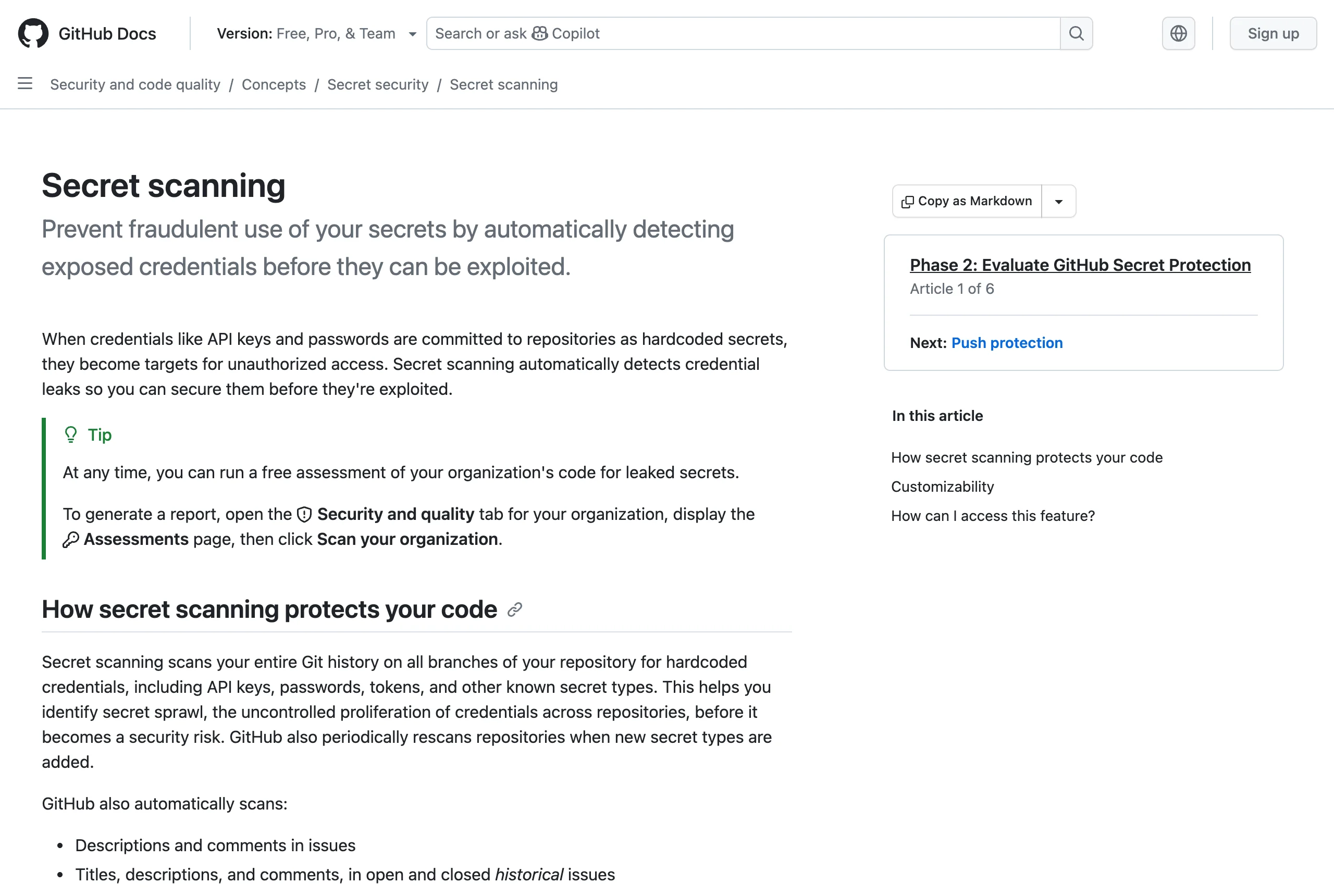
GitHub Secret Scanning is the native credential-detection feature that runs against repositories on GitHub. It looks for hardcoded API keys, tokens, private keys, and connection strings in commits, branches, and git history.
The detection engine pairs a partner program of provider-registered patterns with custom regex rules and Copilot-powered AI detection for unstructured secrets. Matches surface as alerts in the repository Security tab.
In 2025 GitHub repackaged the offering. Secret scanning and push protection now ship as a standalone product, GitHub Secret Protection, sold separately from the code-analysis product GitHub Code Security. Both were previously bundled inside GitHub Advanced Security.
How does it work?
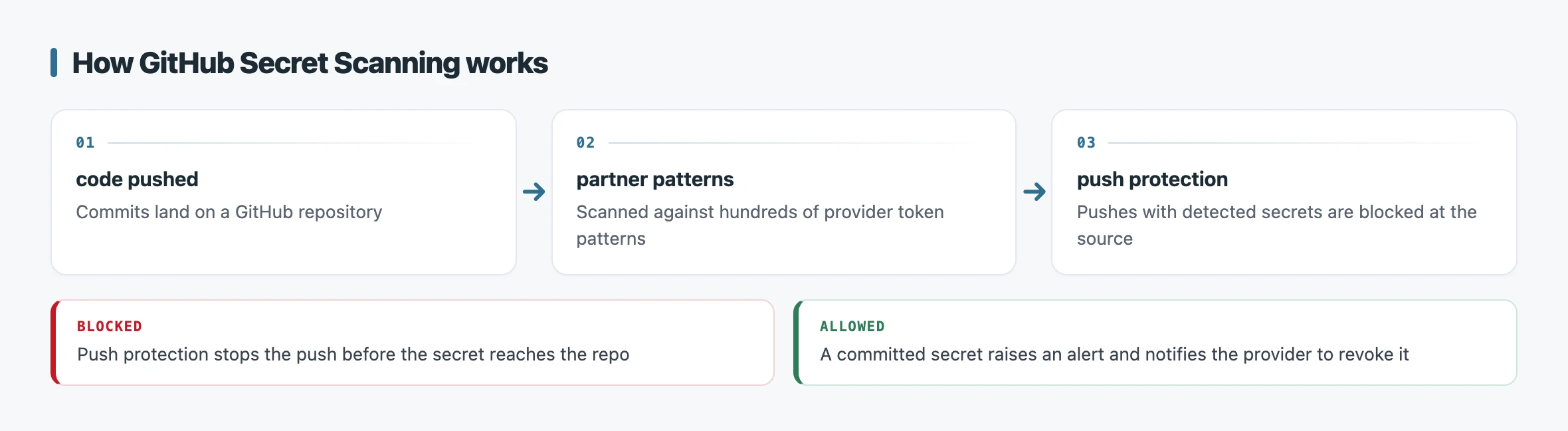
Secret scanning runs three complementary mechanisms: detection alerts, push protection, and the partner program. Together they cover credentials already in history, credentials being committed now, and credentials that need provider action.
Detection alerts are the baseline. GitHub scans the full contents and git history of a repository, matches each candidate against its pattern library, and records a finding in the Security tab. On Secret Protection, validity checks then flag whether the detected secret is still active.
Push protection moves the check earlier. It blocks a push or commit that contains a detected secret before that secret reaches the repository, covering command-line pushes, web commits, file uploads, and API requests.
A developer with write access can bypass it by supplying a reason, and organizations can lock that down with delegated bypass.
The partner program closes the loop on exposed credentials. GitHub works with service providers to validate detected secrets, and for partner-registered token types found in public repositories it notifies the issuer directly. The provider can then revoke or reissue the leaked credential, often before an attacker uses it.
Key features
Secret scanning combines native integration with several detection and response layers.
- Native, zero-setup detection on public repositories, scanning commits and full git history.
- Push protection that blocks pushes and commits containing detected secrets before they land.
- Partner program spanning hundreds of provider token types, with automatic provider notification.
- Validity checks that flag whether a detected secret is still active (Secret Protection).
- Custom patterns defined as regular expressions for organization-specific secrets.
- Copilot-powered AI detection for unstructured secrets such as generic passwords.
- Delegated bypass controls so organizations govern who can override push protection.
The custom-pattern engine matters most for teams with proprietary credential formats that no public pattern covers. The AI detection layer catches the unstructured passwords that regex alone tends to miss.
Free vs paid
The split between public and private repositories defines the pricing model. Public repositories get secret scanning and push protection for free, with no license and no configuration.
Private and internal repositories require GitHub Secret Protection. It is a paid product available on GitHub Team and GitHub Enterprise Cloud, billed per active committer. GitHub does not publish a single flat price on these docs pages, so the exact figure depends on your plan and committer count.
The 2025 repackaging is the key naming change to track. What used to be a feature of GitHub Advanced Security is now sold as the standalone GitHub Secret Protection, separate from GitHub Code Security. If a procurement document still references “Advanced Security secret scanning,” it predates this split.
When to use it
GitHub Secret Scanning is the natural choice when your code already lives on GitHub and you want secret detection without standing up a separate tool. On public repositories it is essentially free protection you should never turn off.
For a GitHub-only shop, the native integration and partner notification are hard to beat. Push protection stops leaks at the source, and the provider-revocation loop is something CLI scanners cannot replicate on their own.
The constraint is platform lock-in. Secret scanning only covers repositories on GitHub, so it does nothing for GitLab, Bitbucket, or the Slack and Jira surfaces where credentials also leak.
If you run multiple version-control platforms or need scanning beyond git, a dedicated scanner fits better. GitGuardian adds multi-platform coverage and an incident dashboard, while Gitleaks is a free CLI you can wire into any pipeline.
For a self-hosted, baseline-driven workflow on any git host, detect-secrets is the lighter open-source option. The wider secret scanning tools hub covers how these approaches compare.