


Fortify WebInspect Agent adds IAST capabilities to the Fortify WebInspect DAST scanner. It instruments Java and .NET applications during dynamic scans to provide file names, line numbers, and stack traces for each vulnerability.
The agent is included free with WebInspect and WebInspect Enterprise licenses. It is also available through Fortify on Demand SaaS.
What is Fortify WebInspect Agent?
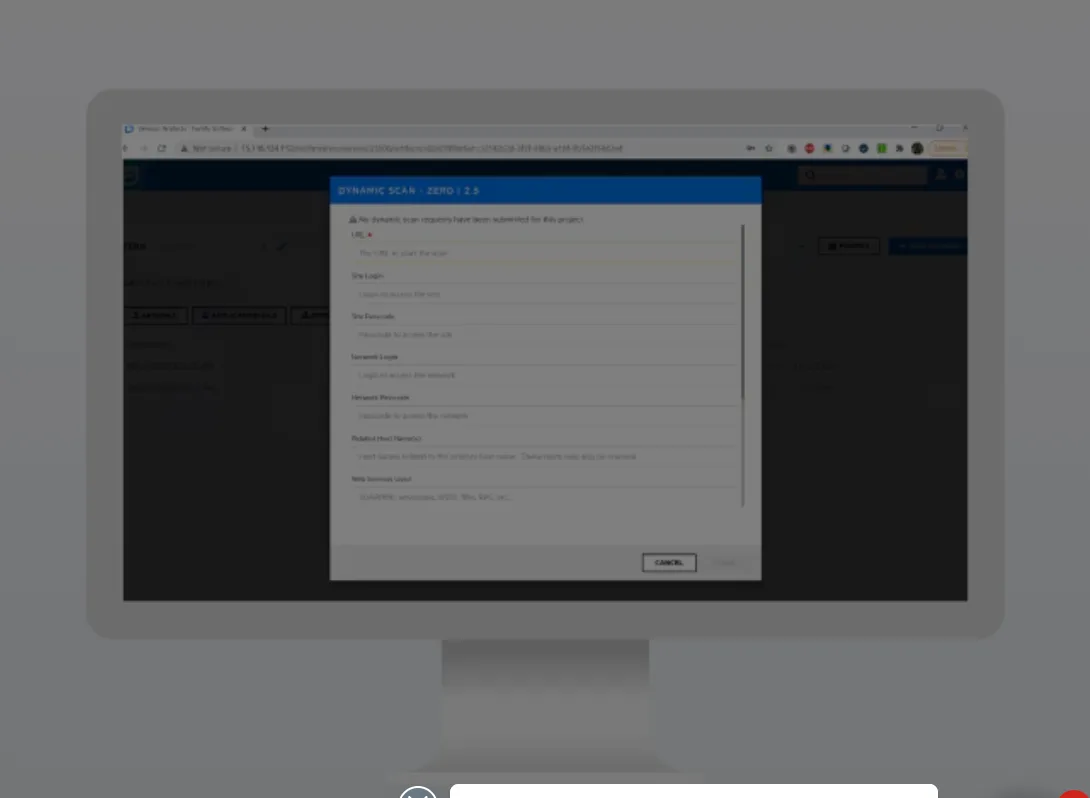
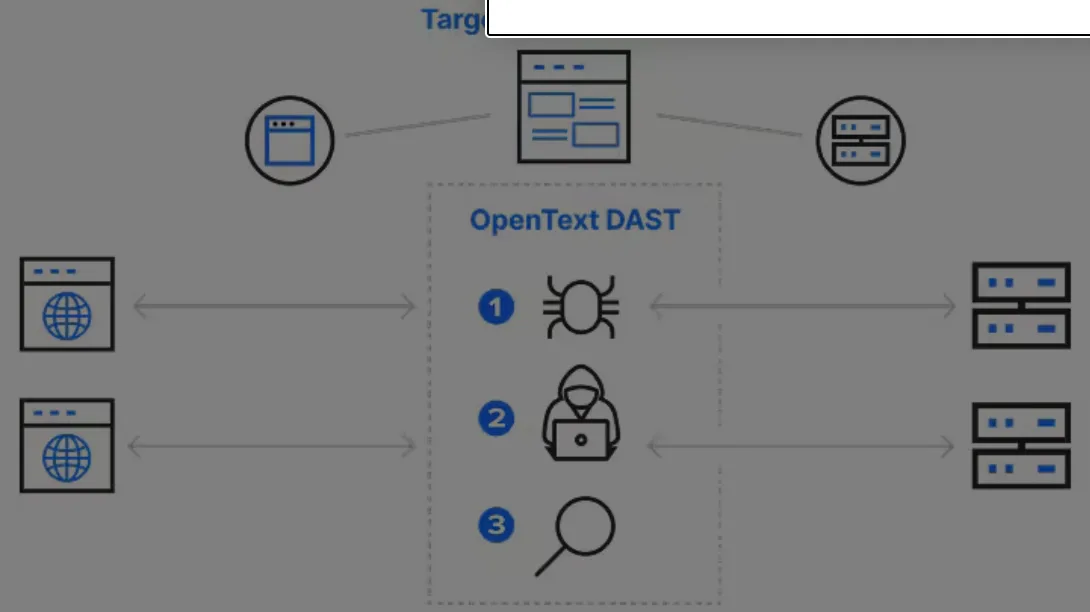
The WebInspect Agent transforms Fortify WebInspect from a pure DAST scanner into a hybrid DAST+IAST solution. While WebInspect attacks the application externally, the agent monitors code execution internally.
This combination means developers get specific file-and-line references rather than generic HTTP-level descriptions.
| Capability | Details |
|---|---|
| Code-Level Reporting | Captures source file names, line numbers, full stack traces, and variable values at the point of exploitation. Turns vague DAST findings into precise remediation targets. |
| Attack Validation | Confirms that WebInspect’s attack payloads actually reach vulnerable code. If a WAF or input validation blocks the attack, the agent drops the false positive. |
| CAPTCHA Bypass | Intercepts CAPTCHA validation at the application level during scanning. WebInspect scans proceed automatically without manual intervention. |
What are Fortify WebInspect Agent (IAST)’s key features?
| Feature | Details |
|---|---|
| Supported Languages | Java, .NET |
| Licensing | Included with WebInspect and WebInspect Enterprise |
| SaaS Option | Available through Fortify on Demand |
| Java Deployment | JVM agent argument |
| .NET Deployment | IIS module or Windows installer |
| Attack Validation | Confirms payloads reach vulnerable code paths |
| CAPTCHA Handling | Bypasses CAPTCHA at application level |
| Cross-Tool Correlation | Integrates with Fortify SCA static findings |
Code-Level Vulnerability Reporting
When the agent detects a vulnerability during a scan, it captures the complete execution context: source file name and path, line number where the vulnerability occurs, full stack trace showing the call chain, and variable values at the point of exploitation.
This detail eliminates the guesswork that typically follows DAST-only scans.
Attack Validation
The agent validates that attacks launched by WebInspect actually reach vulnerable code paths. If a potential vulnerability is blocked by a web application firewall, input validation, or other defensive layer before it reaches vulnerable code, the agent confirms the finding is a false positive.
Integration with Fortify Ecosystem
Fortify is now part of OpenText , following the acquisition of Micro Focus in 2023. The agent works within the broader OpenText Fortify ecosystem:
- Fortify WebInspect — DAST scanning with IAST enhancement
- Fortify SCA — static analysis correlation
- Fortify Software Security Center — centralized reporting
- Fortify on Demand — SaaS delivery option
How do I get started with Fortify WebInspect Agent (IAST)?
- Get the agent — Download the WebInspect Agent from your Fortify portal. It ships with WebInspect installations at no additional cost.
- Deploy to your application — For Java, add the agent as a
-javaagentJVM argument. For .NET, install the IIS module via the provided Windows installer. No source code changes needed. - Enable in WebInspect — In your WebInspect scan configuration, navigate to the Agent settings and enable “Use WebInspect Agent.” Configure the agent server URL.
- Run your DAST scan — Start a WebInspect scan against the instrumented application. Results include both external DAST findings and internal IAST code-level details.
When to Use Fortify WebInspect Agent
The WebInspect Agent makes sense whenever you already run Fortify WebInspect scans and want more actionable results. There is no extra licensing cost.
The agent is particularly valuable for Java and .NET enterprise applications where WebInspect is already part of the security testing strategy. If you need IAST for languages beyond Java and .NET, consider Contrast Assess or Seeker IAST .
How is Fortify WebInspect Agent deployed?
The current OpenText DAST Agent 26.2.0 guide was published in May 2026. It documents separate installation paths for Java application servers and Microsoft IIS.
A practical rollout is:
- Confirm the application runtime and server appear in the supported matrix.
- Install the Java agent or .NET agent on a non-production test environment.
- Restart or attach as required, then verify the agent appears in WebInspect.
- Exercise authenticated application paths with WebInspect or an existing test suite.
The 26.2 documentation set includes the installation guide, user guide, release notes, Docker guide, and agent rulepack guide. That version alignment matters when WebInspect and its agent are upgraded.
How does the agent fit into Fortify workflows?
WebInspect supplies the attack traffic . The agent adds runtime evidence for reached code paths, so coverage depends on authentication, crawling, and test traffic.
The most useful operating pattern is to instrument staging, run the normal DAST profile, and route confirmed findings into the existing Fortify review queue. Developers then receive file and line context with the HTTP evidence.
OpenText’s 26.2 release notes also describe two-factor-authentication fields for dynamic scans. Authentication configuration remains part of getting useful agent coverage.
What are Fortify WebInspect Agent’s limitations?
The agent is documented within OpenText DAST . Teams without WebInspect do not get a standalone IAST product from this component.
Language scope is narrow. The 26.2 installation guide documents Java and .NET agents, so other languages need another runtime-testing path.
Installation requires access to Java application servers or IIS. That can be difficult where security teams cannot change startup arguments, install modules, or restart services.
I would verify runtime versions against the current support matrix . It lists specific JRE, application-server, .NET Framework, Windows, and IIS versions.
Agent findings are evidence from one test window. They do not cover code paths reached only by scheduled jobs, message consumers, unusual roles, or production-only integrations.
Those paths need targeted traffic or another testing method. I would include route and role coverage in the result review, not treat an empty queue as proof of safety.