
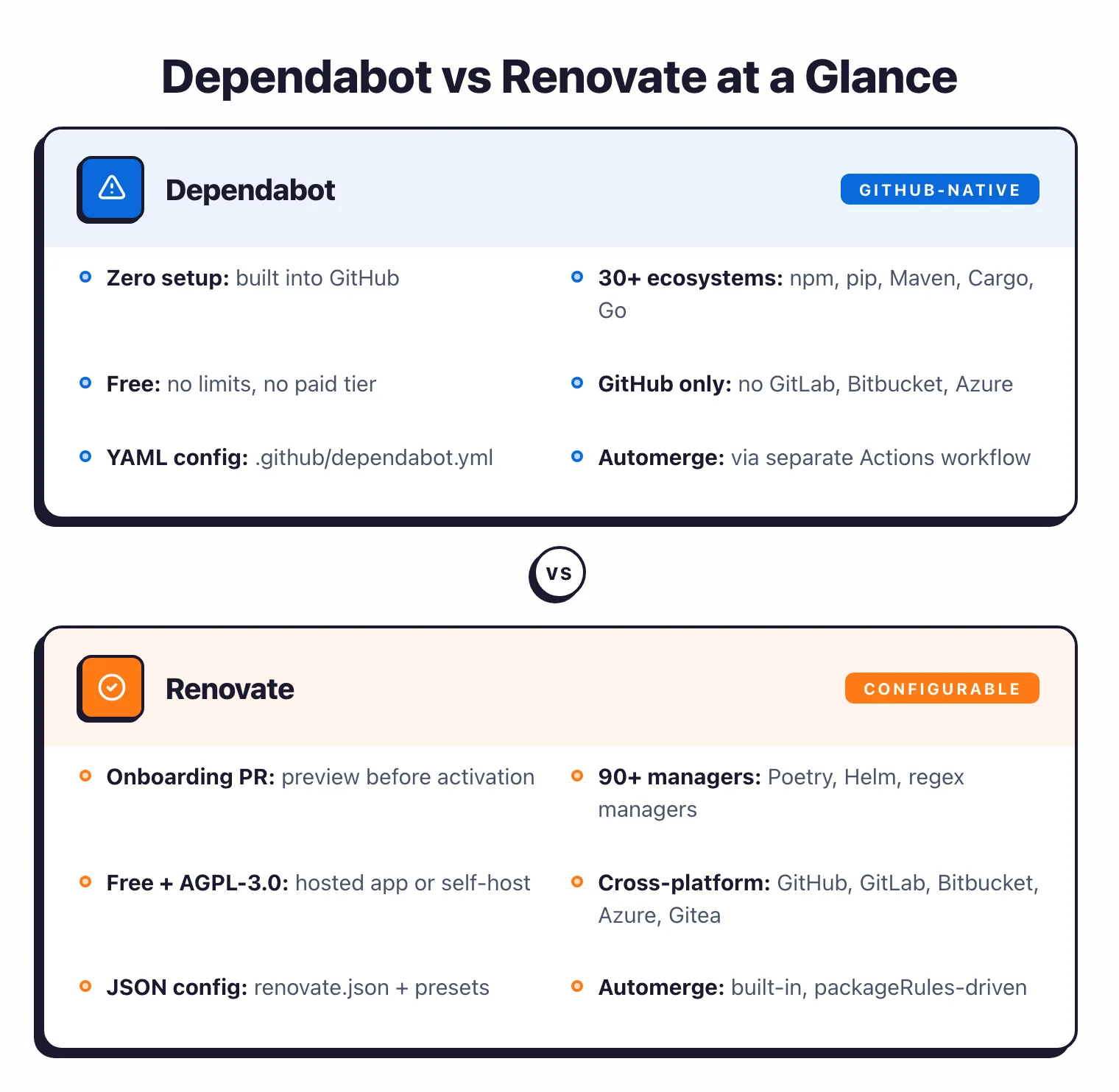
- Dependabot supports 30+ package managers on GitHub only; Renovate supports 90+ package managers across GitHub, GitLab, Bitbucket, Azure DevOps, and Gitea.
- Renovate has built-in automerge with configurable rules; Dependabot requires a separate GitHub Actions workflow using dependabot/fetch-metadata.
- Renovate supports regex managers for updating versions in any file format (Dockerfiles, Makefiles, CI configs); Dependabot has no equivalent.
- Renovate’s shared config presets let organizations standardize dependency policies across all repos; Dependabot requires per-repository YAML configuration.
- Both tools are free — Dependabot is built into GitHub with zero setup; Renovate’s Mend-hosted app is free, and self-hosting is also free under AGPL-3.0.
Dependabot vs Renovate comes down to platform reach and configuration philosophy. Dependabot is GitHub’s built-in dependency update bot that creates pull requests for outdated or vulnerable dependencies across 30+ package ecosystems.
Renovate is an open-source dependency update tool by Mend (formerly WhiteSource) that supports 90+ package managers across GitHub, GitLab, Bitbucket, Azure DevOps, and Gitea.
Framed the other way — Renovate vs Dependabot is the choice between flexibility (Renovate’s presets, regex managers, built-in automerge) and zero-setup simplicity (Dependabot’s native GitHub integration).
Quick Answer
- GitHub-only repos, zero-config setup, 30+ ecosystems enough? → Dependabot
- GitLab / Bitbucket / Azure DevOps / Gitea, or 90+ package managers, or regex managers for non-standard files? → Renovate
- Monorepo with shared org-wide config, aggressive automerge, granular grouping? → Renovate
- Both tools are free. No paid tiers gate core functionality.
Dependency updates are automated pull requests that bump a project’s third-party libraries, container images, or CI actions to newer versions. Update bots like Dependabot and Renovate watch package registries, detect out-of-date or vulnerable versions, and open a PR with the change, release notes, and a compatibility signal.
Which Is Better: Dependabot or Renovate?#
Dependabot is the right default for GitHub-only teams that want dependency updates with minimal setup. It’s built into GitHub, free with no limits, and covers 30+ ecosystems.
Enable it in repository settings, add a YAML config file, and you’re done. Renovate is the tool to reach for when you need more control — 90+ package managers, multi-platform support (GitHub, GitLab, Bitbucket, Azure DevOps, Gitea), regex managers for non-standard files, advanced scheduling, and merge confidence scoring.
The configuration is more complex, but that complexity buys you flexibility that Dependabot cannot match.
Key Insight
The choice isn't Dependabot vs Renovate — it's whether you need Renovate's grouping flexibility and cross-platform reach, or GitHub's seamless zero-config integration. Both tools are free; pick the one that matches your platform.
What Are the Key Differences?#
| Feature | Dependabot | Renovate |
|---|---|---|
| License | Free (GitHub native) | AGPL-3.0 (open-source) |
| Cost | Free, no limits | Free (hosted app and self-hosted) |
| GitHub Stars | N/A (built into GitHub) | 21,800+ |
| Package Managers | 30+ | 90+ |
| Platform Support | GitHub only | GitHub, GitLab, Bitbucket, Azure DevOps, Gitea |
| Configuration | .github/dependabot.yml | renovate.json (or .renovaterc) |
| Grouped Updates | Yes (by name, type, semver level, cross-ecosystem) | Yes (by name, type, semver, custom rules) |
| Automerge | Via GitHub Actions workflow | Built-in (automerge: true) |
| Merge Confidence | Compatibility scores (public CI data) | Merge confidence badges (aggregated CI data) |
| Scheduling | Daily, weekly, monthly, cron | Any cron expression, time windows, timezone-aware |
| Security Updates | Automatic PRs (minimum patched version) | Immediate PRs bypassing normal schedule |
| Vulnerability Database | GitHub Advisory Database (reviewed advisories) | Upstream advisories (OSV, GitHub Advisories) |
| Regex Managers | No | Yes (update versions in any file) |
| Preset Sharing | No | Yes (shareable config presets) |
| Monorepo Support | Basic | Advanced (workspace-aware) |
| Onboarding PR | No (manual config) | Yes (auto-generated) |
| Cooldown Periods | Yes (1-90 days for new releases) | Yes (stabilityDays) |
| Docker/Kubernetes Updates | Docker only | Docker, Docker Compose, Kubernetes, Helm |
Pick your next step
I'm evaluating Dependabot
Six Dependabot alternatives ranked, including Renovate, Snyk, and Trivy. Use this when GitHub-native is not enough.
→I want a paid vs free comparison
Snyk vs Dependabot — paid SCA platform against the free GitHub bot. CVE database depth, fix advice, and CI/CD fit.
→I want the full SCA shortlist
Every active SCA tool I track in one comparison page — open-source, commercial, container scanners, and dependency bots.
→Dependabot vs Renovate: How Do They Compare?#
I ran both tools on the same npm monorepo (198 direct dependencies, 14 workspaces) in April 2026 to compare real behavior.
Dependabot was enabled in about 30 seconds — flip the toggle in repo settings, drop in a 10-line dependabot.yml, done. Within 4 minutes it had opened 18 separate PRs, one per outdated package. No grouping rule I had written could convince it to collapse minor/patch bumps into one PR across all 14 workspaces simultaneously; grouping only worked within individual workspace directories.
Renovate needed the app install, an onboarding PR, and a first-time renovate.json configuration — call it 15 minutes of setup. The first scan took about 8 minutes. With a single packageRules block grouping all non-major updates, it opened 6 grouped PRs covering the same 18 updates, plus 2 major-version PRs that it deliberately kept separate. Subsequent scans run on the schedule I set, and automerge for patch updates works without any GitHub Actions workflow.
The outcome matched what the docs suggest. Dependabot gets you going faster; Renovate produces a cleaner PR queue on a non-trivial codebase once you have invested 15 minutes up front.
Setup and Onboarding#
Dependabot is simpler to turn on. Go to your GitHub repository settings, enable Dependabot alerts and security updates, and vulnerability notifications plus automatic fix PRs start flowing right away.
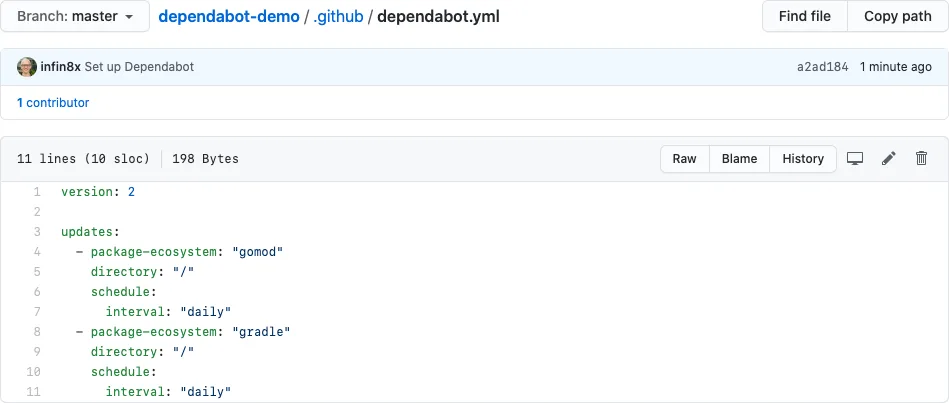
For version updates, add a .github/dependabot.yml file specifying which ecosystems to track and the update schedule. No external services, no API tokens, no installation step. It’s already there.
Pro tip: Start with Dependabot if your stack is GitHub-only — drop a six-line .github/dependabot.yml in your repo root and version updates begin on the next scheduled run.
version: 2
updates:
  - package-ecosystem: "npm"
    directory: "/"
    schedule:
      interval: "weekly"
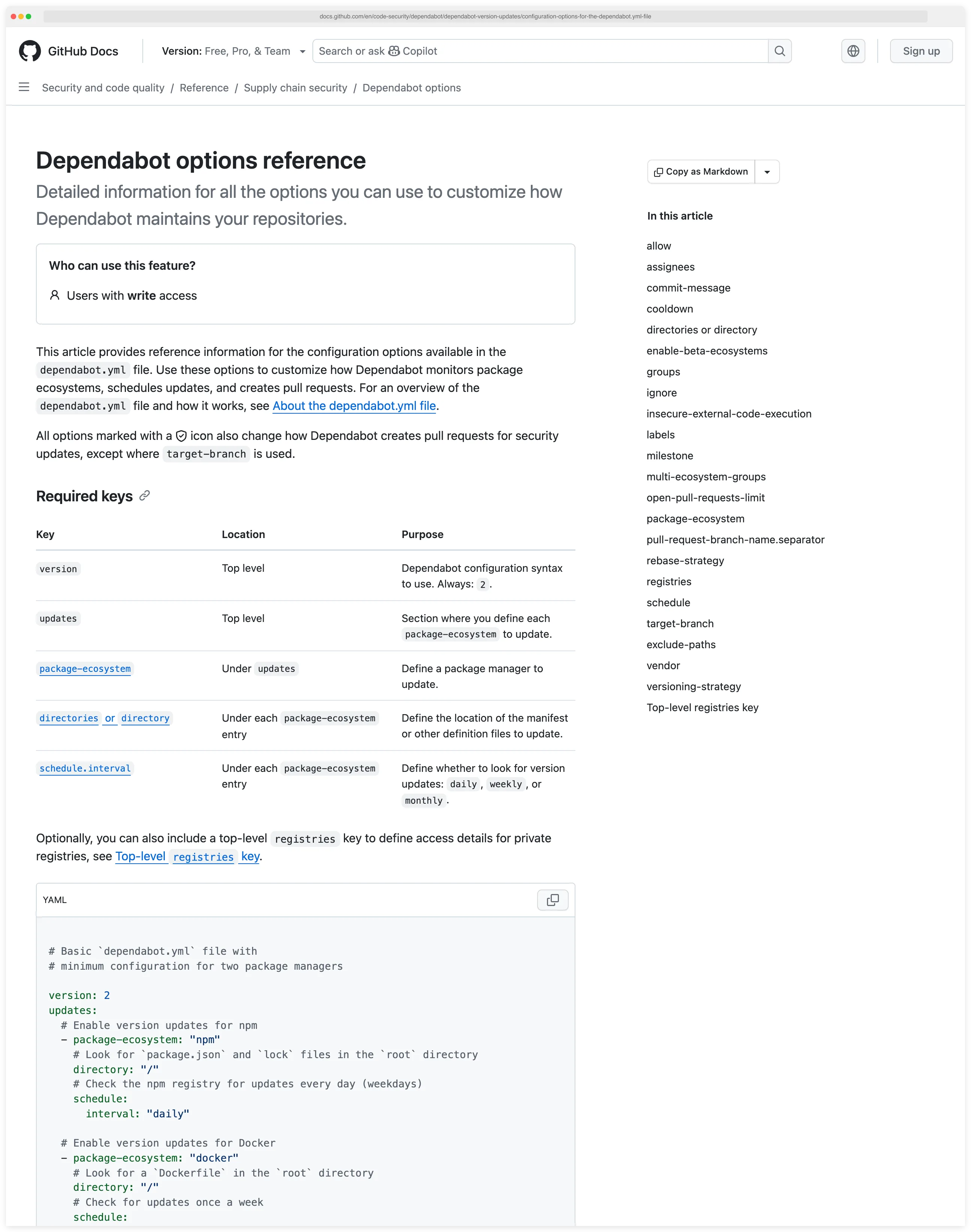
Dependabot’s full configuration reference lists every supported field — schedule cadences, target branches, ignore rules, grouping, and per-ecosystem options.
Renovate requires an installation step, but it’s still easy. Install the Mend-hosted Renovate GitHub App , select your repositories, and Renovate creates an onboarding PR.
That PR shows you exactly what Renovate detected in your repository, what it plans to update, and lets you customize the configuration before merging.
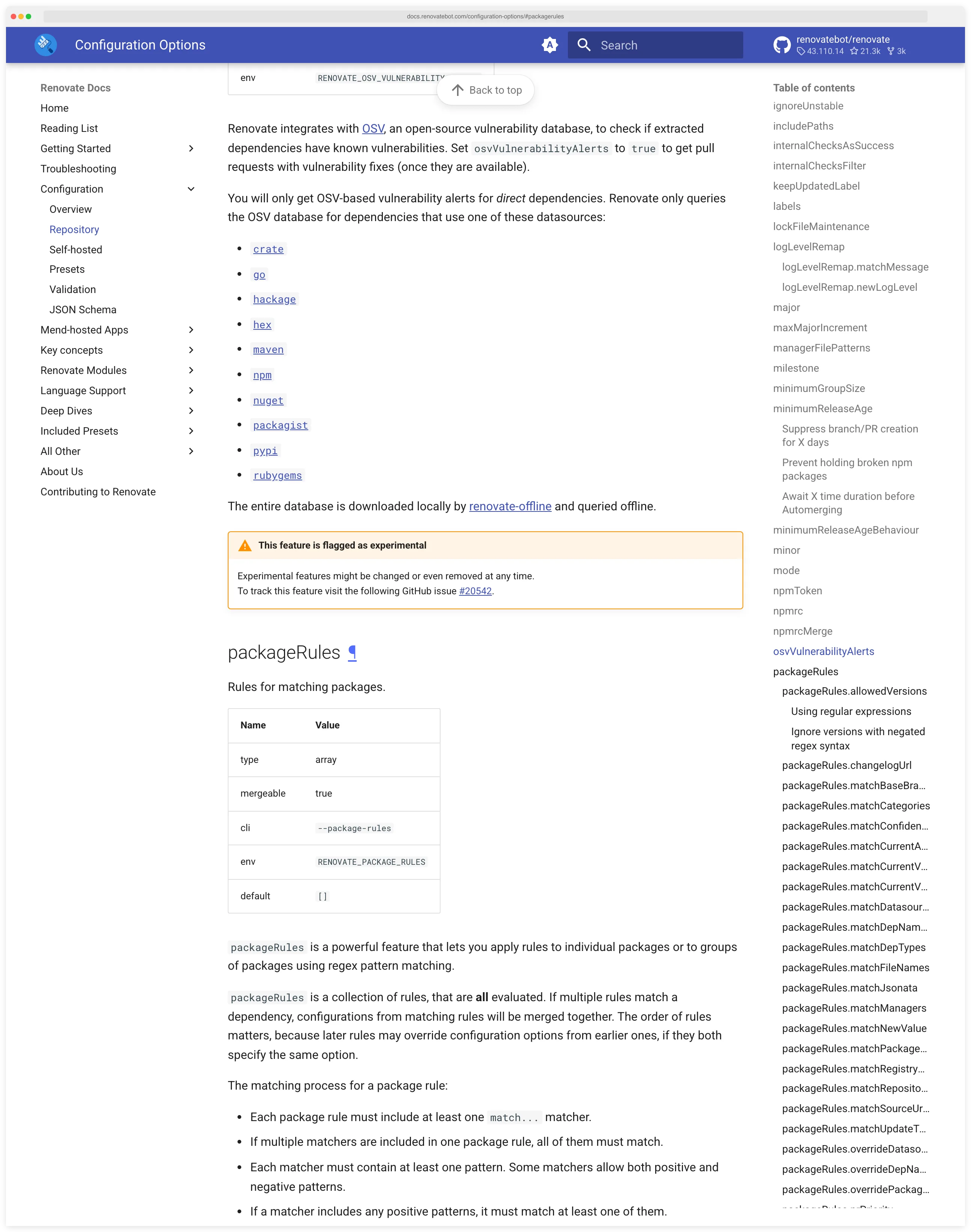
The onboarding PR gives you a preview of what Renovate will do before it starts opening update PRs.
For GitLab, Bitbucket, or Azure DevOps, you run Renovate as a self-hosted service or CI job. That adds operational overhead compared to Dependabot’s zero-setup model, but it’s the only option since Dependabot doesn’t work outside GitHub.
Package Manager Coverage#
Renovate’s coverage is broader by a wide margin. With 90+ package managers, it handles everything Dependabot covers plus many more: Poetry, Pipenv, uv, sbt, CocoaPods, Bower, Docker Compose, Kubernetes manifests, Helm charts, CircleCI config files, and dozens of others.
The regex manager feature lets you define custom patterns to update version strings in any file — Dockerfiles, Makefiles, CI configs, or anything else with a version number.
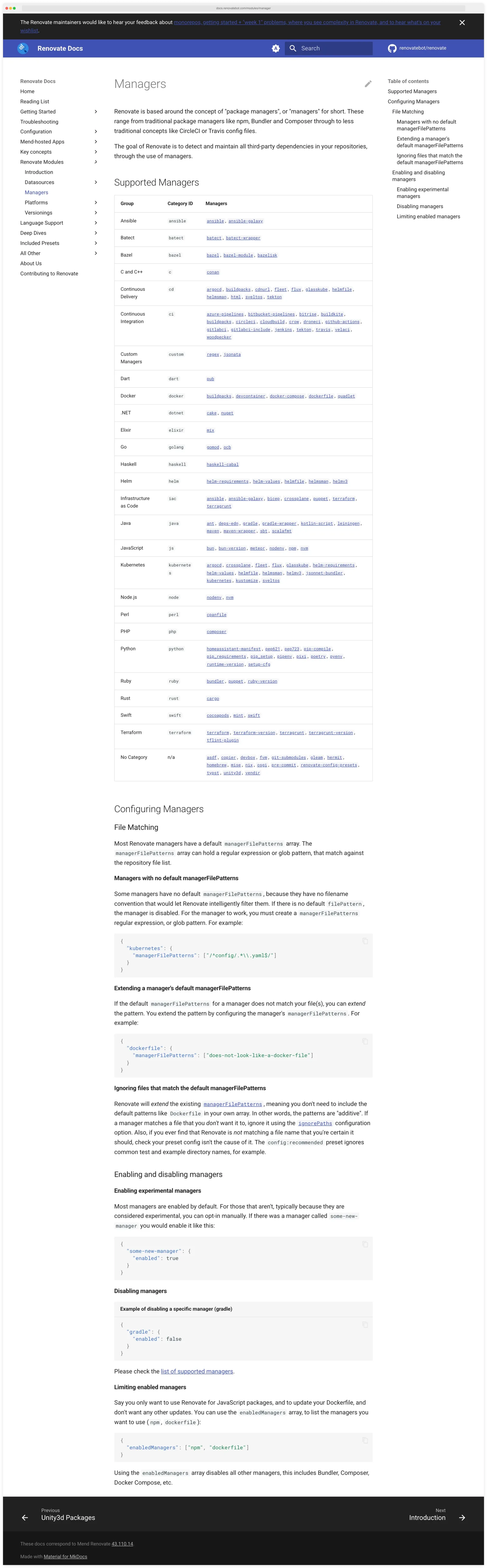
Dependabot covers 30+ ecosystems: npm, pip, Maven, Gradle, Bundler, Cargo, Composer, NuGet, Go modules, Docker, Terraform, GitHub Actions, pnpm, Bun, Helm, Swift, Pub, uv, and more. For the most common languages and frameworks, 30 ecosystems is enough.
You hit the limits when dealing with less mainstream package managers or when you need to update versions in non-standard file locations.
Check your stack against Dependabot’s supported list. If anything falls outside it, Renovate is your only choice between these two.
Grouping and PR Management#
Both tools group related updates to reduce PR noise, but they approach it differently.
Grouped PRs bundle several dependency updates into a single pull request instead of opening one PR per package. Grouping cuts review overhead, merge-conflict churn, and CI cost, especially on repos where dozens of packages update each week.
Dependabot groups updates by dependency name patterns, dependency type (production vs. development), semver update level, and even across ecosystems. Multi-ecosystem grouping — bundling npm, pip, and Docker updates into one PR — landed as a GitHub public preview in 2024.
You define groups in dependabot.yml and Dependabot bundles matching updates together.
Renovate groups updates through packageRules in renovate.json. You can group by package name regex, update type, source URL, or any combination.
Pro tip: Use Renovate when you need cross-platform support or aggressive grouping — install github.com/apps/renovate, drop a renovate.json with packageRules, and group every minor and patch update behind a single automerged PR.
{
  "extends": ["config:base"],
  "packageRules": [
    {
      "matchPackagePatterns": ["*"],
      "matchUpdateTypes": ["minor", "patch"],
      "groupName": "all non-major dependencies",
      "automerge": true
    }
  ]
}
Renovate’s grouping is more granular — you can create groups like “all AWS SDK packages” or “all linting tools” with regex patterns that Dependabot’s simpler matching can’t express. Renovate also supports matchManagers, letting you group by package manager type.
PR limits work differently too. Dependabot lets you set open-pull-requests-limit per ecosystem (default 5).
Renovate has both prHourlyLimit and prConcurrentLimit, giving finer control over how many PRs get created and when.
For repositories with many dependencies, Renovate’s rate limiting prevents the flood of PRs that Dependabot can create when first enabled.
Automerge#
Dependabot doesn’t have built-in automerge. You set it up through a GitHub Actions workflow that uses dependabot/fetch-metadata to check the update type and then runs gh pr merge --auto for low-risk updates.
It works, but it’s a separate workflow you have to write and maintain.
Renovate has automerge built in. Set "automerge": true in a package rule and Renovate handles the rest. You can automerge by update type (patch, minor), by package name, by whether tests pass, and with configurable delays.
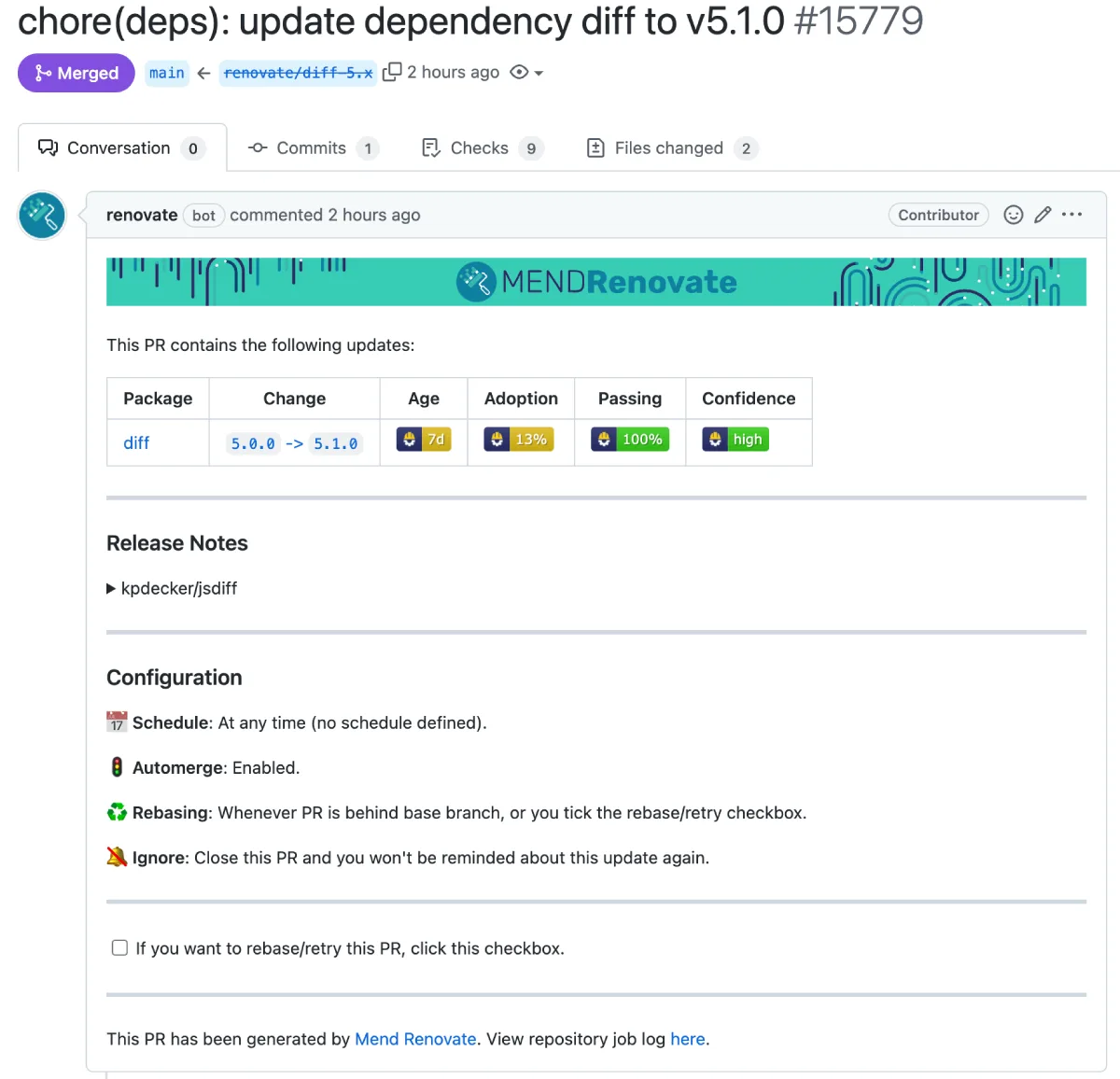
Renovate even supports branch automerge (merging without creating a PR at all) for low-risk updates, which further reduces noise.
For teams that want to keep dependencies current with minimal manual intervention, Renovate’s native automerge is more convenient.
Configuration Sharing#
Renovate has a preset system that lets you share configuration across an organization. Create a shared config repository with your organization’s dependency update policies, and individual repositories extend it with "extends": ["github>your-org/renovate-config"].
Changes to the shared config propagate to all repositories automatically. For large organizations with dozens or hundreds of repositories, this saves real time.
Dependabot has no equivalent. Each repository gets its own dependabot.yml, and there’s no mechanism to share or inherit configuration.
For organizations with many repositories, this means duplicating configuration and updating it repository by repository.
Vulnerability Handling#
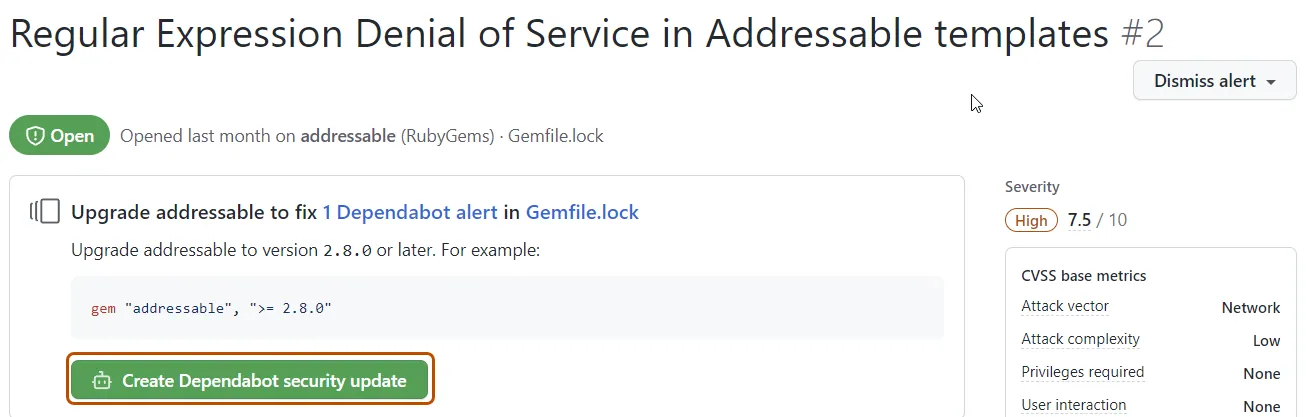
Dependabot pulls from the GitHub Advisory Database . Only advisories reviewed by GitHub’s security team trigger alerts, which reduces false positives compared to raw NVD feeds.
Security update PRs bump to the minimum patched version (not latest) to minimize breaking changes, and include compatibility scores based on public CI pass rates.
Renovate uses upstream vulnerability databases (OSV.dev , GitHub Advisories) and creates immediate PRs that bypass normal scheduling when a CVE is published. The PR includes vulnerability details and severity ratings.
Transitive dependencies are libraries your code doesn’t import directly — they’re pulled in by your direct dependencies. Most SCA findings land on transitive packages, which is why update bots need to understand full lockfile graphs, not just the
package.jsonorrequirements.txtyou wrote by hand.
Pin vs range: pinning locks a dependency to a single version (
lodash: 4.17.21) so builds are reproducible but updates require a PR; a range (lodash: ^4.17.0) lets the package manager resolve to any compatible newer release at install time. Dependabot and Renovate can operate on both styles and typically bump the pinned version (or the lockfile entry behind a range) rather than widening the range itself.
Mend’s commercial offering adds merge confidence scores from aggregated CI data across millions of updates, which helps assess the risk of applying a specific update.
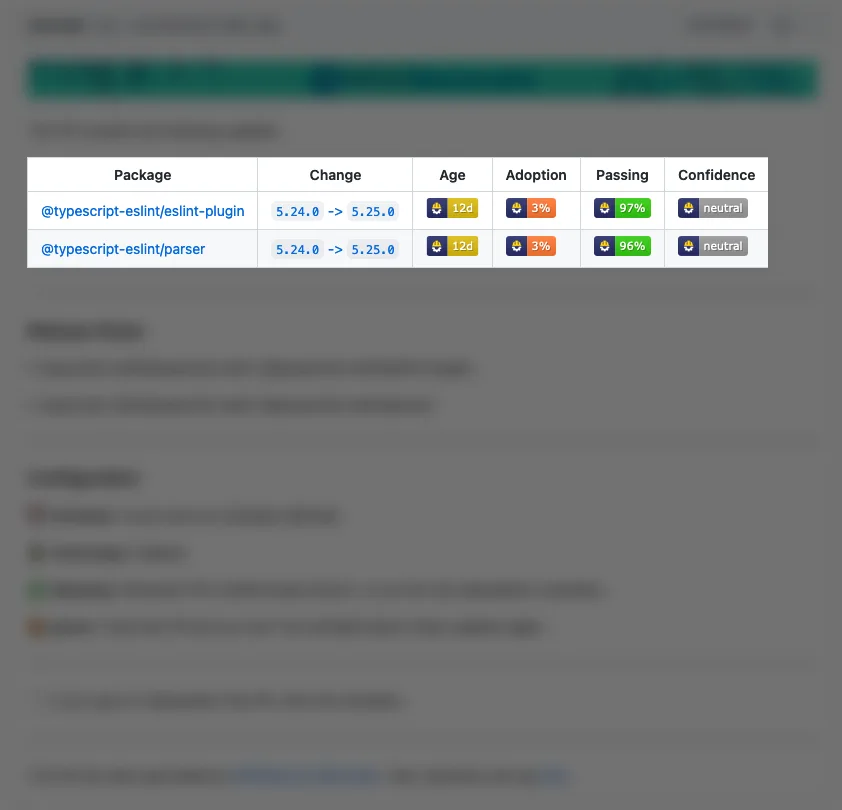
Note: Renovate is free for open-source and self-hosting under AGPL-3.0. Mend sells commercial add-ons — merge confidence scoring dashboards, organization-wide management, and priority support — under the Mend Renovate Enterprise tier.
Neither tool does reachability analysis to determine whether your code actually calls the vulnerable function. For that capability, you’d pair either tool with a dedicated SCA scanner like Snyk Open Source .
When Should You Choose Dependabot?#
Choose Dependabot if:
- Your repositories are all on GitHub and you want the simplest possible setup
- The 30+ supported ecosystems cover your stack
- You prefer zero-setup security alerts that work out of the box
- Your dependency update needs are straightforward (weekly updates, basic grouping)
- You don’t need to share configuration across many repositories
- You want compatibility scores based on public CI data
When Should You Choose Renovate?#
Choose Renovate if:
- You have repositories on GitLab, Bitbucket, Azure DevOps, or Gitea in addition to (or instead of) GitHub
- You need 90+ package managers or regex managers for non-standard files
- Built-in automerge without writing separate GitHub Actions workflows matters to you
- You manage many repositories and want shared configuration presets
- Your monorepo setup requires workspace-aware dependency updates
- You need more granular control over scheduling, PR limits, and grouping rules
Both tools are free. Most teams start with Dependabot because it’s already in GitHub and requires no decisions. If you are looking beyond these two, see Dependabot alternatives for multi-platform SCA options or Renovate alternatives for simpler-config dependency update tools.
When they outgrow Dependabot’s configuration options or need multi-platform support, they migrate to Renovate. The migration is well-documented since Renovate can read and convert existing Dependabot configuration.
Key Insight
The short answer: If your repos live entirely on GitHub and your stack fits inside Dependabot's 30+ ecosystems, Dependabot wins on zero-setup. The moment you need cross-platform support or shared configuration, Renovate becomes the only sensible choice.
Visit either project#
- Dependabot — GitHub documentation
- Renovate — official documentation · Renovate GitHub App
- Mend Renovate Enterprise — commercial tier with merge confidence scoring
For more AppSec Santa comparisons, see the full SCA tools category.
Frequently Asked Questions
Should I use Dependabot or Renovate?
What is the difference between Dependabot and Renovate?
Is Dependabot free?
Is Renovate free?
Can Dependabot work with GitLab or Bitbucket?
Which tool handles monorepos better?
Which tool is faster?
Can I use both Dependabot and Renovate?
dependabot.yml and let Renovate handle the routine PRs.
Written & maintained by
Suphi CankurtEight years on the vendor side of application-security sales — thousands of evaluations and demos. I started AppSec Santa in 2022 to put that insider view to work for buyers. Independent of any vendor, paid by none, and honest about what fits whom.