

Kubernetes security best practices are the configuration, runtime, and supply-chain controls that harden a cluster against the OWASP Kubernetes Top 10 (2025) risks: tight RBAC, enforced Pod Security Standards, default-deny network policies, signed images at admission, encrypted secrets, and runtime monitoring.
Kubernetes is not secure by default — every layer requires explicit configuration.
What is the Kubernetes attack surface?#
Kubernetes has a large attack surface. It is a distributed system with many components that expose APIs, store sensitive data, and make authorization decisions.
Key Insight
Kubernetes is not secure by default. Every layer requires explicit configuration — pods can run as root, the network is fully open, secrets are base64-encoded, and the default service account has broad permissions until you tighten them.
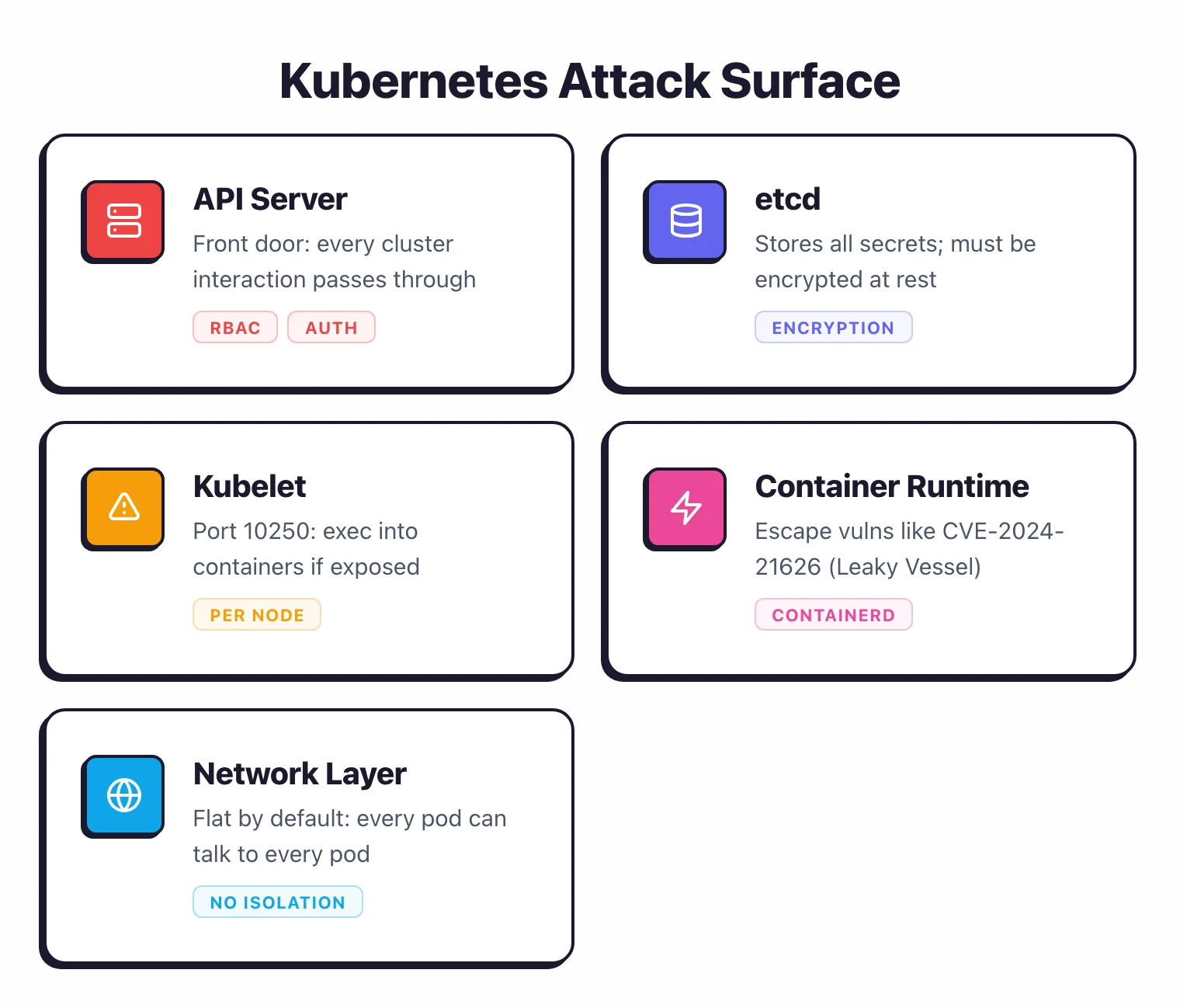
The API server is the front door. Every interaction with the cluster goes through it.
A misconfigured API server with anonymous authentication enabled or overly broad RBAC rules gives attackers direct control. The OWASP Kubernetes Top 10 (2025) lists insecure workload configurations (K01) and overly permissive authorization configurations (K02) as the top two risks.
etcd stores all cluster state, including secrets. Direct access to etcd means access to every secret in the cluster.
It must be encrypted at rest and accessible only to the API server.
Kubelet runs on every node and executes pod workloads. An exposed kubelet API (port 10250) without authentication lets attackers list pods, exec into containers, and exfiltrate data.
The Tesla cryptojacking incident in 2018 exploited an unauthenticated Kubernetes dashboard.
Container runtime (containerd, CRI-O) manages container lifecycle. Container escape vulnerabilities like CVE-2024-21626 (runc “Leaky Vessel”) allow processes inside a container to break out to the host. Assume escapes will happen and limit the blast radius.
The network layer is flat by default. Without network policies, every pod can talk to every other pod.
A compromised application pod can reach the database pod, the secrets store, and the control plane.
The four C’s of Kubernetes security#
Most practitioners I work with frame Kubernetes security through the four C’s — Cloud, Cluster, Container, Code — popularized by the Cloud Security Alliance and Kubernetes documentation. The model is useful because each layer fails differently and each demands different controls. Visualised top-down, it makes clear why a cloud-layer compromise (stolen IAM credentials, exposed metadata service) bypasses every container-layer hardening underneath.
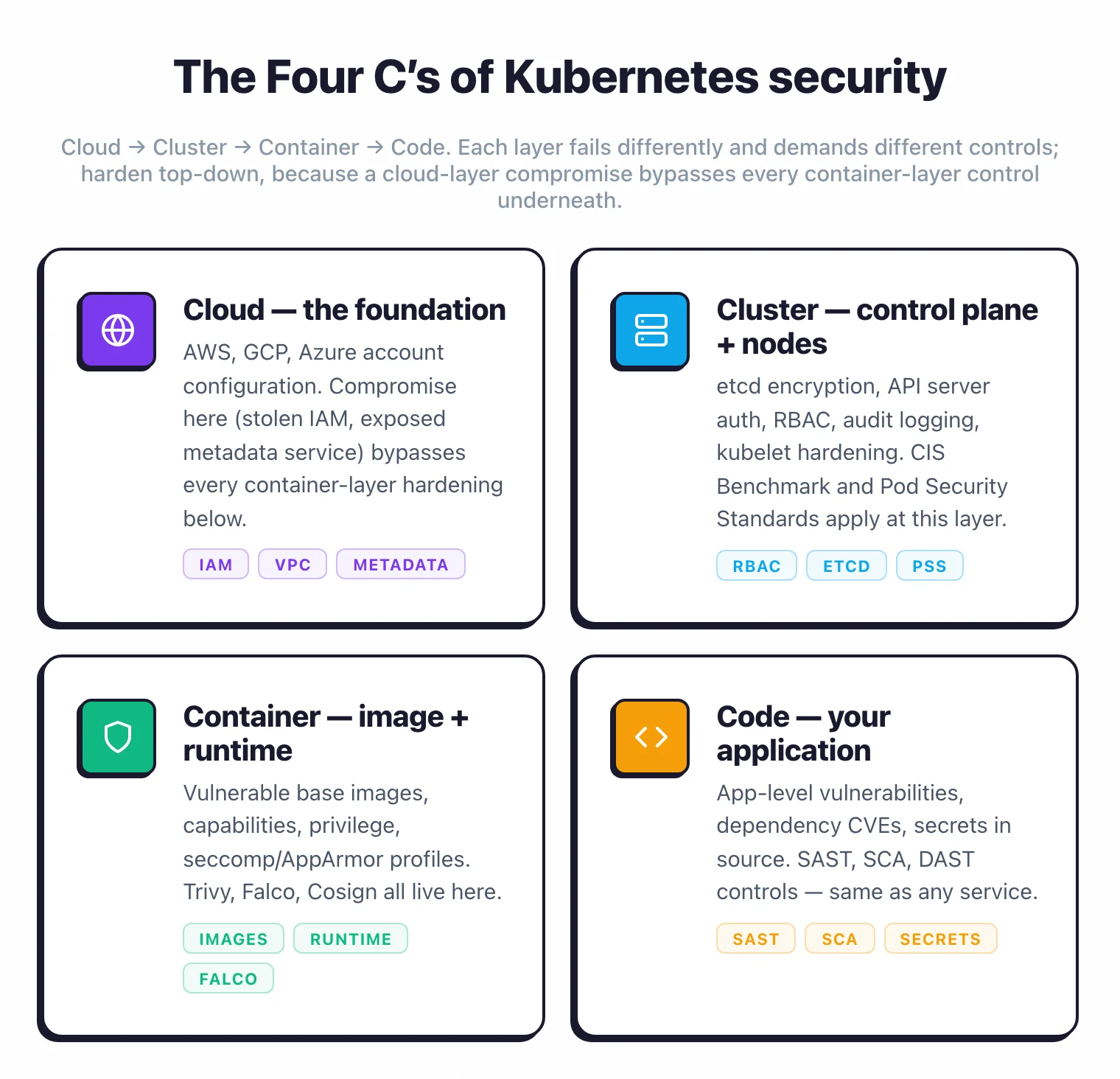
Cloud is the substrate the cluster runs on. For managed Kubernetes (EKS, GKE, AKS), the cloud account itself is the trust root: IAM policies on the control plane, VPC isolation around the API server, restrictions on the metadata service so a compromised pod cannot steal node credentials.
Self-managed clusters add bare-metal hardening — disk encryption, secure boot, and physical access control.
Cluster is the Kubernetes layer itself. RBAC, etcd encryption, audit logging, network policies, and admission controllers all live here. This is where most of the CIS Benchmark essentials and the bulk of this guide land. A misconfigured API server or an unsegmented network defeats every other control.
Container is the workload runtime. Image scanning, signing, minimal base images, non-root users, dropped capabilities, and runtime detection (Falco , KubeArmor ) are container-layer concerns. The container image security guide covers this layer in depth.
Code is the application inside the container. SAST, SCA, secrets scanning, dependency hygiene — the same application security controls that apply to any service.
But vulnerabilities here become container CVEs the moment the image ships. Tooling like Trivy and Checkov bridges code and container by scanning manifests and source together.
The four C’s are stacked, not parallel. A failure at the cloud layer can bypass every container-layer control underneath it; harden top-down, not piecemeal.
CIS Kubernetes Benchmark essentials#
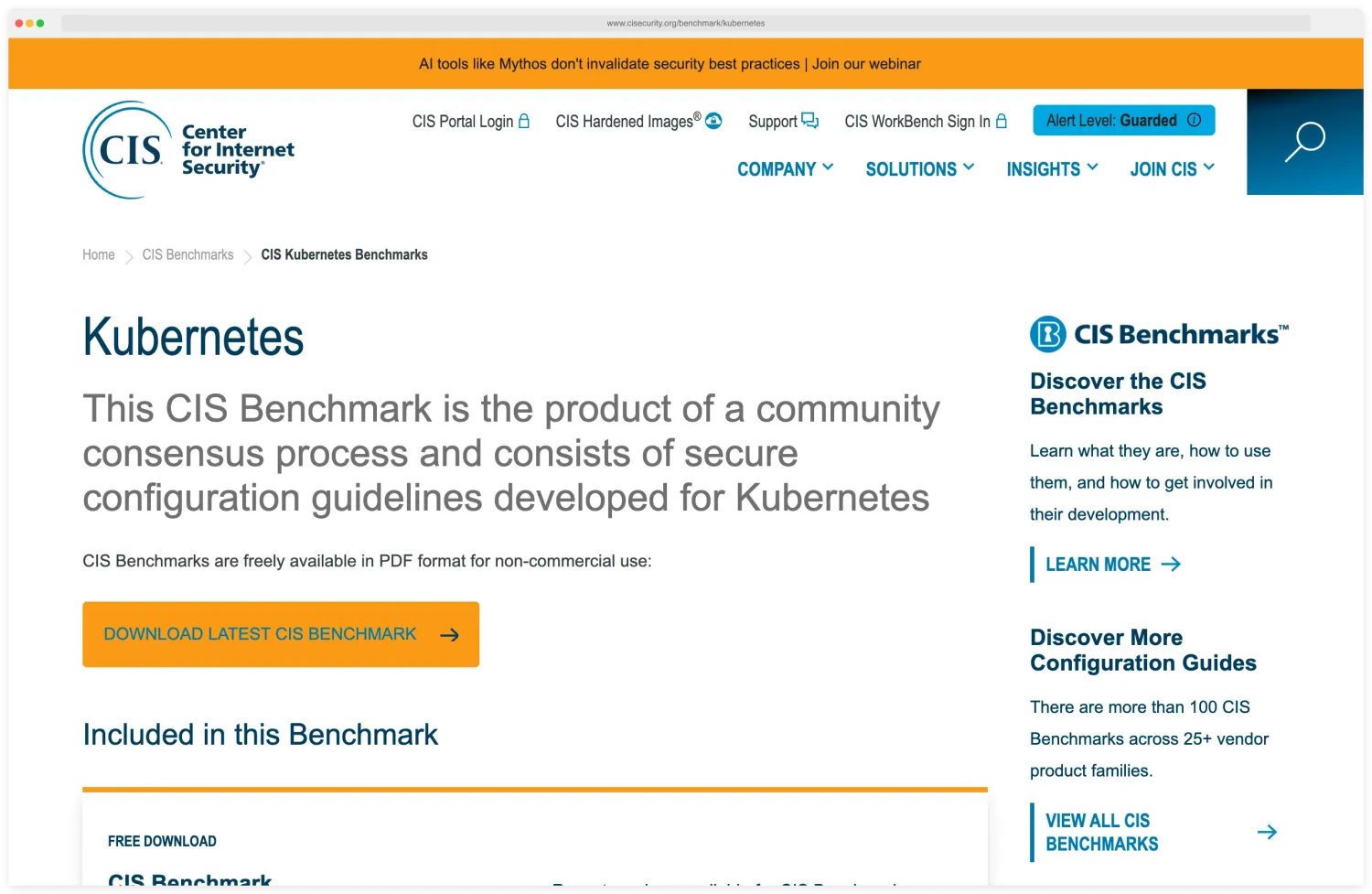
The CIS Kubernetes Benchmark contains 200+ recommendations organized by component. Not all of them matter equally. The Center for Internet Security publishes the benchmark — currently v1.10, released 2024 — as the canonical hardening reference, with per-distribution variants for EKS, GKE, AKS, OpenShift, and Rancher.
Here is what to prioritize.
Control plane hardening#
Disable anonymous authentication on the API server (--anonymous-auth=false). Enable audit logging.
Restrict access to the etcd datastore. On managed Kubernetes (EKS, GKE, AKS), the cloud provider handles most control plane hardening, but you are still responsible for RBAC, pod security, and workload configuration.
What to prioritize first#
The highest-impact CIS recommendations:
- RBAC enabled and configured (CIS 5.1.x): Default deny, explicit grants
- Pod security standards enforced (CIS 5.2.x): No privileged containers, no host networking
- Network policies applied (CIS 5.3.x): Restrict pod-to-pod traffic
- Secrets encrypted at rest (CIS 1.2.x): Encrypt etcd or use an external KMS
- Audit logging enabled (CIS 3.2.x): Record API server access for forensics
Automated scanning#
kube-bench runs CIS Benchmark checks against your cluster configuration. It checks kubelet flags, API server settings, and etcd configuration. Current rule packs map to CIS Kubernetes Benchmark v1.10 (released 2024) with per-distro variants for EKS, GKE, AKS, OpenShift, and ACK.
Works for self-managed clusters. Limited use on managed clusters where you do not control the control plane.
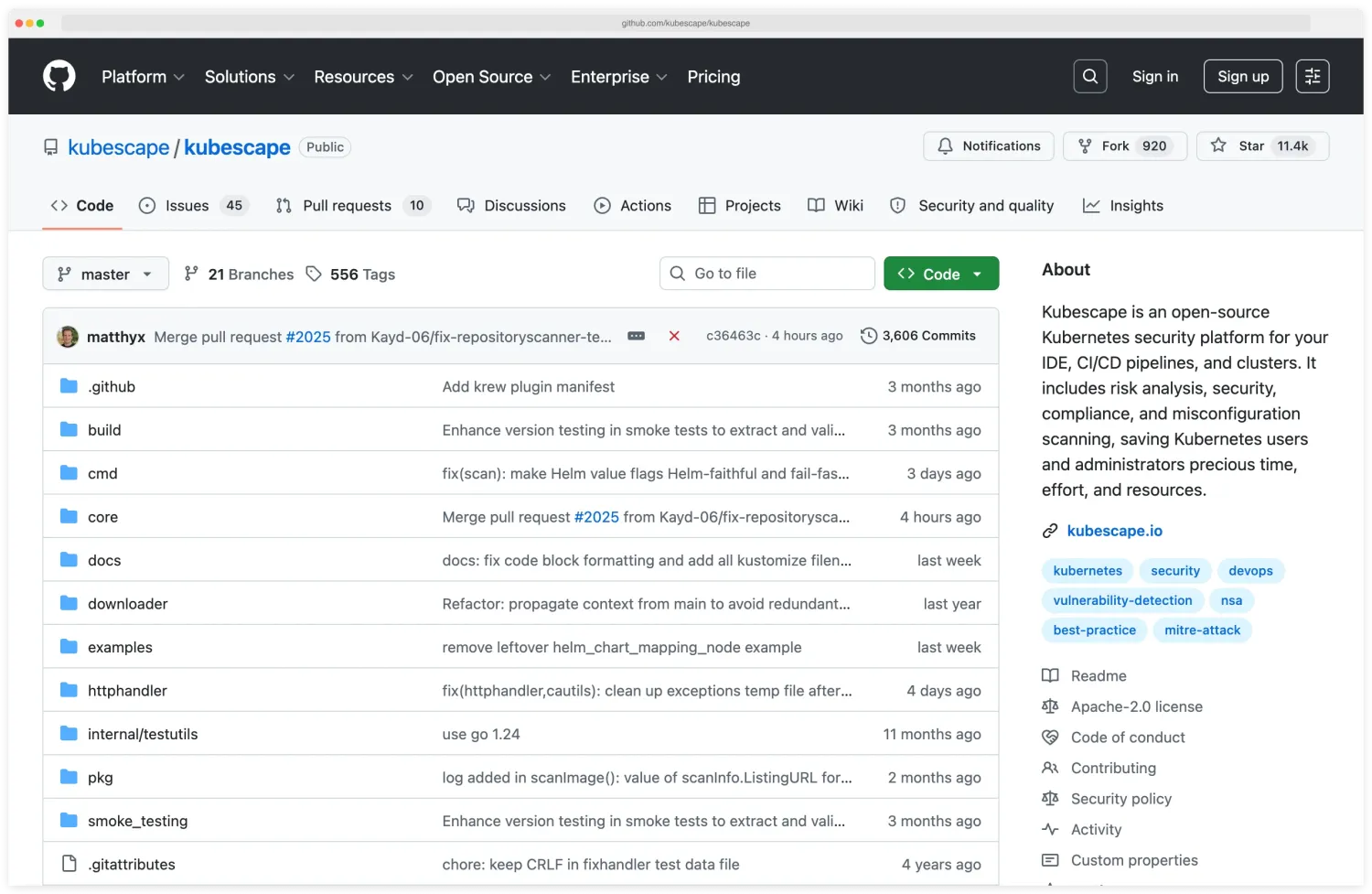
Kubescape covers CIS Benchmarks plus NSA-CISA guidelines and MITRE ATT&CK mappings. It scans both cluster configuration and workload manifests, so the coverage is broader than kube-bench. CNCF incubating project with ~11,400 GitHub stars.
Trivy
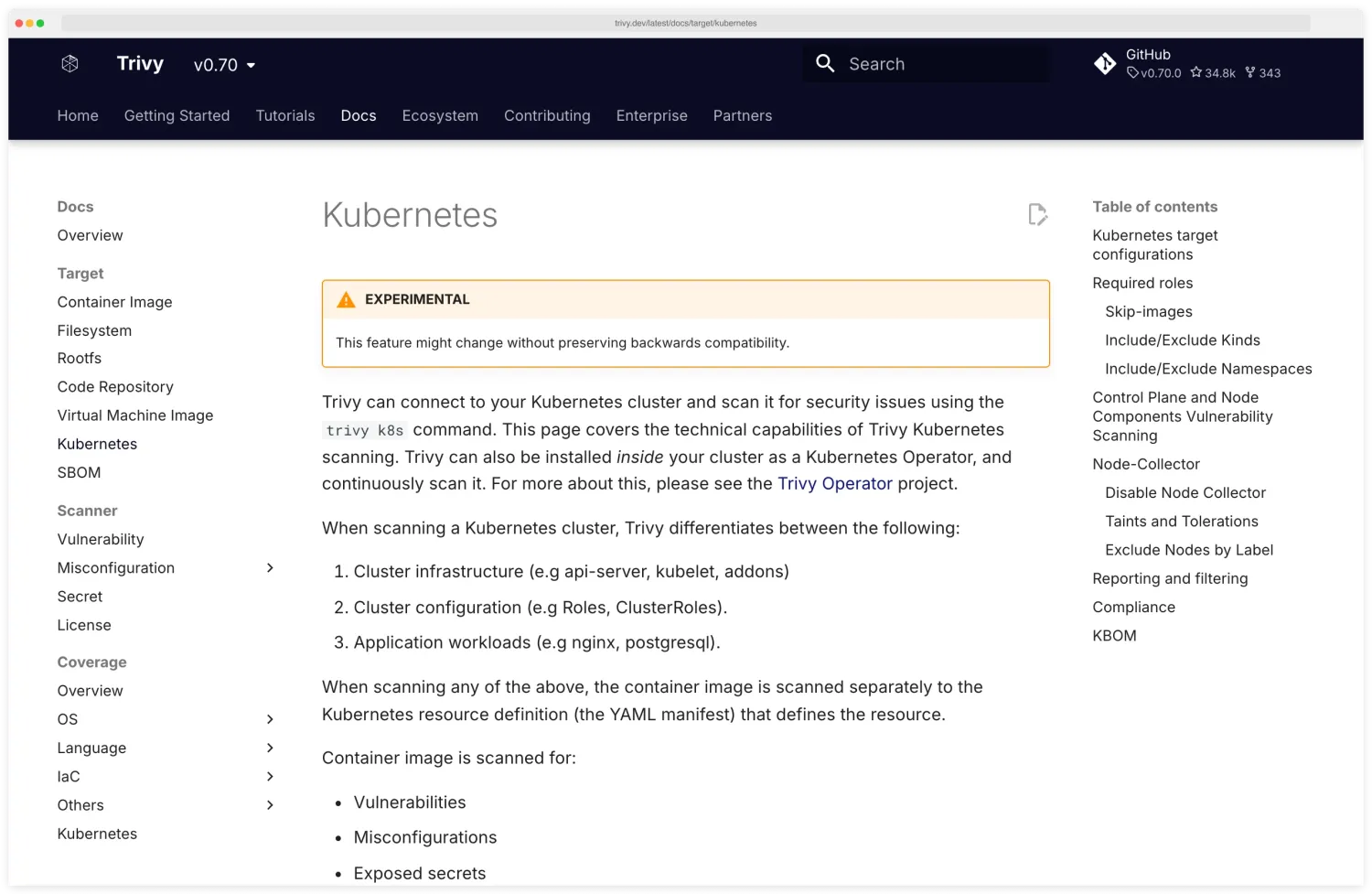
can scan running Kubernetes clusters (trivy k8s --report summary cluster) in addition to manifests. Good for teams already using Trivy for image and IaC scanning. Aqua Security’s documentation covers the trivy k8s flow in detail, including the summary-report output format and the cluster-context auth Trivy uses.
Checkov scans Kubernetes YAML and Helm charts with hundreds of Kubernetes-specific policies. Works well for pre-deployment manifest scanning in CI/CD.
See our Checkov vs KICS comparison for differences between IaC scanning tools.
RBAC done right#
Kubernetes RBAC (Role-Based Access Control) controls who can do what in the cluster. The default configuration is too permissive for production.
Least privilege principles#
Grant only the permissions a user or service account actually needs. Avoid ClusterRole bindings when a namespaced Role binding is sufficient.
Never bind cluster-admin to service accounts unless there is a documented, reviewed reason.
A common mistake: leaving the default service account in every namespace with broad permissions. Every pod that does not specify a service account uses the default one.
If that default account has permissions to list secrets or create pods, any compromised workload inherits those permissions.
Note
Set automountServiceAccountToken: false on every pod that does not call the Kubernetes API. The token volume is mounted by default — pods inherit a credential to the API server whether they need one or not, and that credential is what attackers use after a workload compromise.
Namespace isolation#
Use namespaces to separate teams, environments, and applications. Combine namespaces with RBAC so that team A cannot access team B’s resources.
A developer working on the payment service should not have access to the user-data namespace.
apiVersion: rbac.authorization.k8s.io/v1
kind: RoleBinding
metadata:
  name: payment-team-access
  namespace: payment-service
subjects:
  - kind: Group
    name: payment-team
    apiGroup: rbac.authorization.k8s.io
roleRef:
  kind: Role
  name: developer
  apiGroup: rbac.authorization.k8s.io
Service account hygiene#
Create dedicated service accounts for each workload. Set automountServiceAccountToken: false on pods that do not need API access.
Token volumes are auto-mounted by default, giving every pod a credential to the API server whether it needs one or not.
Auditing RBAC#
Review RBAC configurations regularly. Look for ClusterRoleBindings to cluster-admin, wildcards in Role rules (verbs: ["*"], resources: ["*"]), and service accounts with more permissions than their workload requires.
Tools like rbac-audit and kubectl-who-can help identify overly permissive rules.
Pod security standards and admission controllers#
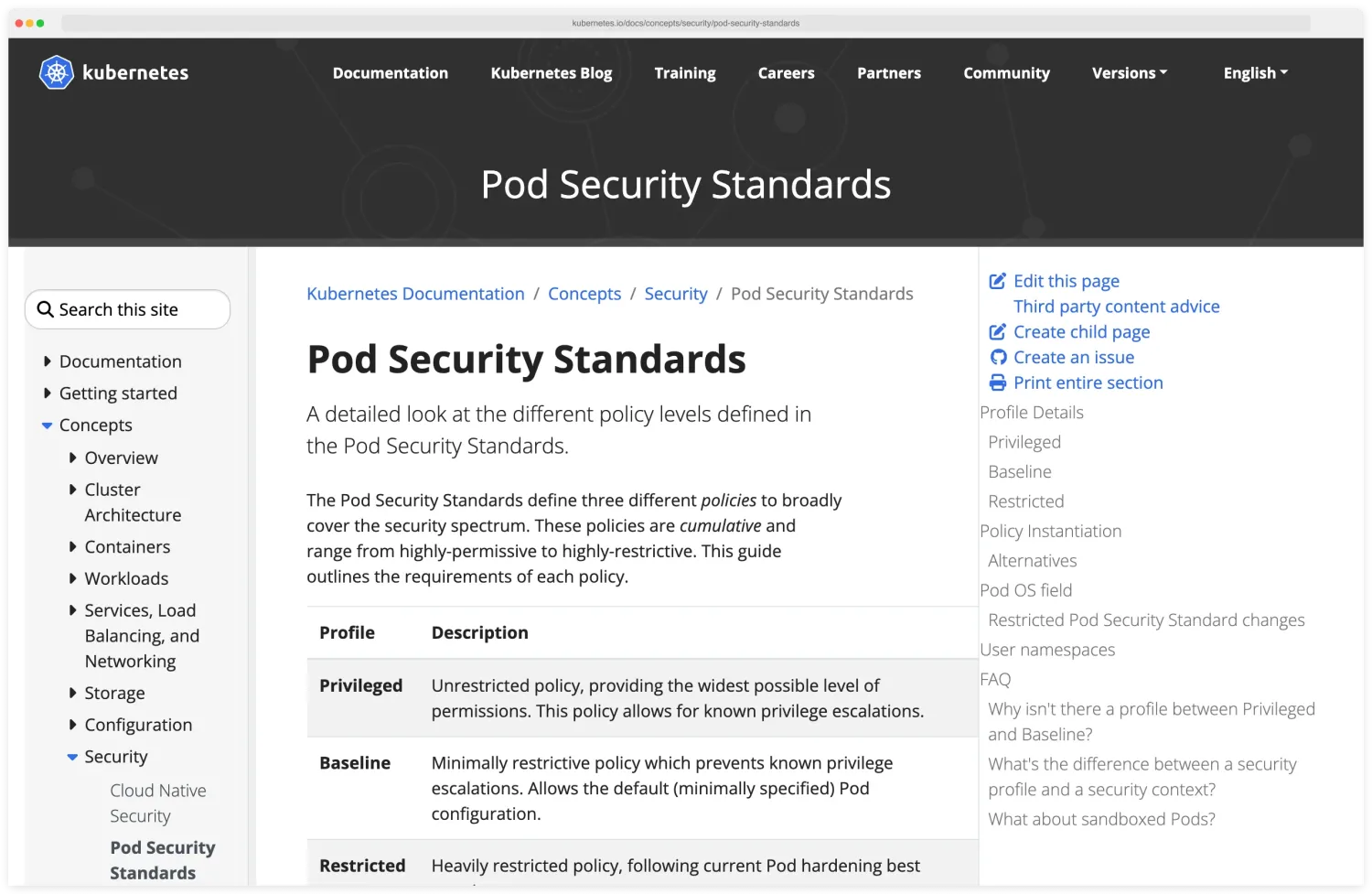
Pod Security Standards (PSS) replaced the deprecated PodSecurityPolicy in Kubernetes 1.25. They define three levels of restriction.
The Kubernetes documentation defines Pod Security Standards as three profiles — Privileged, Baseline, and Restricted — and the kubernetes.io concepts page is the authoritative reference for what each profile blocks.
The three profiles#
Privileged: No restrictions. Only for system-level workloads like CNI plugins and storage drivers that genuinely need host access.
Baseline: Blocks known privilege escalation vectors. Prevents hostNetwork, hostPID, hostIPC, privileged containers, and most hostPath mounts. This is the minimum for any production namespace.
Restricted: Adds further hardening. Requires non-root users, drops all Linux capabilities, requires read-only root filesystems, and mandates seccomp profiles. Target this for application workloads.
Enforcement#
Apply PSS at the namespace level using labels:
apiVersion: v1
kind: Namespace
metadata:
  name: production
  labels:
    pod-security.kubernetes.io/enforce: restricted
    pod-security.kubernetes.io/warn: restricted
    pod-security.kubernetes.io/audit: restricted
Use warn mode first to identify pods that would be blocked, then switch to enforce after fixing violations.
OPA Gatekeeper and Kyverno#
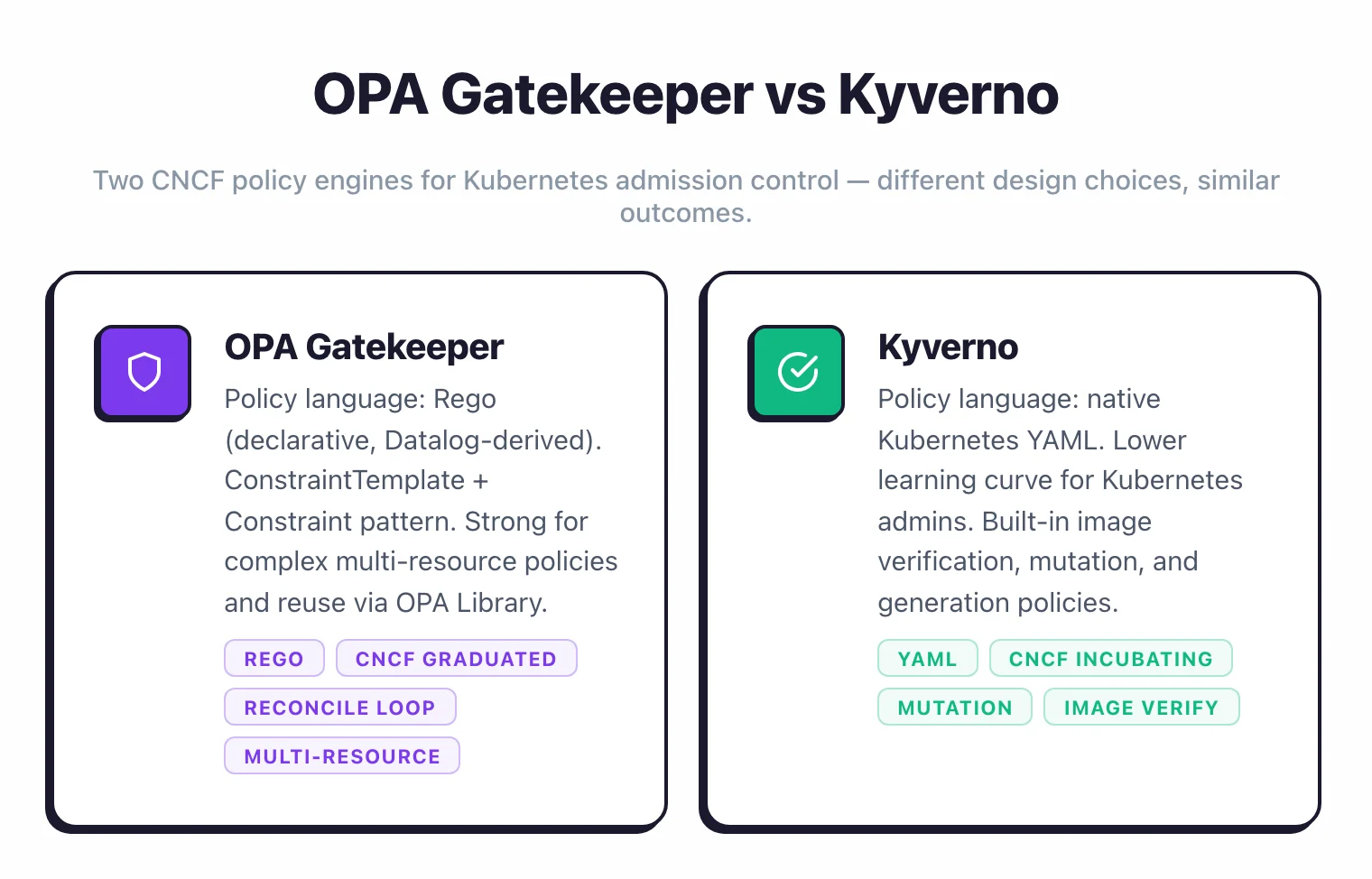
For policies beyond what PSS covers, use a policy engine. OPA Gatekeeper uses Rego policies and ConstraintTemplates. Kyverno uses native Kubernetes YAML policies.
Both can enforce custom rules: required labels, allowed registries, resource limits, and anything else you can express as a policy.
Kyverno is easier to adopt for teams without Rego experience. Gatekeeper is more powerful for complex policy logic. The two engines map to the same outcome through different design choices — Rego ConstraintTemplates versus native Kubernetes YAML — and the side-by-side captures the practical trade-offs.
Network policies for micro-segmentation#
Default Kubernetes networking is fully open. Every pod can reach every other pod and every external endpoint. Network policies restrict that.
Default deny#
Start with a default-deny policy in every namespace. This blocks all ingress and egress traffic unless explicitly allowed:
apiVersion: networking.k8s.io/v1
kind: NetworkPolicy
metadata:
  name: default-deny-all
  namespace: production
spec:
  podSelector: {}
  policyTypes:
    - Ingress
    - Egress
Then add specific allow rules for known traffic patterns. The frontend pod can reach the API pod.
The API pod can reach the database pod. The database pod can reach nothing except DNS.
CNI requirements#
Network policies only work if your CNI plugin supports them. Calico , Cilium, Antrea, and Weave Net support network policies.
The default kubenet and some basic Flannel configurations do not. Verify your CNI before relying on network policies.
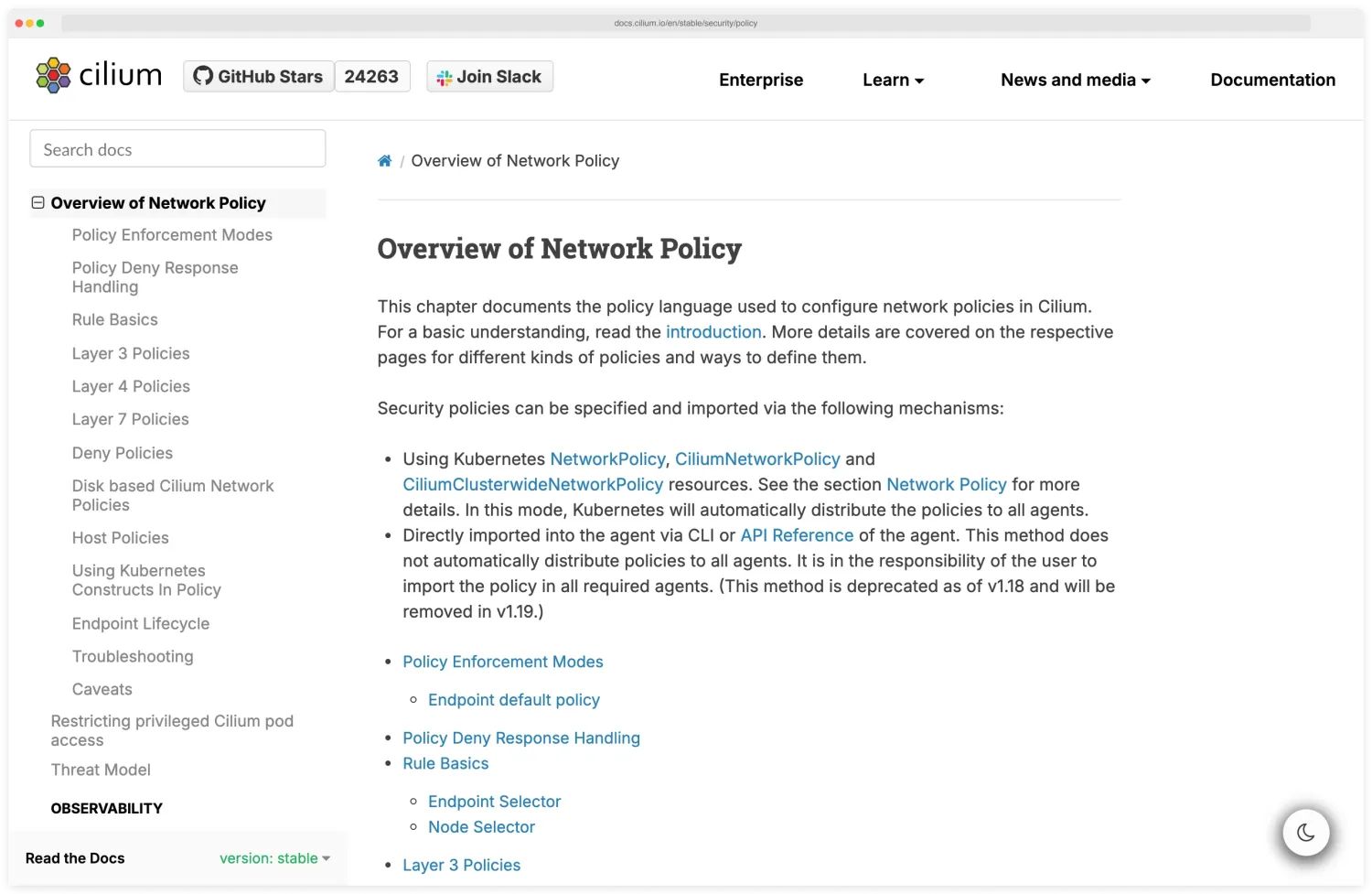
Cilium adds Layer 7 (HTTP/gRPC) policy enforcement, so you can restrict traffic by URL path or gRPC method in addition to IP and port. This is useful for service-to-service authorization within a service mesh. The Cilium docs are the canonical reference for L7-aware policy enforcement and the eBPF datapath that makes URL-path and gRPC-method matching practical at scale.
DNS egress#
When you set default-deny egress, you break DNS resolution. Every pod needs access to the cluster DNS service (usually CoreDNS in kube-system).
Add an explicit egress rule allowing UDP/TCP port 53 to the DNS service.
Pro tip: Apply the default-deny policy and the DNS allow rule in the same PR. The most common "why is everything broken after I added network policies" postmortem is a deny-by-default that landed without the CoreDNS egress allow — pods can no longer resolve service names and every service-to-service call times out.
Supply chain security for Kubernetes#
Container images and Helm charts arrive in the cluster from many sources — public registries, vendor operators, internal builds. Treating any image as trusted by default is the most common supply-chain mistake observed in production clusters.
The 2025 OWASP Kubernetes Top 10 folded the standalone supply-chain category into K01 (insecure workload configurations) and K07 (misconfigured and vulnerable cluster components), but the underlying risks did not go away — they shifted from a single bucket to a defence-in-depth posture across image, registry, and admission.
The four cluster-side controls that turn supply-chain hygiene into enforced policy are: signature verification at admission (Cosign + Kyverno), SBOM generation and weekly re-scanning (Syft, Trivy), registry allowlisting via admission rules, and minimal base images (distroless, Chainguard) to shrink the in-container CVE surface.
How do you verify container image signatures in Kubernetes?#
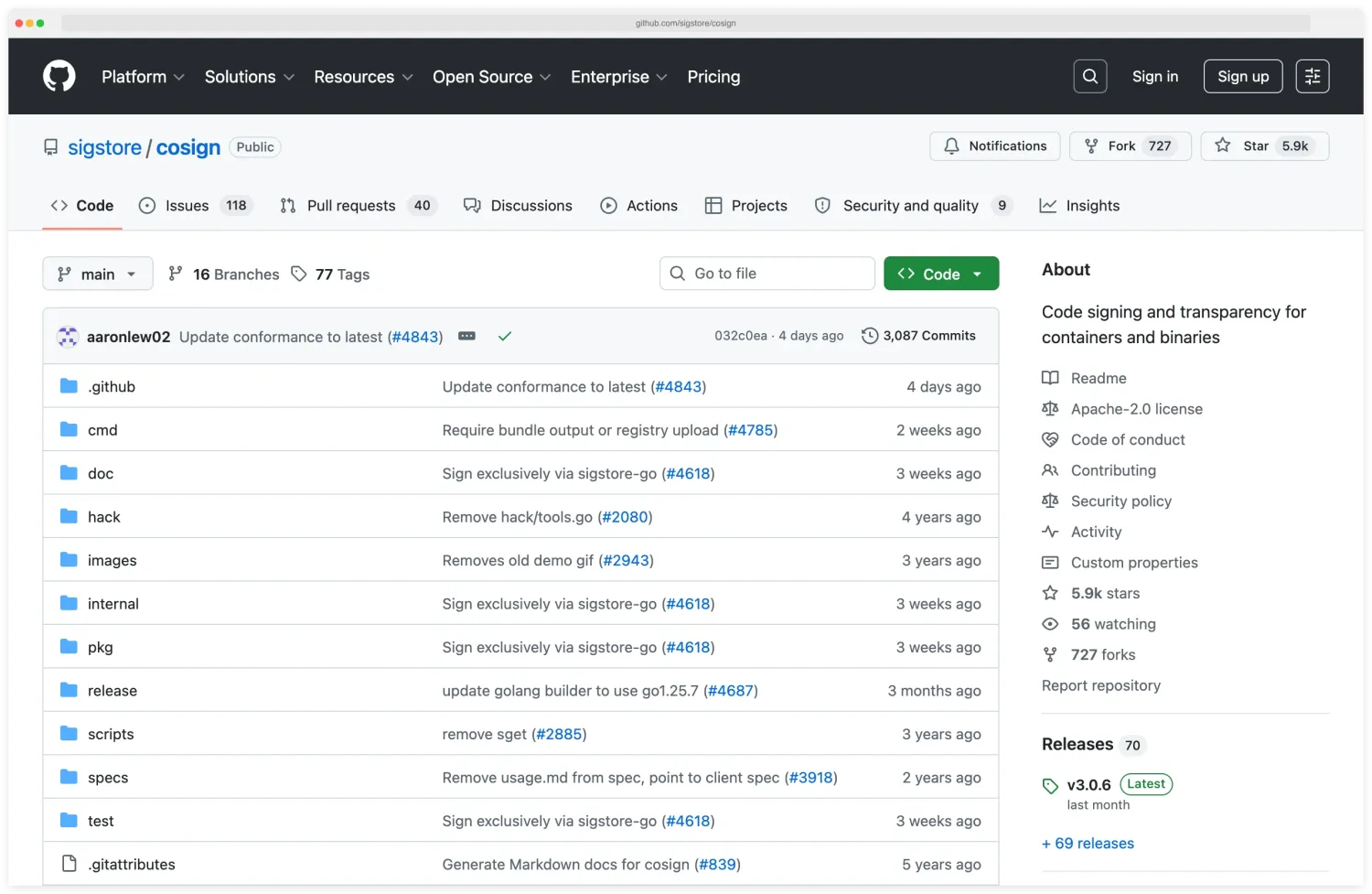
Cosign (part of the Sigstore project) signs container images using keyless OIDC-backed signing or a long-lived key. Verification policies in Kyverno or OPA Gatekeeper reject unsigned images at admission time, before any pod runs. The Cosign repository is hosted on GitHub by the sigstore organisation and documents the OIDC keyless flow used in the Kyverno policy below.
apiVersion: kyverno.io/v1
kind: ClusterPolicy
metadata:
  name: verify-image-signatures
spec:
  validationFailureAction: Enforce
  rules:
    - name: check-signature
      match:
        any:
          - resources:
              kinds: [Pod]
      verifyImages:
        - imageReferences: ["myregistry.io/*"]
          attestors:
            - entries:
                - keyless:
                    subject: "https://github.com/myorg/*"
                    issuer: "https://token.actions.githubusercontent.com"
Pair signing with image attestation — SLSA provenance, vulnerability scan results, and SBOM attachments — so the cluster verifies not just that the image is yours, but how it was built and what it contains.
Generate and consume SBOMs#
Syft
and Trivy
generate Software Bill of Materials in SPDX or CycloneDX format at build time. Store SBOMs alongside images as OCI artifacts (cosign attach sbom) and re-scan them weekly as new CVEs are disclosed against components you already shipped.
Restrict registries and base images#
Allowlist registries through admission policy. A Kyverno or Gatekeeper rule that blocks any image not from myregistry.io/* or a vetted vendor set removes a whole class of typosquat and dependency-confusion attacks.
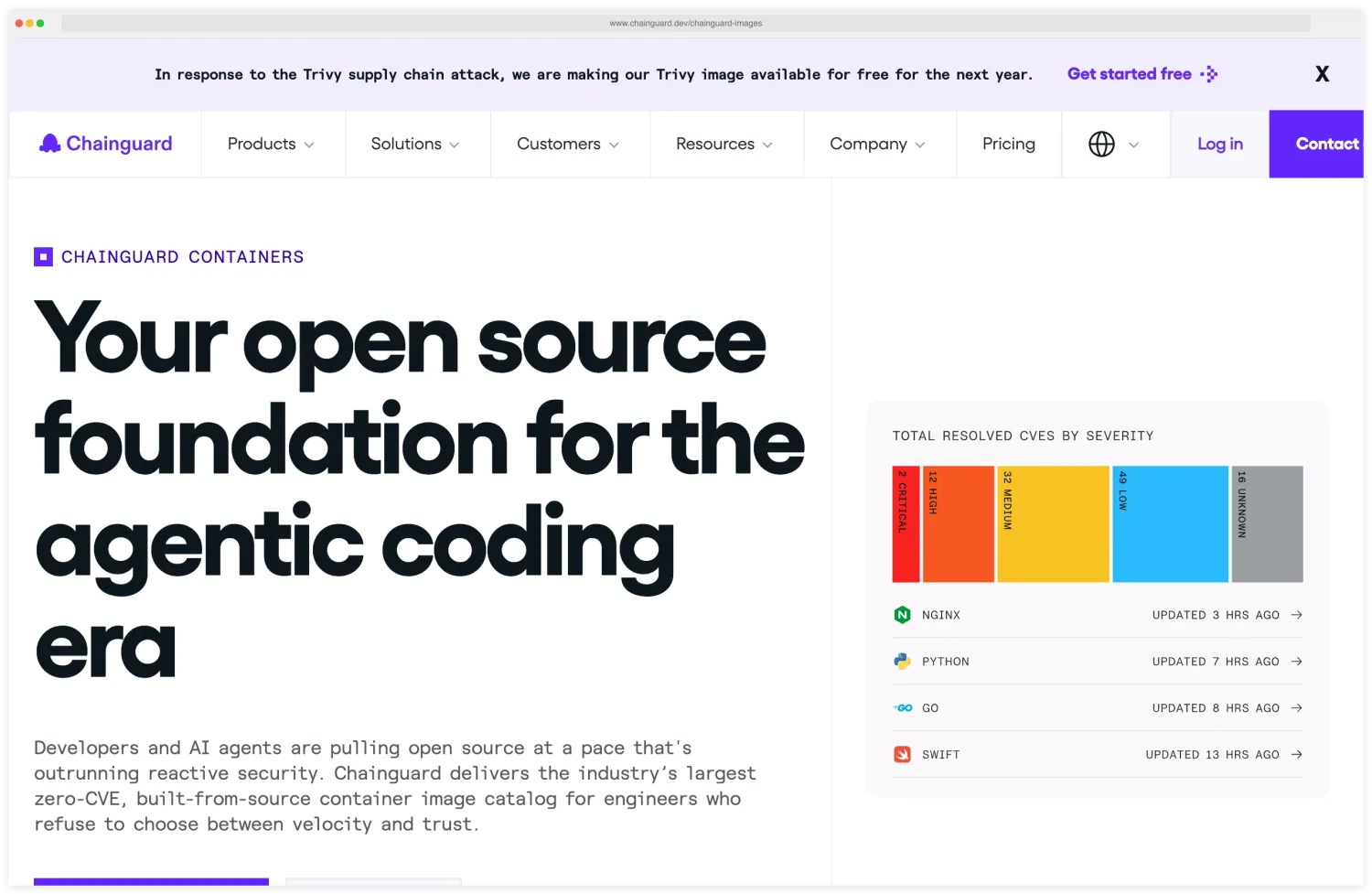
For base images, Chainguard Images
, distroless
, and vendor-minimal images carry orders of magnitude fewer packages than ubuntu:latest. Fewer packages means fewer CVEs and a smaller attack surface inside every running container. Chainguard publishes a maintained set of these distroless images and positions them against ubuntu:latest style base images by package count and CVE surface on its catalog page.
What SLSA level should Kubernetes teams target?#
SLSA (Supply-chain Levels for Software Artifacts) is the industry framework for build-pipeline integrity. SLSA Level 3 — verified, unforgeable build provenance from a hardened builder — is realistic for most teams running CI on GitHub Actions or GitLab and is increasingly requested by large platforms when onboarding third-party suppliers.
The container image security guide covers image-layer scanning in more depth. This section focuses on the cluster-side admission controls that turn supply-chain hygiene into an enforced policy rather than a documentation page.
How should you manage secrets in Kubernetes?#
Kubernetes secrets are base64-encoded by default, not encrypted. Anyone with RBAC access to read secrets in a namespace can decode them trivially.
External secrets managers#
The production approach is to store secrets outside Kubernetes and inject them at runtime.
HashiCorp Vault is the most widely used external secrets manager. The Vault Agent Sidecar Injector or the CSI Secrets Store Driver can inject Vault secrets into pods without application changes. HashiCorp’s Kubernetes integration page is the authoritative reference for both the Agent Sidecar and CSI patterns and the auth backends used to bind pod identities to Vault policies.
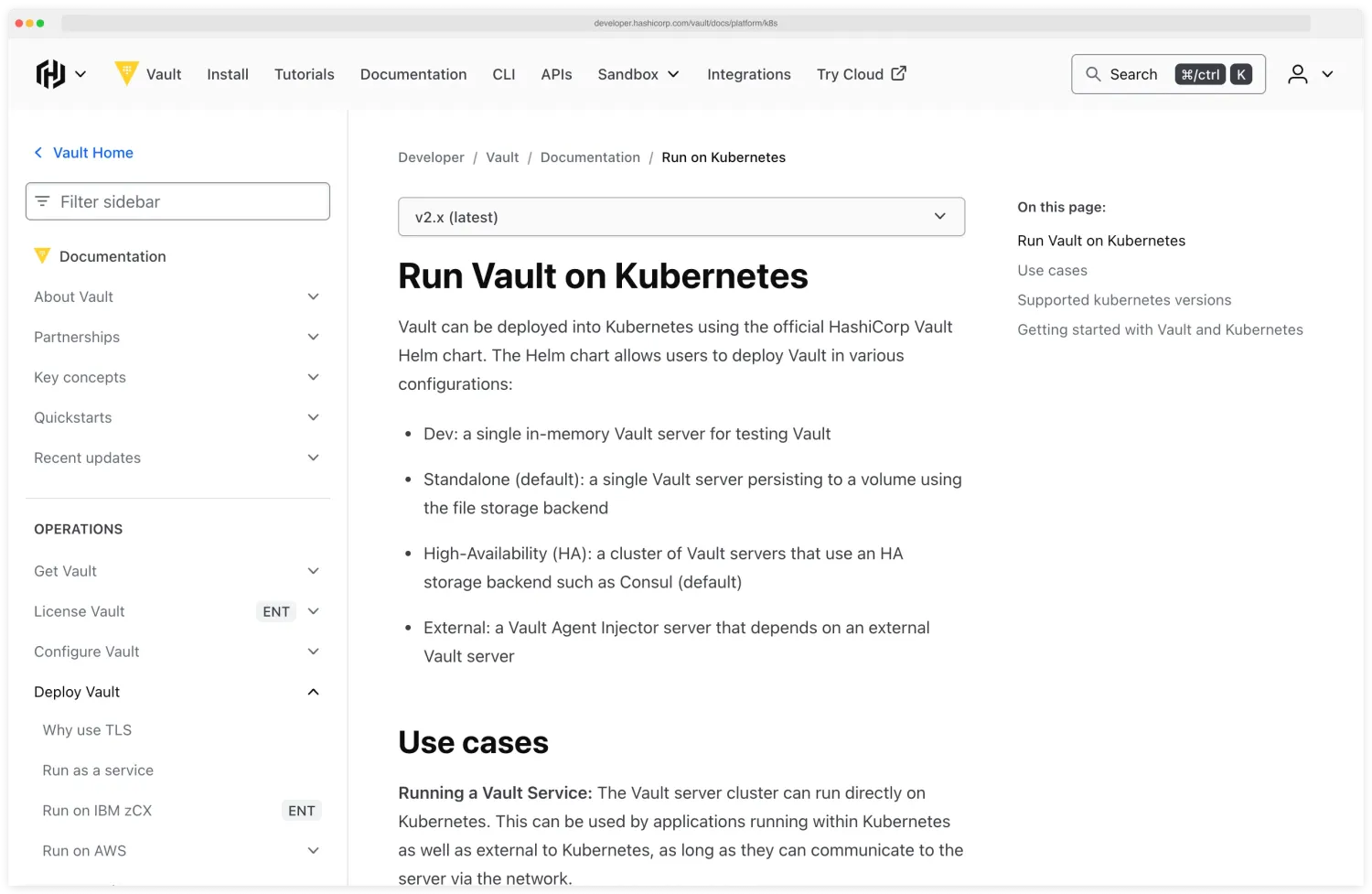
Vault handles encryption, rotation, audit logging, and dynamic secrets (temporary credentials generated on demand).
AWS Secrets Manager, GCP Secret Manager, Azure Key Vault are cloud-native options. The External Secrets Operator syncs secrets from these services into Kubernetes Secret objects. Simpler than Vault if you are single-cloud.
Sealed Secrets (from Bitnami) encrypts secrets with a cluster-specific key so they can be safely stored in Git. The controller in the cluster decrypts them at deploy time.
Good for GitOps workflows where you want secrets versioned alongside infrastructure.
etcd encryption#
If you keep secrets in native Kubernetes secrets (many teams do for non-critical configuration), enable encryption at rest for etcd. On EKS, this is enabled by default using AWS KMS.
On GKE, use Application-Layer Secrets Encryption with Cloud KMS. Self-managed clusters need to configure an EncryptionConfiguration resource.
How does runtime monitoring detect threats in Kubernetes?#
Static scanning catches known issues before deployment. Runtime monitoring catches active threats in production.
Falco#
Falco is the CNCF graduated project for runtime threat detection. It hooks into the Linux kernel (via eBPF or a kernel module) and watches system calls in real time. The Falco GitHub repository documents both driver options — the eBPF probe and the legacy kernel module — and ships the default rule set every Kubernetes deployment starts from.
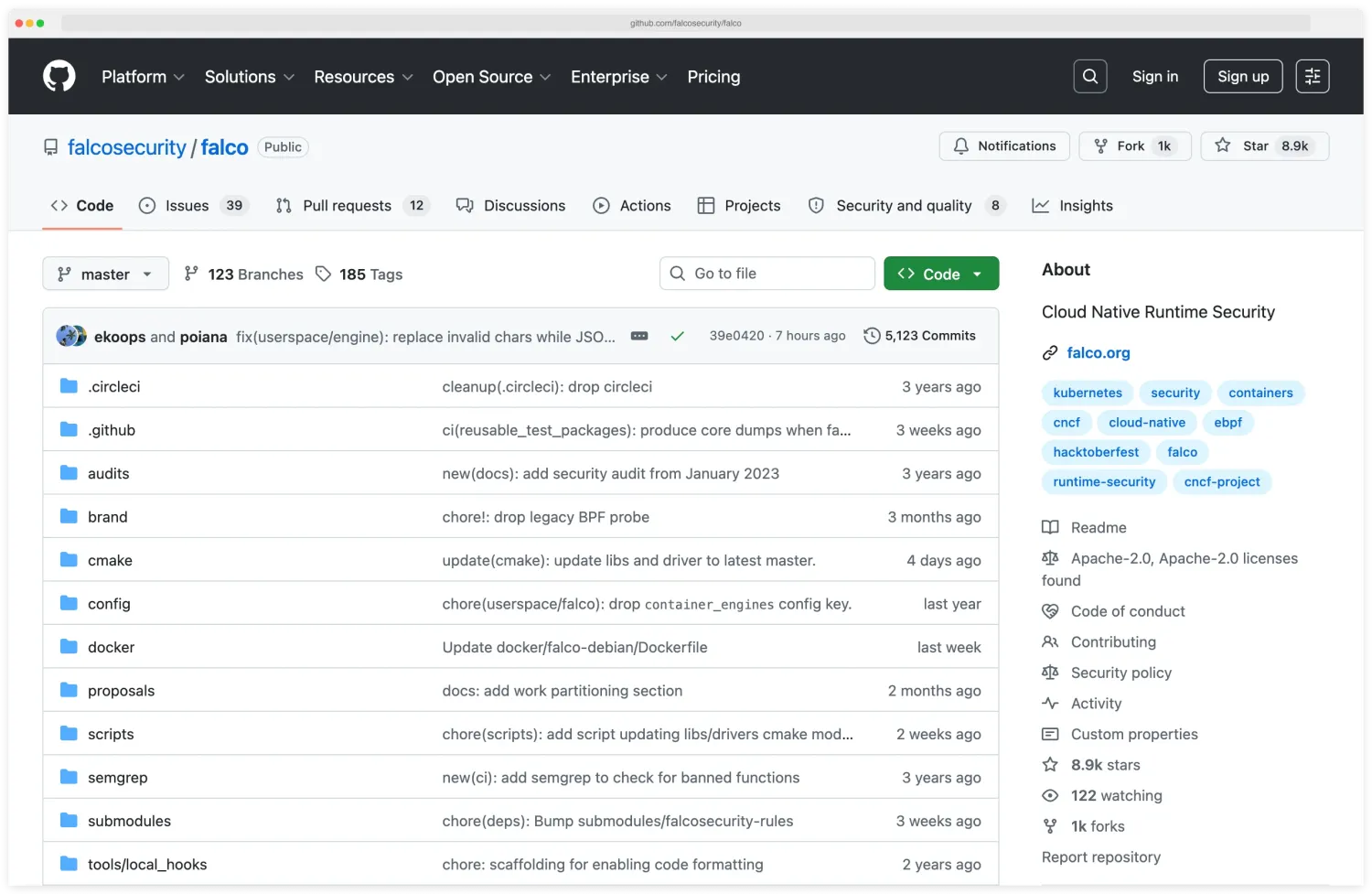
Default rules detect shell spawns inside containers, sensitive file reads, outbound network connections to unusual destinations, and privilege escalation attempts.
Falco generates alerts, not blocks. Pair it with a response system (Falco Sidekick, SIEM integration, or PagerDuty) to act on detections.
Sysdig Secure#
The commercial platform built on top of Falco. Adds a managed rule set, compliance dashboards, forensics, and response automation.
A good fit for teams that want the Falco detection engine with enterprise support and a UI on top.
KubeArmor#
KubeArmor is an eBPF-based runtime security engine that can enforce policies (not just detect). It can restrict file access, process execution, and network connections at the pod level. Useful as an additional enforcement layer beyond network policies.
What to monitor#
Priority detection rules for any runtime monitoring setup:
- Shell processes started inside containers (
/bin/sh,/bin/bash) - Outbound connections to cryptocurrency mining pools
- Reads of
/etc/shadow,/etc/passwd, or Kubernetes service account tokens - Process execution from unexpected directories (
/tmp,/dev/shm) - Container escape indicators (mount namespace changes, cgroup escapes)
Auditing and compliance#
Kubernetes audit logging records every request to the API server. This is your forensic trail when something goes wrong.
Audit policy configuration#
Configure the API server audit policy to log at the Metadata level for most resources and Request level for sensitive operations (secrets, RBAC changes, pod exec).
The RequestResponse level captures full request and response bodies but generates large volumes of data. Use it selectively.
Ship audit logs to a centralized logging system (Elasticsearch, Splunk, CloudWatch, Datadog) where they are tamper-proof and searchable.
Compliance frameworks#
CIS Kubernetes Benchmark maps to broader compliance requirements:
- SOC 2 Type II: RBAC, audit logging, encryption at rest, network segmentation
- PCI DSS: Network isolation (network policies), access control (RBAC), logging, vulnerability management (image scanning)
- HIPAA: Encryption in transit and at rest, access controls, audit trails
- FedRAMP: CIS Benchmark compliance plus continuous monitoring
Kubescape maps findings to NSA-CISA and MITRE ATT&CK frameworks. Checkov maps to CIS and custom compliance frameworks. Trivy includes CIS Benchmark scanning for Kubernetes.
The NSA/CISA Kubernetes Hardening Guide (revision 1.2, August 2022) remains the most-cited authority document for U.S. federal compliance contexts. It overlaps heavily with the CIS Benchmark but adds explicit threat-modeling guidance — pod-to-pod lateral movement, supply-chain compromise, insider threats — that compliance auditors increasingly look for.
Continuous compliance#
Run compliance scans on a schedule, not just during audits. Weekly scans with trending reports show auditors that you maintain compliance continuously, not just at point-in-time assessments. Integrate scan results into your SIEM or compliance dashboard.
OWASP Kubernetes Top 10 (2025)#
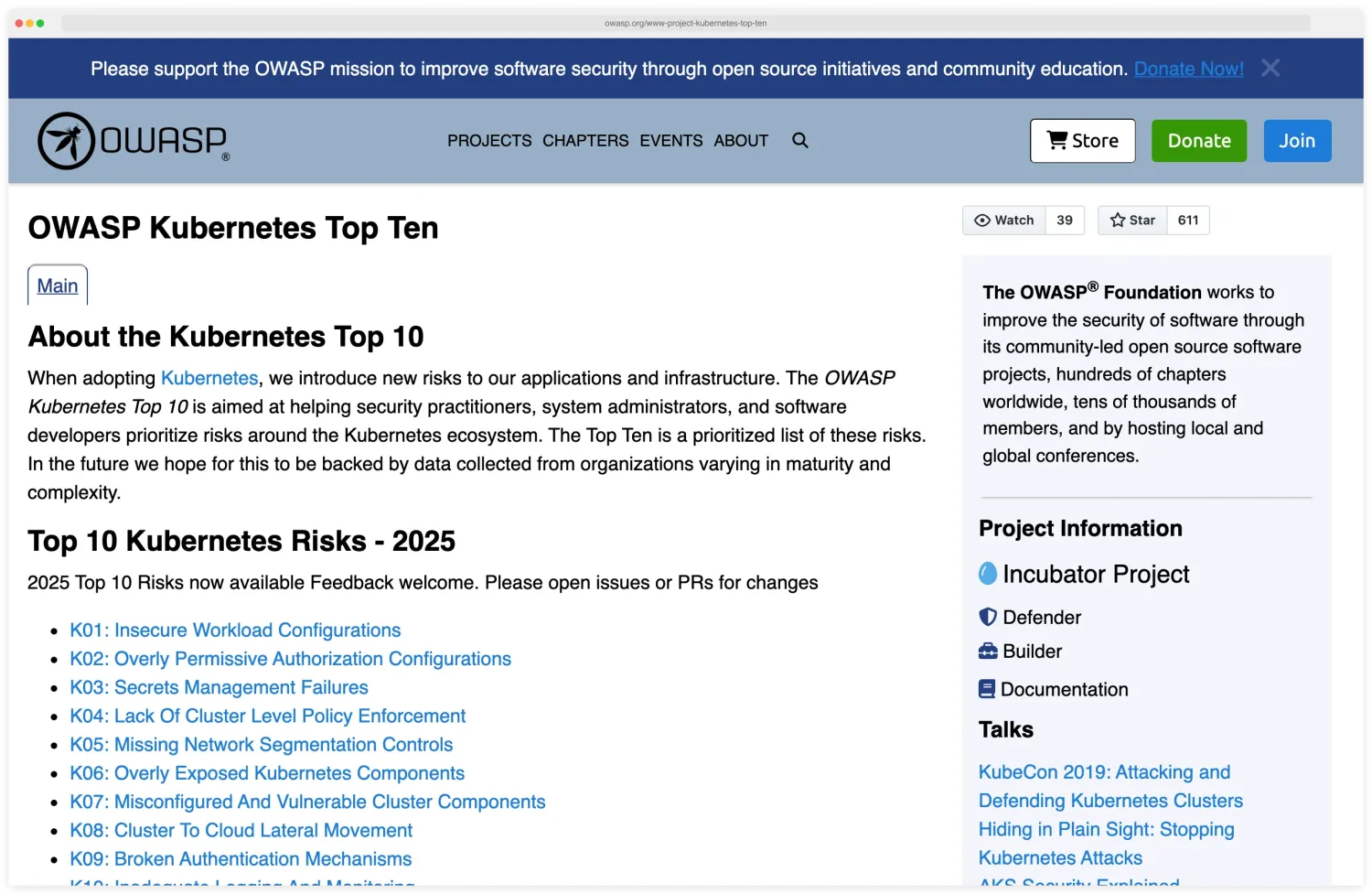
The OWASP Kubernetes Top 10 is a community-maintained ranking of the highest-impact misconfiguration categories observed in production clusters. The 2025 release is the current version, and the biggest shift from the 2022 list is the addition of K08 Cluster-to-Cloud Lateral Movement — a category that did not exist before and matters most for managed Kubernetes (EKS, GKE, AKS) where pod-level compromise can pivot into the cloud account through IRSA, Workload Identity, or the metadata service.
The short version
K01, K02, K05 dominate findings on most production audits. They map to Pod Security profiles, scoped RBAC bindings, and default-deny network policies. Get those three right and the audit becomes a list of polish items rather than red flags.
K01 (insecure workload configurations), K02 (overly permissive authorization), and K05 (missing network segmentation) dominate the findings on most production cluster audits.
They map to the three controls teams most often skip when shipping to production: tight Pod Security profiles, scoped RBAC bindings, and default-deny network policies. Get those three right and the audit becomes a list of polish items instead of a list of red flags.
| ID | Category | Where this guide covers it |
|---|---|---|
| K01 | Insecure Workload Configurations | Pod security standards |
| K02 | Overly Permissive Authorization Configurations | RBAC done right |
| K03 | Secrets Management Failures | Secret management |
| K04 | Lack of Cluster Level Policy Enforcement | Pod Security Admission, Kyverno, OPA Gatekeeper |
| K05 | Missing Network Segmentation Controls | Network policies |
| K06 | Overly Exposed Kubernetes Components | API server / kubelet / dashboard exposure controls |
| K07 | Misconfigured and Vulnerable Cluster Components | CIS Benchmark essentials + supply chain |
| K08 | Cluster to Cloud Lateral Movement | IRSA / Workload Identity scoping, metadata-service blocking |
| K09 | Broken Authentication Mechanisms | API server auth + service-account tokens |
| K10 | Inadequate Logging and Monitoring | Auditing and compliance |
The 2025 list dropped Supply Chain Vulnerabilities as a standalone category — the controls now spread across K01 (workloads), K04 (cluster-wide policy enforcement), and K07 (component versions). That is a structural improvement: it forces supply-chain risk to be addressed in admission and patching rather than a checkbox subsection of a build pipeline.
Kubescape maps scan findings to the OWASP Kubernetes Top 10 alongside CIS and NSA-CISA frameworks. Starting from a cold cluster, run a Kubescape scan with the OWASP framework selected first — it returns a prioritised punch list rather than 200 raw CIS items, which makes the first remediation sprint much easier to scope.
For broader cloud security topics, see the Cloud Infrastructure Security hub and What is CNAPP . Browse all AppSec Santa IaC security tools for Kubernetes-aware scanning options.