
- Checkmarx scans source code providing exact line-of-code findings; Veracode scans compiled binaries so source code never leaves the organization.
- Veracode’s Pipeline Scan returns results in under 90 seconds for CI/CD; Checkmarx scan times vary by codebase size but push findings to IDE plugins for earlier feedback.
- Checkmarx One bundles 8 scanning engines (SAST, SCA, DAST, IaC, containers, API, secrets, ASPM); Veracode covers SAST, DAST, SCA, and pen testing.
- Checkmarx supports cloud and on-premises deployment; Veracode is cloud-only with zero infrastructure maintenance.
- Checkmarx has 75+ CI/CD integrations and IDE plugins for VS Code, IntelliJ, Cursor, and Windsurf; Veracode has 40+ integrations.
Which Is Better: Checkmarx or Veracode?#
Checkmarx scans source code for line-level findings while Veracode analyzes compiled binaries so source code never leaves the organization. Both are long-established enterprise SAST platforms.
Checkmarx and Veracode are both long-standing enterprise Application Security Testing platforms, but they take distinct approaches. Checkmarx scans source code directly, giving developers line-of-code findings and IDE-integrated feedback during development.
Veracode scans compiled binaries, so developers never share source code with the platform, which appeals to organizations in regulated industries.
Beyond SAST, both have grown into broader platforms. Checkmarx One bundles SAST, SCA, DAST, IaC security, container security, API security, and ASPM.
Veracode’s platform covers SAST, DAST, SCA, and manual penetration testing. The choice often comes down to whether source-code analysis or binary analysis better fits your security program and compliance requirements.
What Are the Key Differences?#
| Feature | Checkmarx | Veracode |
|---|---|---|
| License | Commercial | Commercial |
| Analysis approach | Source code | Binary / bytecode |
| Languages | 35+ languages, 80+ frameworks | 100+ languages and frameworks |
| Platform scope | SAST, SCA, DAST, IaC, Container, API, Secrets, ASPM | SAST, DAST, SCA, Pen Testing |
| ASPM | Yes (built-in) | No |
| AI remediation | Checkmarx One Assist + Developer Assist | Veracode Fix (AI) |
| Fast CI/CD scan | CI/CD integrations | Pipeline Scan (under 90 seconds) |
| IDE plugins | VS Code, IntelliJ, Eclipse, Visual Studio, Cursor, Windsurf | VS Code, IntelliJ, Eclipse |
| CI/CD integrations | 75+ (Jenkins, GitHub Actions, GitLab CI, Azure DevOps, more) | 40+ (Jenkins, GitHub Actions, Azure DevOps, more) |
| Deployment | Cloud or on-premises | Cloud only |
| Compliance | OWASP, PCI DSS, CWE, more | OWASP, PCI DSS, CWE, more |
| Developer training | Codebashing | Security Labs |
| Line-of-code findings | Yes | Limited (binary-level mapping) |
| Source code upload required | Yes | No (binaries only) |
Checkmarx vs Veracode: How Do They Compare?#
Analysis Method: Source Code vs Binary#
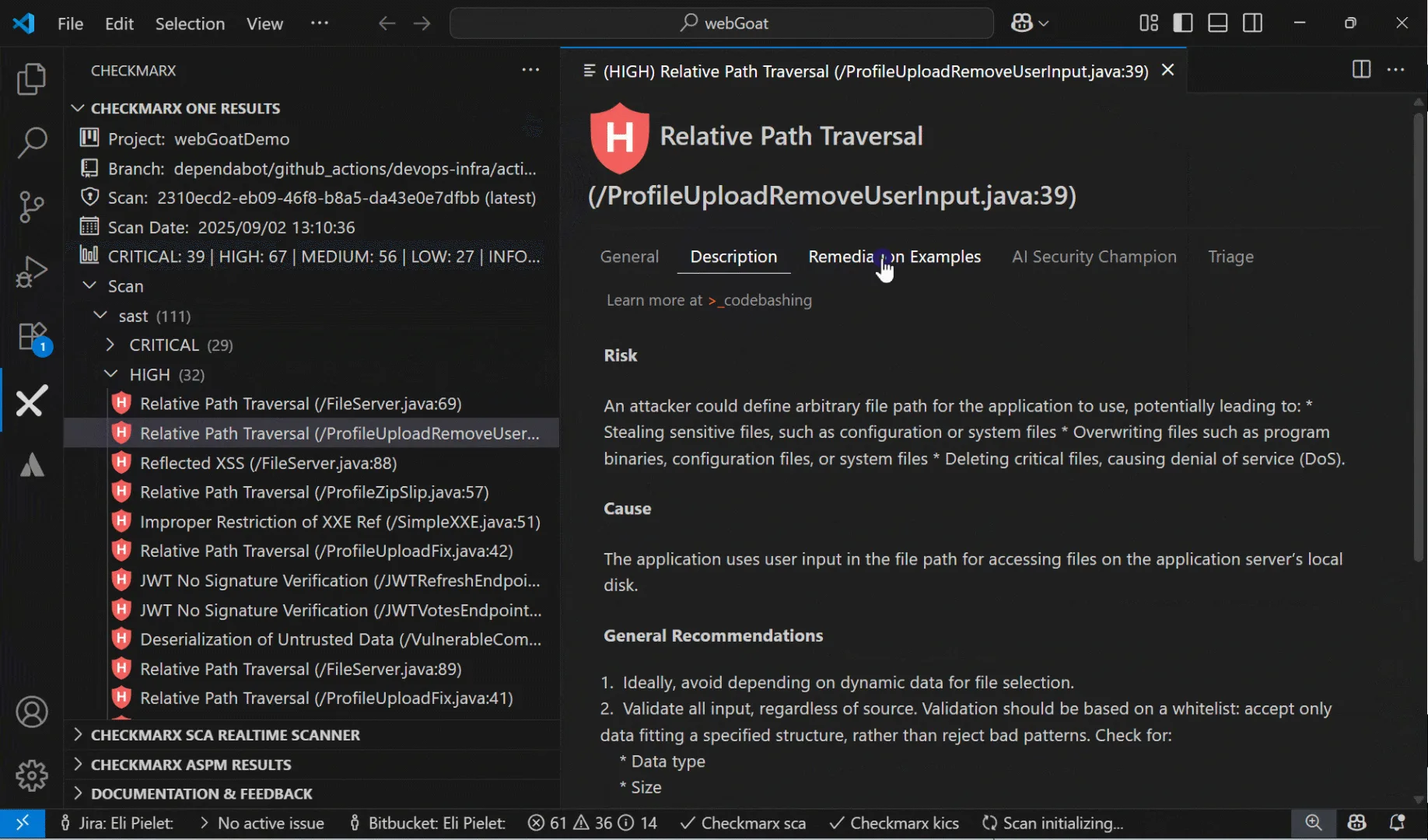
This is the defining difference. Checkmarx performs source code analysis.
You connect your repositories (GitHub, GitLab, Bitbucket, Azure DevOps) and the engine scans the code directly. Findings map to specific lines, files, and data flow paths through your source.
IDE plugins surface these findings while developers are writing code.
Veracode uses binary analysis. You compile your application and upload the bytecode, JAR files, .NET assemblies, or other compiled output.
The platform analyzes the binary to find security flaws. This approach has a significant advantage: it can catch issues introduced by compilers or third-party libraries bundled into the build that source-only scanners miss.
It also means you never share source code with the vendor.
The tradeoff is feedback granularity. Checkmarx can point to the exact line of code causing an issue.
Veracode’s binary-level findings are less precise, though they still map back to code areas. For developer workflow integration, source analysis gives tighter feedback loops.
For compliance scenarios where source code sharing is restricted, binary analysis is the clear winner.
Platform Breadth#
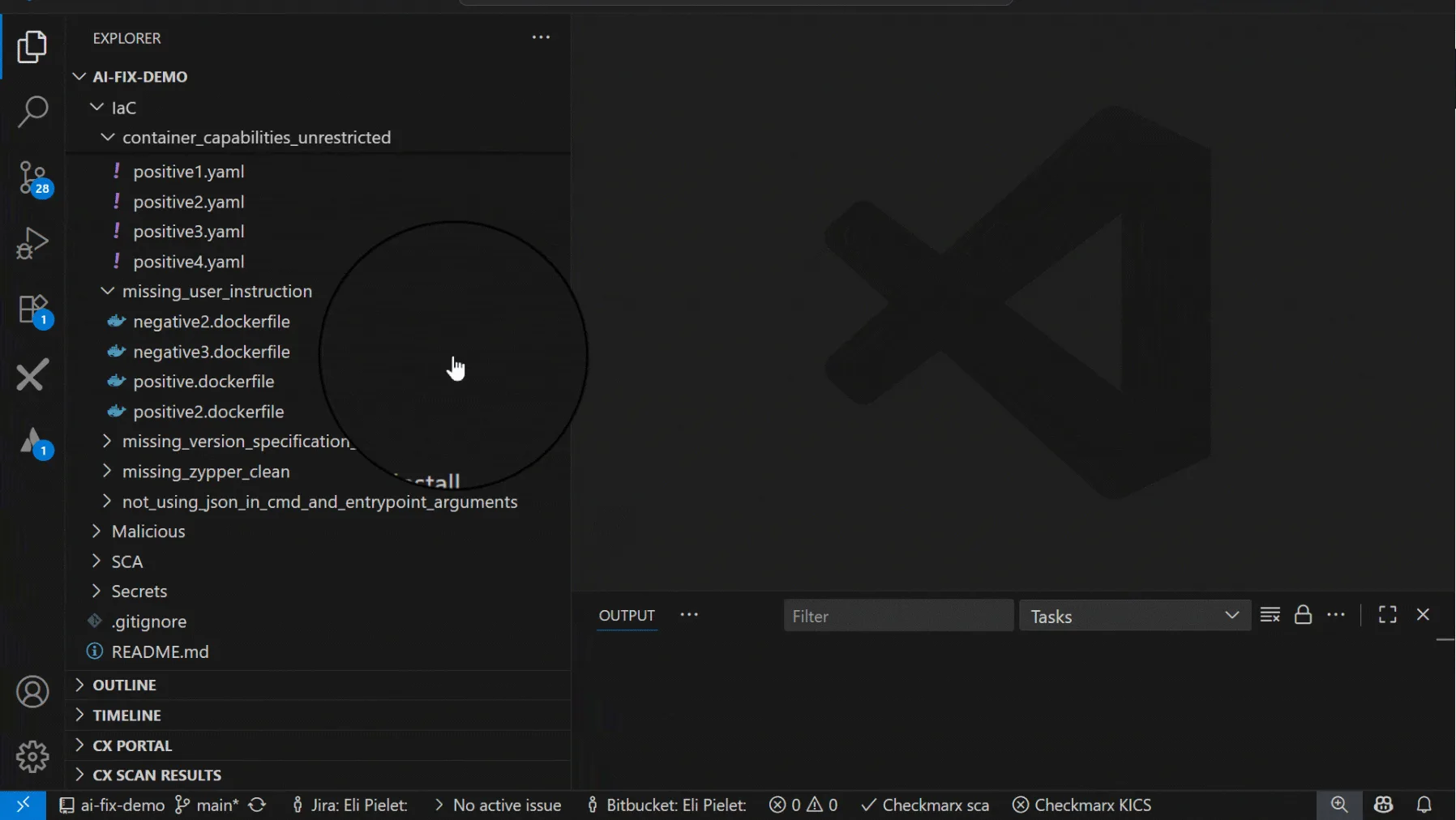
Checkmarx One is one of the broadest application security platforms available. It bundles eight scanning engines: SAST, SCA, DAST, IaC security, container security, API security, secrets detection, and malicious package protection.
ASPM sits on top to prioritize and correlate findings across all engines.
Veracode’s platform covers SAST, DAST, SCA, and manual penetration testing. It is less broad than Checkmarx One but still reduces tool sprawl compared to buying separate tools.
Findings from all Veracode modules are correlated in a single dashboard.
Organizations that want to consolidate the most scanning types under one vendor lean toward Checkmarx. Teams that prioritize SAST with binary analysis and want DAST and SCA alongside it find Veracode sufficient.
CI/CD Speed#
Veracode’s Pipeline Scan is specifically designed for speed in CI/CD. It returns results in under 90 seconds for most applications, making it practical for pull request checks without slowing down development.
The full Platform Scan takes longer but provides deeper analysis for release gates and compliance reporting.
Checkmarx integrates into CI/CD through connectors for Jenkins, GitHub Actions, GitLab CI, Azure DevOps, and others. Scan times vary based on codebase size.
Checkmarx also pushes findings to IDE plugins (VS Code, IntelliJ, Eclipse, Visual Studio, Cursor, Windsurf) for earlier feedback during development.
For teams where CI/CD scan speed is the top concern, Veracode’s Pipeline Scan has an edge. For teams that want feedback earlier in the IDE before code reaches the pipeline, Checkmarx’s broader IDE plugin ecosystem provides that.
Vulnerability Prioritization#
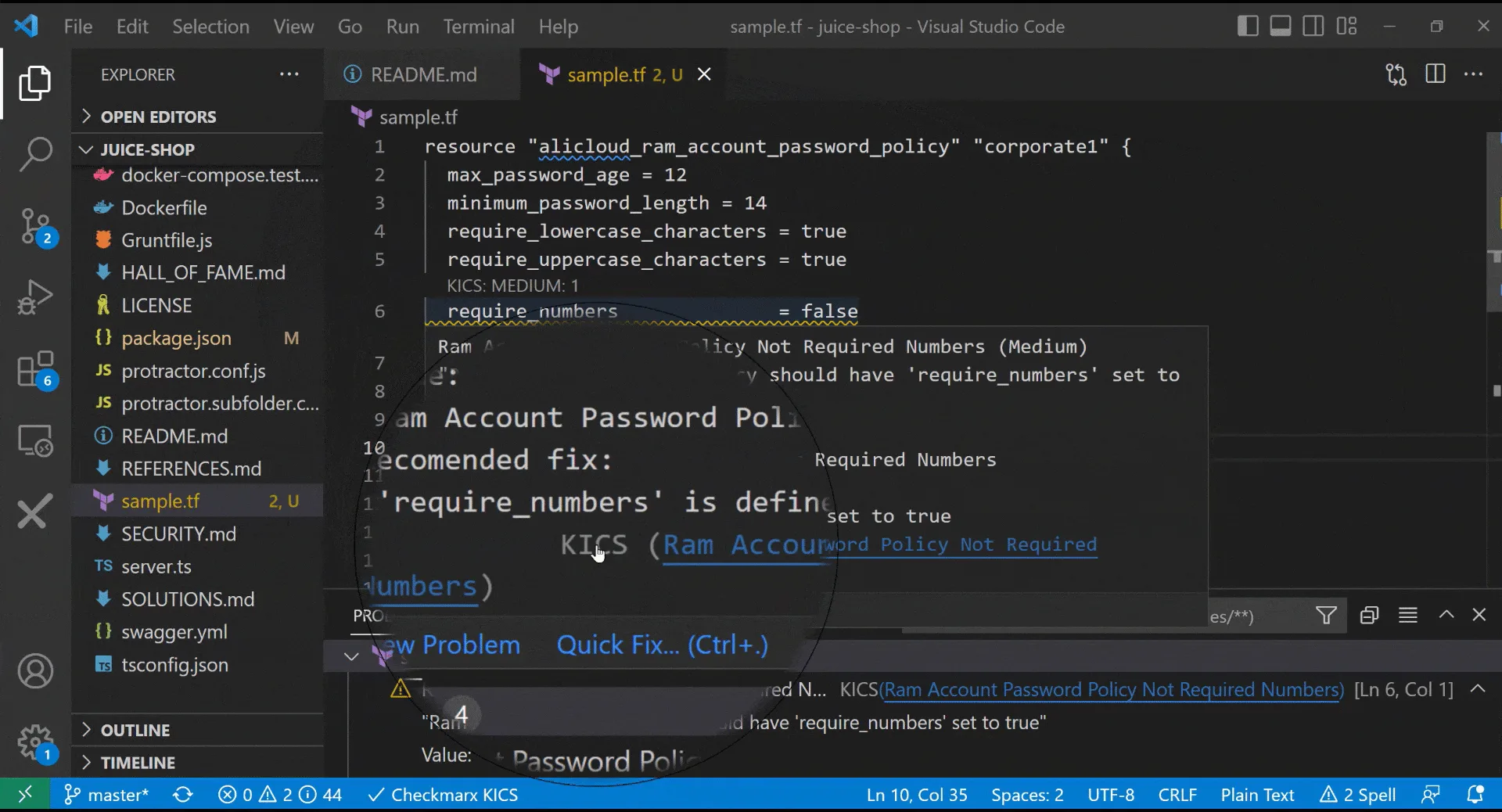
Checkmarx’s ASPM ranks findings using application context. A critical vulnerability in a customer-facing payment service gets flagged before the same vulnerability type in an internal admin tool.
This business-context-aware prioritization reduces alert fatigue when scanning large application portfolios.
Veracode provides severity ratings and CWE mapping for findings but does not include a dedicated ASPM layer for cross-application prioritization. Teams that need portfolio-level risk ranking would need to add a third-party ASPM tool.
Developer Training#
Both vendors include developer education. Checkmarx offers Codebashing, a hands-on secure code training platform with exercises mapped to the vulnerabilities found in scans.
Veracode offers Security Labs, and Veracode claims developers who complete at least one training course fix security flaws faster.
Deployment#
Checkmarx supports both cloud and on-premises deployment, giving organizations flexibility based on data sovereignty requirements. Veracode is cloud-only, which simplifies deployment and maintenance but means all code analysis happens on Veracode’s infrastructure.
For binary analysis, this is less of a concern since source code never leaves the organization.
When Should You Choose Checkmarx?#
Choose Checkmarx if:
- You want line-of-code findings with precise source code mapping
- You need the broadest platform coverage (SAST, SCA, DAST, IaC, containers, APIs, secrets, ASPM)
- ASPM-level prioritization across your application portfolio matters
- You require on-premises deployment for compliance or data sovereignty
- Your team uses newer IDEs like Cursor or Windsurf alongside VS Code and IntelliJ
- You want developer education (Codebashing) mapped to scan findings
When Should You Choose Veracode?#
Choose Veracode if:
- Source code sharing with a third-party vendor is restricted by policy or regulation
- You prefer binary analysis that catches compiler and bundled-library issues
- Fast CI/CD feedback via Pipeline Scan (under 90 seconds) is a priority
- Cloud-only deployment with zero infrastructure maintenance fits your model
- SAST, DAST, and SCA coverage is sufficient (you don’t need IaC, container, or API scanning in the same platform)
- Manual penetration testing services from the same vendor are valuable
Both are enterprise SAST platforms covered in the AppSec Santa SAST tools category. The decision often comes down to whether your organization prefers source code analysis with richer developer feedback or binary analysis that keeps source code internal.
Sources#
- Checkmarx One product page — vendor capability reference.
- Checkmarx CxFlow GitHub repo — CI/CD integration depth.
- Veracode Application Security platform — vendor capability reference.
- Veracode Static Analysis (binary) — binary-analysis methodology.
- Veracode Continuous Software Security — managed-service tier reference.
- Gartner Peer Insights — SAST — independent buyer reviews for both vendors.
Frequently Asked Questions
What is the main difference between Checkmarx and Veracode?
Which tool has better language coverage?
Can I use Checkmarx and Veracode together?
Which is better for CI/CD pipelines?
Which tool is more affordable?

Written & maintained by
Suphi CankurtEight years on the vendor side of application-security sales — thousands of evaluations and demos. I started AppSec Santa in 2022 to put that insider view to work for buyers. Independent of any vendor, paid by none, and honest about what fits whom.