

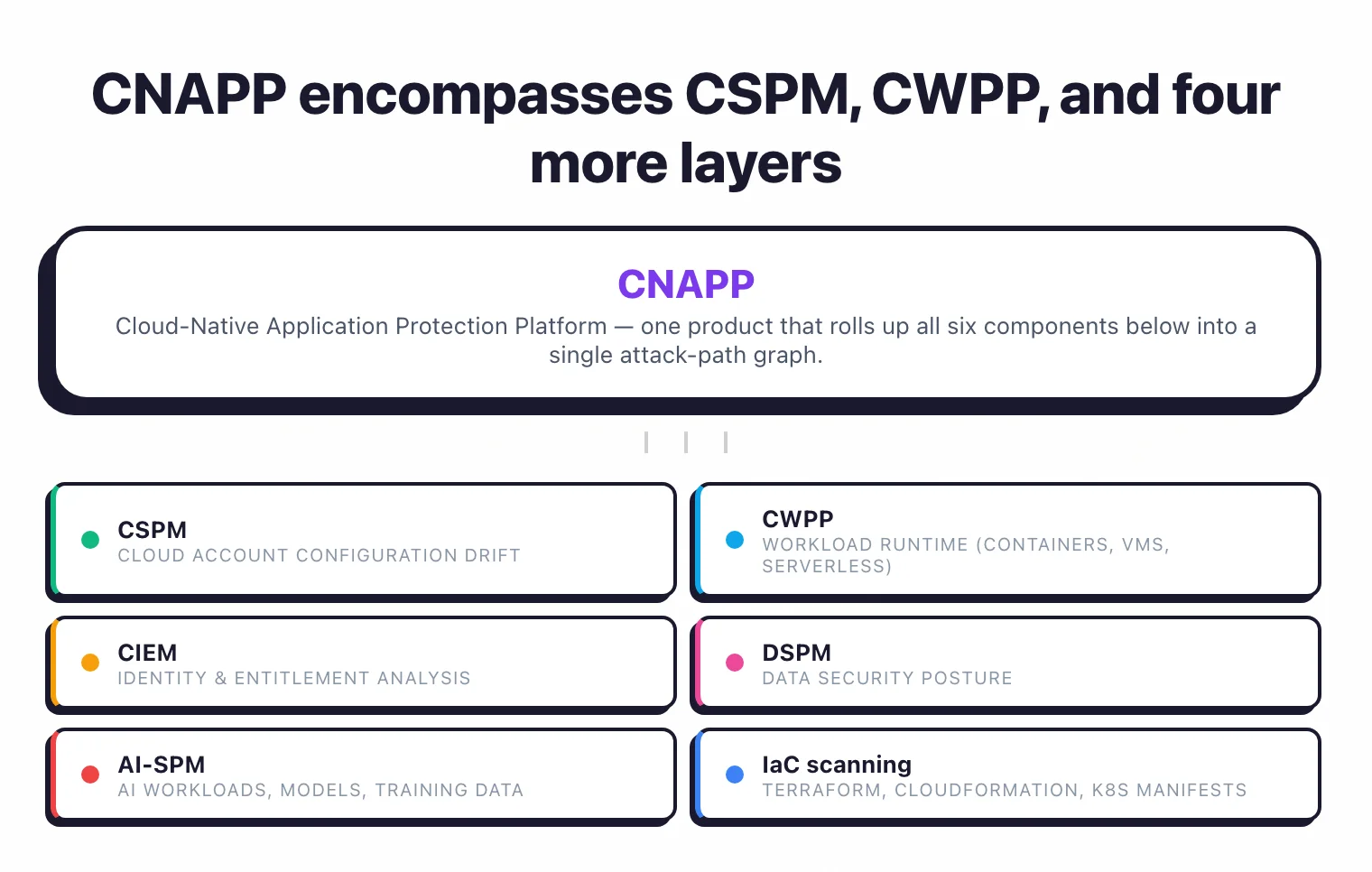
CSPM monitors cloud account misconfigurations. CWPP monitors workload runtime (containers, VMs, serverless). CNAPP rolls both into one platform and adds CIEM, DSPM, AI-SPM, IaC scanning, and attack-path correlation. Choose CSPM if you only need cloud configuration drift monitoring and compliance reporting. Bolt on CWPP when containers reach production. Choose CNAPP when scale, container adoption, multi-cloud reach, and identity complexity start producing more cross-tool triage than your team can handle. Most teams start with CSPM, add CWPP, and consolidate into CNAPP as the year-three play.
What CSPM does (and doesn’t do)#
Cloud Security Posture Management is the cloud-configuration layer of a broader application security program , monitoring your infrastructure against security best practices and compliance standards. It connects to your AWS, Azure, or GCP accounts through read-only API access, inventories every resource, and checks each one against a policy library.
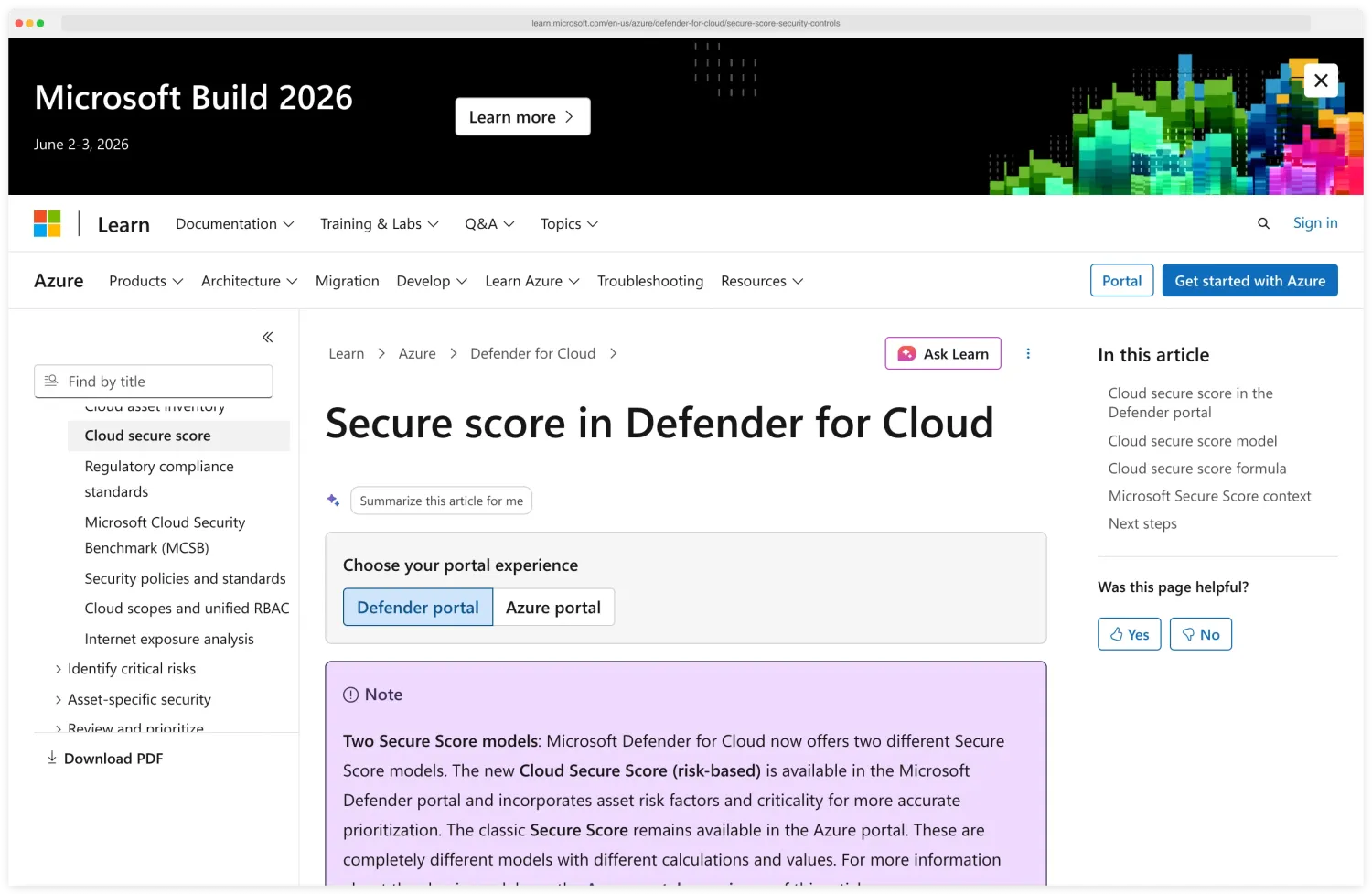
Microsoft’s Secure Score in Defender for Cloud is a typical CSPM scoring UI — every cloud account gets a percentage-based posture grade that climbs as misconfigurations are fixed, with separate models for the new risk-based score and the classic recommendation-driven score.
A CSPM tool answers questions like: Are any S3 buckets publicly accessible? Do any IAM roles have admin privileges?
Are all databases encrypted? Is CloudTrail enabled in every region? Are security groups exposing sensitive ports to the internet?
CSPM continuously monitors for drift. Someone changes a security group through the AWS console instead of Terraform.
A developer creates a new S3 bucket without encryption. CSPM catches these changes within minutes and alerts the responsible team.
What CSPM covers well#
Cloud infrastructure misconfigurations. This is the core use case.
Storage, compute, networking, IAM, logging, encryption – CSPM covers managed cloud services well across all three major providers.
Compliance mapping. CIS Benchmarks , SOC 2, PCI DSS, HIPAA, NIST 800-53 , GDPR.
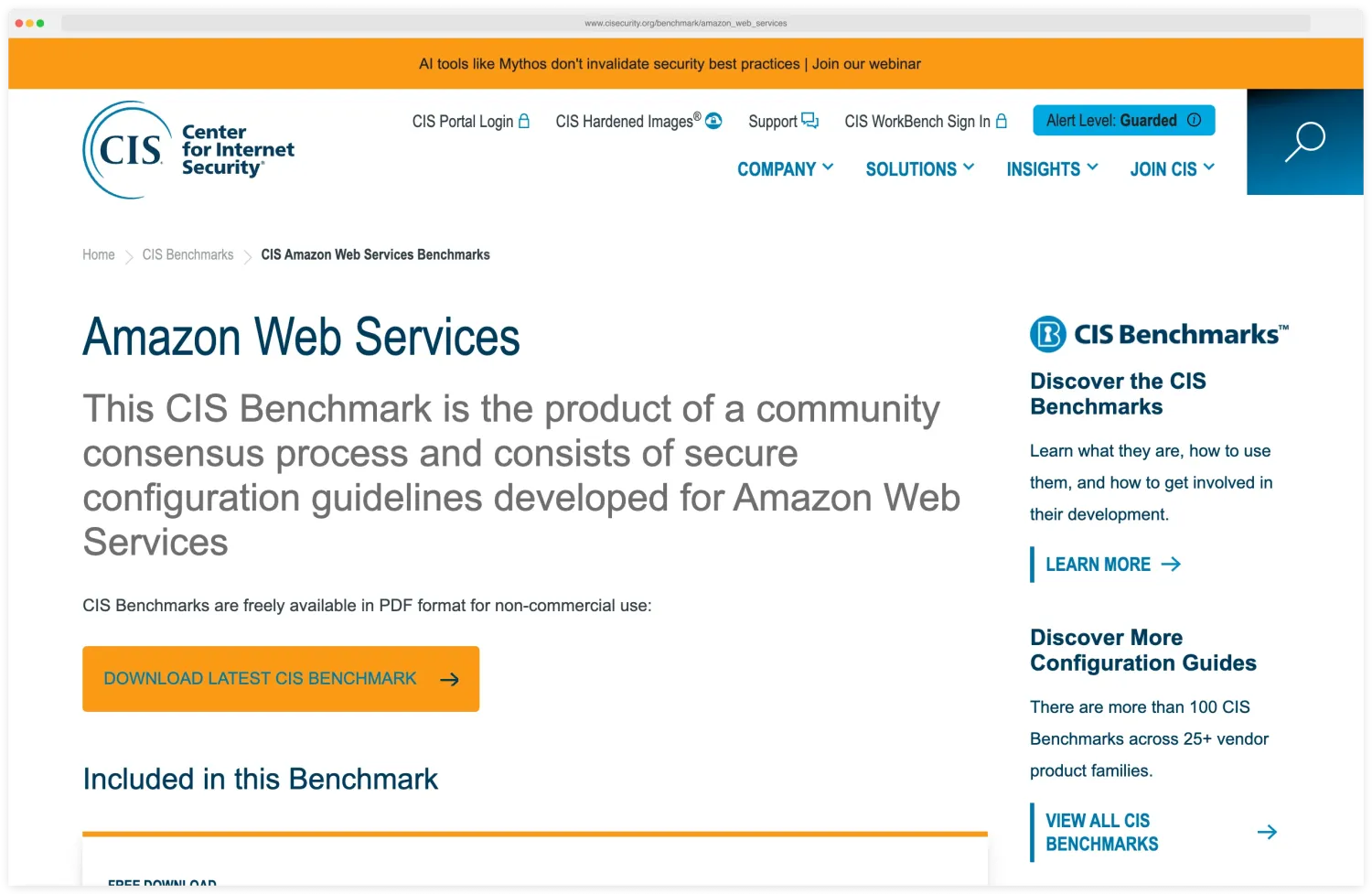
CSPM maps findings to specific compliance controls so you can demonstrate adherence and track gaps. The CIS Amazon Web Services Benchmark is the most cited reference for AWS — a free, community-consensus PDF that auditors accept as evidence for AWS-specific controls, with sibling benchmarks for over 100 other products on the same site.
Multi-cloud visibility. Third-party CSPM tools normalize findings across AWS, Azure, and GCP into a single dashboard.
You see the same misconfiguration types regardless of which provider the resource lives in.
What CSPM does not cover#
CSPM looks at infrastructure configuration. It does not look inside workloads.
It cannot tell you whether a container is running a vulnerable version of Log4j, whether a Lambda function has a code injection vulnerability, or whether an IAM role’s effective permissions create an escalation path to sensitive data.
CSPM does not protect workloads at runtime. It cannot detect a cryptominer running inside an EC2 instance or a compromised pod making lateral moves across your Kubernetes cluster.
It monitors what you deployed, not what is happening inside what you deployed.
Workload-inside scanners like Trivy cover the gap CSPM leaves open — Trivy scans container images, code repositories, binary artifacts, and Kubernetes clusters for CVEs and IaC misconfigurations CSPM never sees, which is why most teams pair the two.
What does CNAPP add beyond CSPM?#
CNAPP (Cloud-Native Application Protection Platform) includes everything CSPM does, plus several additional security layers. For more detail, see the What is CNAPP guide.
Workload protection (CWPP)#
CNAPP scans the software running inside your cloud workloads. Container images get checked for OS and application vulnerabilities.
VM instances are assessed for outdated packages and missing patches. Serverless functions are analyzed for vulnerable dependencies. This is the visibility that CSPM cannot provide.
Snyk Container is one well-known dev-first take on this layer — vulnerabilities surface during PR review and base-image upgrades are fixed before workloads hit production, instead of after.
Identity and entitlement management (CIEM)#
CIEM analyzes the effective permissions of every identity in your cloud environment.
Not just what an IAM policy says, but what a role can actually do when you factor in trust relationships, permission boundaries, session policies, and cross-account access .
CIEM finds privilege escalation paths that a simple IAM policy review misses.
Container and Kubernetes security#
CNAPP scans container registries for vulnerable images, monitors running containers for anomalous behavior, and checks Kubernetes configurations against security benchmarks . CSPM does not reach into the container layer.
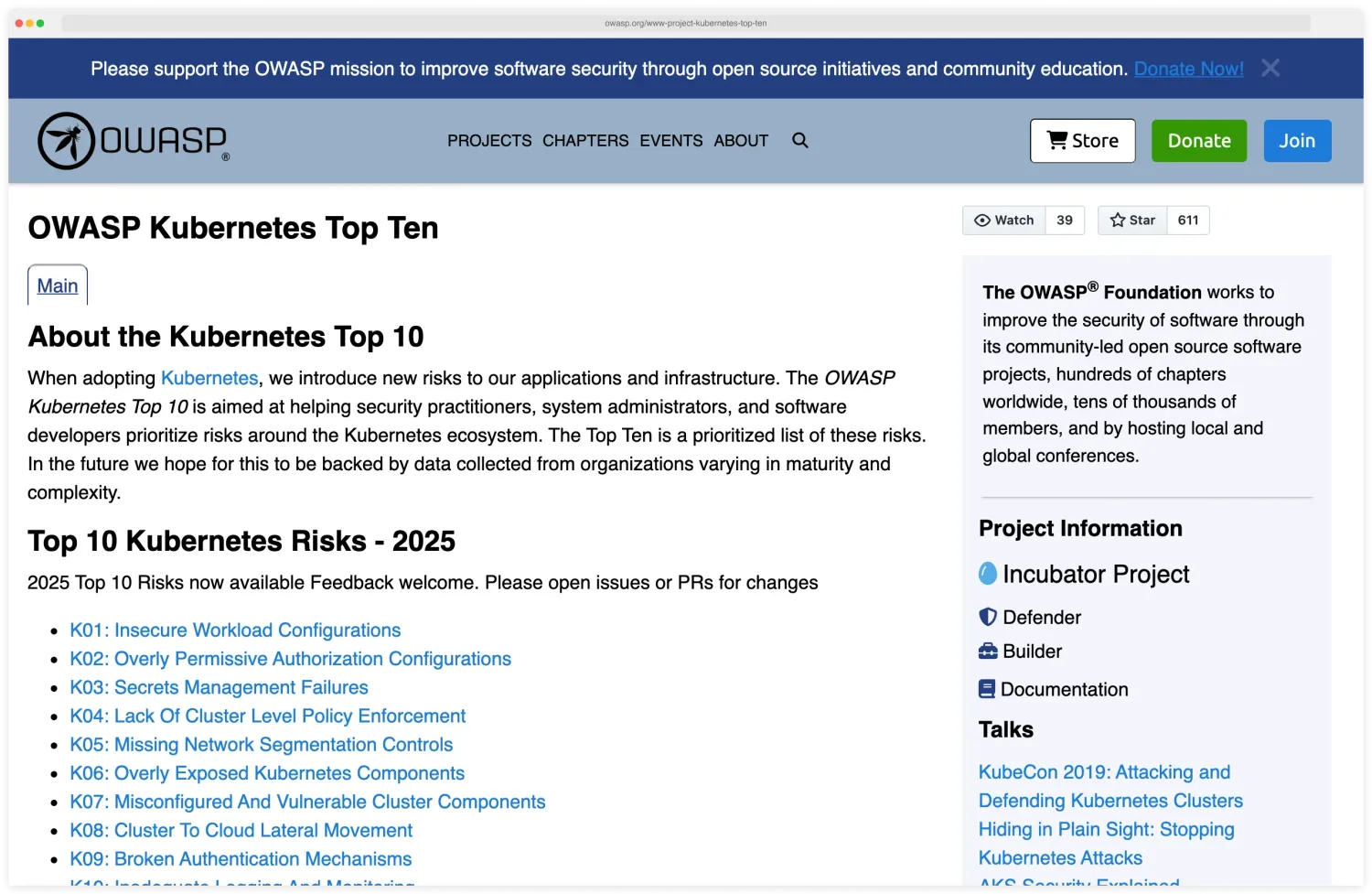
CNAPP does — and the canonical risk list it benchmarks against is the OWASP Kubernetes Top 10 , 2025 edition. The 2025 list adds K08 Cluster-to-Cloud Lateral Movement (IRSA, Workload Identity, and metadata-service abuse) as a brand-new category, and folds the old “Supply Chain Vulnerabilities” entry into K01, K04, and K07. For more, see the Kubernetes Security Hardening guide .
IaC scanning (shift-left)#
Most CNAPP platforms include IaC scanning that catches misconfigurations in Terraform, CloudFormation, and other templates before they are deployed. This catches issues before they reach production.
See our Terraform Security Scanning guide for more on IaC scanning tools and practices.
Runtime threat detection#
CNAPP can detect active threats: lateral movement, unusual API calls, data exfiltration patterns, cryptomining processes. Some platforms use agent-based monitoring; others use agentless techniques to analyze workload behavior.
This is the detective control that complements CSPM’s preventive checks.
Risk graph#
The defining feature of CNAPP is correlation. A vulnerable container image is a finding.
A vulnerable container image that is internet-facing, running with admin privileges, and connected to a database with customer PII is a critical attack path. CNAPP connects these dots across layers.
Wiz is the vendor that defined this category — its security graph models every cloud asset and identity as a node, so the four-layer chain above surfaces as one critical alert instead of four unrelated findings, which is what put Wiz on the dashboards of more than half of the Fortune 100.
Key Insight
CSPM, looking only at infrastructure configuration, cannot make that connection. The single attack-path graph — vulnerable image + internet exposure + admin IAM + sensitive data — is the entire point of buying CNAPP over standalone CSPM.
CSPM vs CNAPP vs CWPP at a glance#
The three categories most often confused on the SERP are CSPM (Cloud Security Posture Management), CWPP (Cloud Workload Protection Platform), and CNAPP (Cloud-Native Application Protection Platform). The shortest possible distinction: CSPM watches the cloud account, CWPP watches the workload, CNAPP rolls both into a single platform alongside identity, data, and AI security.
CSPM is read-only and signals from cloud-provider APIs. CWPP runs as agents or eBPF inside hosts and pods. CNAPP unifies both with CIEM (identity), DSPM (data), AI-SPM, and IaC scanning into one attack-path graph. In practice, CSPM is what teams buy in year one, CWPP is what they bolt on when containers reach production, and CNAPP is the consolidation play that absorbs both by year three.
| Dimension | CSPM | CWPP | CNAPP |
|---|---|---|---|
| Primary scope | Cloud account configuration drift | Workload runtime (VMs, containers, serverless) | Both, plus CIEM, IaC, DSPM, AI-SPM |
| What it detects | Open buckets, permissive IAM, missing encryption, disabled logging | Container escape, malware, anomalous syscalls, runtime CVE exploits | All of the above + identity attack paths, exposed secrets in code, AI model misconfigurations |
| Source signal | Cloud provider APIs (read-only) | Agents on hosts/pods, eBPF, sidecar injection | Cloud APIs + agents + IaC repos + container registries + cloud audit logs |
| Best when you have | Single-cloud, VM-centric, compliance-first deployment | Container-heavy or runtime-sensitive workloads (PCI, regulated apps) | Multi-cloud, container-and-VM mix, mature DevSecOps, attack-path triage requirement |
| Typical example vendors | AWS Security Hub, Microsoft Defender for Cloud (CSPM tier), GCP SCC | Aqua, Sysdig Secure, Falco (open source), Wiz Runtime Sensor | Wiz, Prisma Cloud, Orca Security, CrowdStrike Falcon Cloud, Lacework FortiCNAPP, Tenable Cloud |
| Standalone in 2026? | Increasingly absorbed into CNAPP | Increasingly absorbed into CNAPP | The dominant unified platform category |
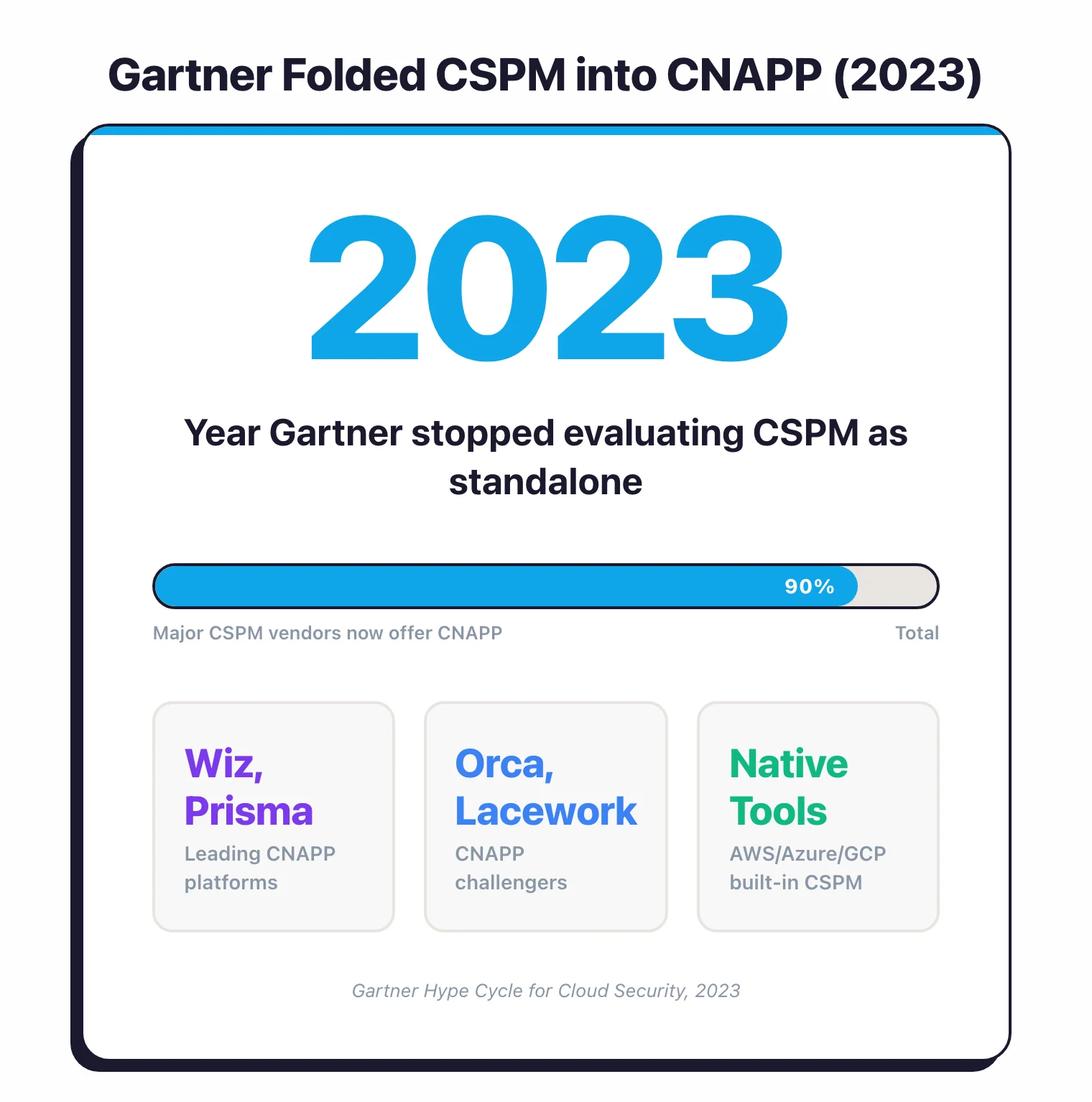
CNAPP overtook the other two as a standalone category because of correlation. A CSPM finding alone (admin-permissive role) is hard to prioritise. A CWPP finding alone (vulnerable container) is hard to prioritise.
Combine them with CIEM and an attack-path engine and you get “this internet-exposed pod with a known RCE has admin-equivalent IAM and reaches the customer database” — one alert instead of three.
For a deeper category-level overview see the What is CNAPP guide .
CSPM vs CNAPP: 10 key differences#
| Capability | CSPM | CNAPP |
|---|---|---|
| Cloud misconfiguration detection | Yes (core focus) | Yes (included) |
| CIS / SOC 2 / PCI / HIPAA compliance benchmarks | Yes | Yes |
| Multi-cloud dashboard | Yes | Yes |
| Container image scanning | No | Yes |
| Kubernetes security (KSPM) | Limited | Yes |
| Workload vulnerability scanning | No | Yes |
| Identity / entitlement analysis (CIEM) | No | Yes |
| IaC scanning (Terraform, CloudFormation, K8s) | Some vendors | Yes |
| Runtime threat detection | No | Yes (varies by vendor) |
| Data security posture (DSPM) | No | Most vendors (Wiz, Prisma Cloud, Orca) |
| AI security posture (AI-SPM) | No | Most vendors as of 2025-2026 |
| Attack path analysis | No | Yes |
| Agentless workload scanning | No | Yes |
| Source signal | Cloud APIs (read-only) | Cloud APIs + agents + IaC repos + container registries |
| Scan time | Continuous (config-only) | Continuous (config + runtime + code) |
| Cost band | $ to $$ | $$ to $$$ |
| Best for | Single-cloud, VM-centric, compliance-driven | Multi-cloud, container-heavy, mature DevSecOps |
Key Insight
The pattern is clear: CSPM covers the infrastructure layer. CNAPP covers infrastructure plus workloads plus identities plus data plus AI plus runtime — and correlates them into one attack-path graph instead of leaving you to reconcile 17 dashboards.
CSPM vs CNAPP decision framework: 5 factors#
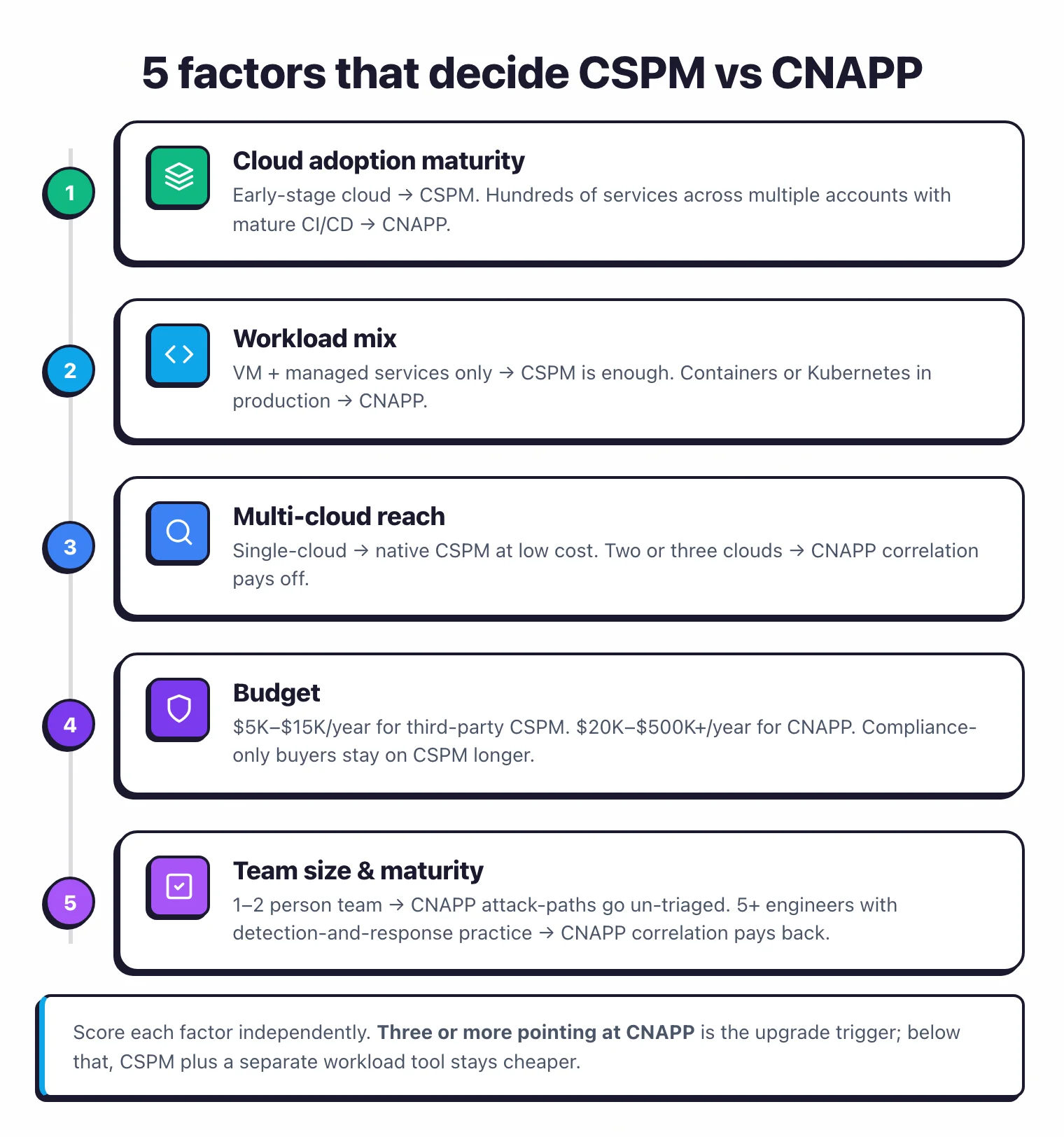
The fastest way to land on the right answer is to walk through five factors. Each one nudges you toward CSPM-only or CNAPP independently — when three or more point at CNAPP, that is the signal to upgrade.
The five factors are cloud adoption maturity (early-stage cloud favours CSPM, mature multi-account favours CNAPP), workload mix (VM-only is fine on CSPM, containers force CNAPP), multi-cloud reach (single-cloud lives on native CSPM, multi-cloud needs CNAPP correlation), budget (third-party CSPM in the $5K–$15K/year band versus CNAPP at $20K–$500K+/year, both directional based on buyer-quote data rather than published list prices), and team size and security maturity (under five engineers gets little value from attack-path triage, five-plus with a maturing detection-and-response practice does). Score each factor independently — three or more pointing at CNAPP is the upgrade trigger.
1. Cloud adoption maturity#
CSPM is the right starting point early in cloud adoption: fewer resources, less drift, simpler audit scope, and compliance reporting that auditors already accept. CNAPP becomes essential once you have hundreds of services across multiple accounts, a mature CI/CD pipeline, and ongoing pressure to consolidate tools instead of stacking new ones.
2. Workload mix#
VM-centric environments (EC2, RDS, Lambda, S3) without containers are well-served by CSPM. The infrastructure layer is where most misconfigurations live, and CSPM is the right scope for that surface.
CSPM cannot see into container images or Kubernetes runtime, though. Once you ship containers to production you need image scanning, KSPM, and runtime monitoring — CNAPP rolls those into the same platform as your cloud posture management, which is simpler than stacking Trivy , Falco, and a separate KSPM tool. See our Container Image Security guide for the workload-side specifics.
3. Multi-cloud reach#
Single-cloud teams can lean on the cloud’s native CSPM at low or zero cost — AWS Security Hub with Config rules, Microsoft Defender for Cloud, or GCP Security Command Center all provide solid misconfiguration detection inside their own provider. Once workloads span two or three clouds, the pain of three dashboards plus three policy frameworks plus three pricing models tips the math toward unified CNAPP.
This is also where complex identity matters. Organizations with hundreds of IAM roles, cross-account access patterns, and federated identity need CIEM to understand effective permissions. CSPM tells you a role has a wildcard policy; CIEM tells you that role can escalate to admin through a chain of assume-role permissions across three accounts.
4. Budget#
Third-party CSPM starts at $5,000–$15,000 per year for small environments. CNAPP starts around $20,000 and reaches $100,000–$500,000+ at enterprise scale.
Budget is the most common reason small teams stay on CSPM longer than workload mix alone would suggest. That is fine if compliance reporting (SOC 2, PCI DSS) is the primary driver — auditors generally accept CSPM evidence for infrastructure-level controls.
If you already run Checkov or Trivy in CI/CD for Terraform and a separate container scanning pipeline, you have some of the layers CNAPP consolidates — CSPM fills the remaining gap at lower cost.
5. Team size and security maturity#
A one-or-two-person security team running a small cloud footprint will not get value from CNAPP’s attack-path analysis or CIEM features — there is no time to triage them. Teams of five or more, with a maturing detection and response practice that needs risk prioritisation based on exposure and exploitability, are where CNAPP’s correlation layer actually pays back its cost.
Tool consolidation is the related secondary factor: if you currently run separate tools for CSPM, container scanning, IaC scanning, and runtime monitoring, the operational overhead of dashboards and integrations starts to outweigh the licence savings.
Native cloud tools vs third-party platforms#
Every major cloud provider includes some CSPM capability. The question is whether native tools are enough or whether you need a third-party solution.
AWS Security Hub#
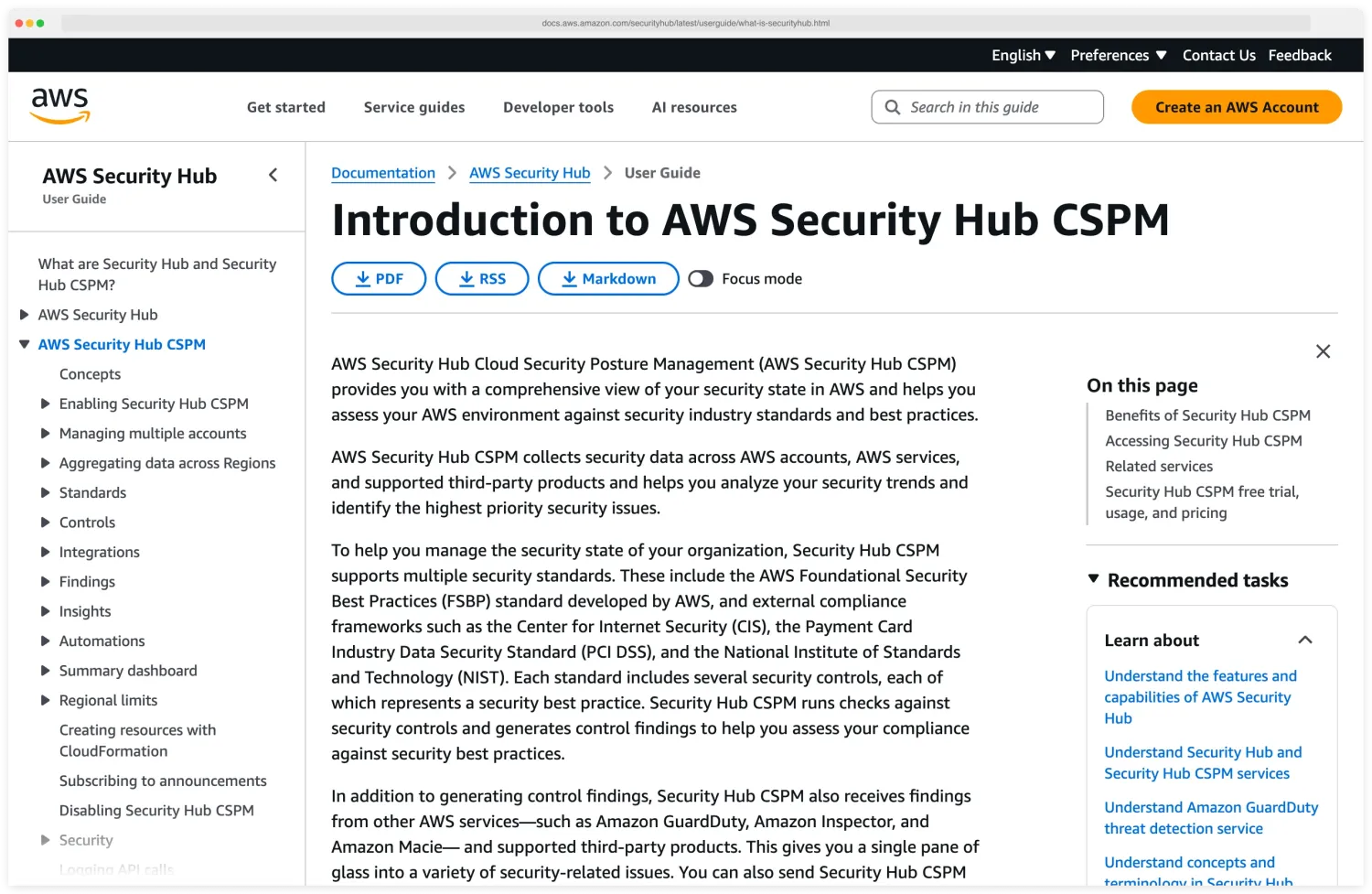
Aggregates findings from GuardDuty (threat detection), Inspector (vulnerability scanning), IAM Access Analyzer, Macie (data classification), and Config rules. Free for basic use; costs increase with finding volume and enabled services. Works well for AWS-only environments.
Limitations: AWS only. Limited attack path analysis.
No container registry scanning. No CIEM beyond IAM Access Analyzer’s scope.
Findings from different services are aggregated but not correlated into unified attack paths.
Microsoft Defender for Cloud#
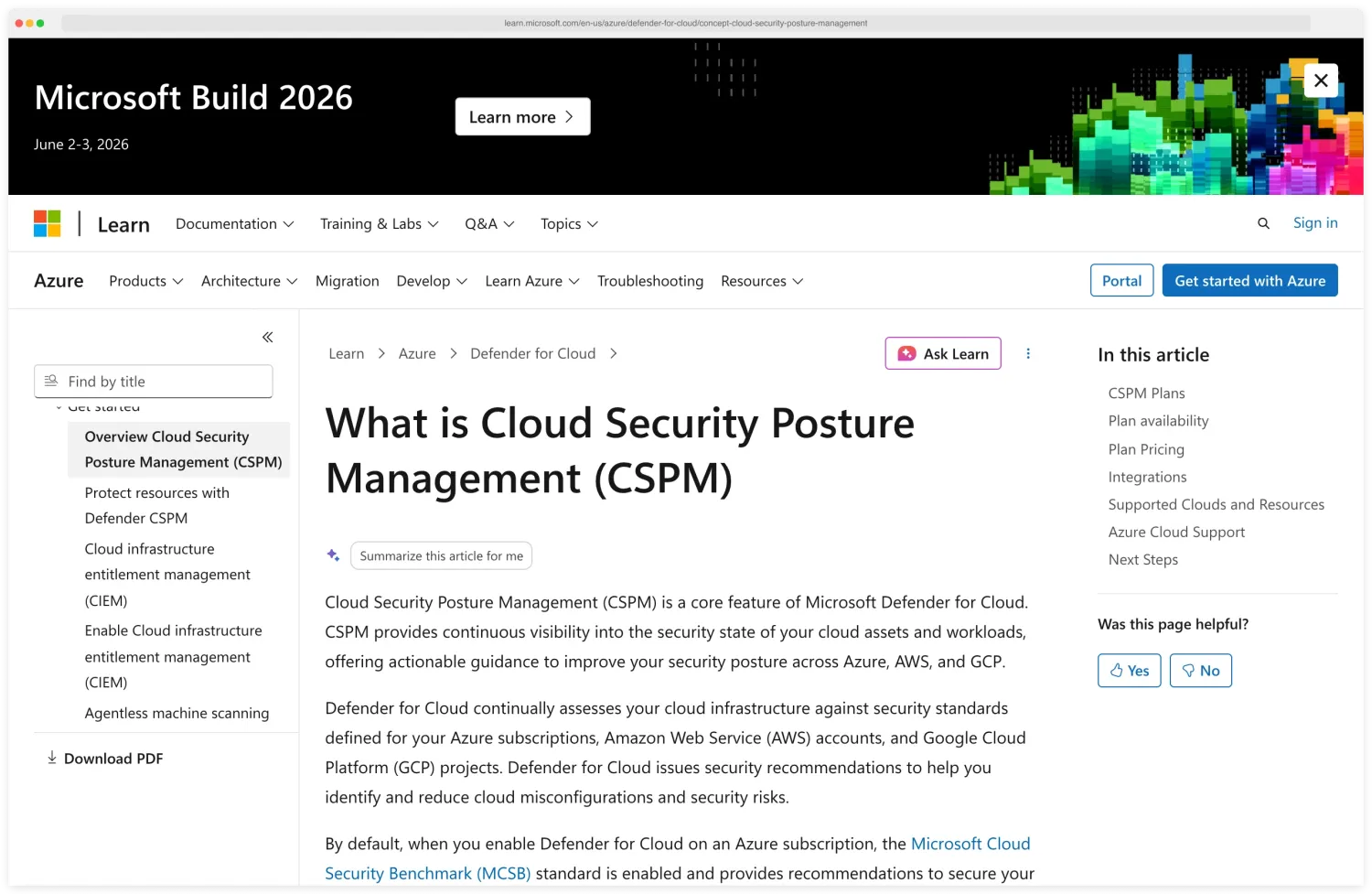
Microsoft’s CSPM and CWPP offering . The free tier covers CSPM basics (Secure Score, recommendations).
Paid Defender plans add workload protection, vulnerability scanning, and Kubernetes security. Best fit for Azure environments.
Limitations: Azure-first. Multi-cloud support (AWS, GCP) exists but is less mature.
The platform is complex to configure and the number of recommendations can overwhelm small teams.
GCP Security Command Center#
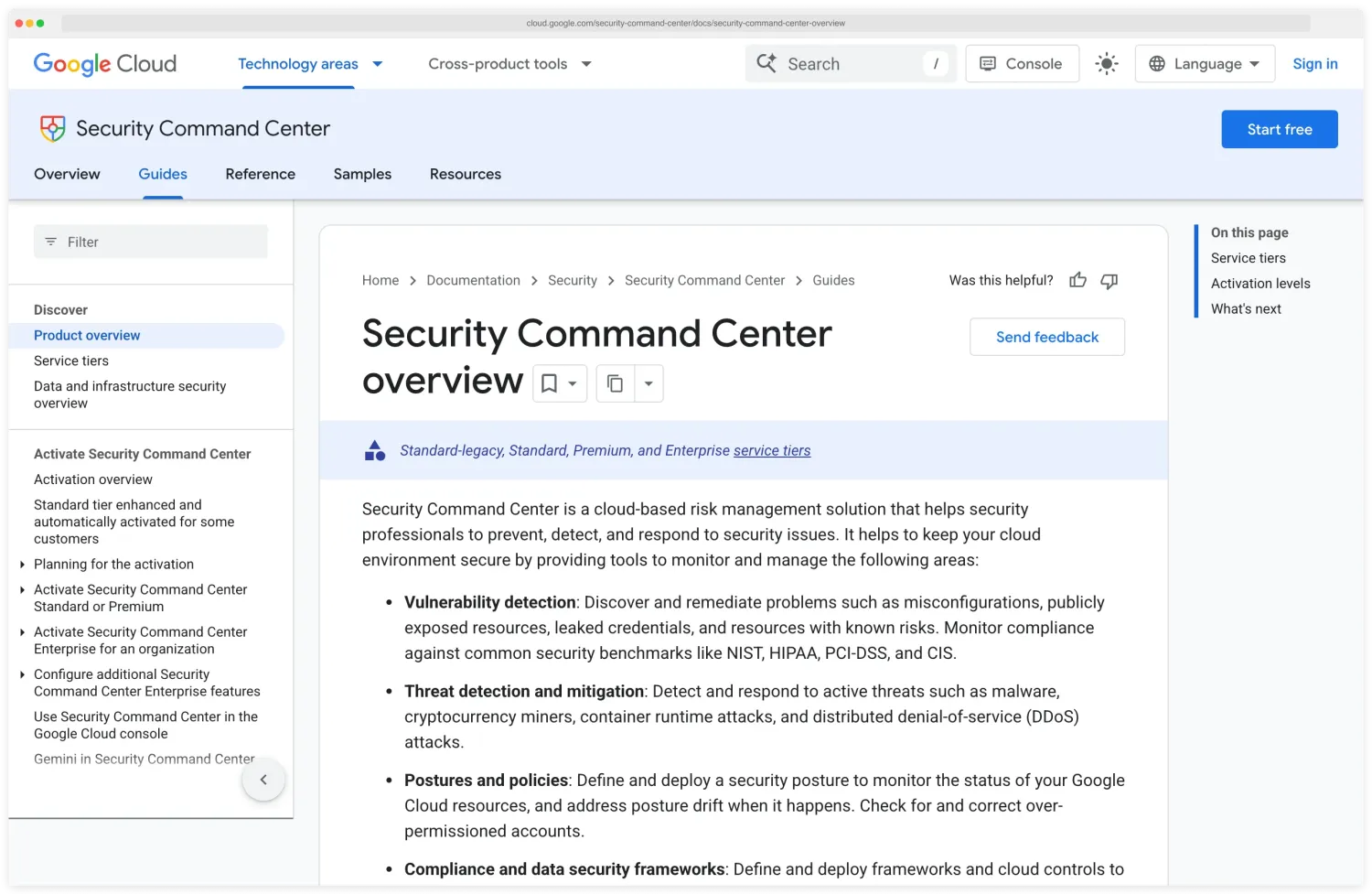
Google’s native security platform . Scans for misconfigurations, vulnerabilities, and threats across GCP.
Premium tier adds attack path simulation and compliance reporting. Tightly integrated with GCP services.
Limitations: GCP only. No cross-cloud support. The most limited of the three major cloud-native options.
Third-party CNAPP platforms#
Wiz, Prisma Cloud, Orca Security, and Lacework (now part of Fortinet) provide multi-cloud coverage, deeper correlation, and features that native tools lack. The tradeoff is cost: third-party platforms are significantly more expensive than native tools.
Choose native tools when: you are single-cloud, have a limited budget, and primarily need misconfiguration detection and compliance reporting.
Choose third-party when: you are multi-cloud, run containers at scale, need attack path analysis, or want unified visibility across infrastructure, workloads, and identities.
Cost and complexity tradeoffs#
The CSPM vs CNAPP decision has a real cost dimension.
CSPM costs#
Cloud-native CSPM (Security Hub, Defender for Cloud, SCC) has free or low-cost tiers that cover basic posture management. Third-party CSPM tools (standalone products) range from $5,000 to $30,000 per year for small to mid-size environments.
Pricing usually scales with the number of cloud accounts or resources monitored.
CNAPP costs#
CNAPP pricing is higher because the scope is larger. Most vendors price by the number of workloads, cloud accounts, or a combination.
Entry-level deployments start around $20,000 per year. Enterprise deployments with hundreds of cloud accounts and thousands of workloads can reach $100,000-$500,000+ per year.
Get quotes from at least three vendors. CNAPP pricing is highly negotiable, especially for multi-year commitments.
Operational complexity#
CNAPP platforms are complex to deploy and operationalize. The initial scan of a large environment produces thousands of findings.
Note
Without clear ownership, triage processes, and integration with your ticketing system, those findings become noise. Budget for onboarding time — a CNAPP deployment typically takes 2–6 weeks to reach steady state: connecting cloud accounts, tuning policies, suppressing false positives, setting up integrations, and training the team.
Build vs buy#
Some organizations assemble a “DIY CNAPP” from open-source tools: Trivy for image and IaC scanning, Checkov for Terraform policies, Falco for runtime detection, cloud-native CSPM for posture management. This is cheaper in licensing costs but more expensive in engineering time for integration, maintenance, and correlation.
Pro tip: The DIY-CNAPP approach works well for engineering-heavy organizations that prefer to control their tooling — pair Trivy for images + IaC, Checkov for Terraform policies, and Falco for runtime detection on top of your cloud-native CSPM. The buy approach works better when the security team is small and cannot maintain multiple integrated tools.
For more on the CNAPP market, see the What is CNAPP guide and AppSec Santa’s Cloud Infrastructure Security hub .
Migrating from CSPM to CNAPP#
Most teams don’t start with CNAPP — they grow into it. The typical path looks like this:
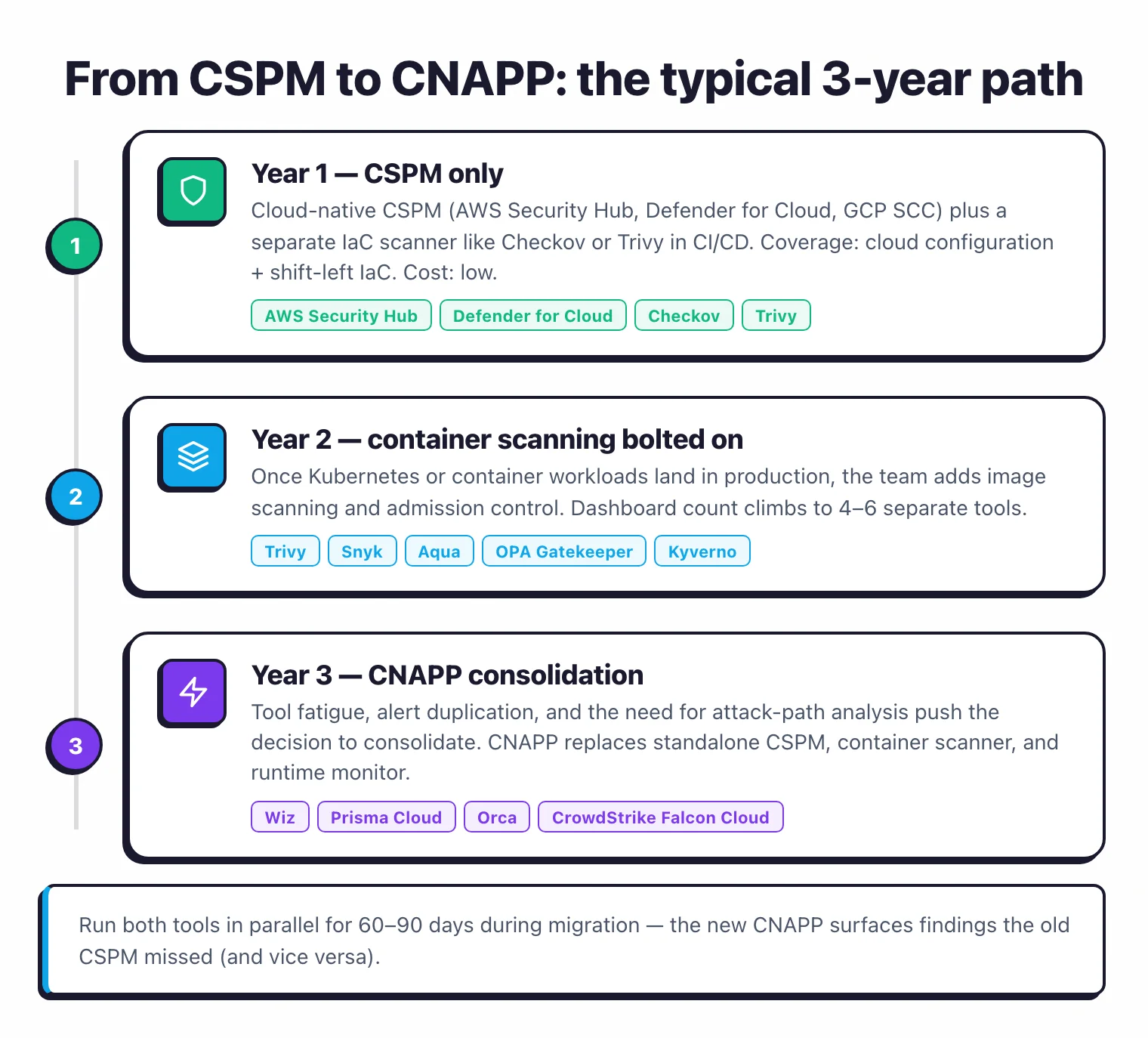
Year 1: CSPM only. Cloud-native CSPM (AWS Security Hub, Defender for Cloud, GCP SCC) plus a separate IaC scanner like Checkov or Trivy in CI/CD. Total cost: low. Coverage: cloud configuration plus shift-left IaC.
Year 2: container scanning bolted on. Once Kubernetes or container workloads land in production, the team adds container image scanning (Trivy, Snyk, or Aqua) and Kubernetes admission control (OPA Gatekeeper or Kyverno). The dashboard count is now 4-6 separate tools.
Year 3: CNAPP consolidation. Tool fatigue, alert duplication, and the need for attack-path analysis push the decision to consolidate. The CNAPP replaces the standalone CSPM, container scanner, and runtime monitor — keeping the IaC scanner if it’s already in CI/CD.
A few things to plan for in the migration:
- Run both in parallel for 60-90 days. The new CNAPP will surface findings the old CSPM missed (and vice versa). Don’t decommission the CSPM until the CNAPP coverage is verified across every cloud account.
- Map ownership before turning on alerts. The first CNAPP scan of a multi-cloud environment produces 5-10x more findings than the CSPM did, because the scope is wider. Without owners and a triage process, that becomes noise on day one.
- Negotiate based on bundling. CNAPP licences are usually cheaper than the sum of separate CSPM, container, and runtime tools — but only if you actually retire the standalone tools. Vendors will trade discount for proof of consolidation.
- Decide on agent strategy upfront. Agentless gives breadth in days; agents give runtime depth at the cost of deployment effort. Most teams need both. Pilot the agent on production workloads first, then expand based on what runtime detection actually catches.
- Keep IaC scanning in CI/CD. Even if your CNAPP includes IaC scanning, the developer-facing experience is better when scans run pre-merge in the pull request rather than post-deploy in the CNAPP dashboard. Don’t move IaC scanning out of CI just because the CNAPP can do it.
For the broader CNAPP component breakdown, see what is CNAPP .