


Acunetix AcuSensor is an IAST agent that pairs with the Acunetix DAST scanner to give you code-level vulnerability details. It supports PHP, Java, .NET, and Node.js.
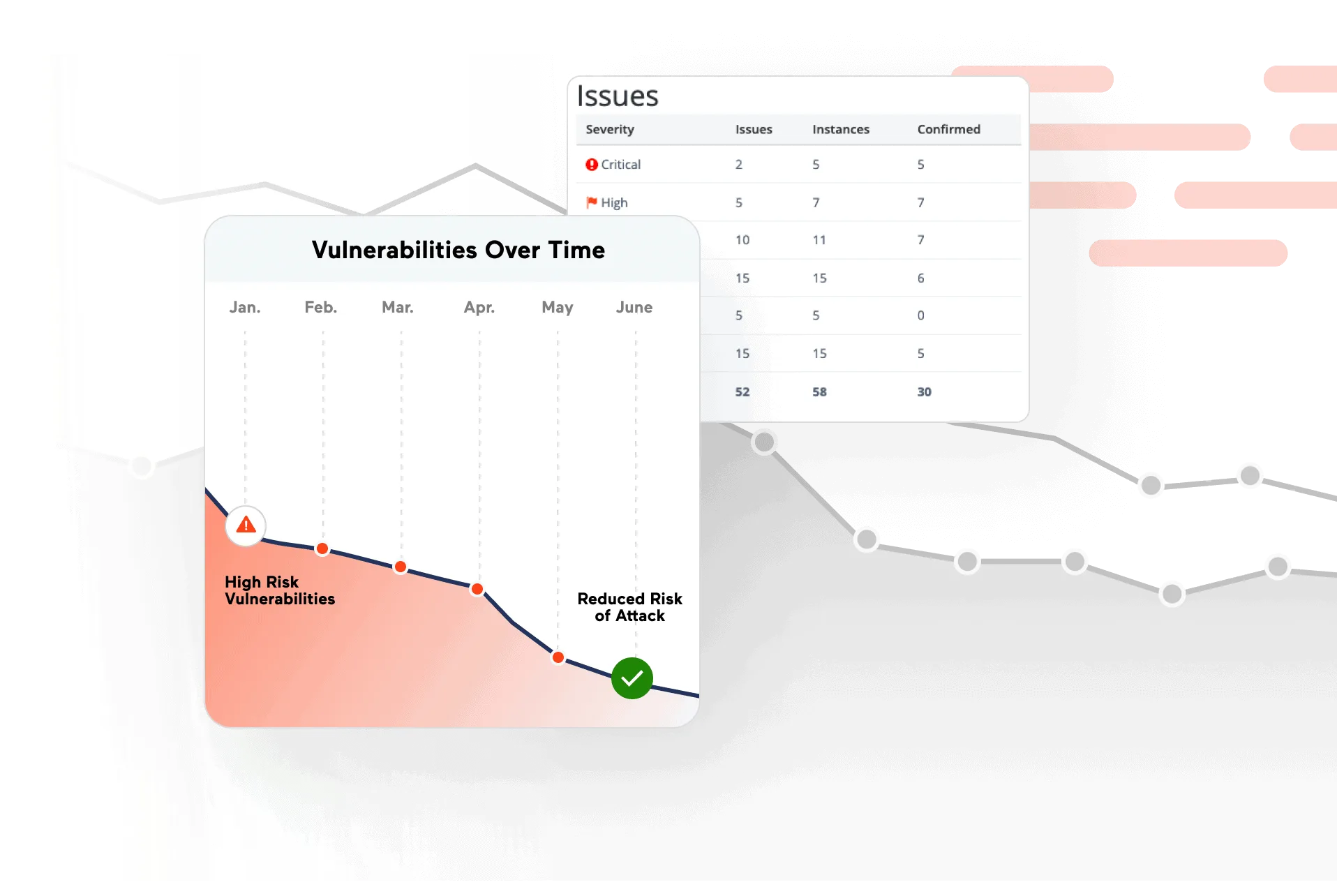
The agent runs inside your application runtime. While the DAST scanner throws attack payloads from outside, AcuSensor watches how those payloads travel through backend code.
For PHP, that means exact file names and line numbers. For Java and .NET, you get full stack traces.
Acunetix detects over 7,000 vulnerability types including zero-days.
AcuSensor adds internal visibility to that scanning by confirming whether attacks actually reach vulnerable code paths.
Over 2,300 companies use the scanner, including NASA, American Express, and the U.S. Air Force.
What is Acunetix AcuSensor?
AcuSensor turns the Acunetix black-box DAST scanner into a grey-box IAST solution. You don’t need to modify your source code.
The agent intercepts code execution at runtime and feeds intelligence back to the scanner as it runs.
| Capability | Details |
|---|---|
| Code-Level Precision | Pinpoints vulnerabilities to exact file names and line numbers for PHP. Java and .NET get full stack traces showing the call chain from HTTP request to vulnerable code. |
| Hidden Asset Discovery | Builds a full file listing of the application directory and intercepts variable access to surface hidden GET/POST parameters, unlinked admin panels, and undocumented API endpoints. |
| False Positive Elimination | Confirms whether attack payloads actually reach vulnerable code paths at runtime. If input is properly sanitized before hitting the database, AcuSensor drops the finding. |
What are Acunetix AcuSensor’s key features?
| Feature | Details |
|---|---|
| Supported Languages | PHP, Java (including Spring), .NET (including .NET Core), Node.js |
| Operating Systems | Linux/UNIX and Windows servers |
| Vulnerability Coverage | 7,000+ vulnerability types including zero-days |
| API Support | REST, SOAP, and GraphQL |
| Performance Overhead | Less than 1% in standard scenarios |
| Agent Generation | Unique per target for security |
| Bridge URL | https://iast.invicti.com (default, configurable per target) |
| Deployment | Staging servers and CI/CD VMs only |
SQL Injection Trace Analysis
When a SQL injection turns up, AcuSensor shows the full data flow from user input through business logic to the database query.
You see whether sanitization functions were called, whether they worked, and how the final query was constructed.
For PHP applications, AcuSensor parses source code to map every input point. For Java and .NET, it captures stack traces showing the complete call chain.
Hidden Asset Discovery
AcuSensor finds assets the external crawler misses. It builds a full file listing of the application directory and intercepts variable access (like PHP’s $_GET and $_POST arrays) to surface hidden parameters.
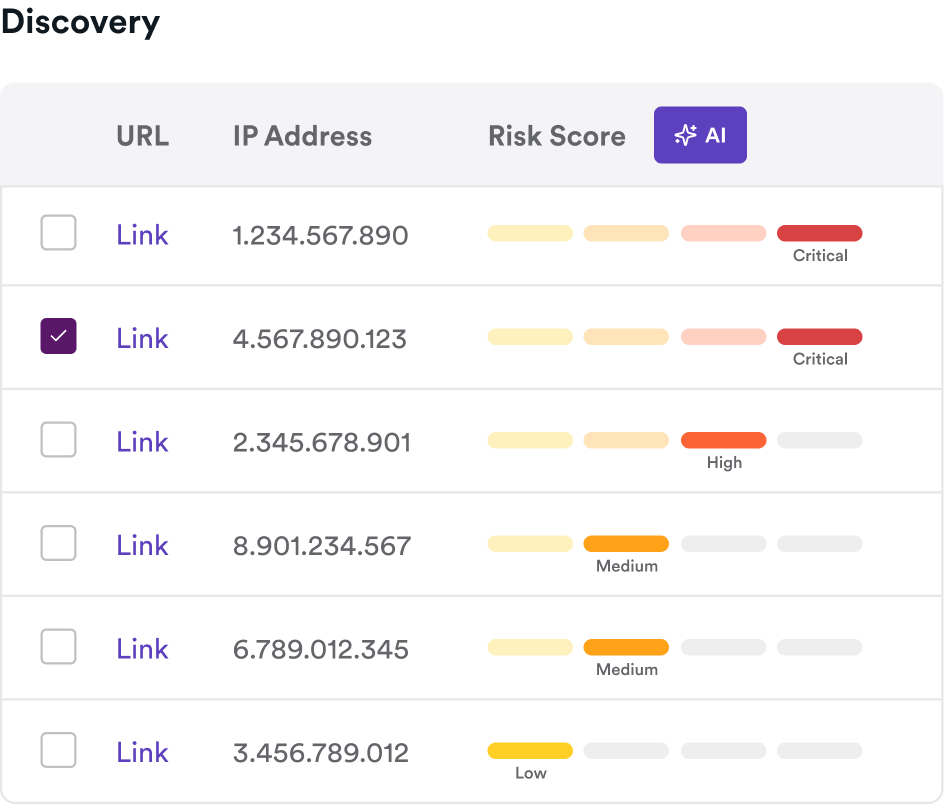
What this catches:
- Admin panels with no public links
- Undocumented API endpoints
- Backup files and development artifacts
- Unlinked JavaScript files
- Hidden form fields and parameters
False Positive Reduction
By observing the application from inside, AcuSensor confirms whether a potential vulnerability flagged by the DAST scanner is real. If the scanner suspects a SQL injection but AcuSensor sees that the input gets sanitized before reaching the database, it drops the finding.
This is particularly useful for applications with complex input validation that a black-box scanner cannot observe.
Source-code visibility for PHP, Java, .NET
Where AcuSensor earns its keep is the file-and-line attribution that pure DAST cannot produce. For PHP applications it parses source files to map every input point and report the exact line responsible for a finding; for Java and .NET it captures full stack traces showing the call chain from HTTP request through framework code into the vulnerable sink. That converts a generic “SQL injection on /search?q=” finding into a specific UserRepository.java:47 remediation target.
Framework-aware detection is the other piece. AcuSensor’s PHP heritage means it understands common framework patterns — Laravel, Symfony, WordPress — and flags vulnerable usages that pattern-only scanners miss. For Spring on Java and ASP.NET on .NET, the agent observes managed-runtime calls so framework-provided sanitization is correctly recognized.
How do I get started with Acunetix AcuSensor?
- Enable AcuSensor for your target — In the Acunetix Target configuration panel, click the AcuSensor toggle (purple when enabled). Each agent is generated uniquely per target for security.
- Download and deploy the agent — Select your server platform (PHP, Java, .NET, or Node.js) and download the sensor files. Deploy to your staging environment following the platform-specific guide. No source code changes needed.
- Configure the bridge — Whitelist the default bridge URL
https://iast.invicti.com. Bridge URL and port are configurable per target. Java and Node.js require the bridge configuration to be set before scanning. - Run your scan — Start a scan against the instrumented application. AcuSensor feeds real-time intelligence back to the scanner, and results include code-level details alongside the standard DAST findings.
When to Use Acunetix AcuSensor
AcuSensor makes sense when you already run Acunetix DAST and want more actionable results. The code-level detail turns generic HTTP-level findings into specific file-and-line remediation guidance.
Deploy it on staging servers or in VMs as part of CI/CD pipelines. Not recommended for production since active sensors consume resources.
Overhead is under 1% in standard scenarios, though SQL-heavy or ORM-heavy applications may see more.
If your application uses a language AcuSensor doesn’t support, or you cannot deploy agents to your test environment, you’ll need to rely on DAST-only scanning.
For a standalone IAST tool, consider Contrast Assess or Datadog IAST .
What are alternatives to Acunetix AcuSensor?
AcuSensor’s architecture is unusual — it’s a DAST-side IAST sensor, not a standalone tool. The natural alternatives split into two groups:
- Sibling DAST+IAST hybrids. Invicti Shark is the enterprise-tier sibling under Invicti Group; same bridge infrastructure, similar runtime visibility, broader Java/.NET focus. Fortify WebInspect Agent is the closest direct competitor for OpenText/Fortify shops, with hot-attach JVM agent capability.
- Standalone IAST tools. Contrast Assess instruments running applications without requiring a paired DAST scanner — better fit if you already invest in a separate dynamic scanner. Datadog IAST reuses Datadog APM tracers and works as a configuration flag if you already run Datadog.
If you already pay for Acunetix DAST, AcuSensor is the no-extra-cost upgrade. If you’re picking IAST cold, the standalone tools usually win on language coverage and CI/CD ergonomics.